
You don't have to do your homework!! Don't be stressed~
First of all, the image I cut last time on Ibis
Please save another cropped image and bring it in.
Press plus
Bring the photo to the top
Click
Then choose a photo and create it!
There are two ways
For now, I will use the image cut by Qenim.
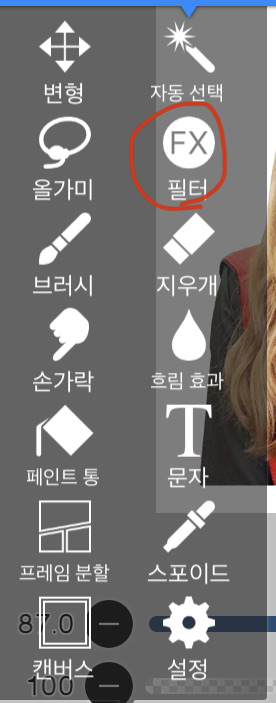 Click on the filter rule
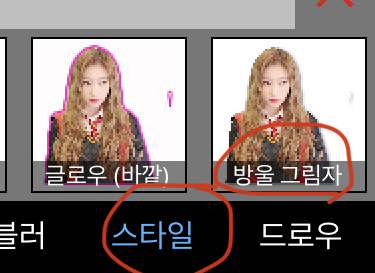 Style - Click on the drop shadow
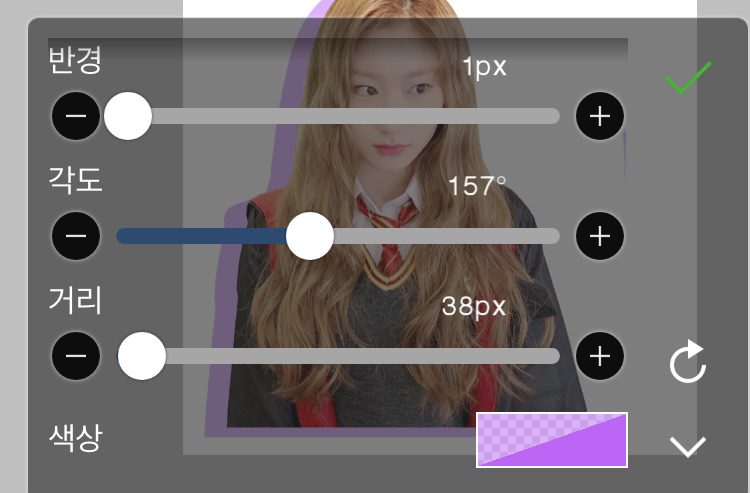 You can just set it up like this!!
finished work
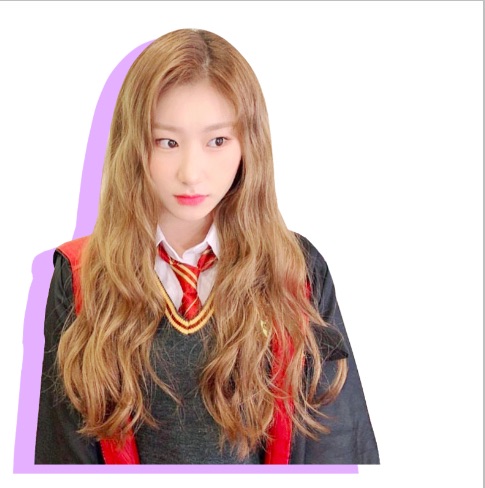
Second method
Please load the same photo and press the filter again
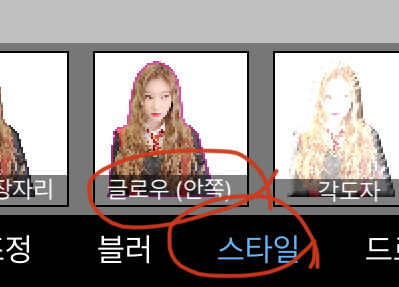 Style-Glow Inner-Radius 300
And come out(?)
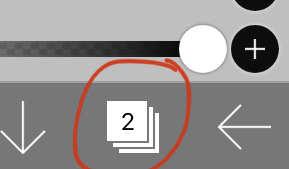 Press
Press Load the same photo and cover it.
slightly crooked
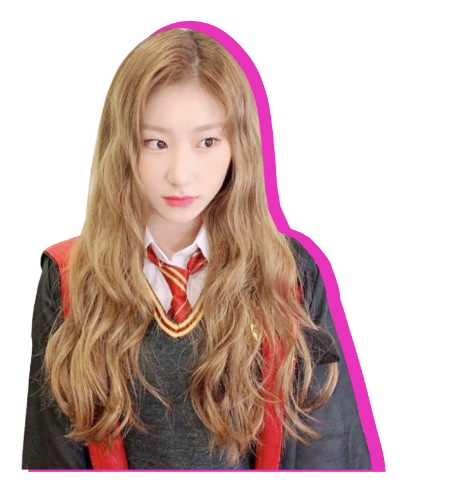 finished work
Today's assignment😘
Download the previous cropped image or the newly cropped image and create a shadow!!
 I made this. What do you think?


![MOVIE [I Want to Have an Ordinary Love Like a Movie] thumbnail](https://cdnetphoto.appphotocard.com/fanfic/1132818/20319/thumbnail_img_20180722055743.png?width=93&height=62&format=webp)


