I hope you're all staying healthy.😘
Today we're going to create phrases and titles!!
First of all, there are two ways_
Android has an app called FontPangPang...
You know how to write, right??
Yes, I believe you...
I don't have that app...
Anyway, I'm going to get some letters from Geulpangpang(?)
Shut up!! You don't have any writing skills??
Then just go into Ibis
and
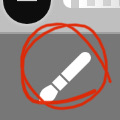 Click the brush
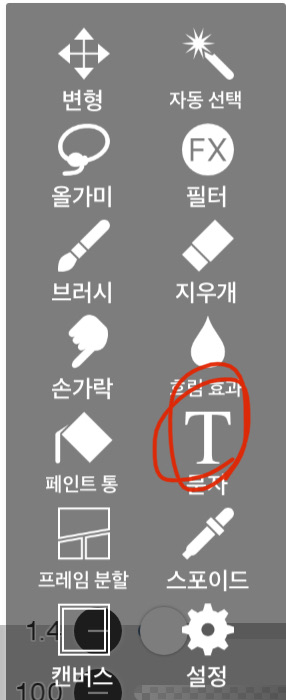 Click on the text and write it down!
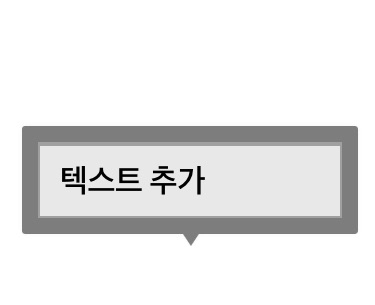 If you press anywhere on the screen, an option to add text will appear. Press that text.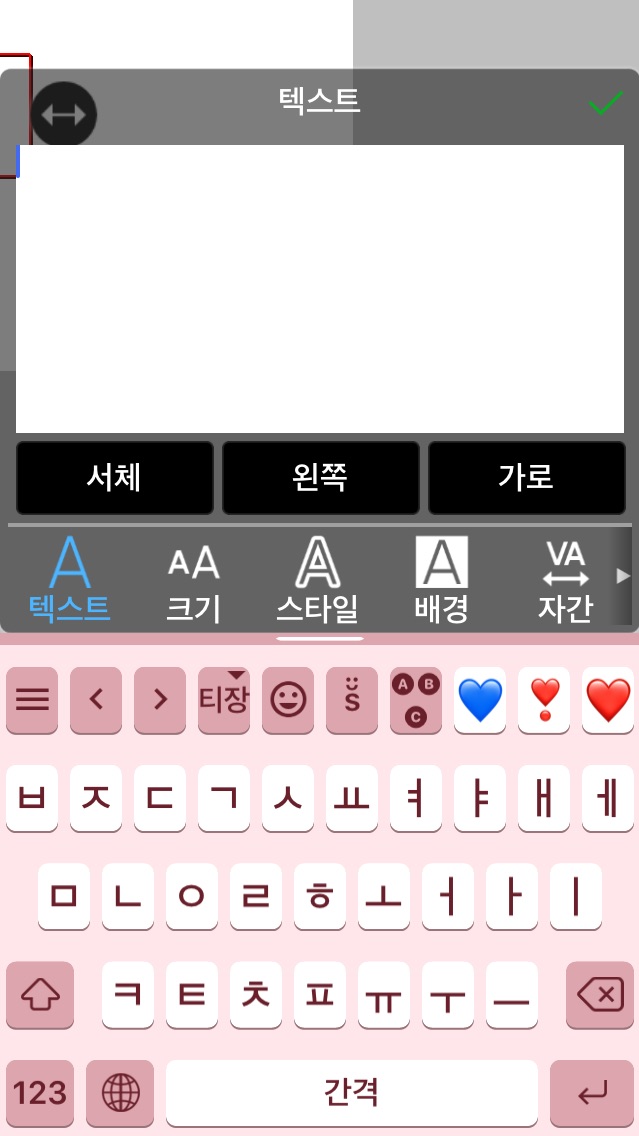
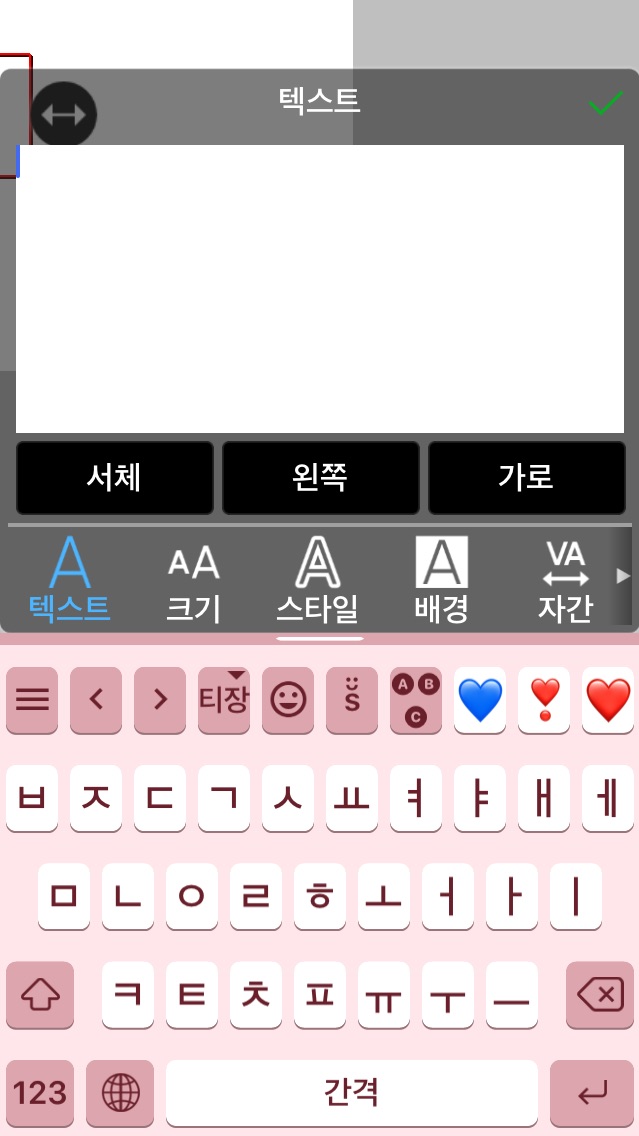 Write your text here
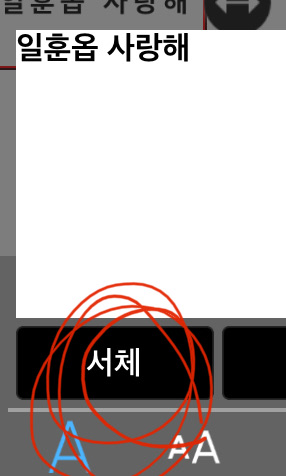 If you write it like this, it will be stiff for those who are doing this for the first time (for those who have already tried it, it will be in cursive). Please enter the font!!
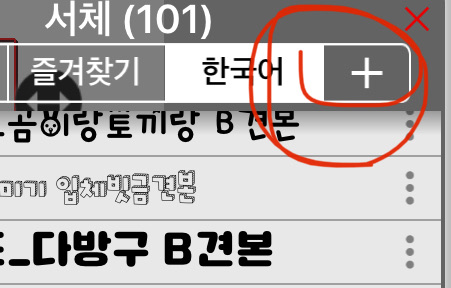 Click the plus sign on the top right!!+
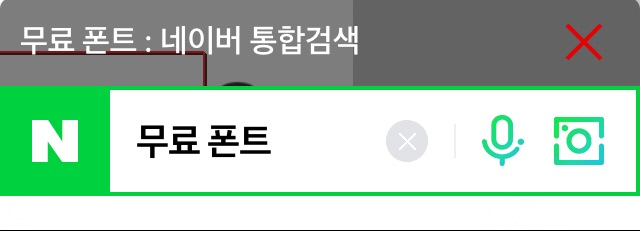 It will say it is a free font,
Erase that!! Write Naver Software!!
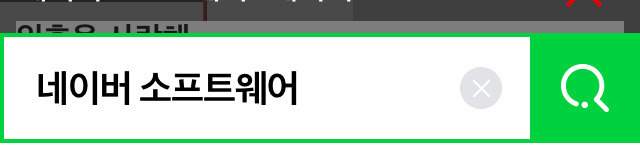
 ingress
 When you go in, it's like this
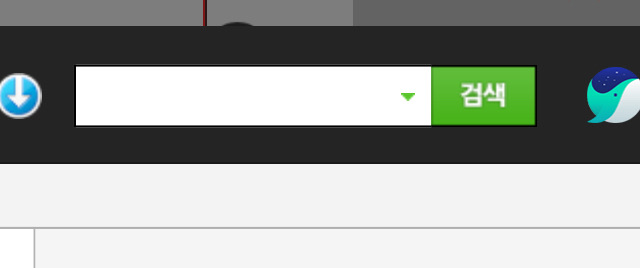 Type "fontagoo" in the search bar😀
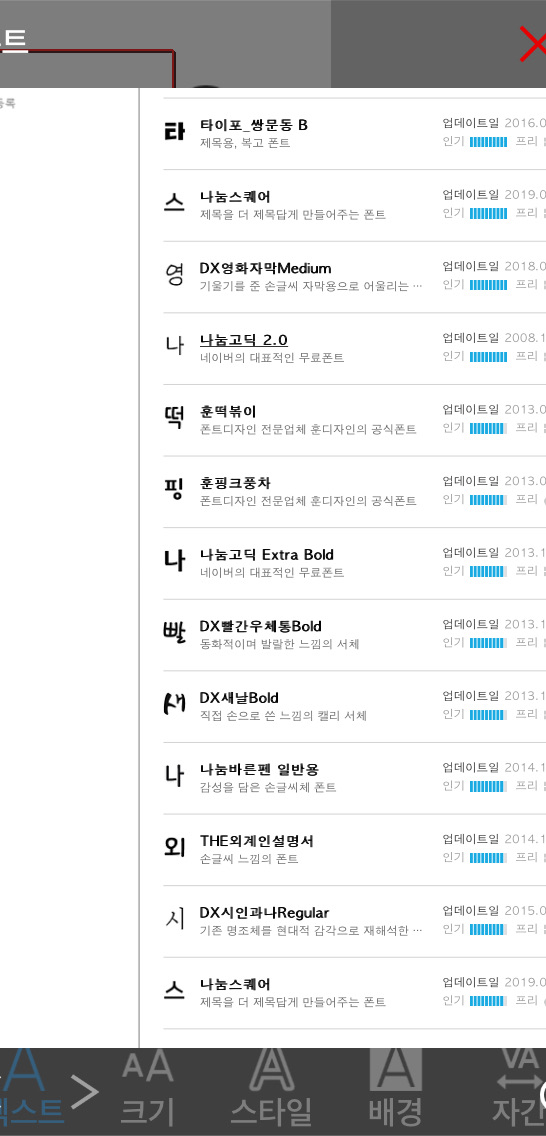 When you go in, there are an incredible number of fonts...
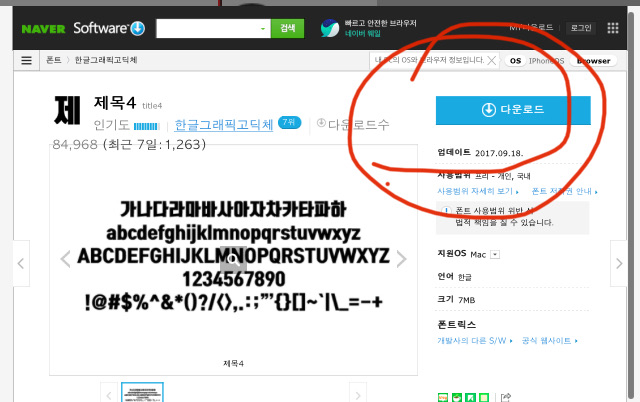 Find something pretty, click on it, and then click download.
Then click on download after confirming
Then suddenly something comes out from below...
If you do four of them like that
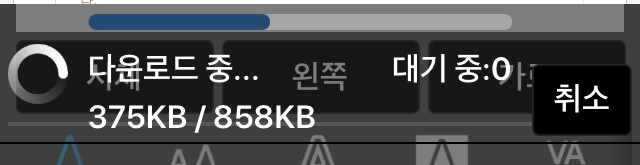 The download continues like this!!!
In that state, press the X in the upper right corner
Since the font is applied, you can just click check there and it's done!! No, you have to color it!!
There are two ways to color.
I'll tell you just one thing today and the rest tomorrow!!
Just one thing for now....
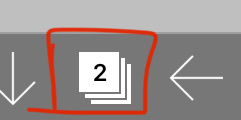 You know what's on the bottom right?
 Add layer
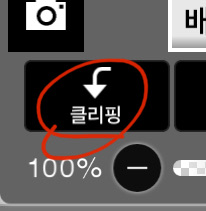 Clipping✏️You must do this
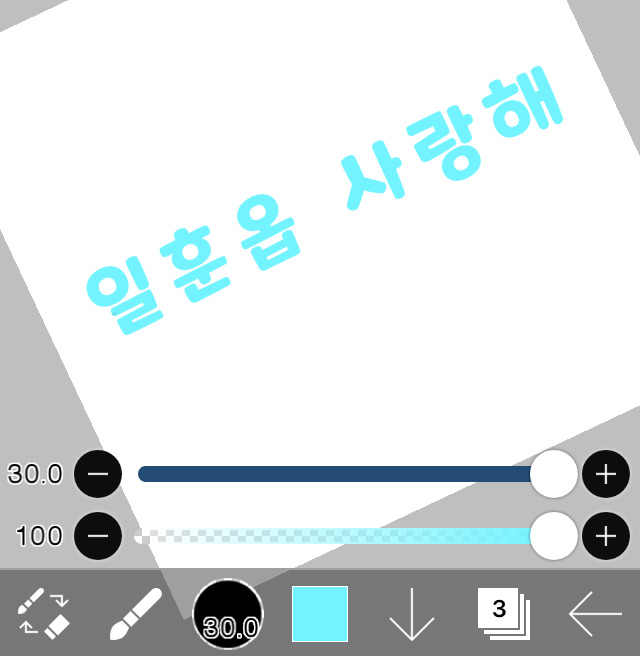 Switch to a brush and paint haphazardly!!
Make sure to set the brush to the maximum of 30
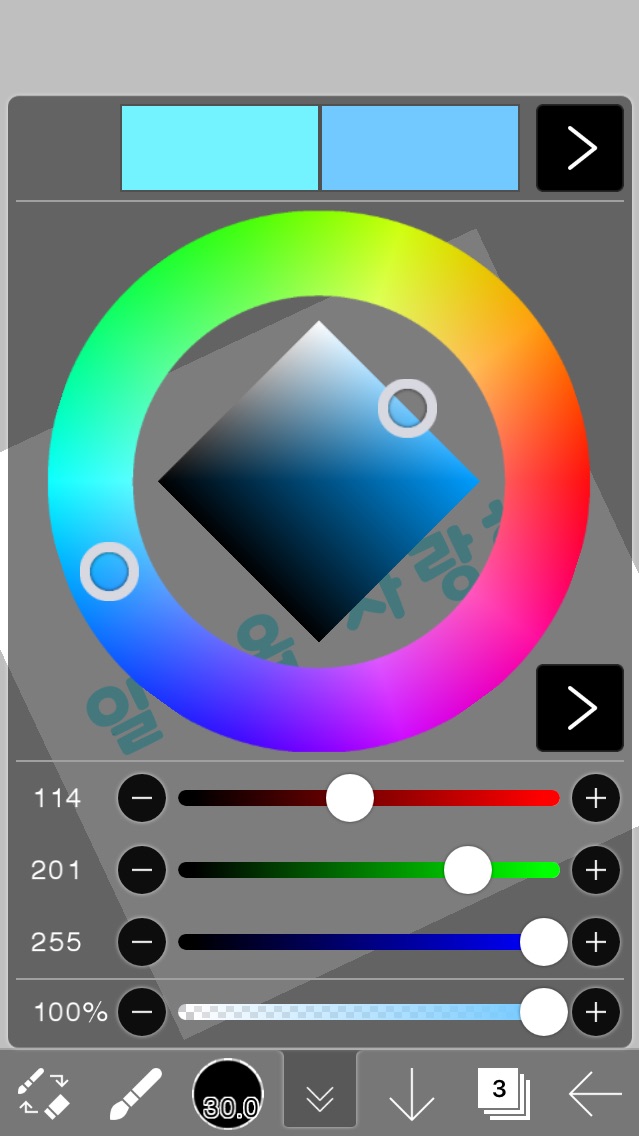 Change the color and add gradient
Coloring straight
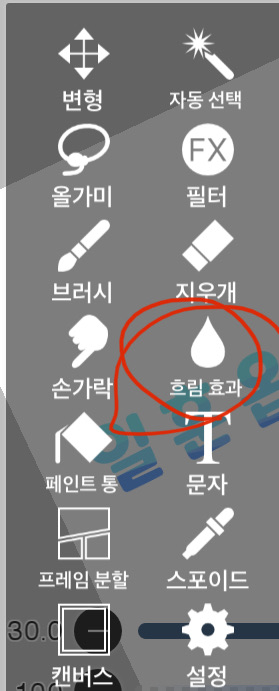 If you press the blur effect and rub it roughly(?)
The gradation is a bit more natural, but don't sleep!!
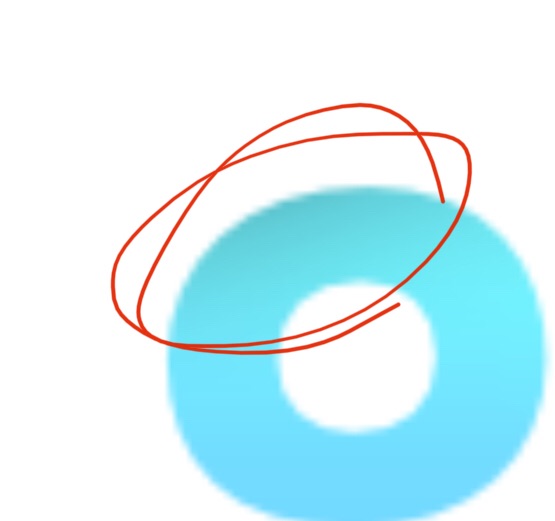 It's slightly black like this?? Sometimes it is and sometimes it isn't.
If it becomes like this
Just press the brush again and cover it with the same color... that's it!!
Oh, and here, how about saving it with a transparent background? Click that!!
But, what else are you going to do here? Then, go to the place where the layers are.
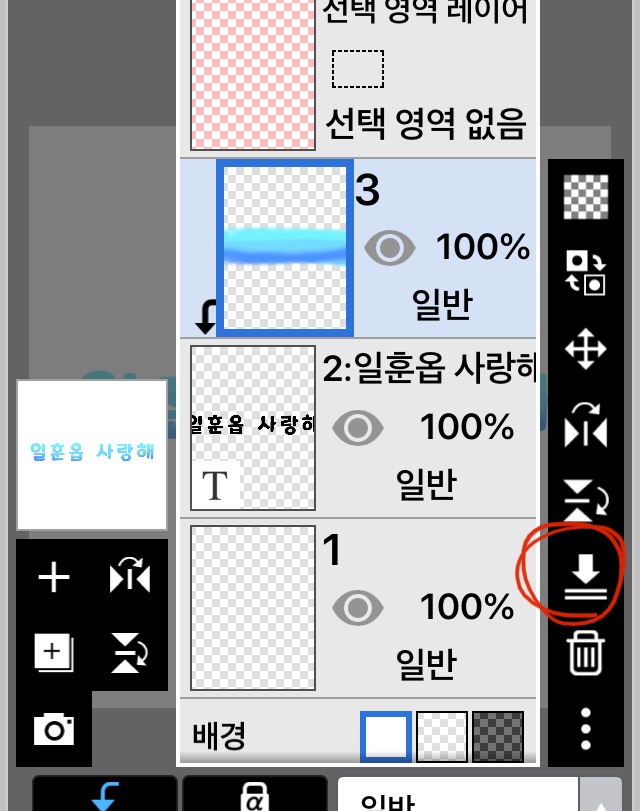 Is it supposed to come down? Press it.
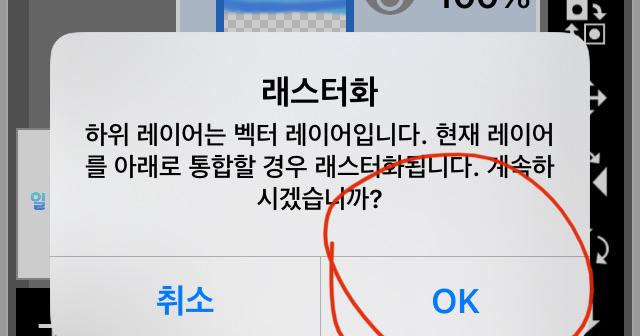 Okay!! Click!!
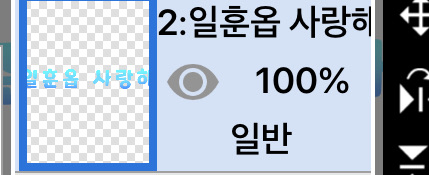 Then it all comes together like this!
end!!
Today's homework✏️
Enter your favorite person's name
__ love you
Example) I love you Jimin
I love you, Arin
Use honorifics!!
condition))
GradientPut
Put it in yellow-green!!
It's okay if it's not yellow or green!!
Change font
I think you can do it with pretty handwriting!!
Thank you for your hard work in taking the class.
Good luck with your online classes!😁





![MOVIE [I Want to Have an Ordinary Love Like a Movie] thumbnail](https://cdnetphoto.appphotocard.com/fanfic/1132818/20319/thumbnail_img_20180722055743.png)