
It's similar... First, make a phrase like I told you last time!!! Then
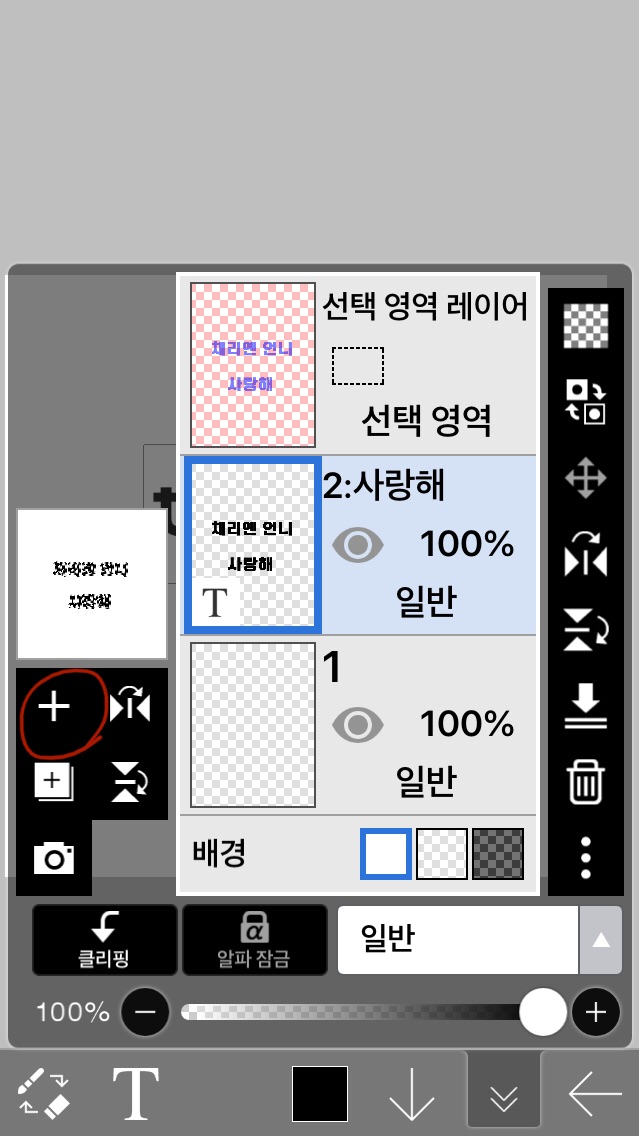 Make a window
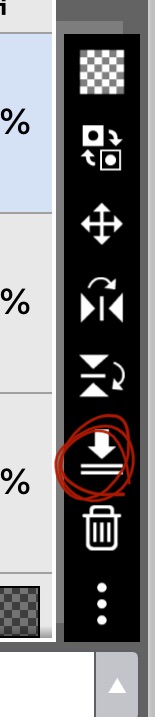 By pressing the compress button(?)
I need to rasterize it!!!
Otherwise it won't work!
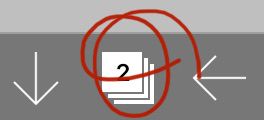 Press this
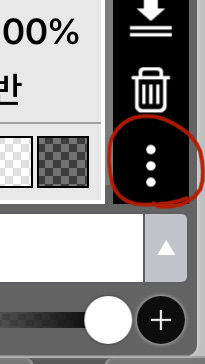 It's on the bottom right!!
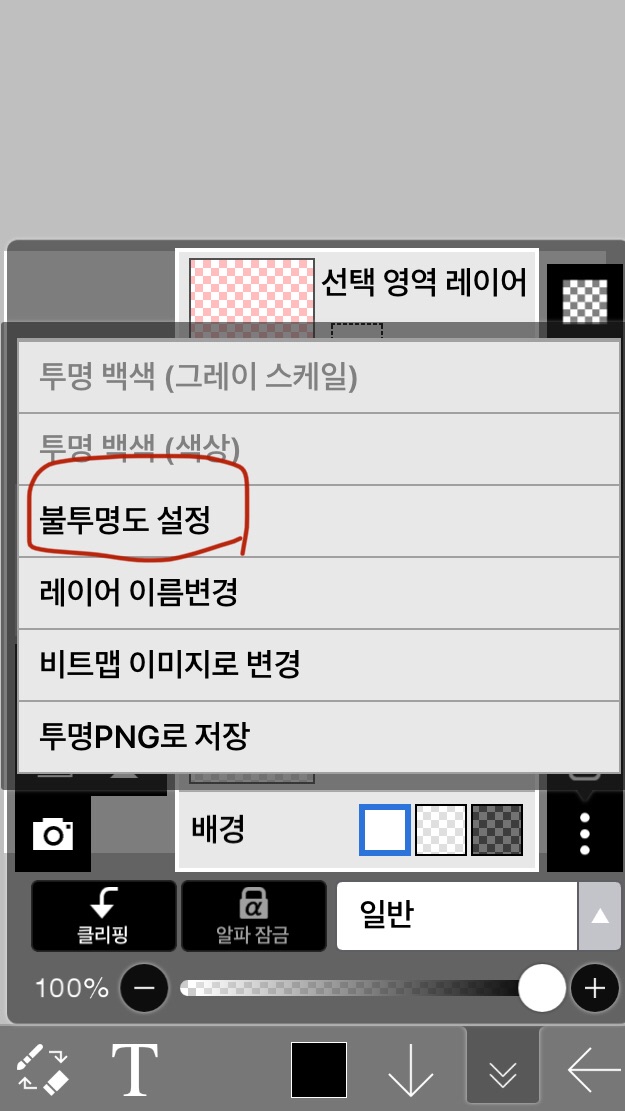 If you press this
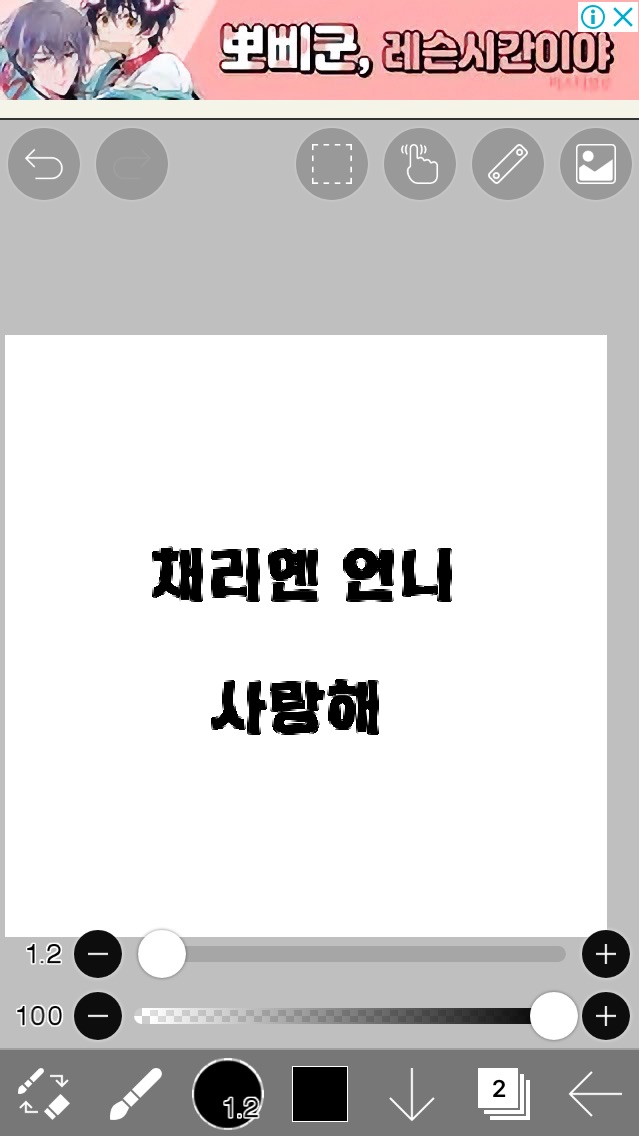 It's surrounded by dotted lines like this.
Then just paint it haphazardly
It's prettier if you make a gradient.
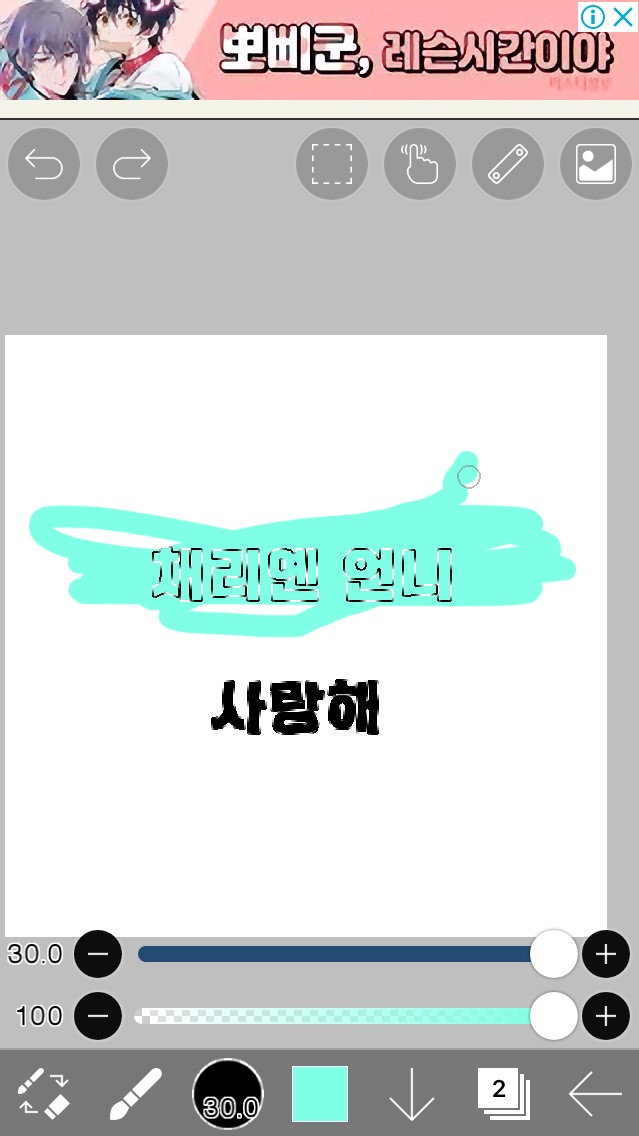 If you paint like this, you can color just the inside of the letters nicely.
If you paint it all
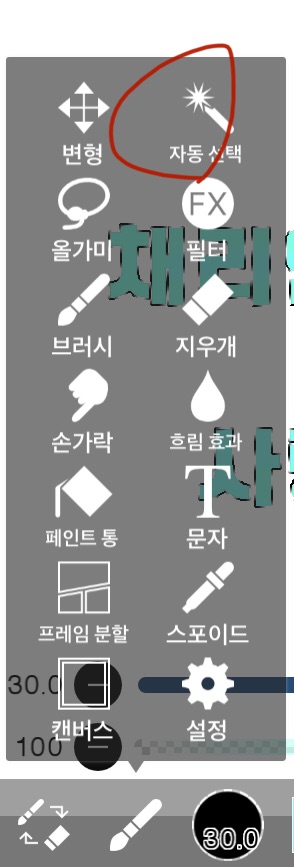 Click on auto select
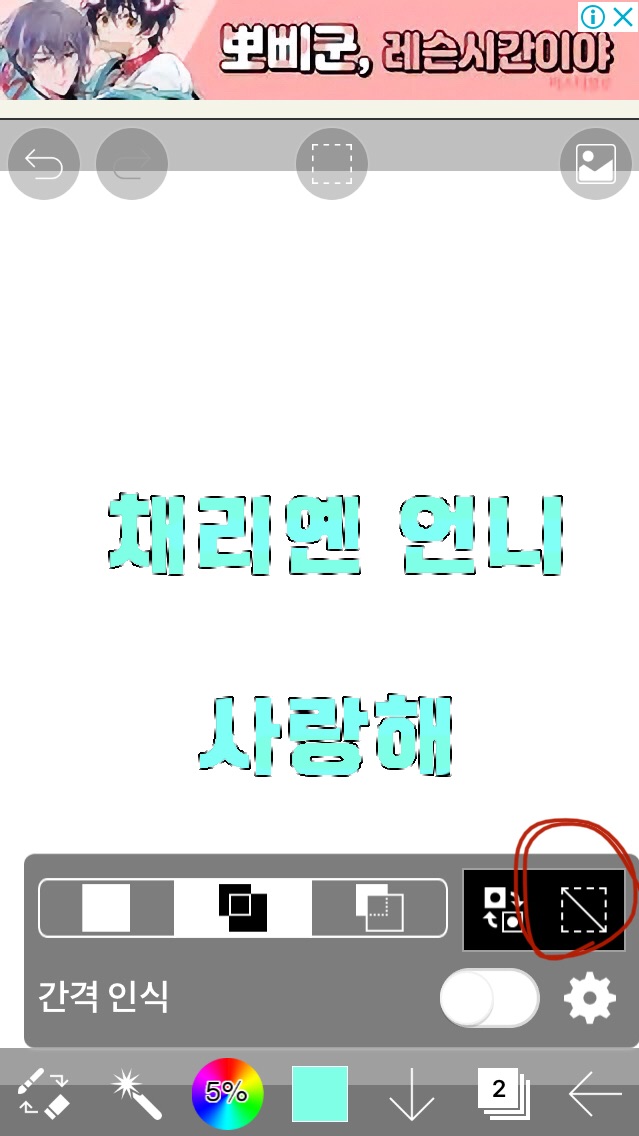 If you click on the bottom right, the dotted lines will disappear.
Then that's it for now!!
But I'm going to put some effects here.
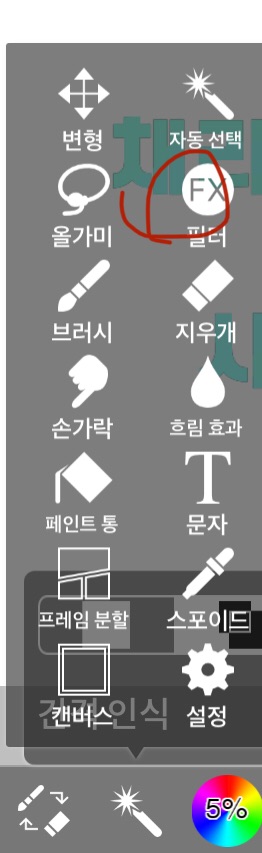 If you click on the filter, a lot of things will come out.
Among them, I use the last four styles from the styles below!!
That would be the angle ruler, outside the stroke, outside the glow, and the drop shadow??
This time, I'll show off the angle stroke outside, and next time, I'll show off the glow outside and the drop shadow!!
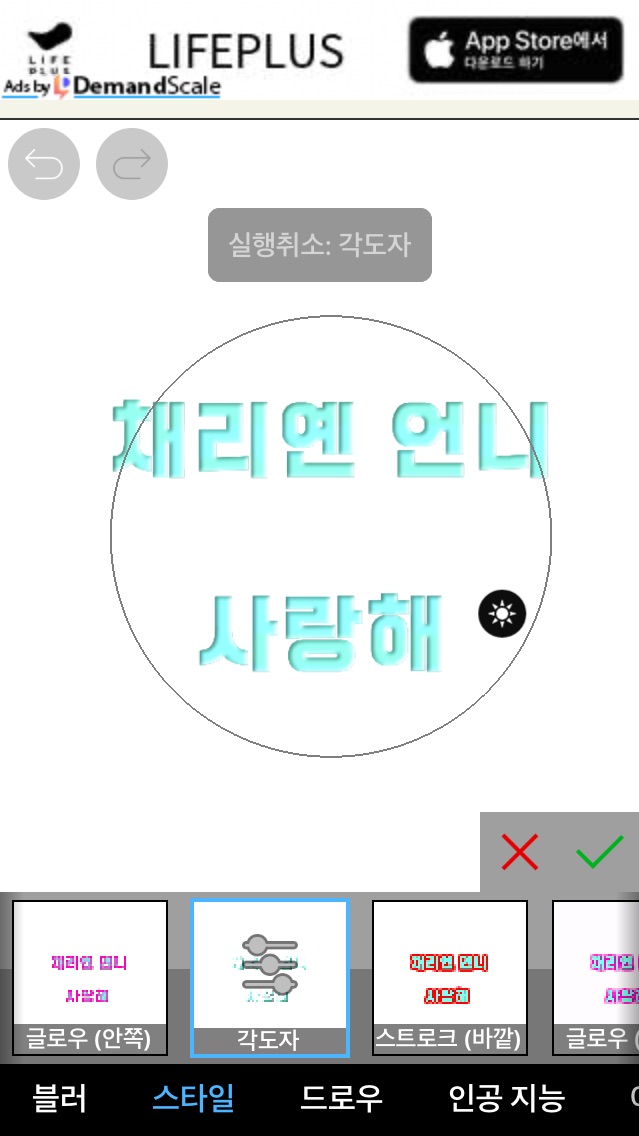 If you use a protractor, it will be easier
And I couldn't capture it
Make the stroke (outside) white
If you do it once in mint color, it will look like this!
 There's a gap between the lines and the letters, right??? I did this by adding white and mint color to the outside of the stroke.
If there are people who don't understand this because it lags a lot, please ask questions through KakaoTalk!!!
Today's task
Drop shadow - radius 1 - angle as you like - the rest as you like(?) Homework!!


![MOVIE [I Want to Have an Ordinary Love Like a Movie] thumbnail](https://cdnetphoto.appphotocard.com/fanfic/1132818/20319/thumbnail_img_20180722055743.png?width=93&height=62&format=webp)


