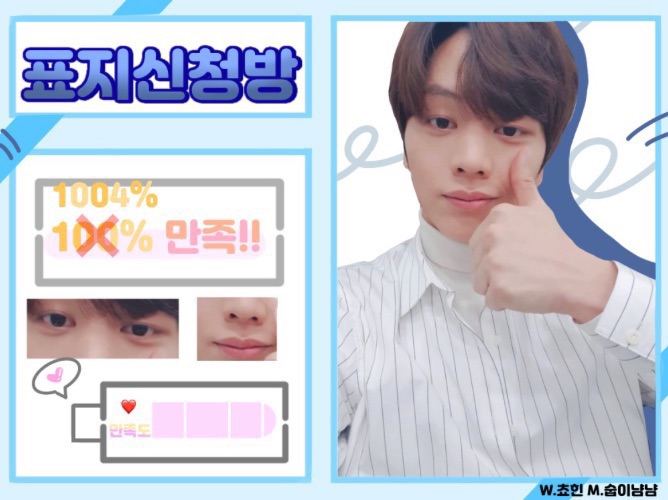
So I prepared two things haha
The first one is the style I'm into these days
Go into Ibis and paint it with the color you want. Then go back to the brush and make sure to make it 0.3.
 Press the hand button on the top right
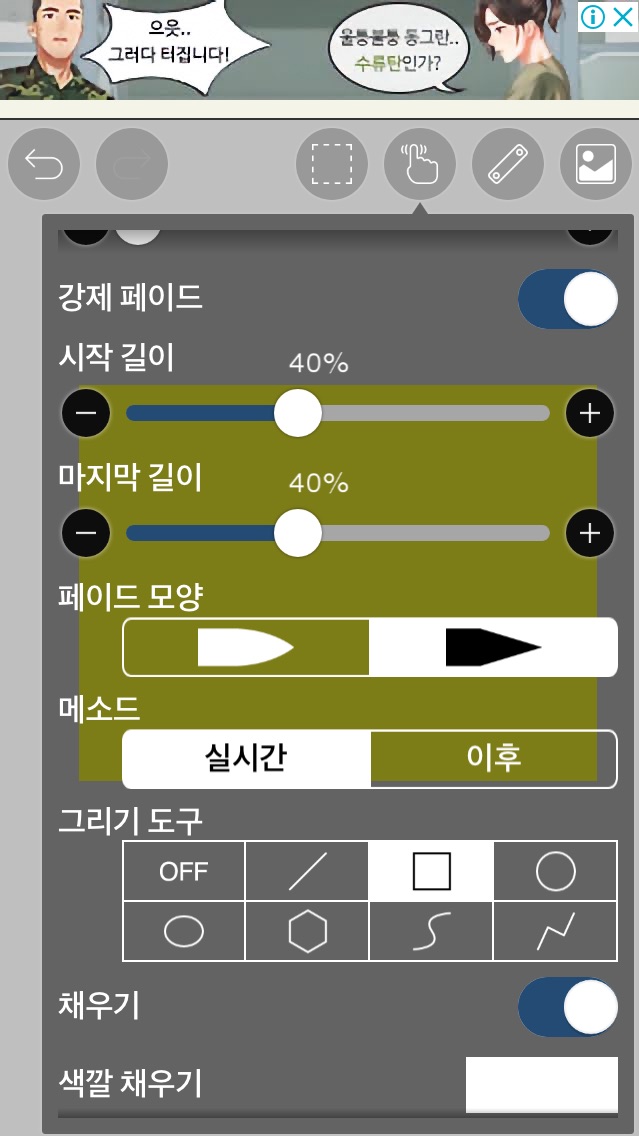 Please leave it like this. You can use a different color for the fill color.
And then drag to create a square.
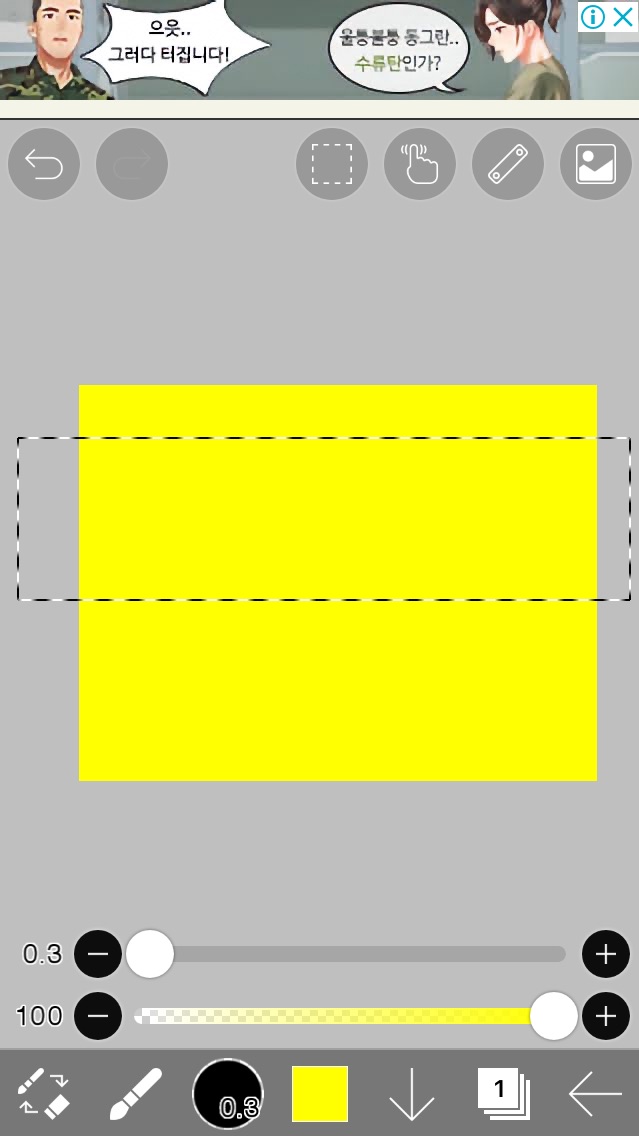 If you let go of your hand here, a white square will be created.
And after adjusting the brush thickness, press the ruler button on the top right.
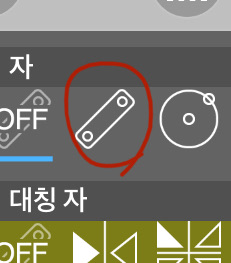 After clicking this, turn it 90 degrees and draw a line with a brush.
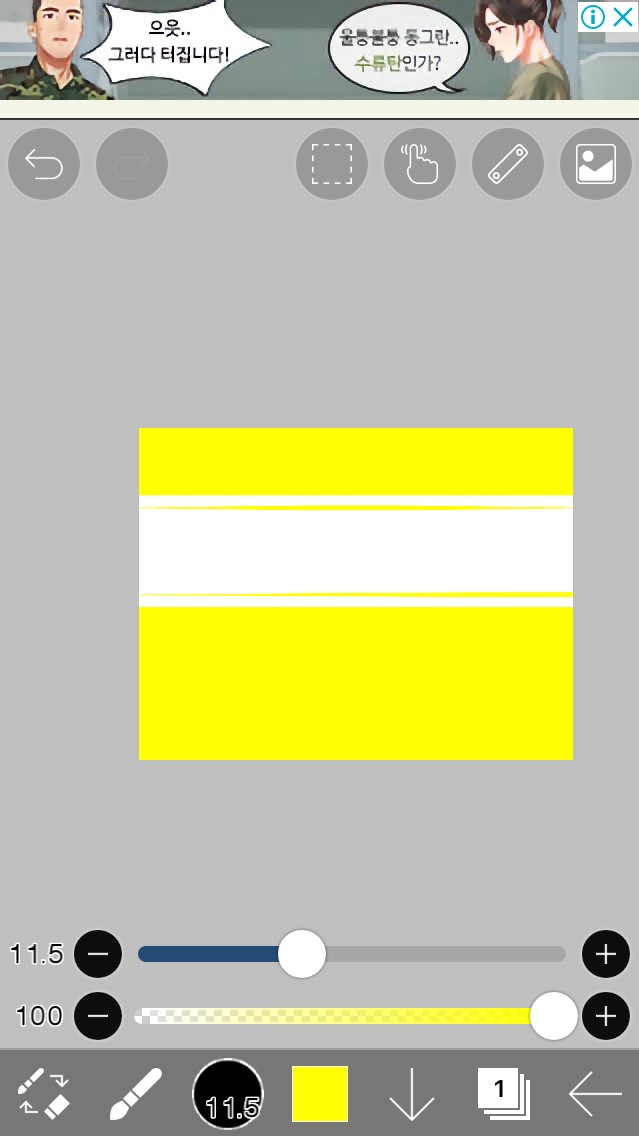 It's like this
So I press the button again
If you press delete, the character will disappear.
Second method
Likewise, after painting the color...press Split Frame
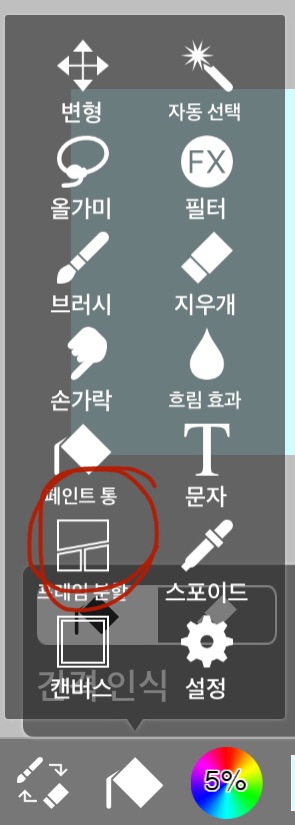 And then click anywhere and click add frame
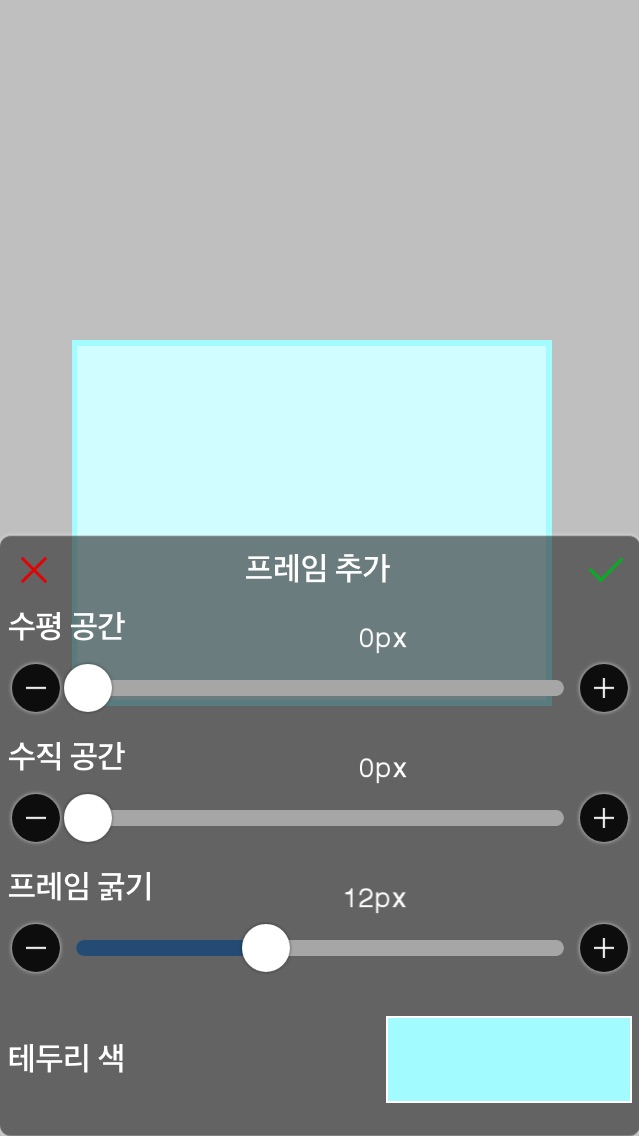 Just adjust it like this and you're done!!
Today's task
Do one of the two✏️
You can be creative and come up with new ways.





![MOVIE [I Want to Have an Ordinary Love Like a Movie] thumbnail](https://cdnetphoto.appphotocard.com/fanfic/1132818/20319/thumbnail_img_20180722055743.png)