
First, here's how to get it from Naver 💗
Go to Naver
___'s cropped image
If you type that, a lot will come out!!
You must!! follow the format (usually like, comment, source)!!
But you have to go in and save it.
Then the background will be transparent.
next
How to do it with PixArt💗
Go into PixArt
Please press the plus button at the bottom center💕
 Then click on the next photo💓
Something will appear under the circle, so move it to the side and press cut!
There are two ways to cut. One is to cut it into a square shape to match the size of the photo. The other is to press the scissors shape!!
 This friend🔝🔝
Then it would be like this
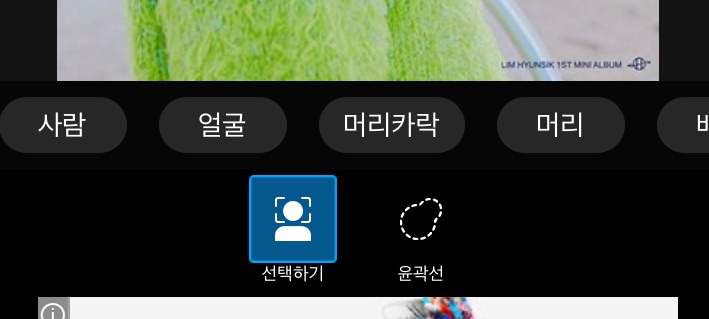 Press the person!!
Gurum is roughly shaped like a person and painted red.
If you roll it
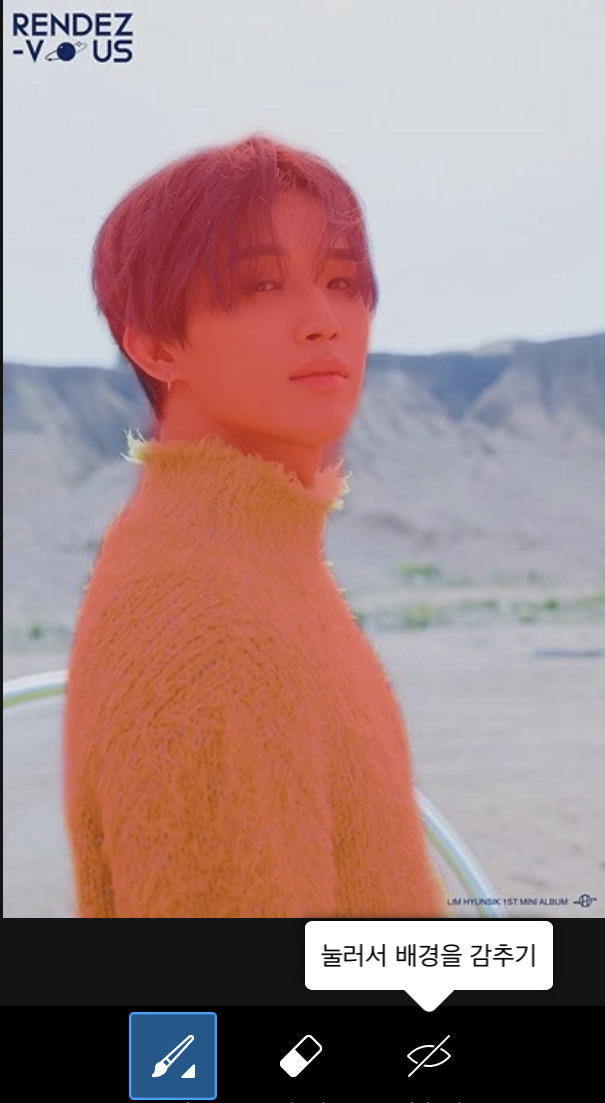 Draw with that brush and eraser!!
If you paint it red, it turns red.
If you click on preview, you can see what you've painted so far.
When you're done, press next, press next, and you're done!!
 Click here and download the last photo and you're done!!
Cropped photo🥥
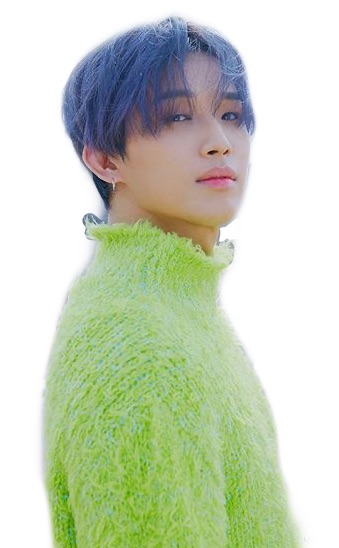 Just Pappa
Today's assignment%%
Crop one photo!!


![MOVIE [I Want to Have an Ordinary Love Like a Movie] thumbnail](https://cdnetphoto.appphotocard.com/fanfic/1132818/20319/thumbnail_img_20180722055743.png?width=93&height=62&format=webp)


