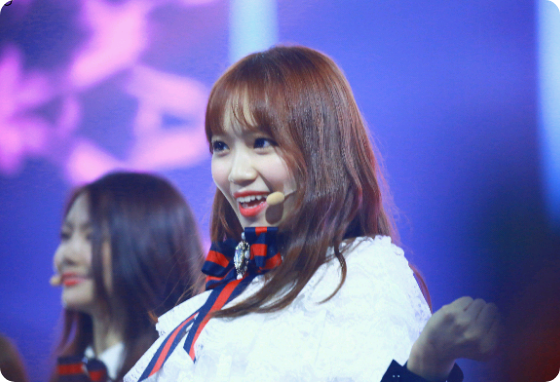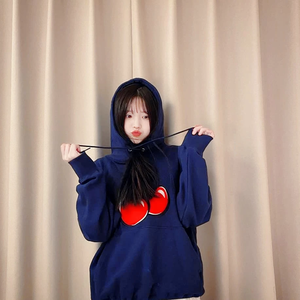
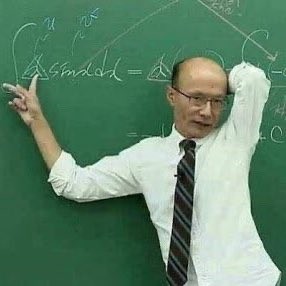
Hello friends~ㅎㅎ Welcome to my correction school^^
Isn't this too random?? I know haha
First, I'll explain the reason why I opened this in a 4-panel comic.
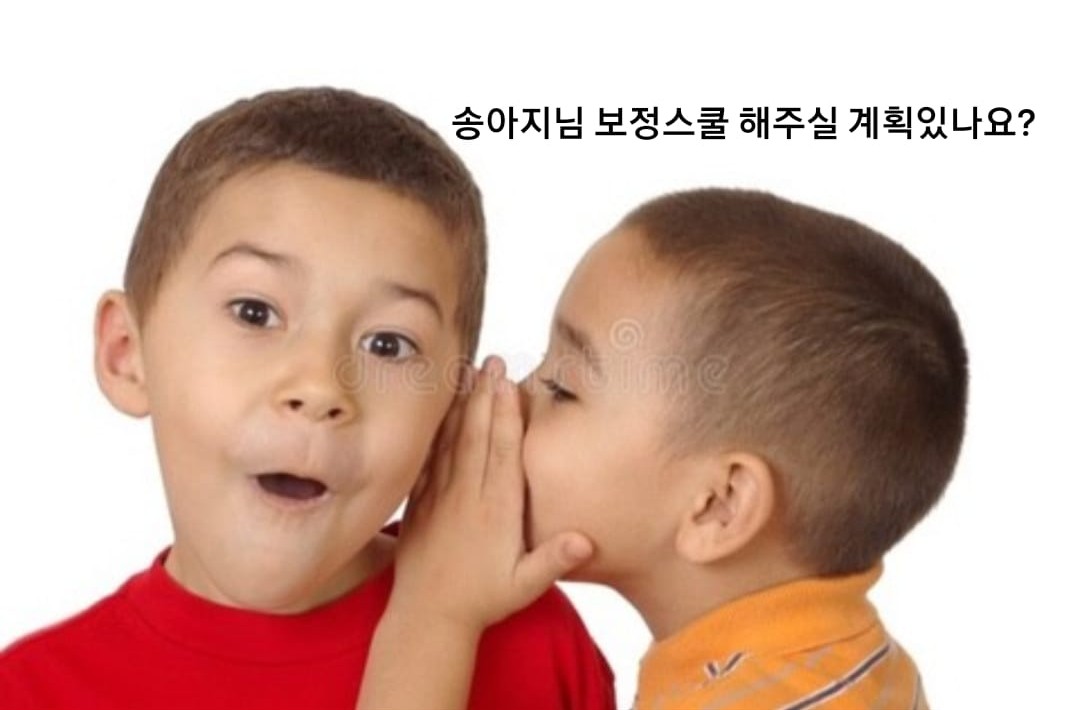
That's what happened!!
I did this once when I was doing QNA, but I deleted it so some people might not know about it😁
Then let's begin!!!
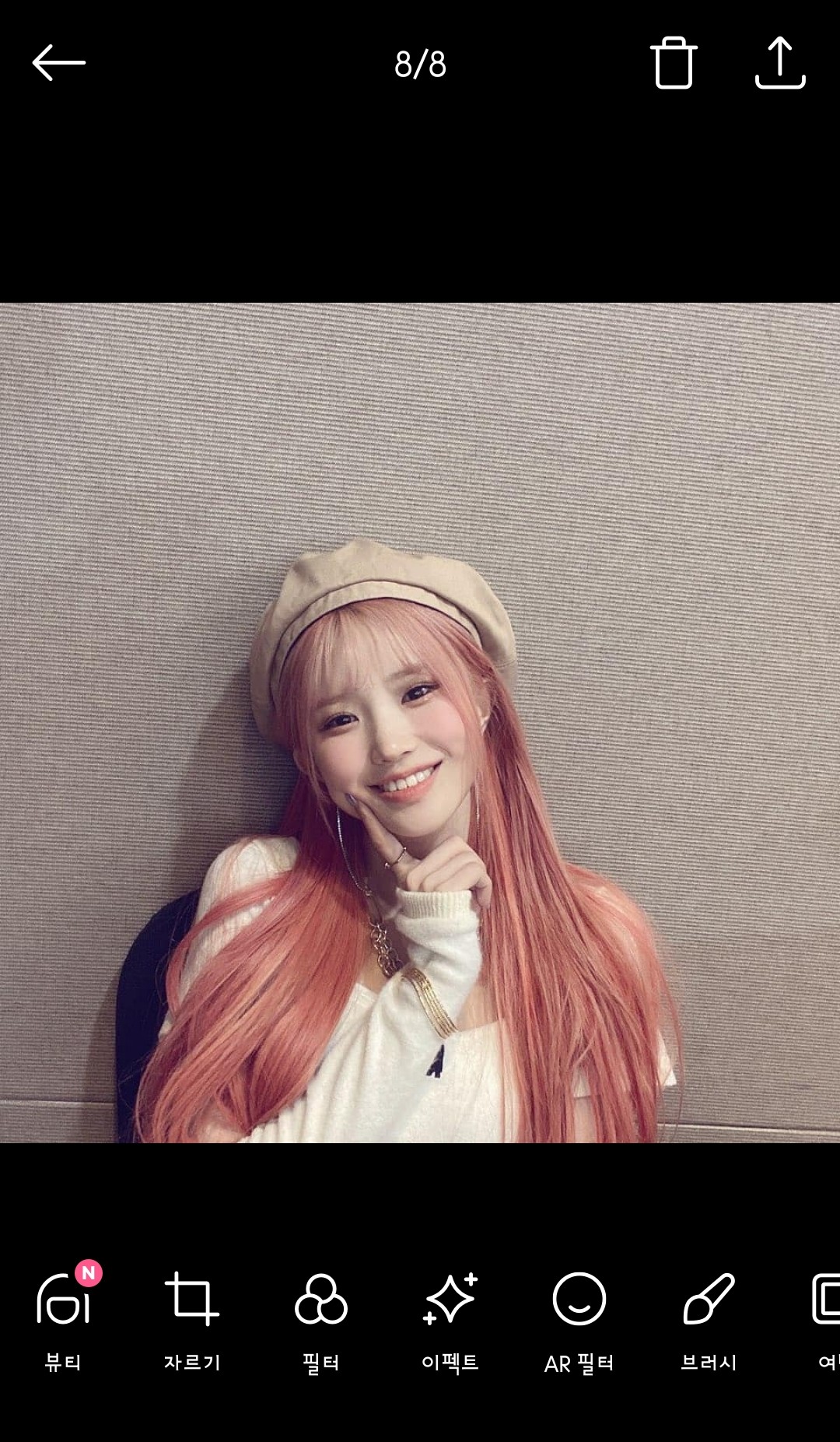
1. Turn on Snow and select a photo.
(Original photo must be clear)
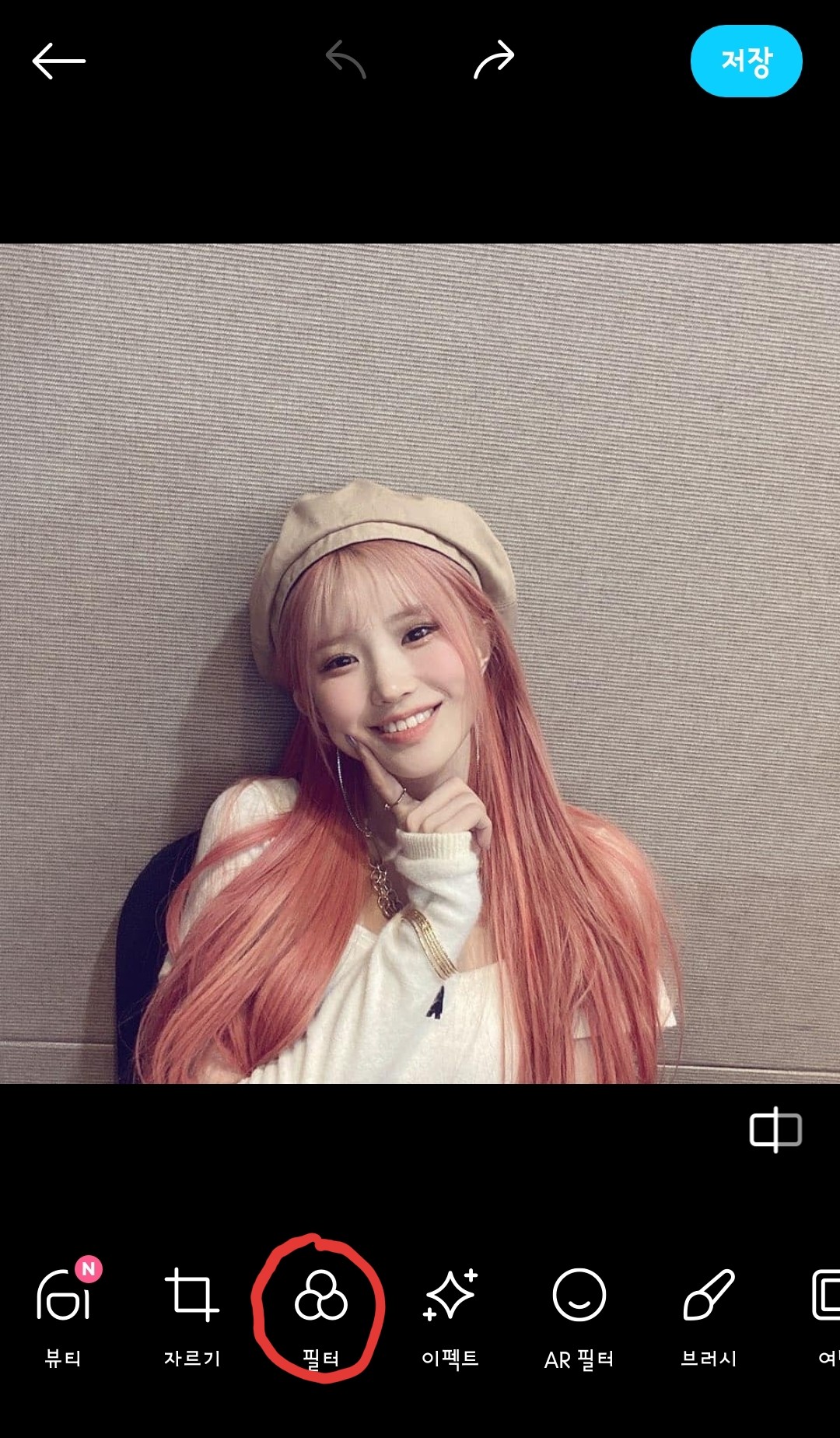
2. Go to filter
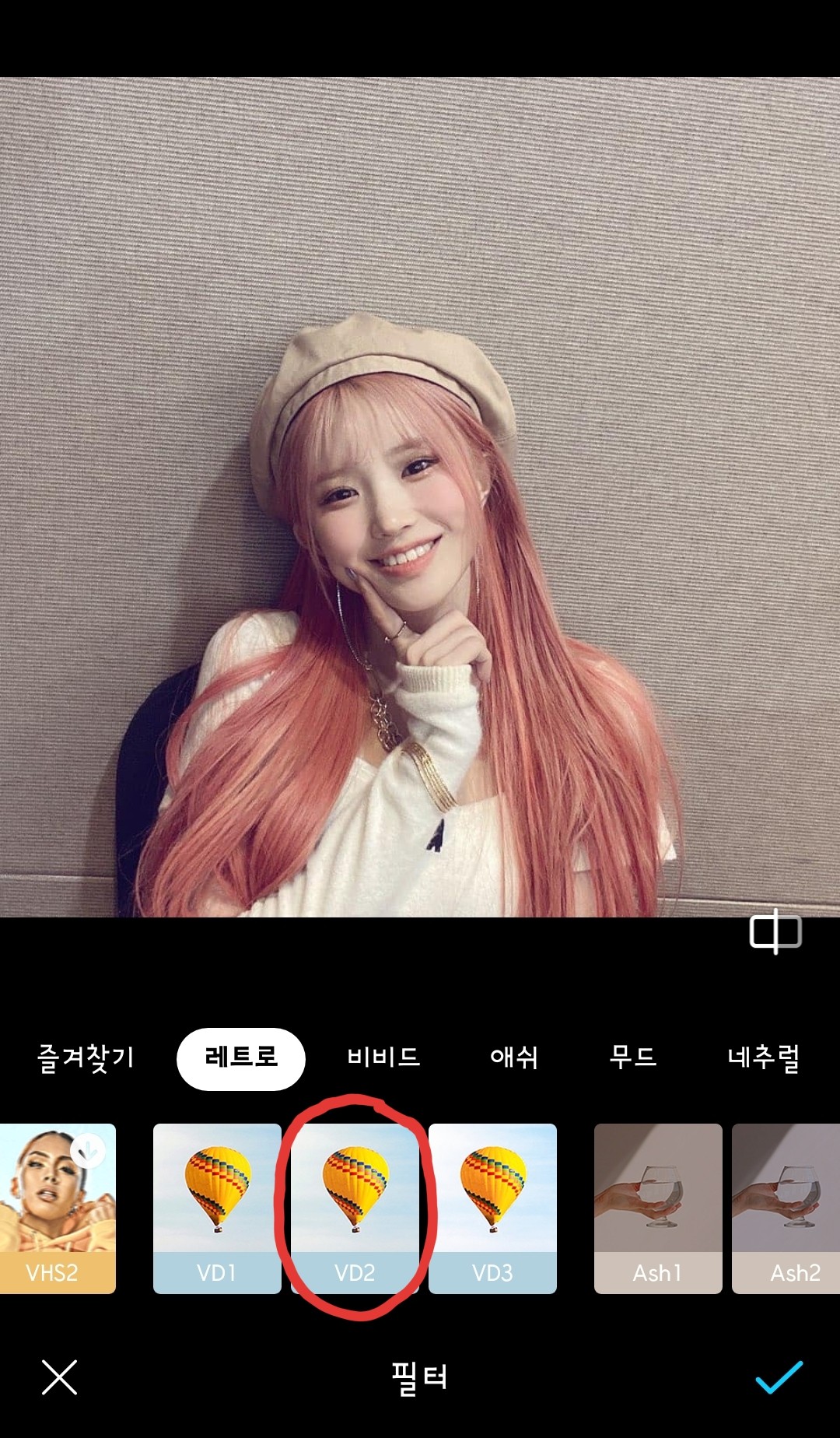 3. Choose the filter you want
(The filter I use the most is VD2)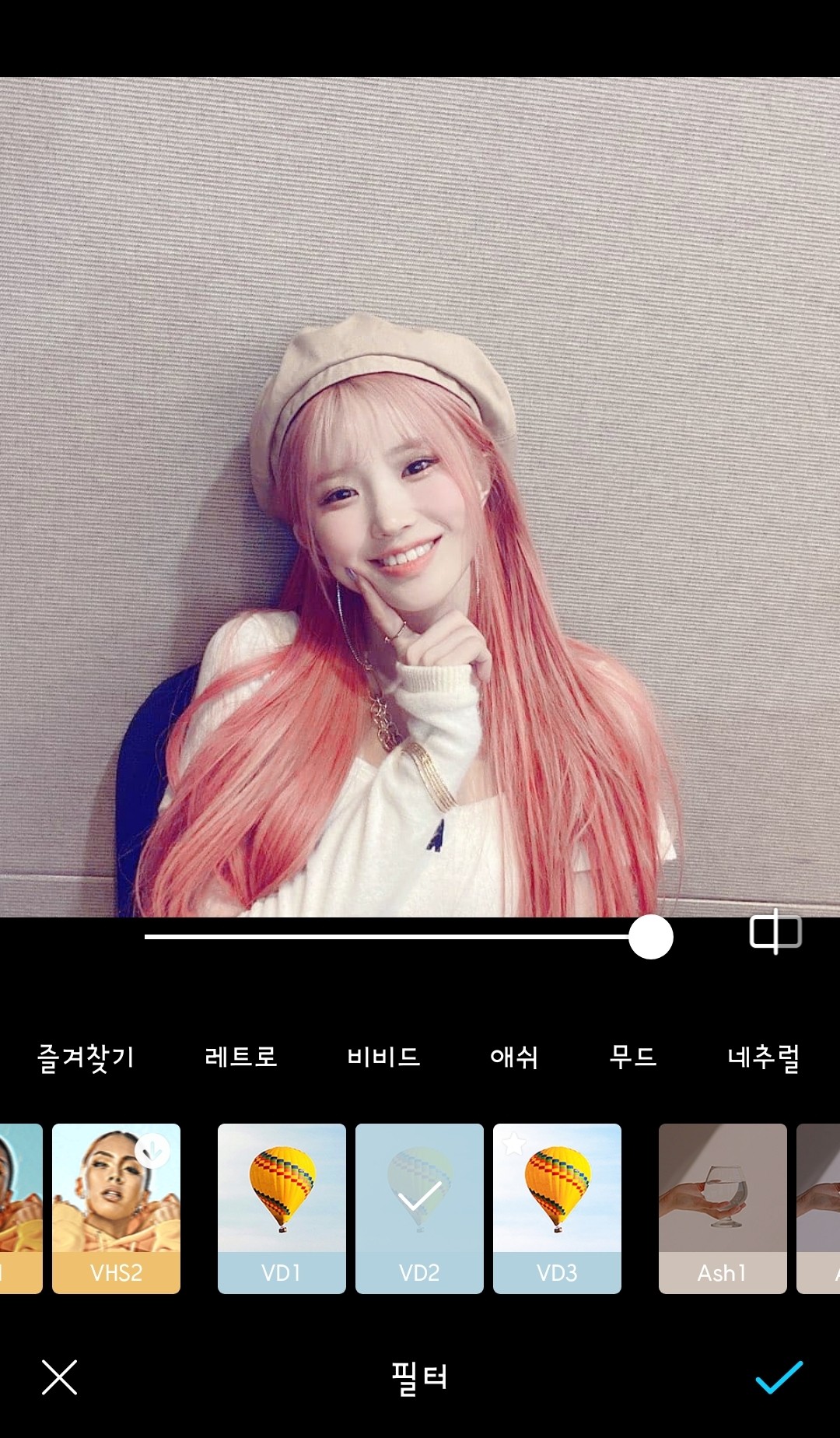
It got brighter because I used the VD2 filter, right?
Should I say it looks a little more lively...?
Anyway, this is my favorite filter
I use it a lot
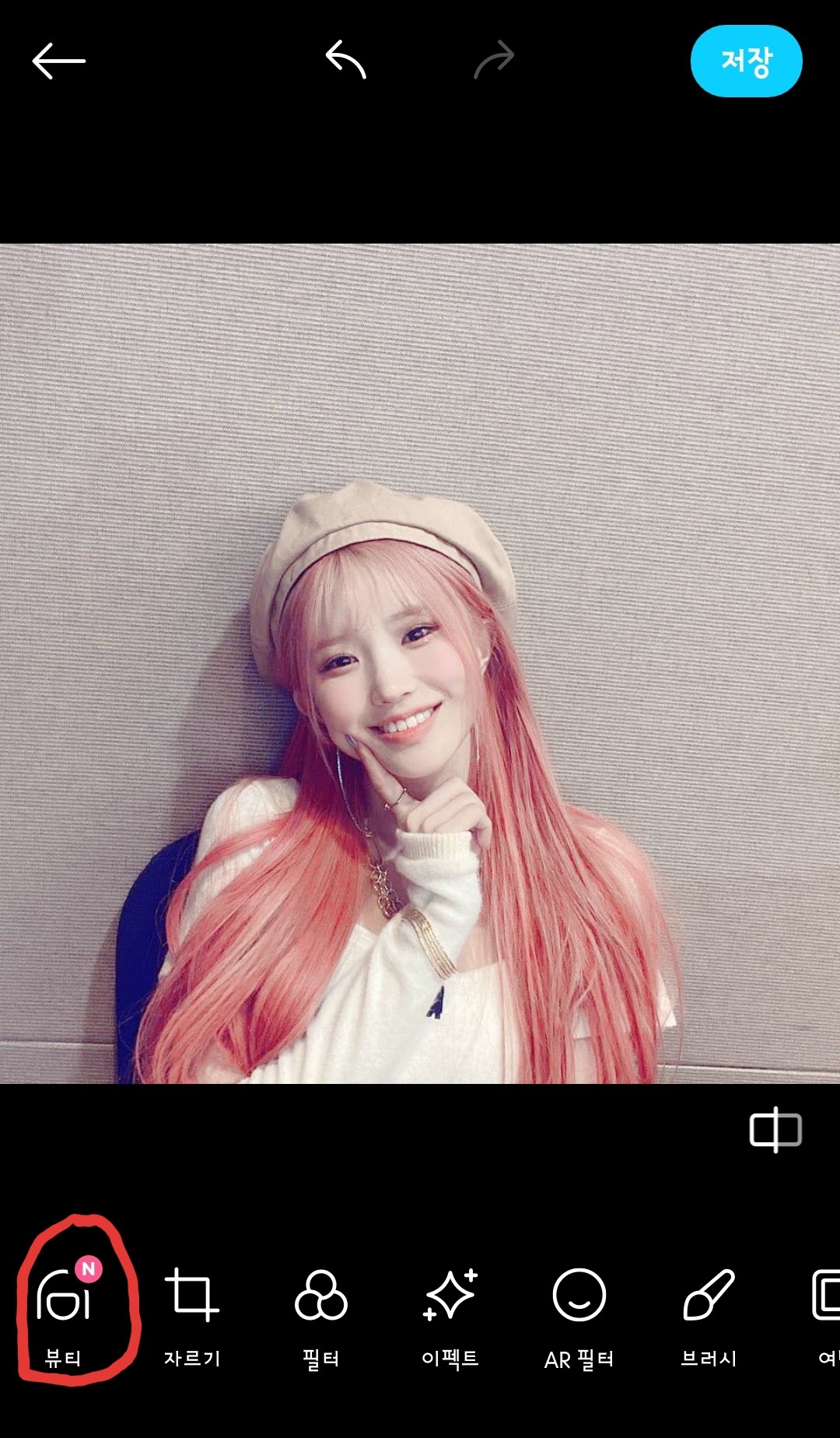 4. Go to the next beauty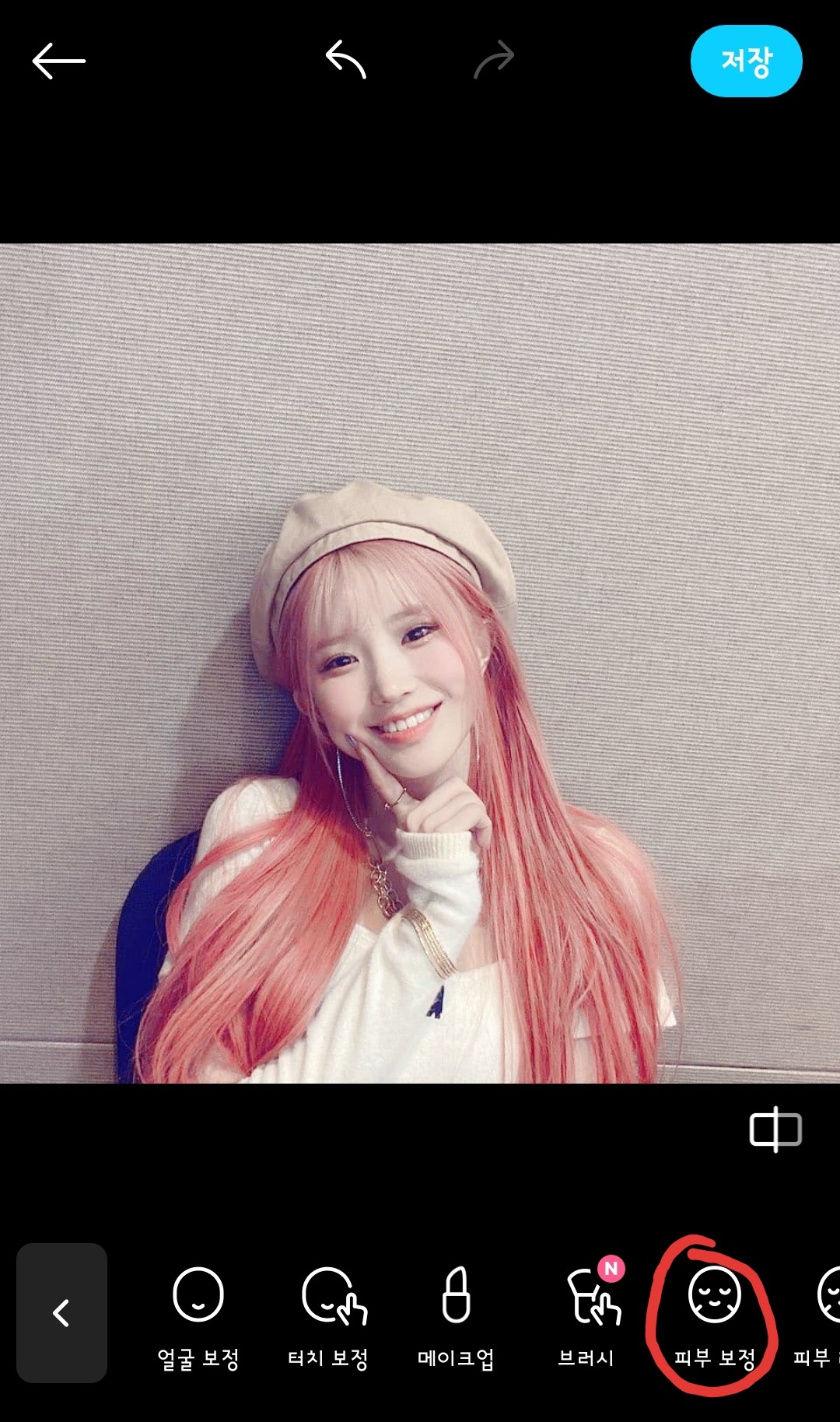
5. Go straight to skin correction
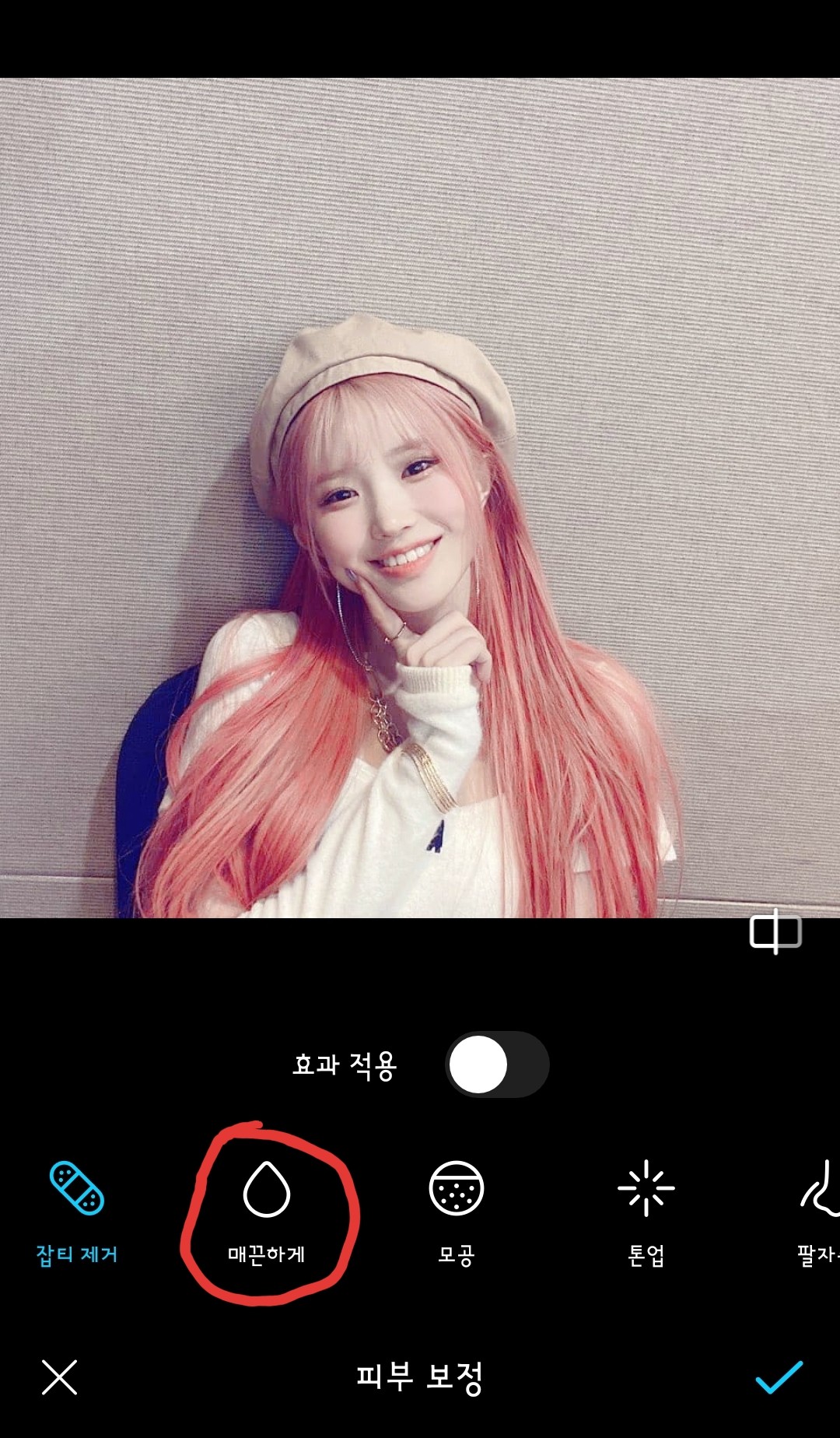
6. Go in smoothly
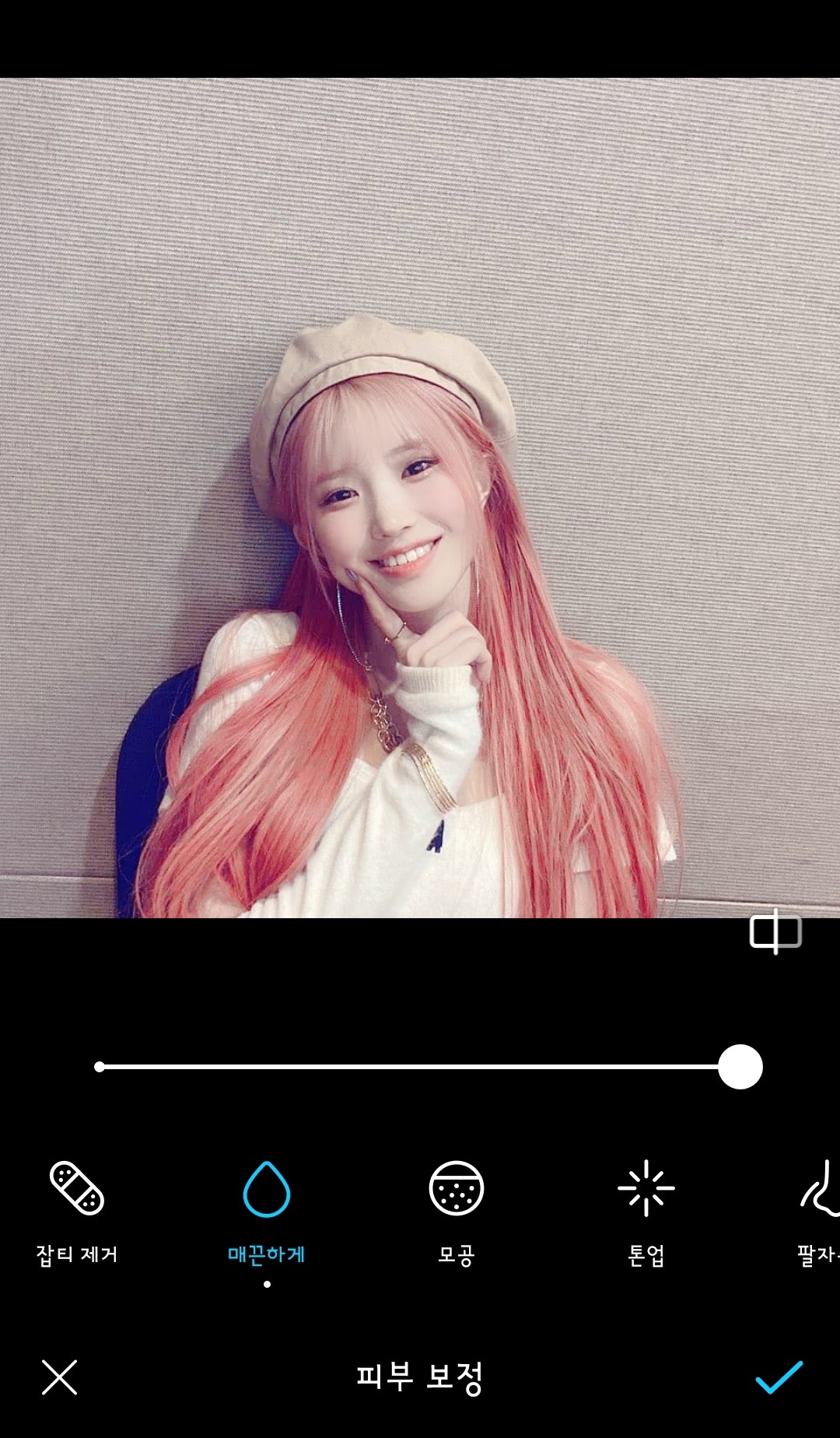
Set the number to 100
But you can do this as you like
But I always do it at 100
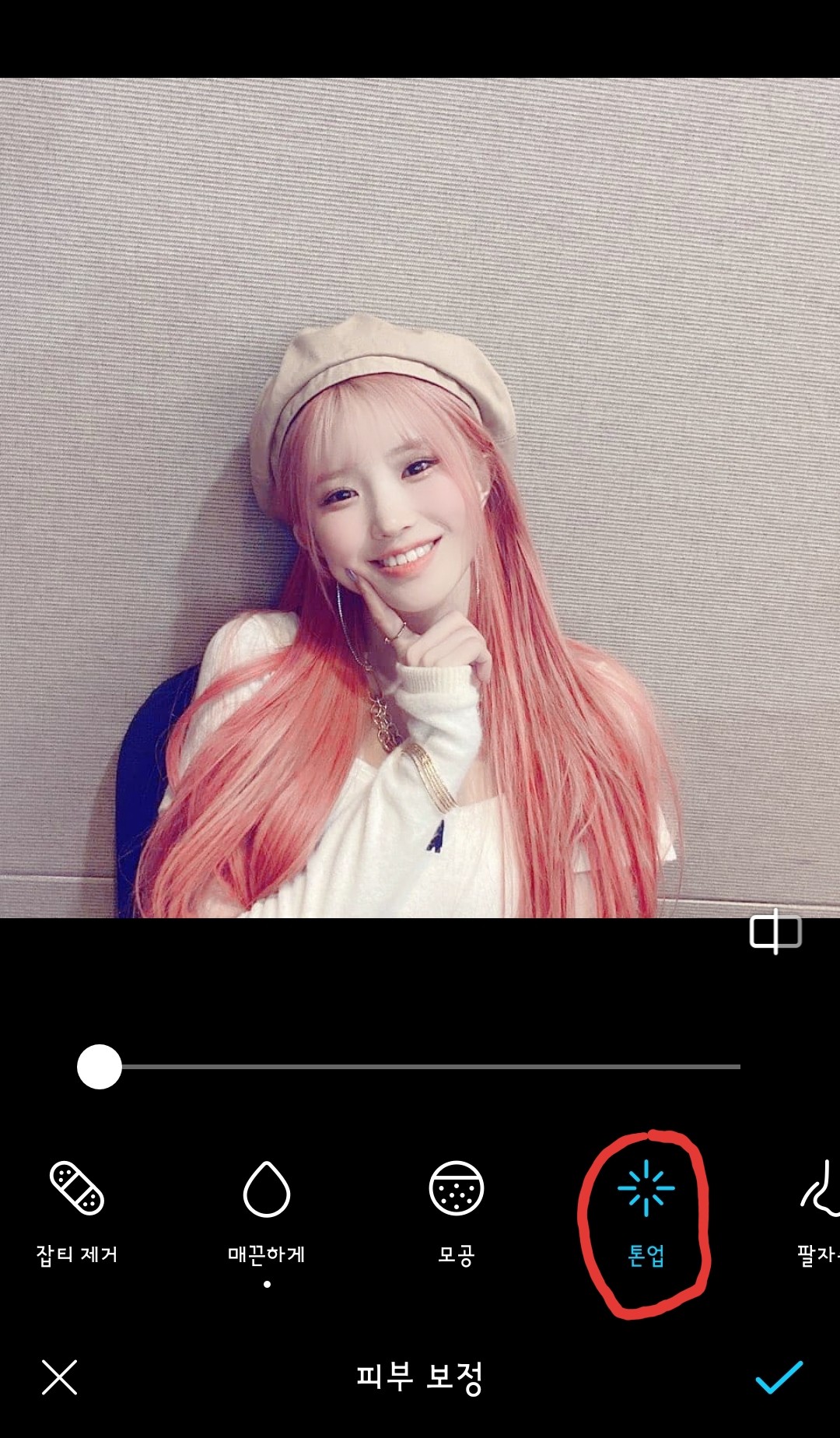
7. Then press Tone Up right next to it
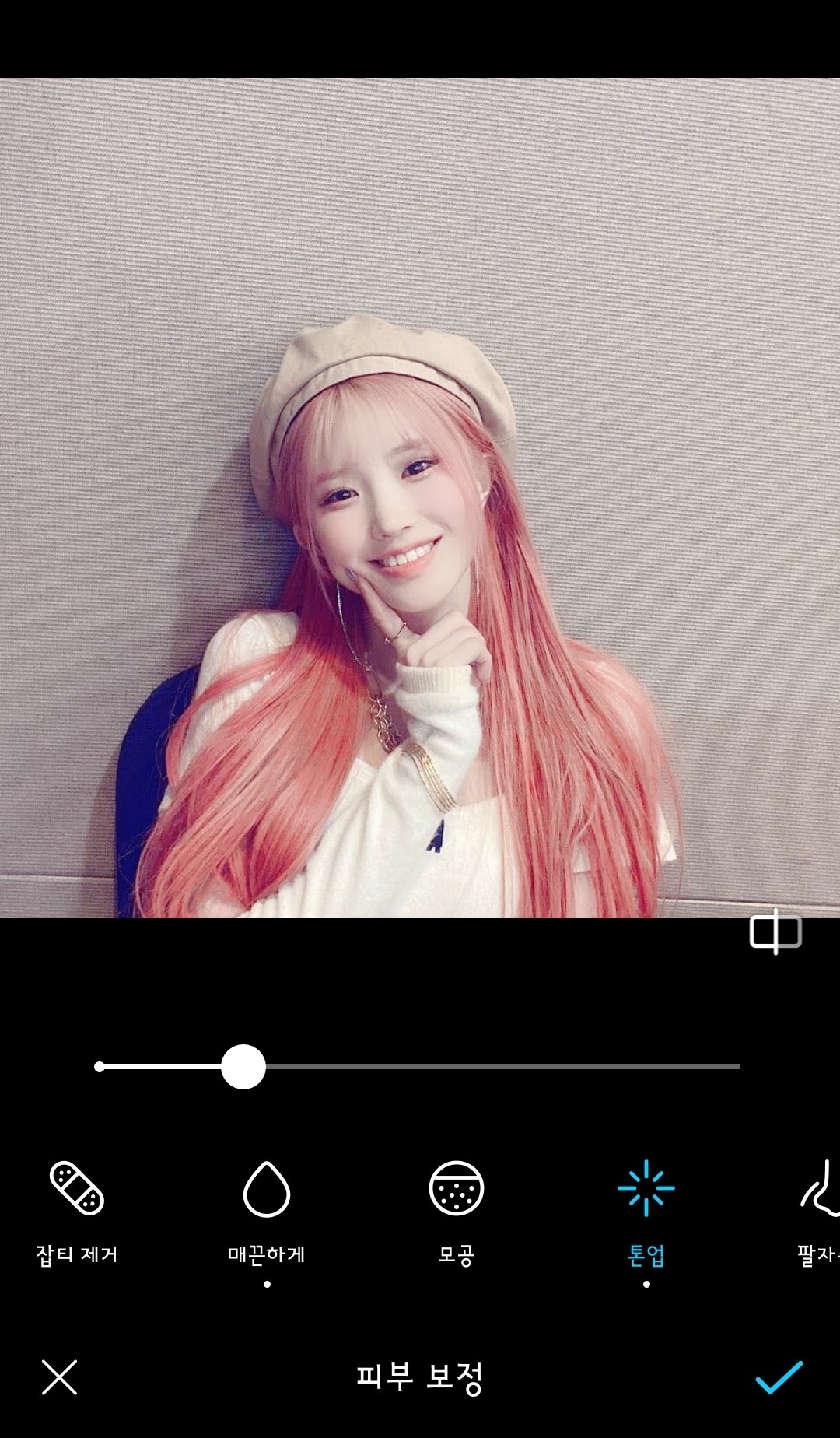
Tone-up is something you really have to do on your own❗
You know it can't be too white, right...?
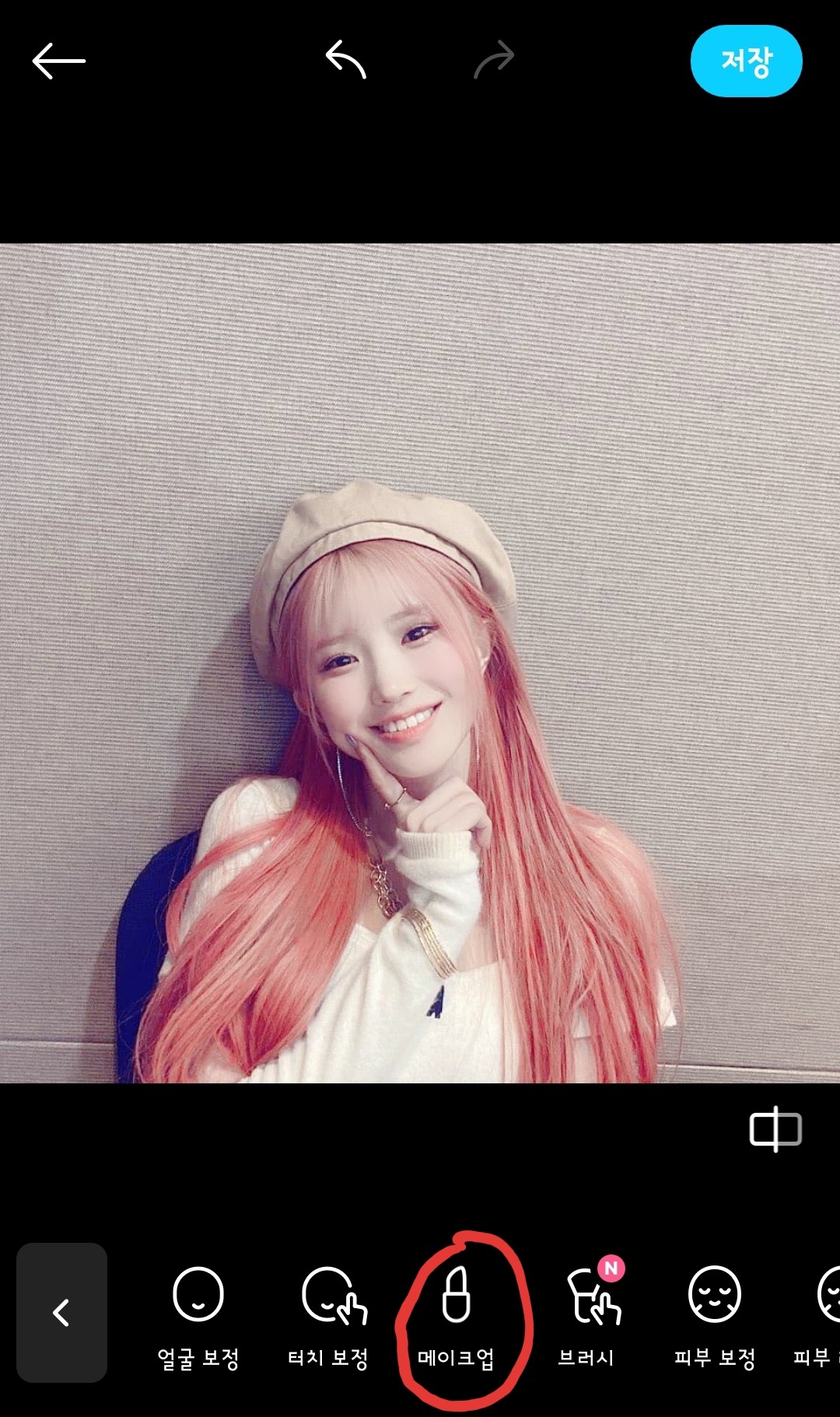 8. After finishing skin correction, move on to makeup.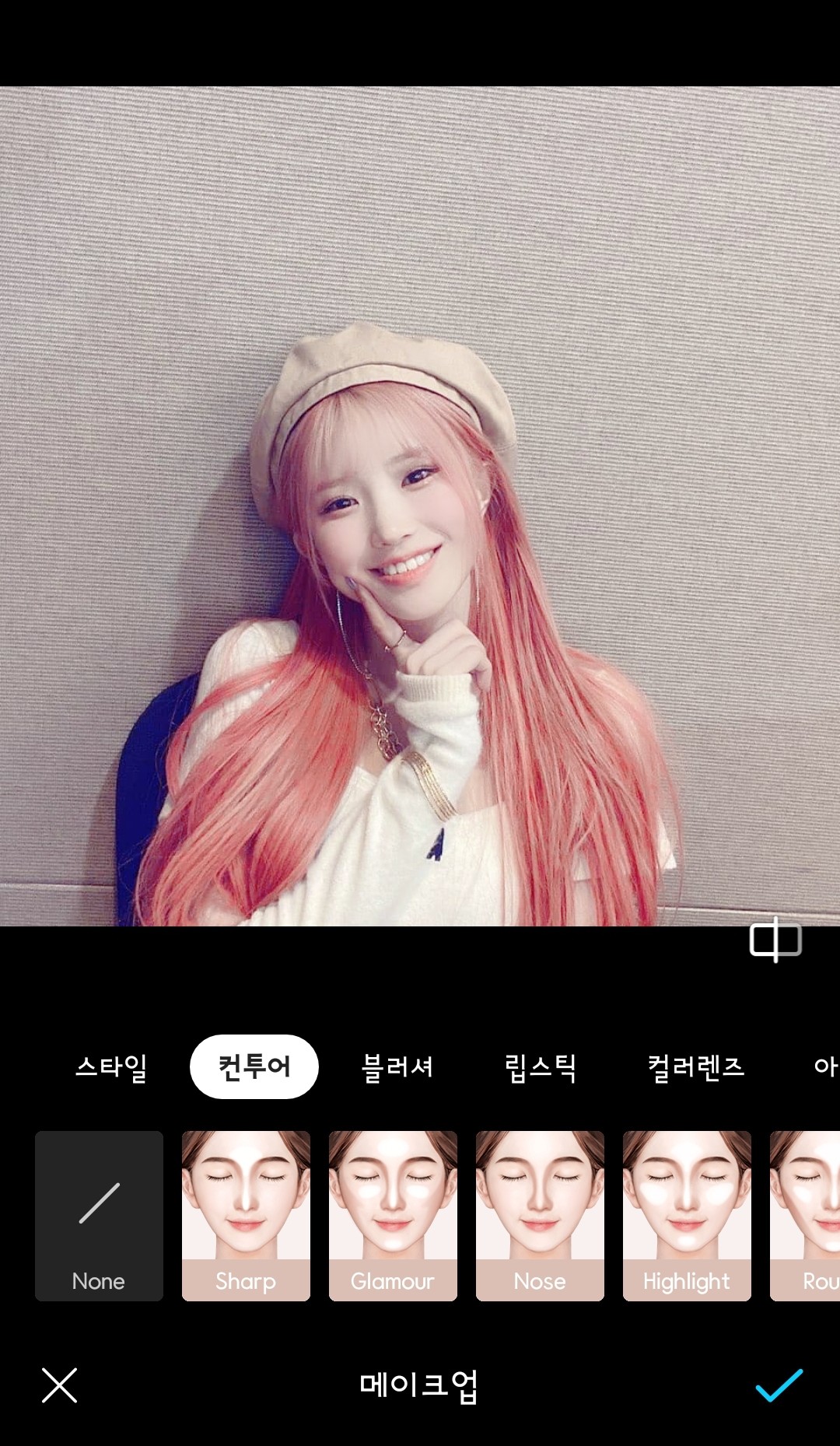
8-1. Contour selection
If you don't look snobby, do it. If not, don't do it.
If you add more, it will look artificial...😅
This photo is missing the bridge of the nose!!!
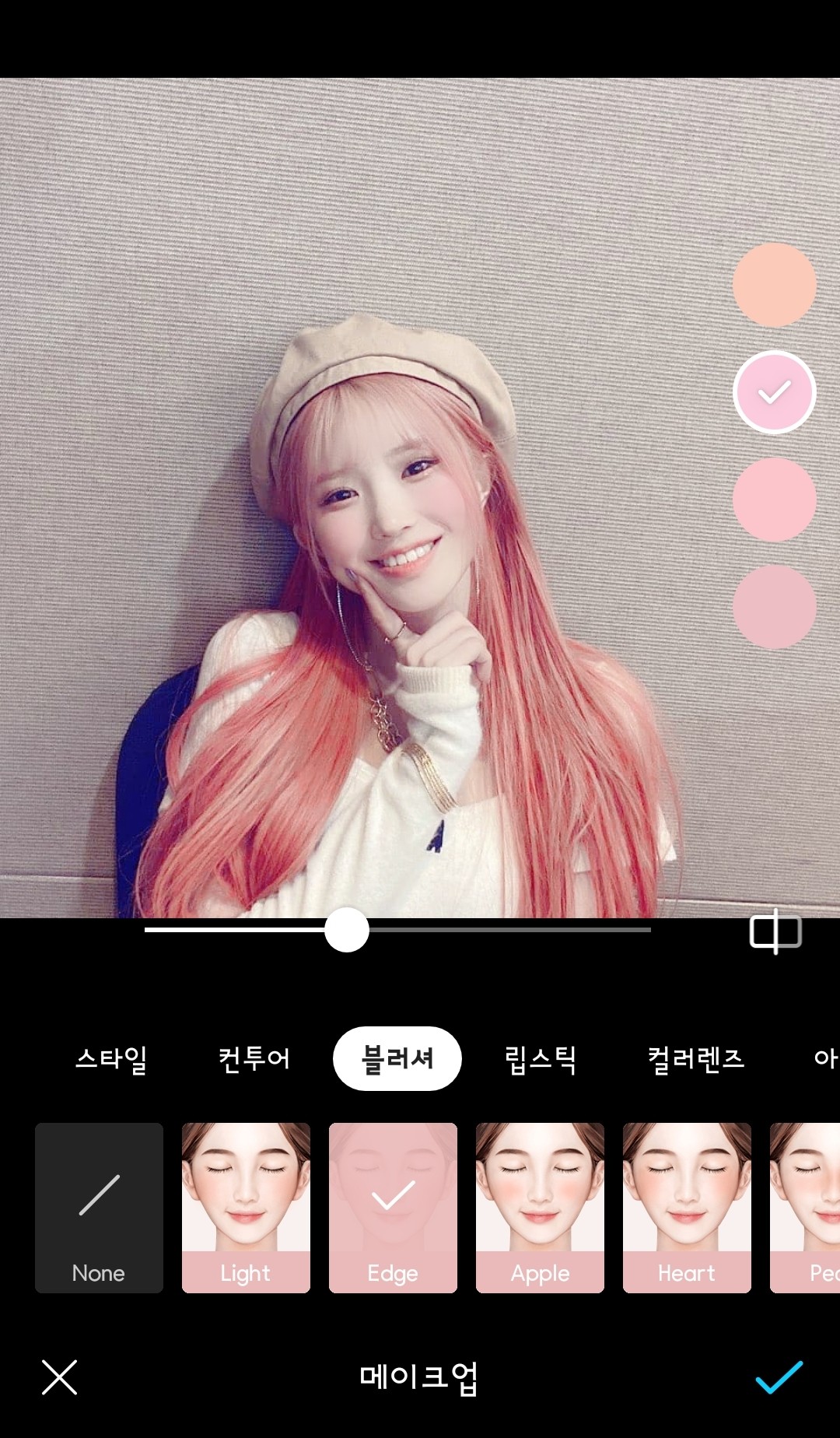
8-2. Blusher is essential
I look lifeless without blush
That's the combination I use the most
Edge➕2nd color
The blusher placement is just right.
The color varies depending on your skin tone, so choose carefully!!
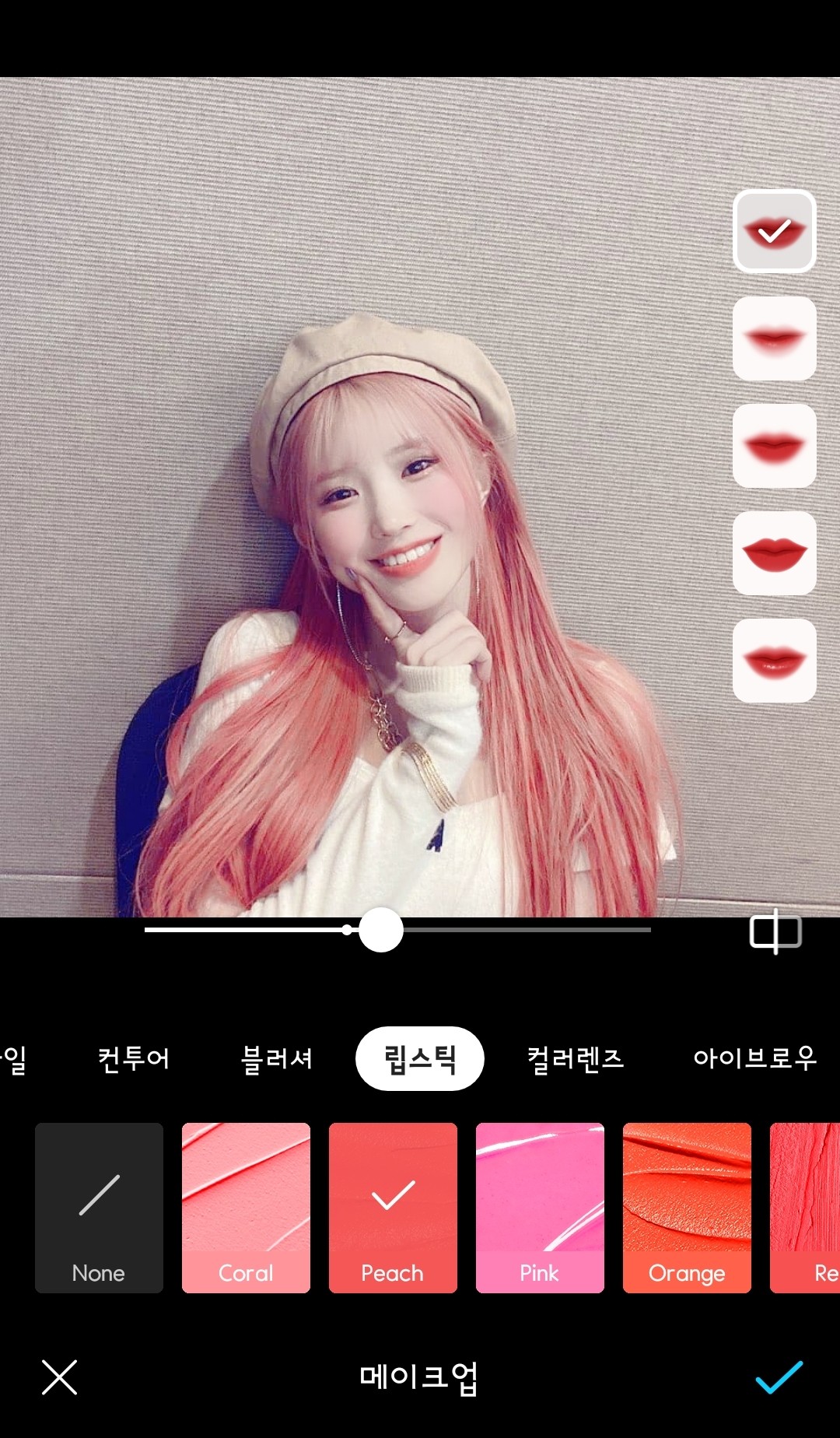 8-3. Lipstick is essential
If I don't do this, I'll be so lifeless
I don't have a favorite color, just choose the color that suits your skin tone.
This is special information, but when doing male correction, lip color
I definitely go with Coral, that's the most natural 😊
I used this because the peach color suits this photo.
Do it as you see fit!!
If it's too dark❌
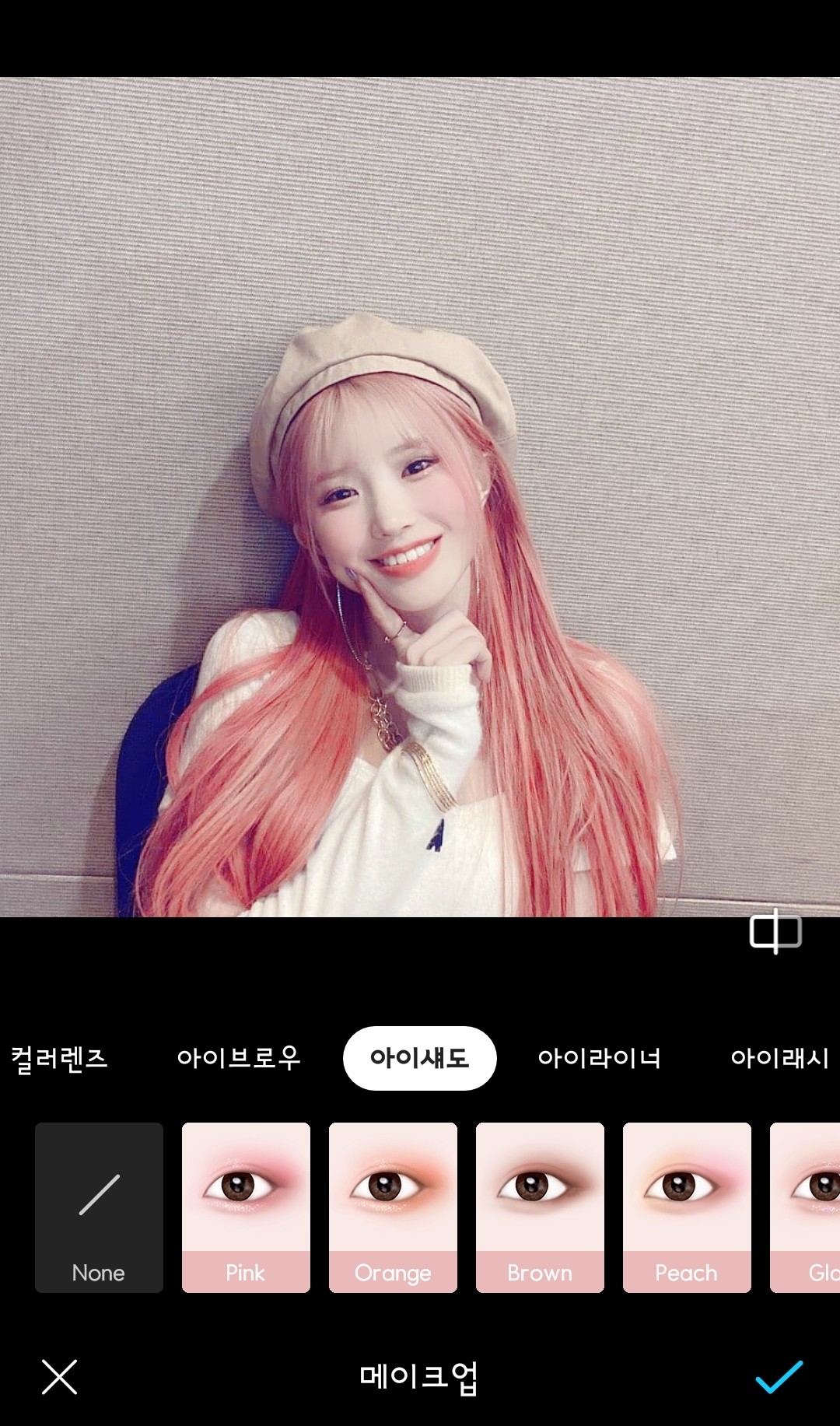 8-4. Choosing an eyeshadow
This is the step to do when you still feel unstable even after completing the 3 steps.
The color I use most is Pink💓
It looks the most natural in any photo
But this picture is already full of life, so I won't do it.
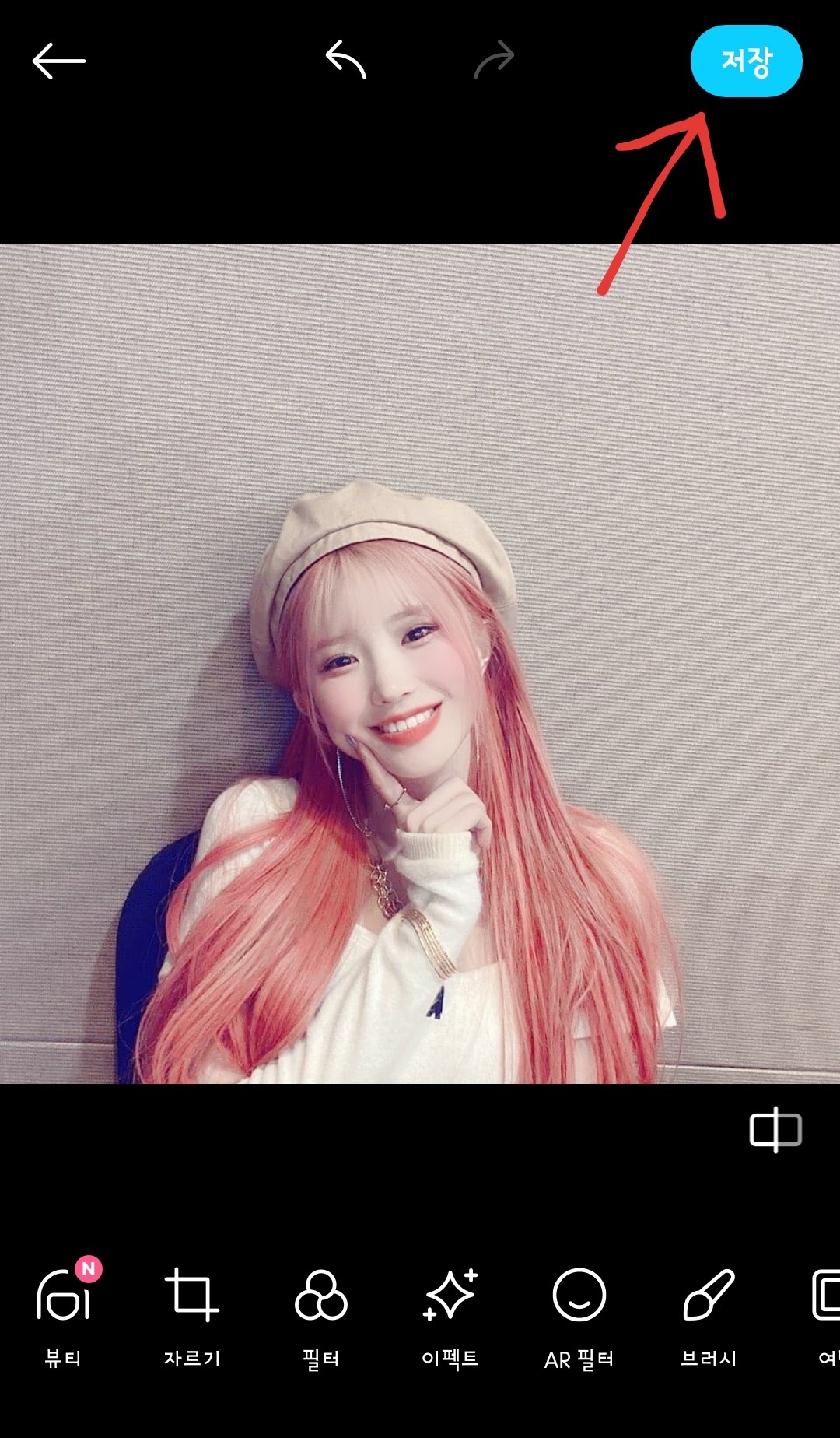 9. Click Save when you're done.
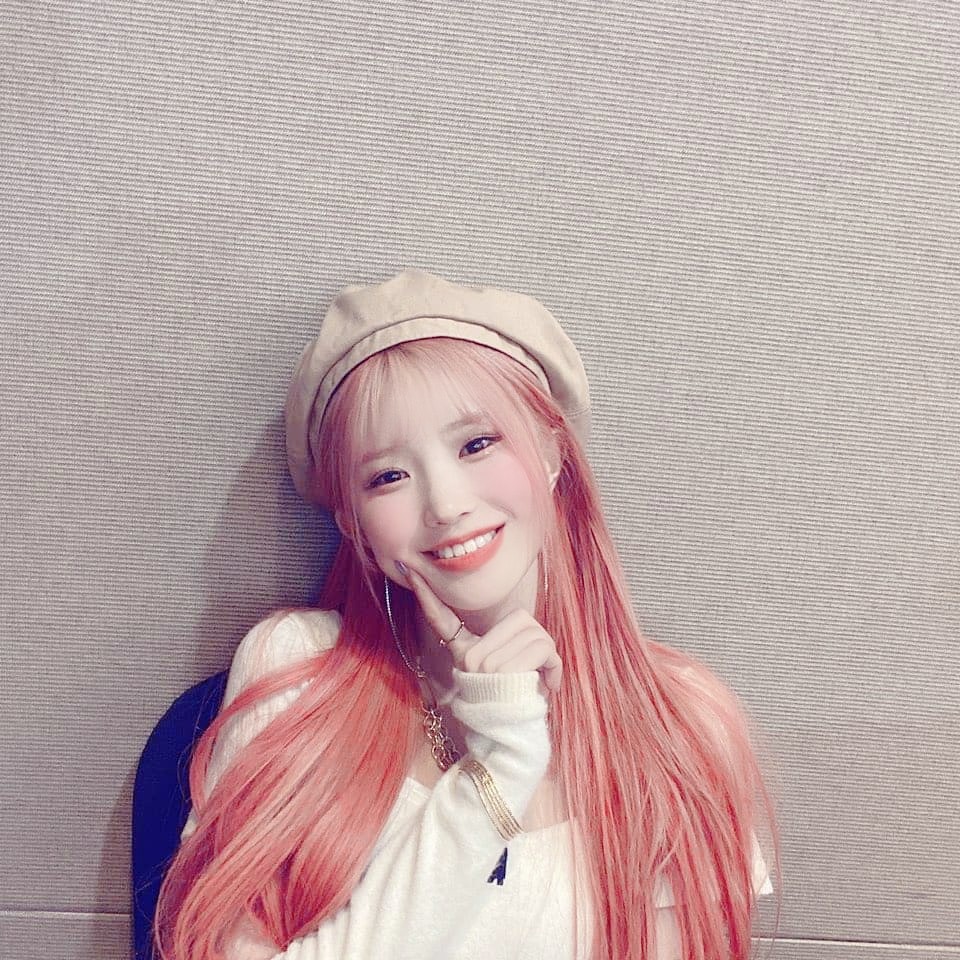 Completed~~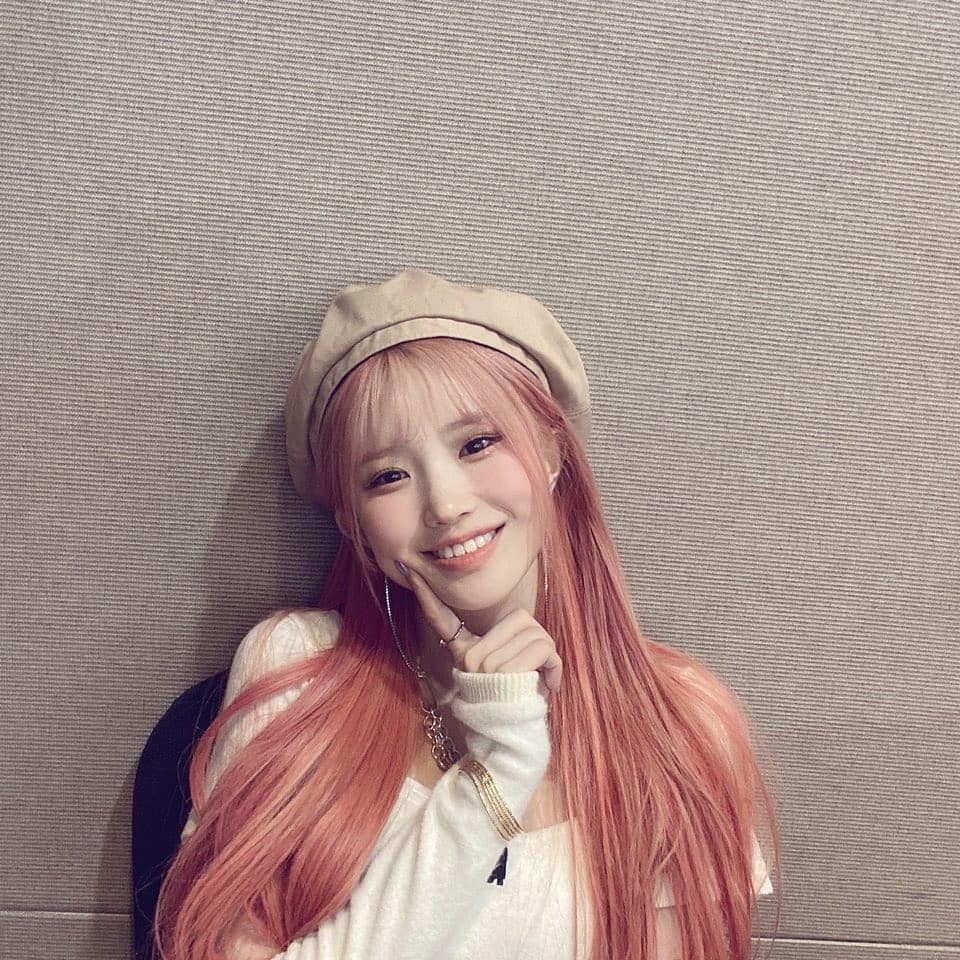
This is an old photo
There's definitely a difference, right?
I don't know if this was helpful, but thank you for reading this far🙏
Actually, that's not a very good correction...
I'll bring it back next time when it works!!
Anyway, thank you for watching❤
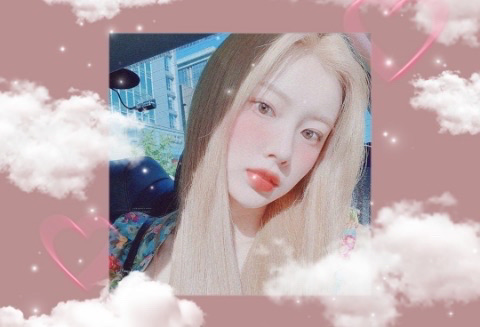

![Correction application form [OPEN] thumbnail](https://cdnetphoto.appphotocard.com/fanfic/1540704/124039/thumbnail_img_20200328030934.png)
![[ Talk ] A mess thumbnail](https://cdnetphoto.appphotocard.com/fanfic/1618394/192990/thumbnail_img_20201130000034.jpg)