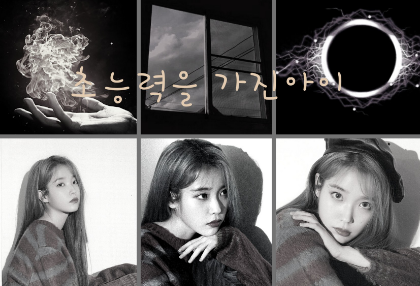
Black Pearl applied!!
In the postscript, I really feel sad..😆
I ate it yum yum😄(?)
Method 1

Enter PixArt!

Among the options at the top
 Click on search👆
Type in the Korean stage name of the person you want there
Click on the sticker you want
Save with transparent background
(PixArt search 🍯tip!)
(Search in English for more pictures!)
(Example: IU, BTS Suga)
(It's no secret that it's often written in lowercase😄)
Method 2
 Enter our Ibis(?)!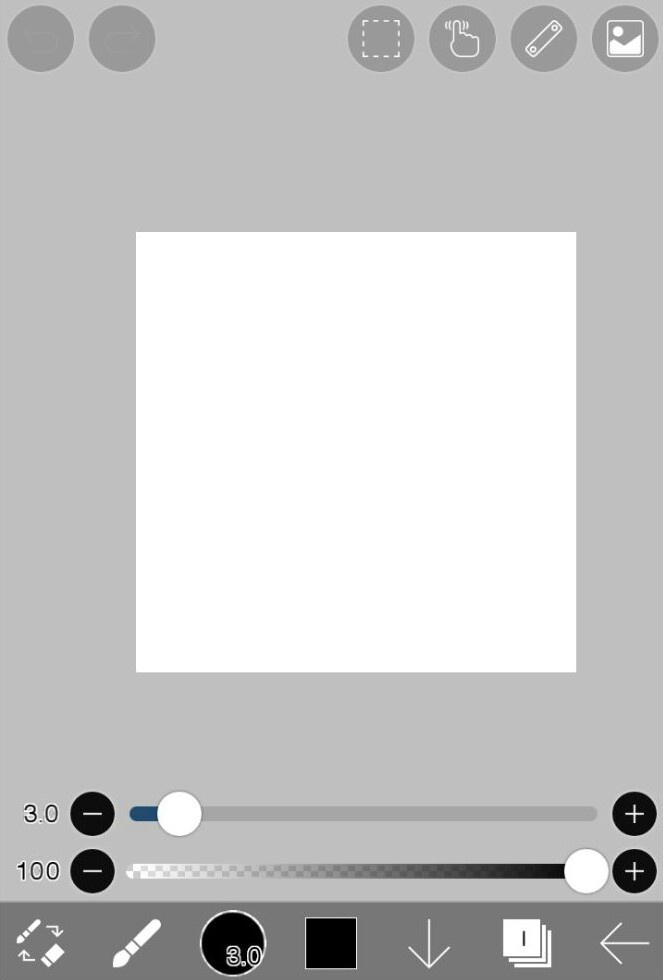
Here
 Click the layer! 👆👆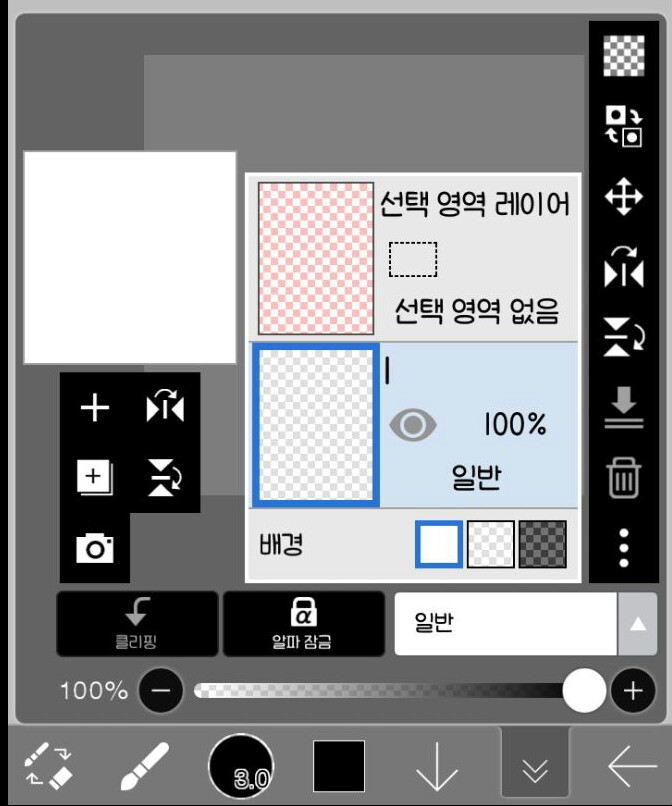
Here
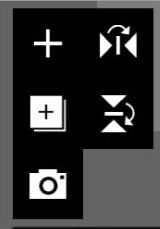 Can you see these guys??
 Then click this friend!! 👆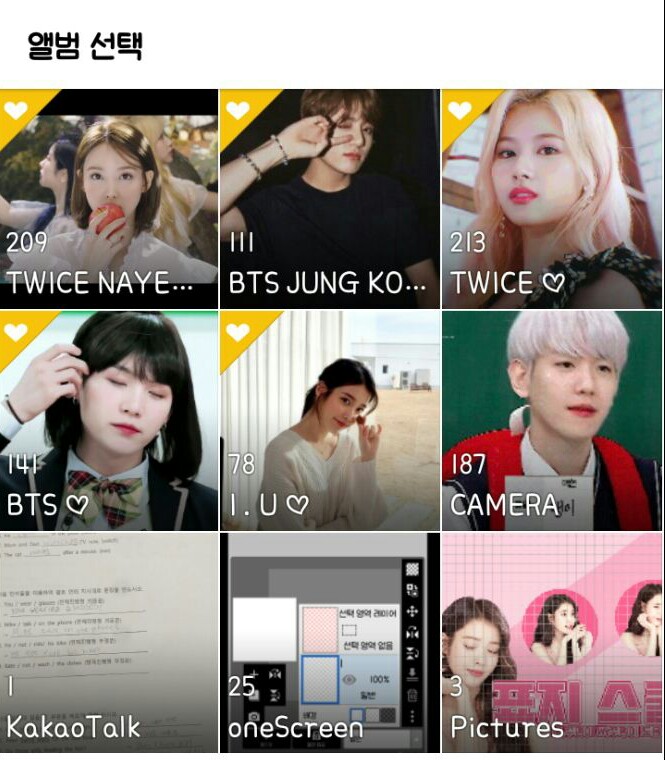
I've entered the gallery!
Here, the photos saved from Picka earlier,
If you upload a photo with a transparent background, you'll be in luck!!
(Actually, it's no secret that the pictures don't upload because of an error with Picka and Ibis.)
If you found this helpful,
Kudok, comments, ratings, hands!!!




![I'll be your bodyguard [all year round] thumbnail](https://cdnetphoto.appphotocard.com/fanfic/1945746/197212/thumbnail_img_20220620220406.png)