

Today, Hambyungssi applied for,
Here's how to add fonts to Ibis!
(I have nothing better to do, so I came running as soon as I saw the comment)
First, let's go to Ibis!
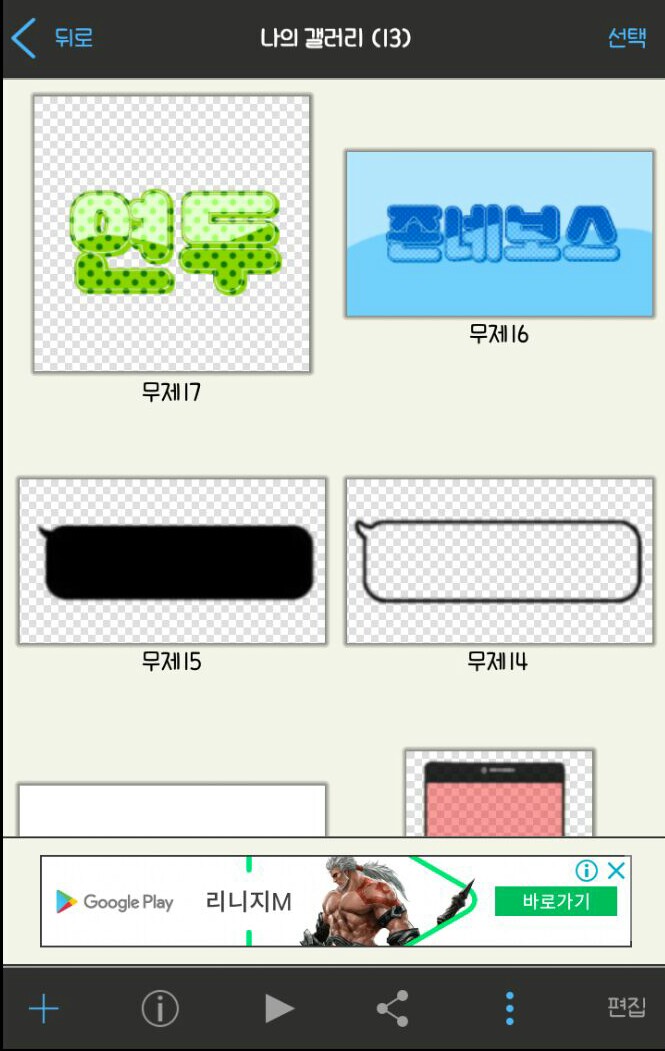
As always, My Gallery → Plus at the bottom left, you know?
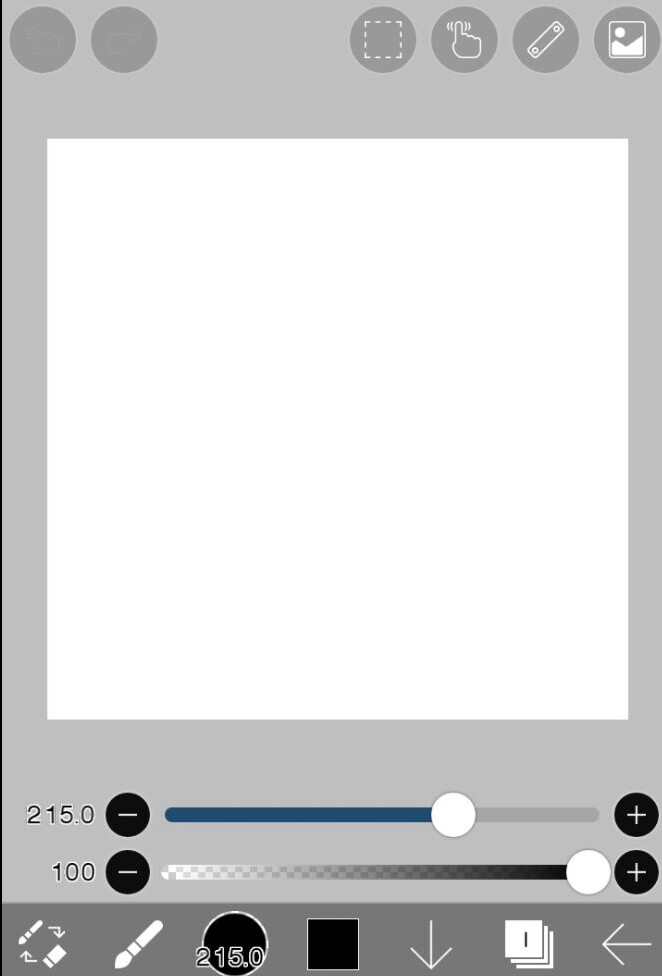
Now here

Among these friends below
 Click the brush shape!👆
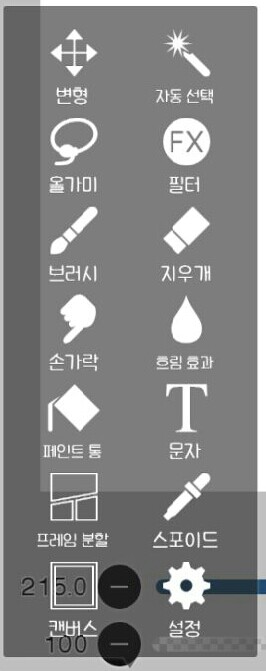 Here
Here After pressing this guy(?)
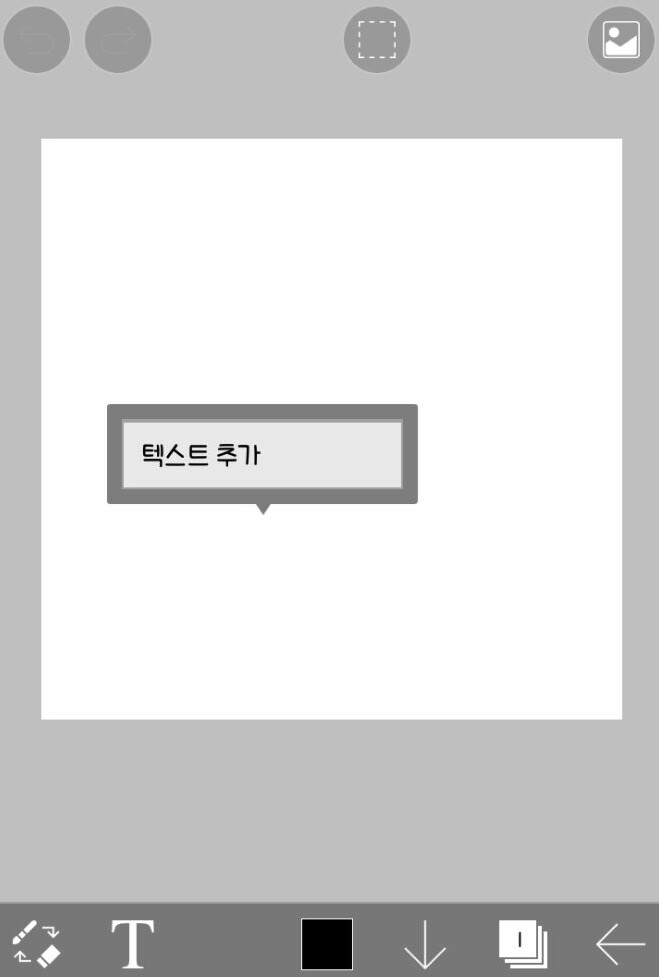 Click anywhere inside the canvas to add text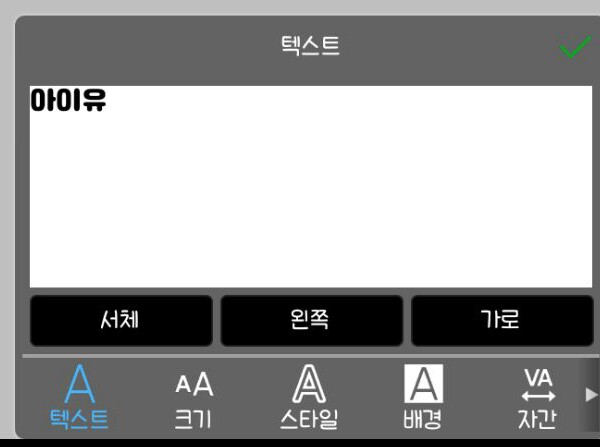
After writing the desired phrase

Click the font here!👆
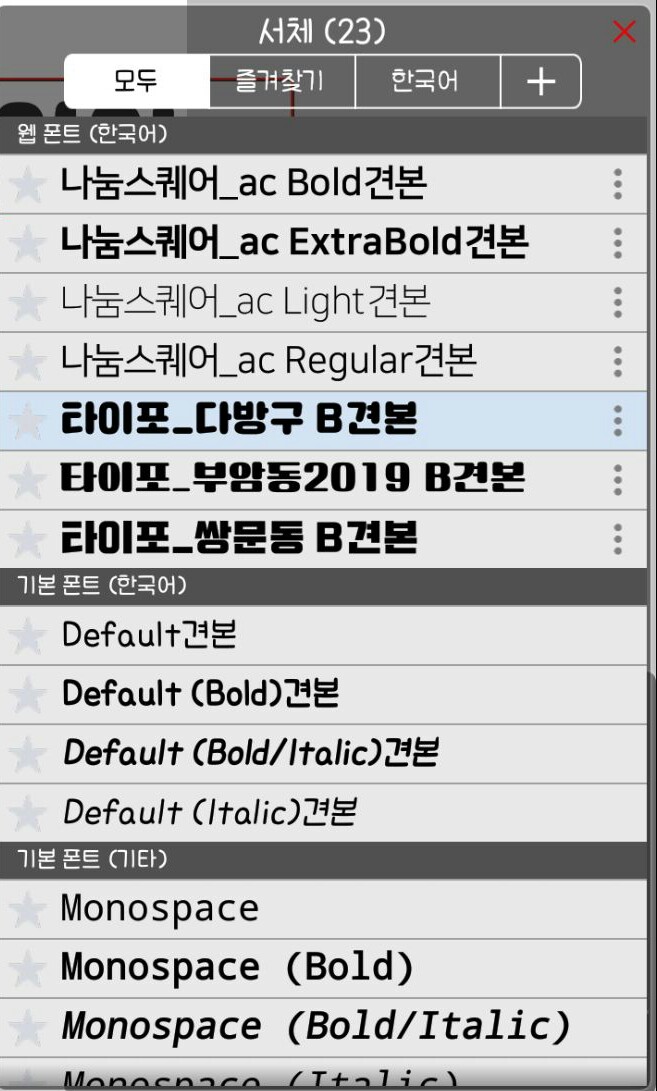
Here

Click the button here

If you come to Naver like this, you will succeed!
In the search box

After searching Naver Software
Click on the link that appears and go in
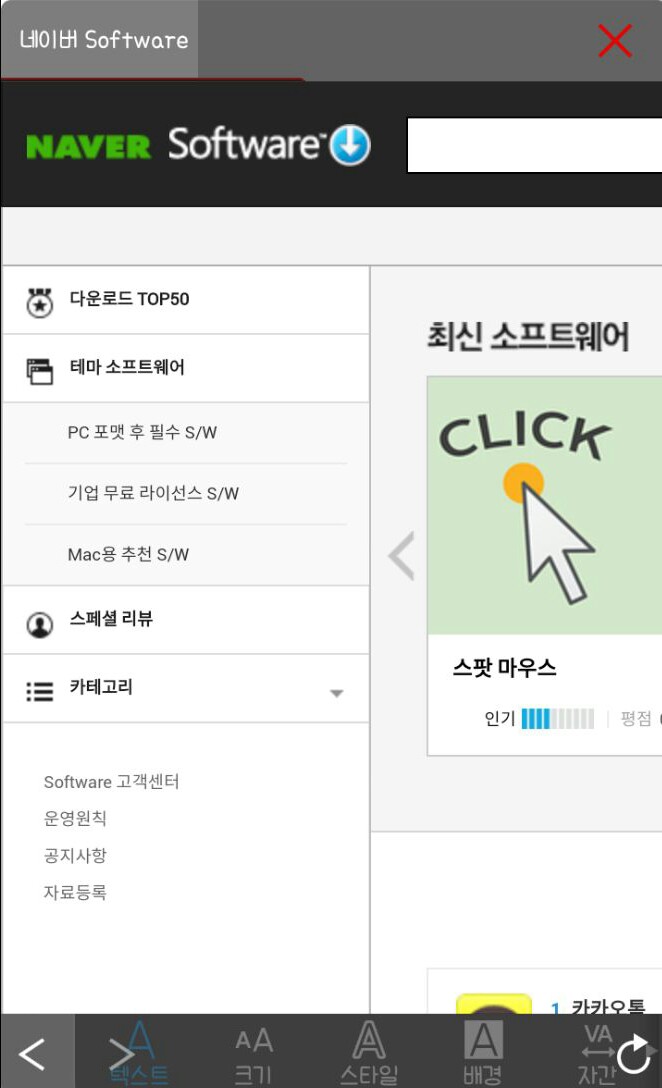
When this screen appears, in the search bar
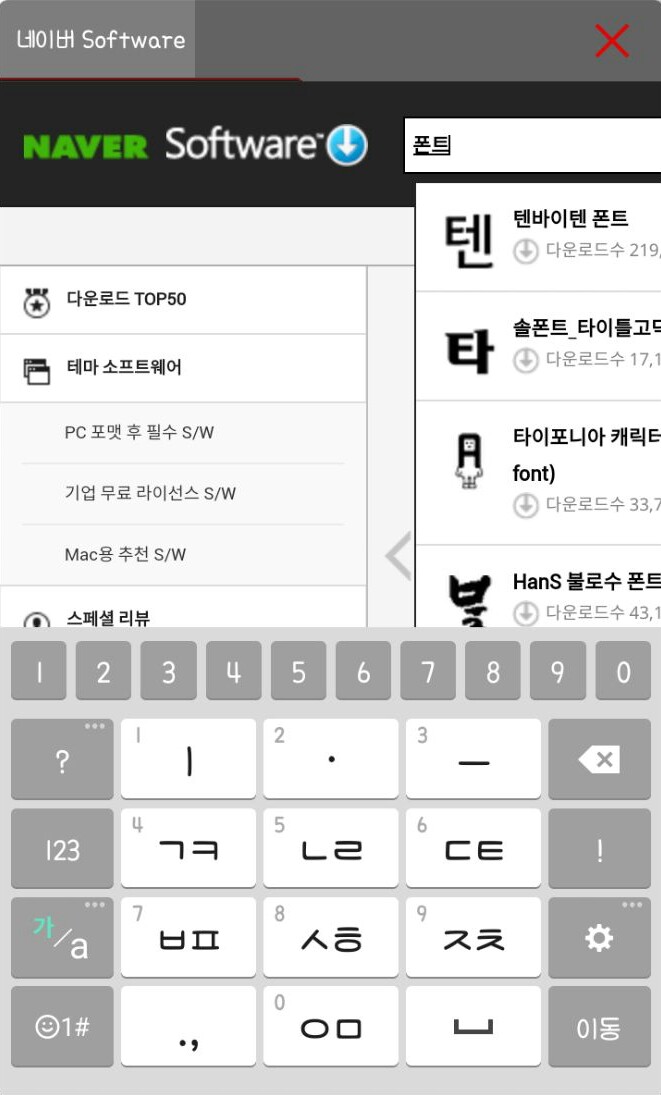
Type in font and search!
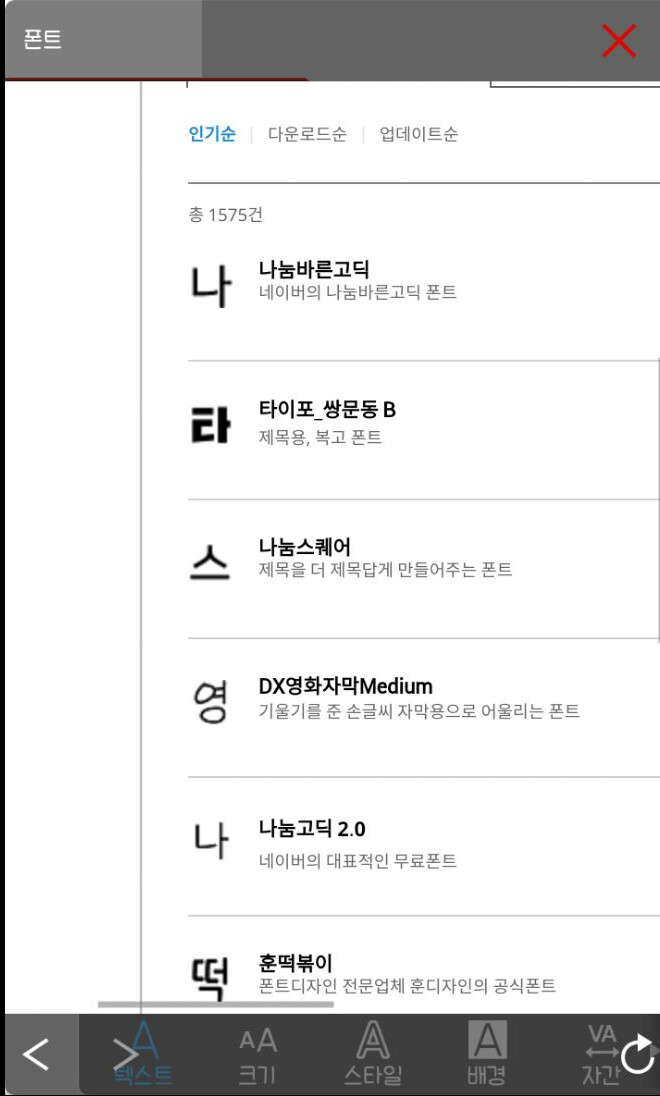
Scroll down and save the font you want! (Click the download button 4 times)

Then save it!

I tried to summarize it like this
In particular, if you save only one Nanum Square_ac Light sample,
The same font in multiple weights is saved in a row!
That's all, if you found this helpful, don't forget to comment and subscribe!!!



![I'll be your bodyguard [all year round] thumbnail](https://cdnetphoto.appphotocard.com/fanfic/1945746/197212/thumbnail_img_20220620220406.png)