
Your speech was so cute..😍🙏
First, let's go into Ibis!
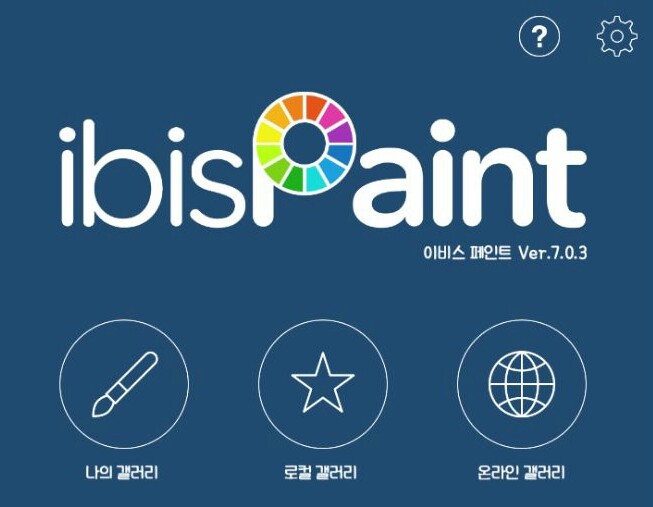
You all know my gallery, right..?
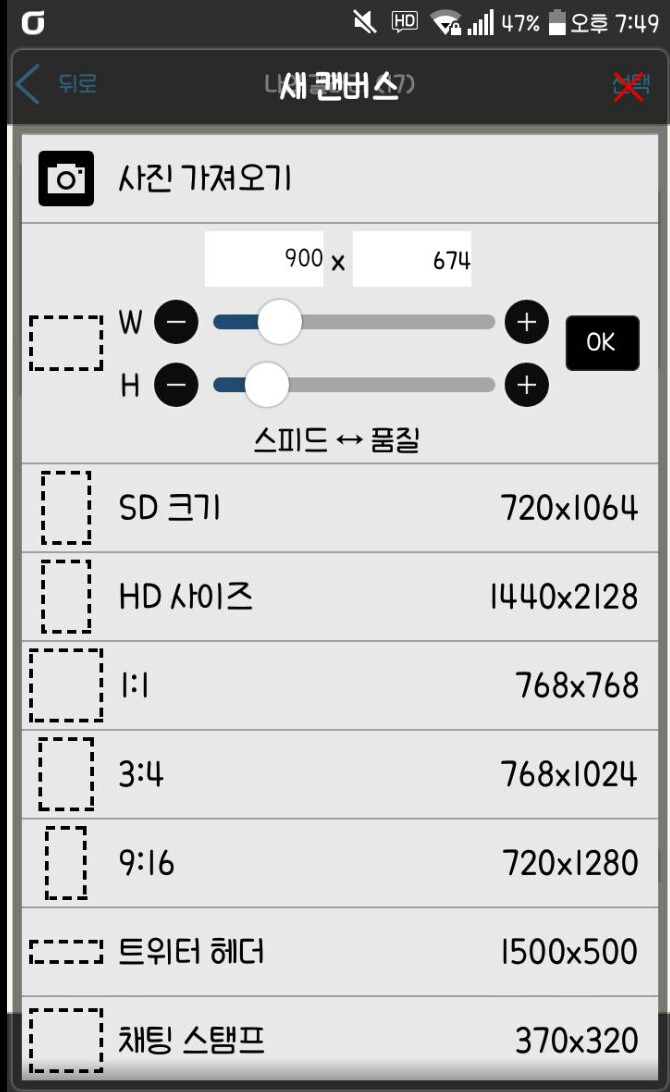
Then click the button below!👆
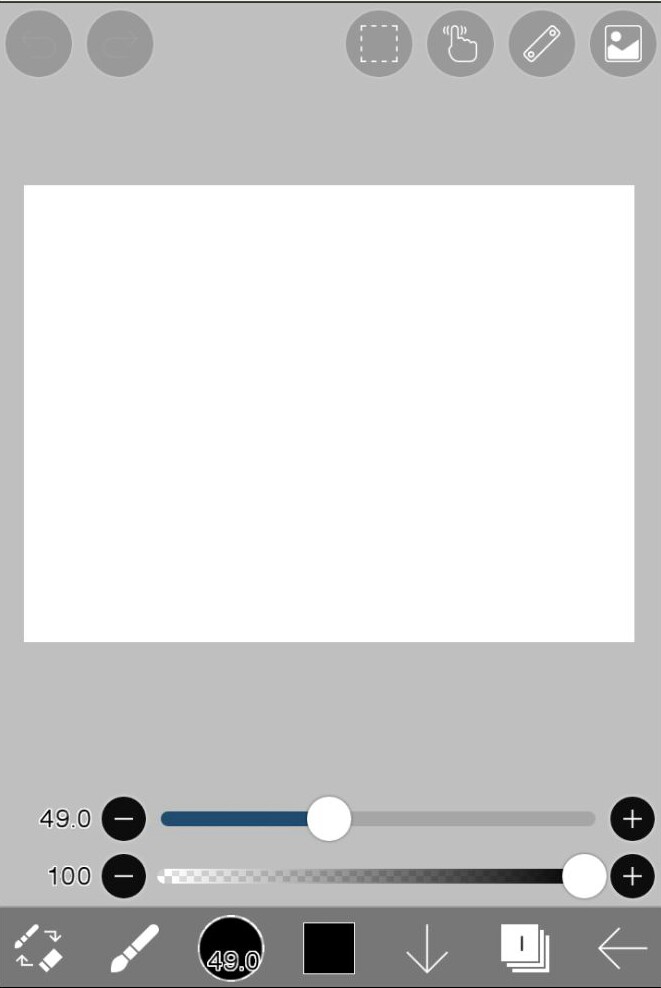
Then this screen will appear.
Here we need to color the background!
Otherwise the pattern won't show up..
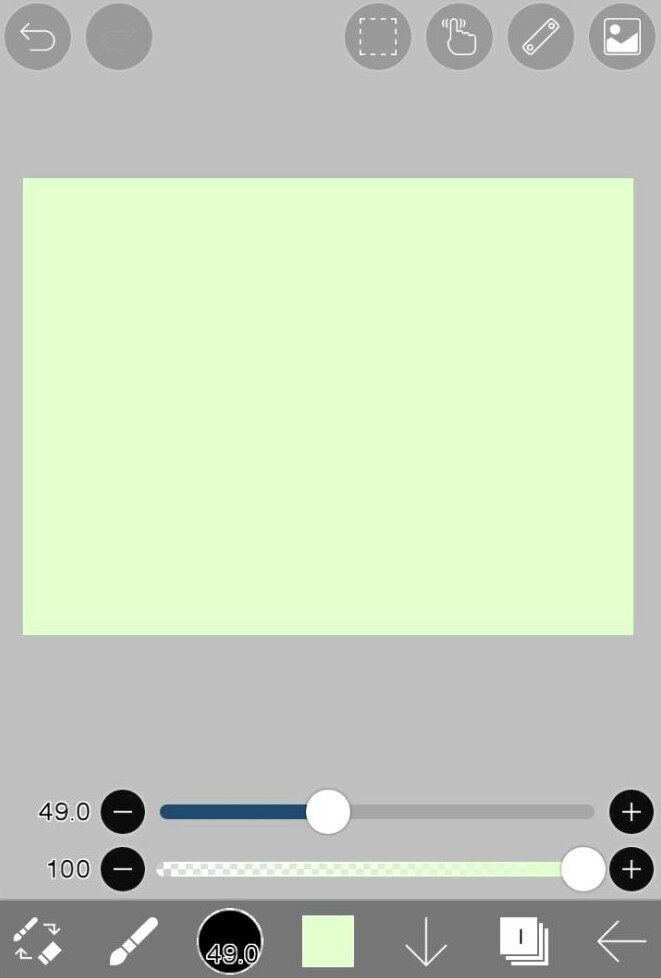
I went with the lime green color scheme!
 Then press the button above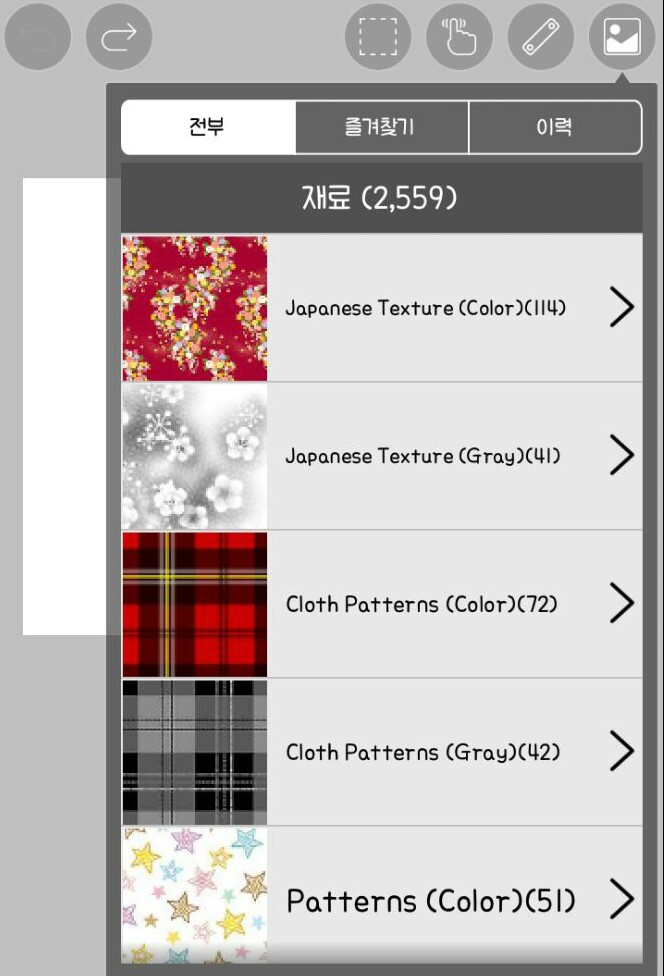
Wait a minute!
I'll recommend a place with lots of pretty patterns~

This one is the most recommended one with hearts, dots, diagonal lines, stripes, etc.! Click on this one and choose the one you want from the ones that come up :)

Next is this kid!
This one has a dotted pattern on the cover of the current cover school, but other than that, I won't write anything else... 💦
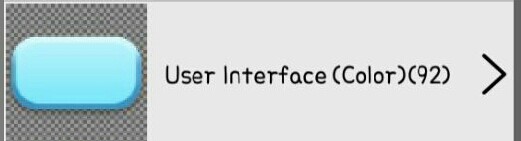
This one has chat window shapes in various colors, so it's perfect for using as a sticker :)
I entered as the first child!
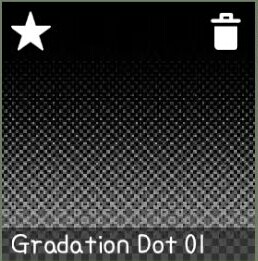 I'll try this this time!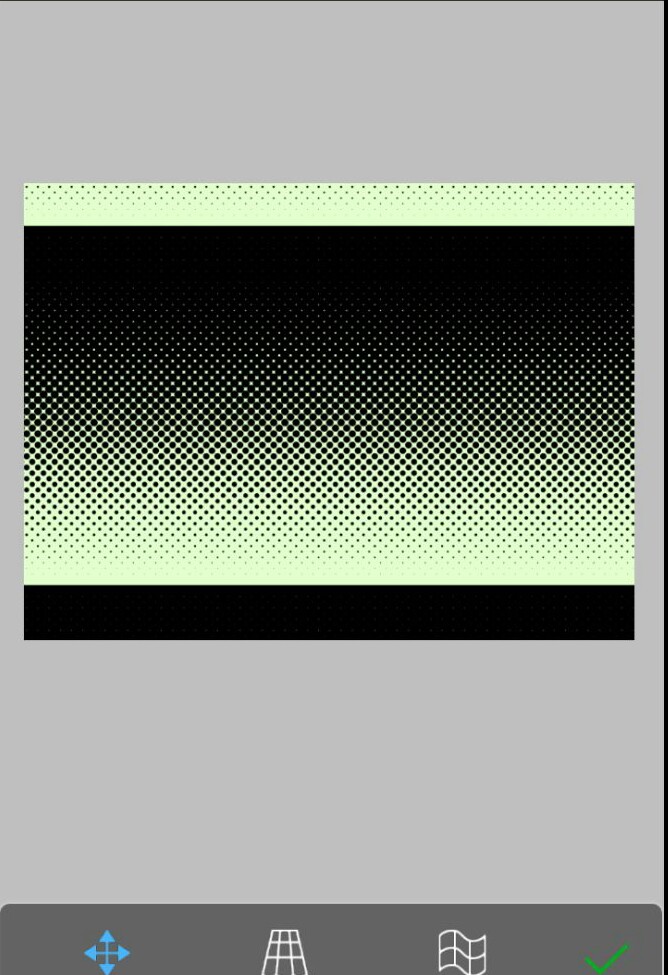
It appears like this, and you can adjust it by zooming in and out with two fingers.
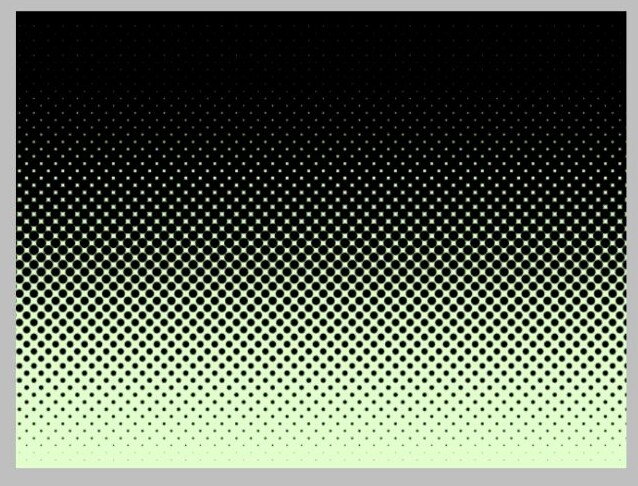
This is how it's normal for him to do it ○
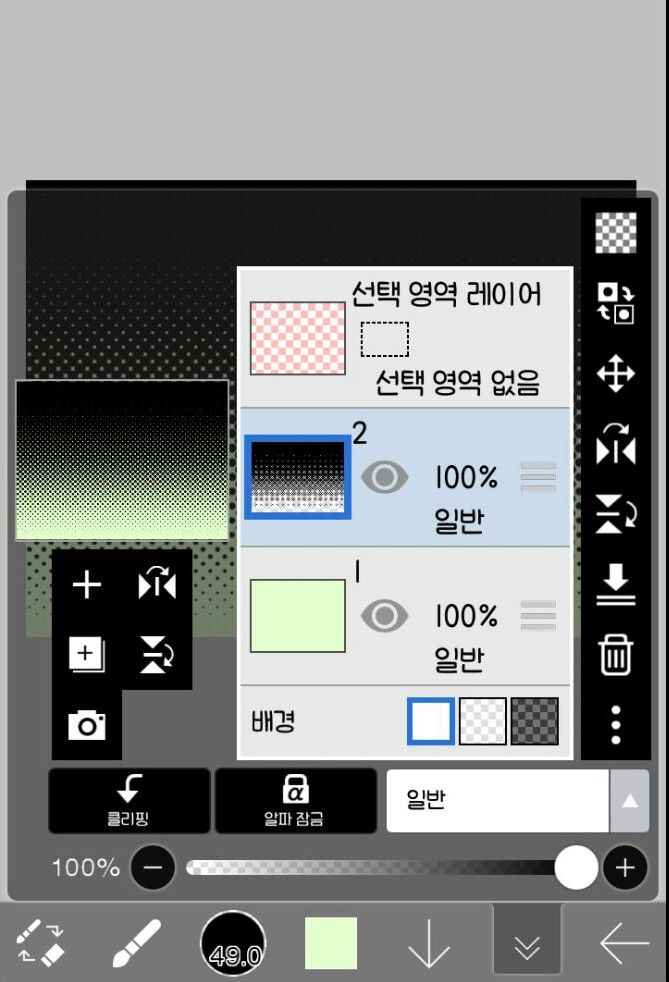
Now go into the layers
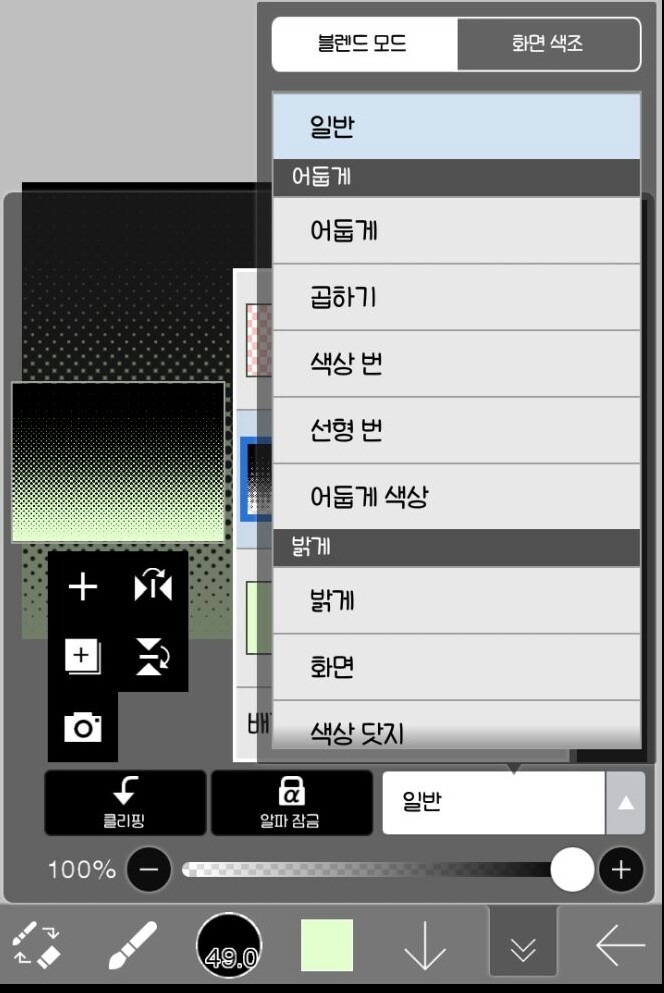
Click on the icon that says 'General' and has a shape like '△' next to it.
Click on 'Soft Light' that appears when you scroll down slightly!

Then it comes out like this
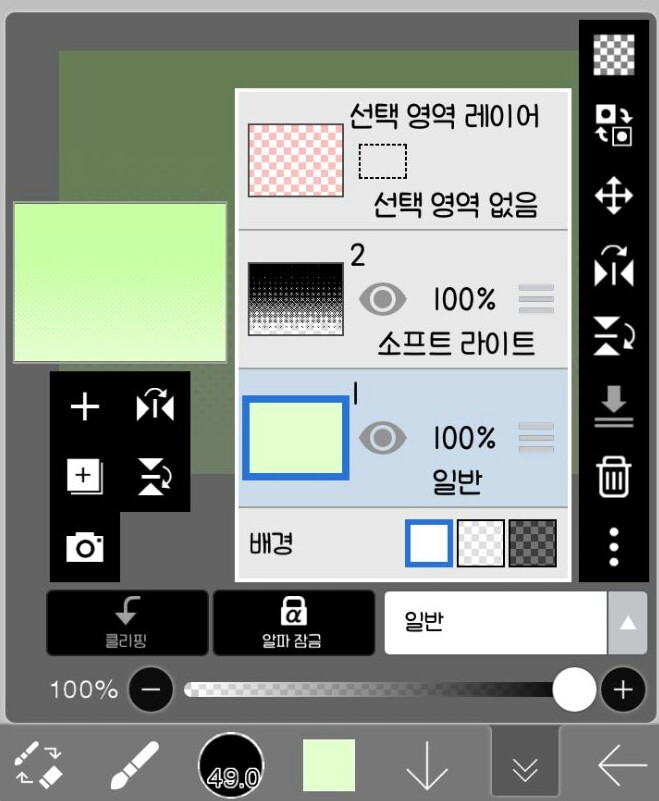
If the color is too light, click on the normal layer under the Layer → Pattern layer!
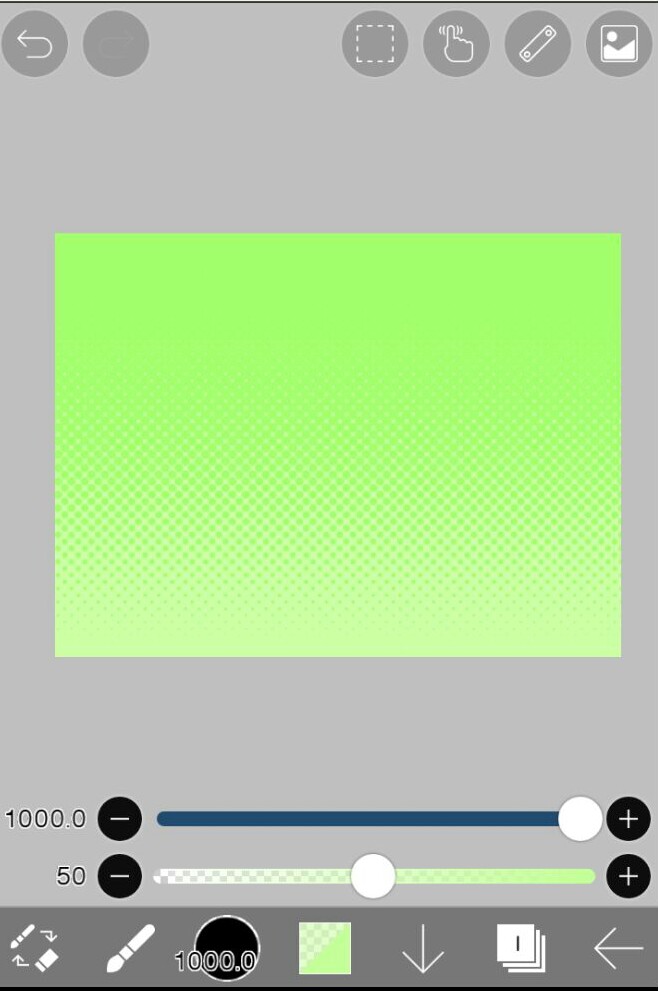
If you set the transparency to 50 and use a darker color and sweep it over the entire area a few times, the color will become darker!

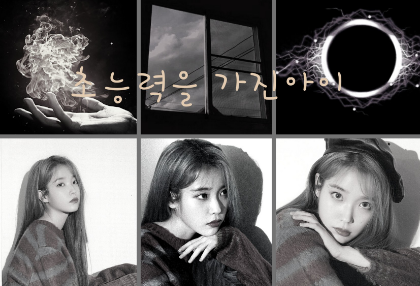
Something like this..?
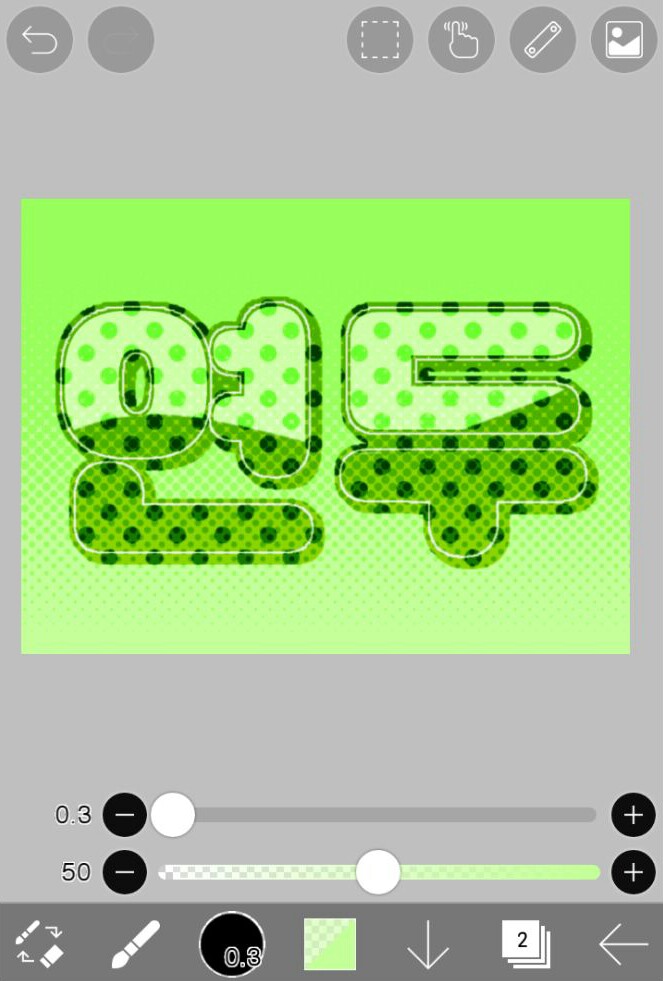
For the text, just write the desired phrase → color it and merge it, decorate the filter → add a layer → clip it, then select a pattern and adjust it!

Such a pretty application version!!
That's all, if it was helpful, please subscribe/rate/comment~!~!!~!



![I'll be your bodyguard [all year round] thumbnail](https://cdnetphoto.appphotocard.com/fanfic/1945746/197212/thumbnail_img_20220620220406.png)