
I am going to create an ibis paint logo.
Please click on my gallery.
 Click the plus sign below!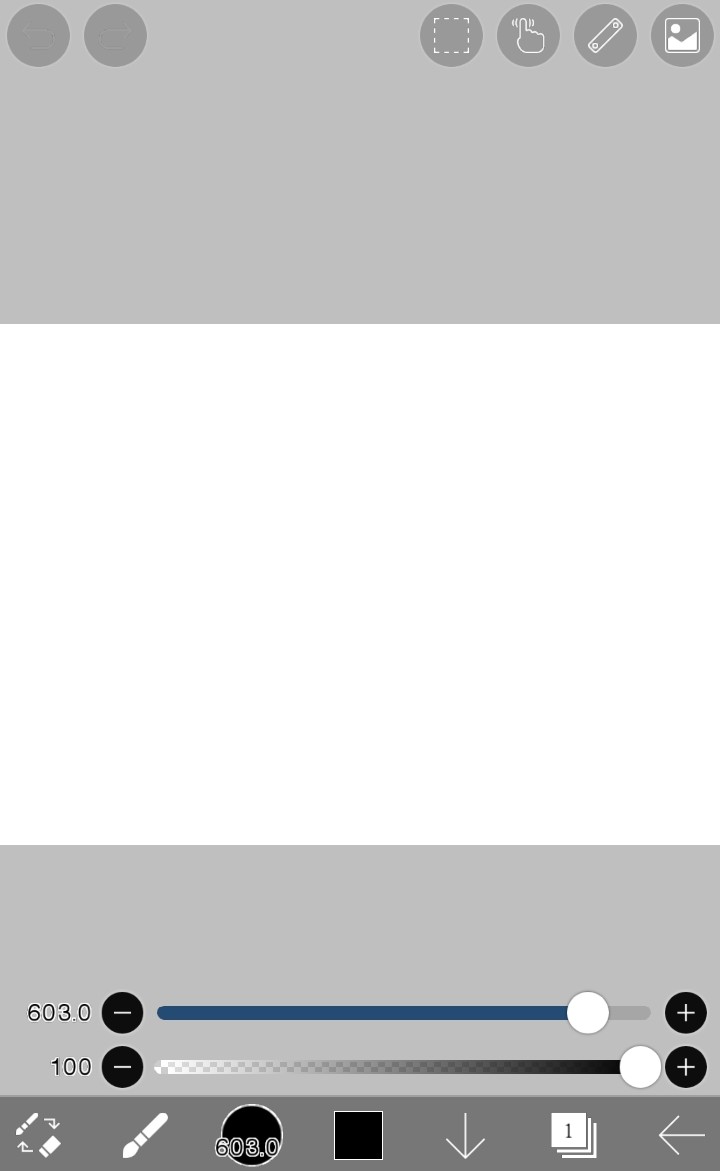
Please click the blush icon.
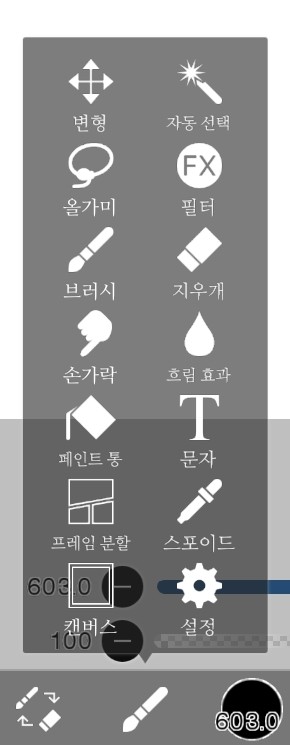
If it pops up like this, please click the text!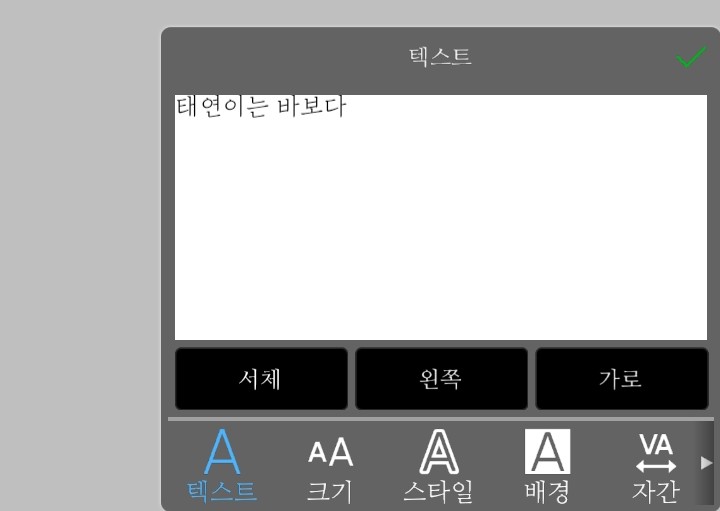
Please write a title or whatever you want on the texture!
And now I guess I should change the font.
After clicking the font, if you click the plus sign next to Korean
A Naver window pops up!

When the Naver window opens, please search for Naver Software.
If you click the link, the Naver Software window will pop up.

If it appears, search for "font" in the search bar
VariousThe font is appearing!
If you select a font and download it
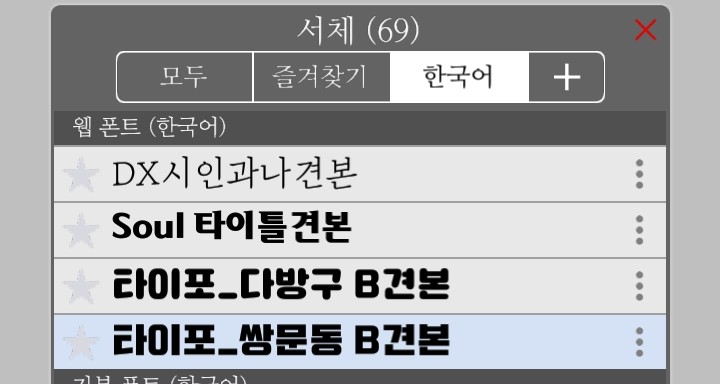
The font you downloaded will appear in the fonts!
After setting the desired font
Please close the font window and press the check mark.

After pressing the check mark → → → → → → → → → → → ↑↑
Please click on the one written as 2!
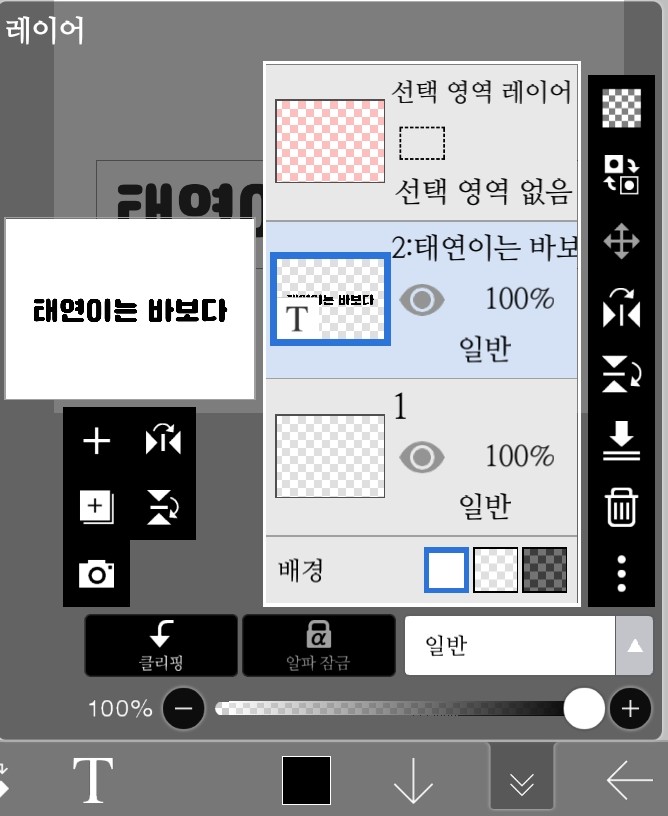 If it becomes like this
 Please click this
If you click, another window will open!
After clicking that window, please click Clipping.
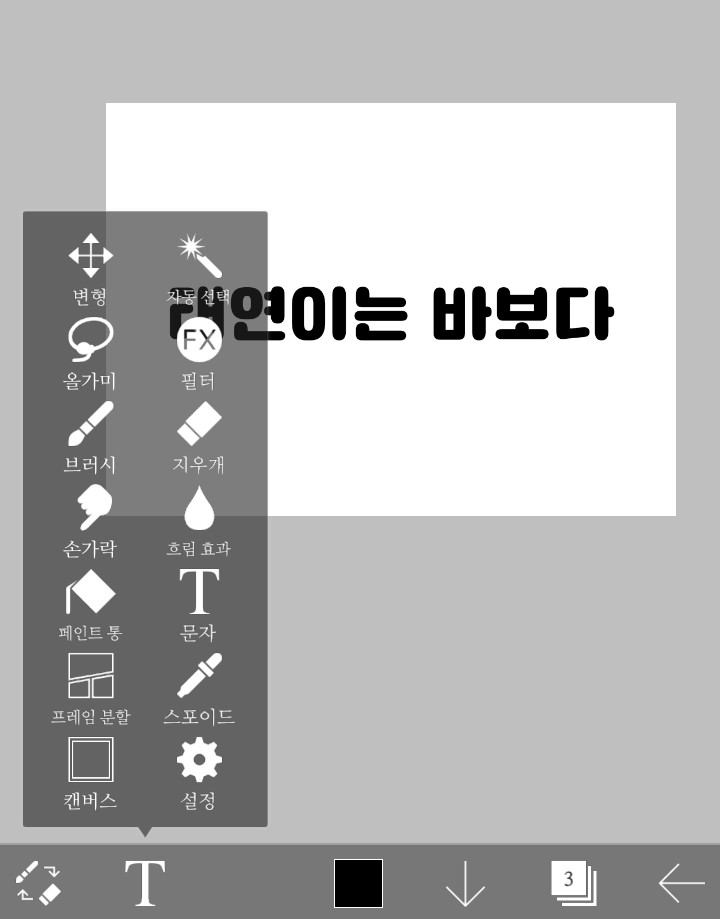
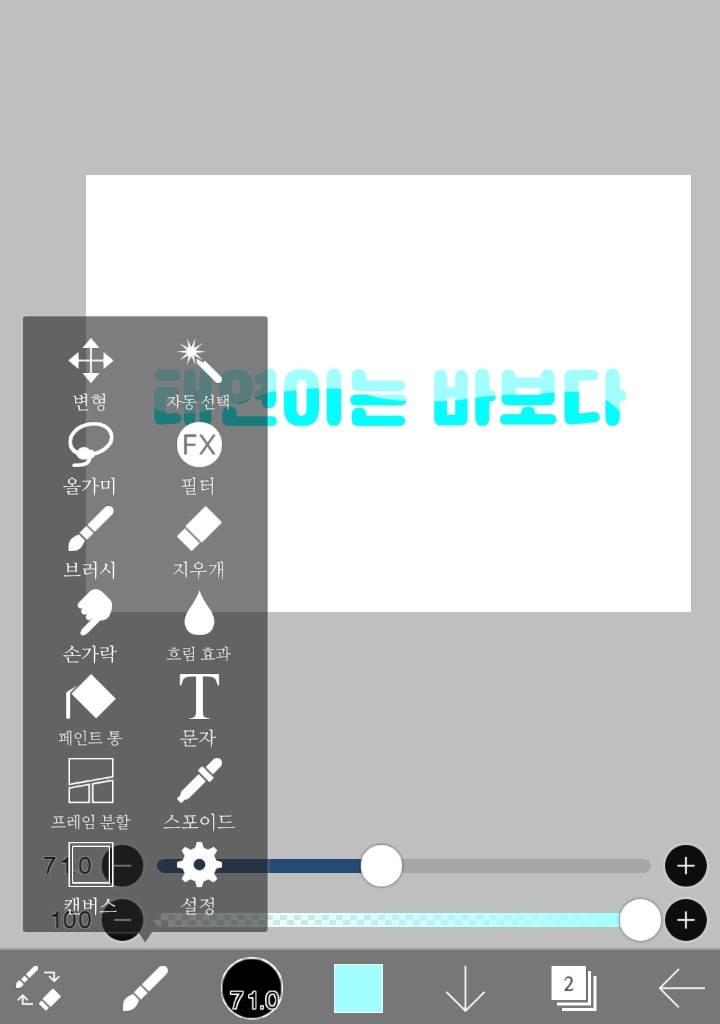
Click the brush here and
If you color it in

The text gets colored!
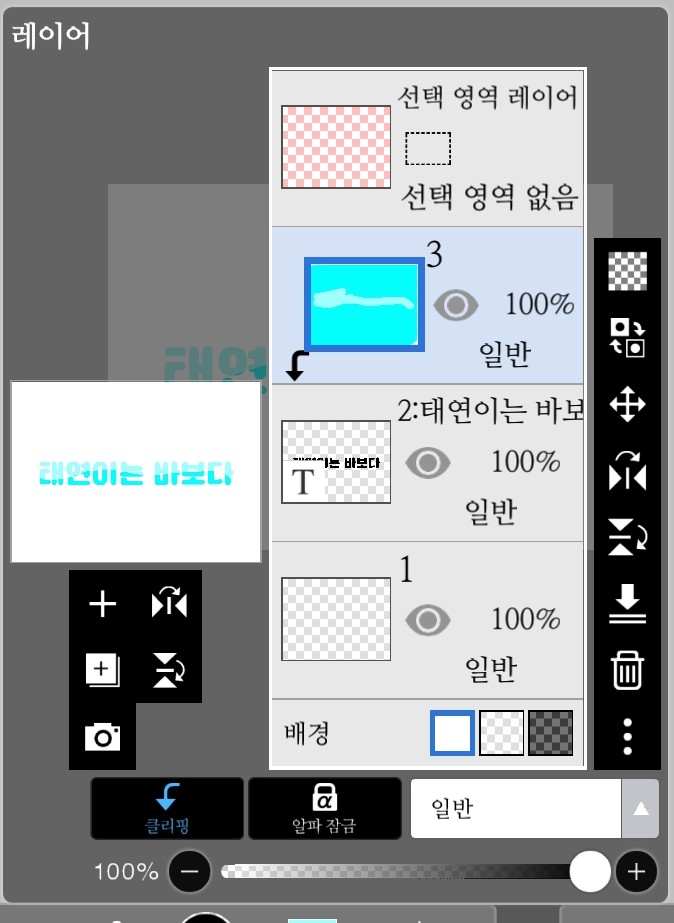
After coloring, go back to this window and If you click here
If you click hereLee Doo-chang combines!
Once you're done, go to Filters, click Style, and decorate it!