
It'll probably be simple! First, please prepare the logo you created in the third period.
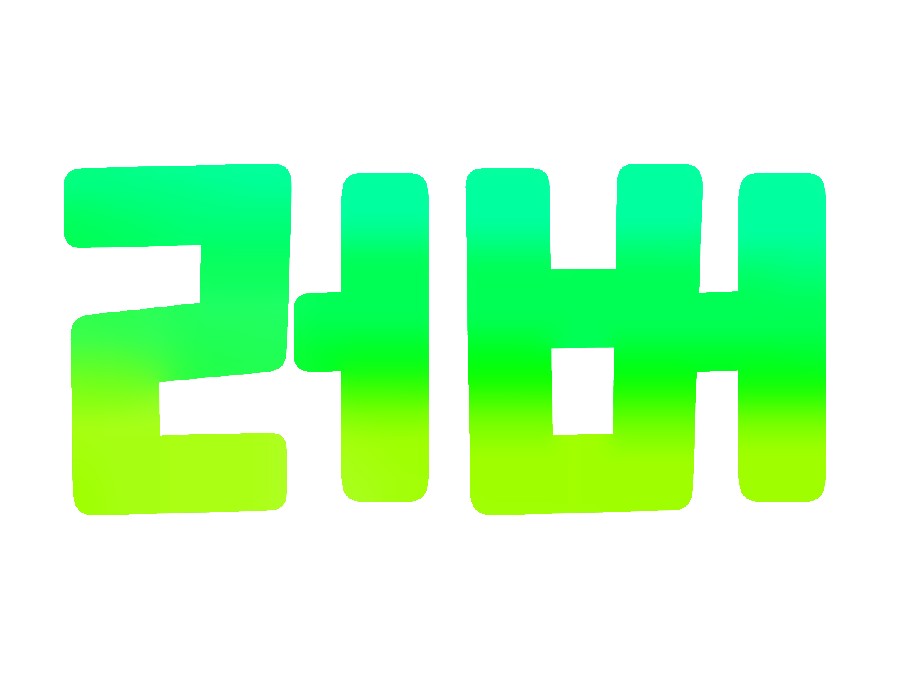 I'm going to add a shadow to this logo.
finished work
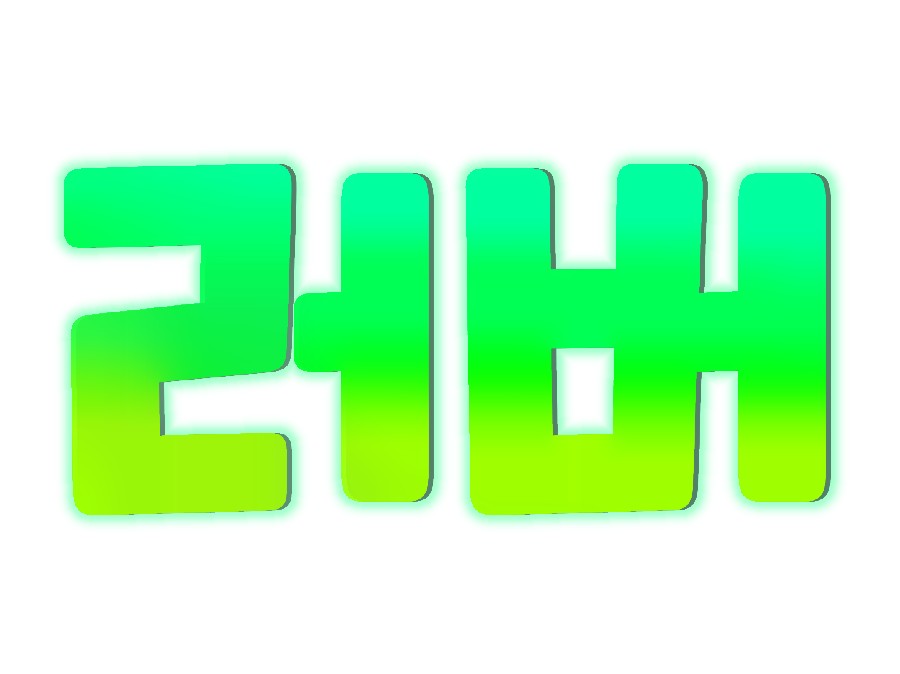
Then let's go make it right away. This time it's easy~~♥
Materials - Ibis, logo created during 3rd period
First, prepare the logo.
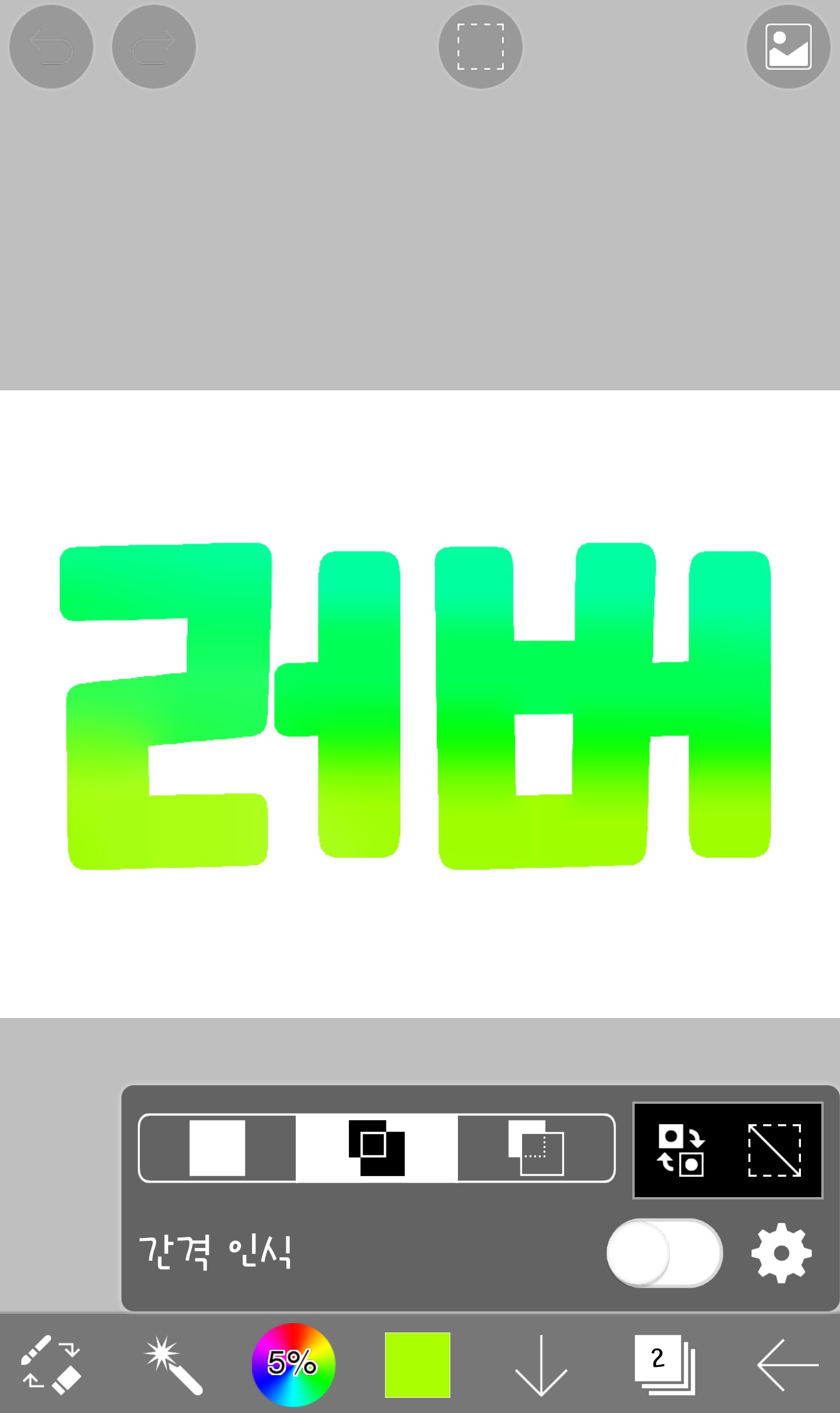
What I made in the 3rd period is still there...;;
And press the brush (refer to lesson 1)
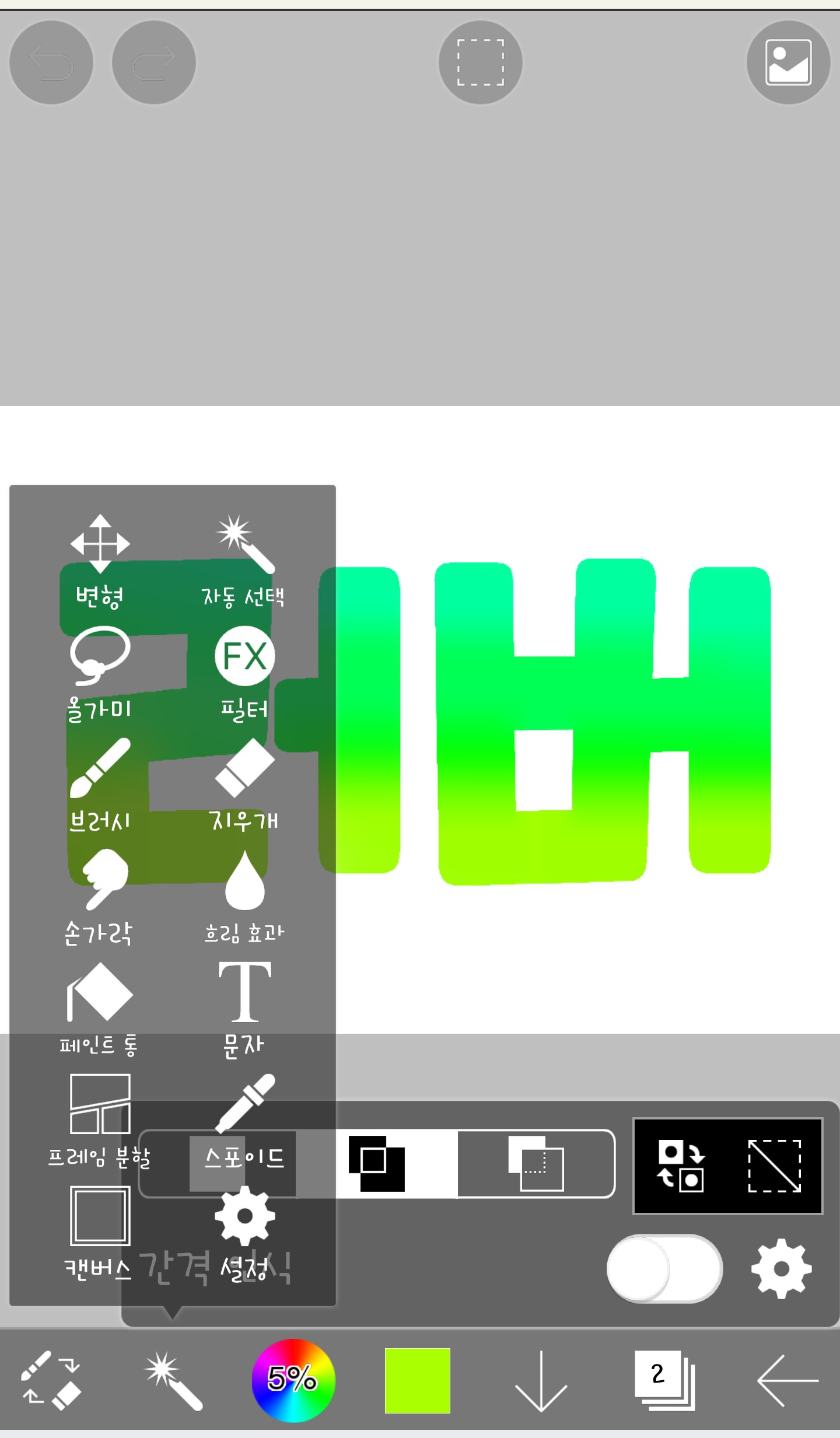
If this many appear, please select a filter here.
Then it will appear like this
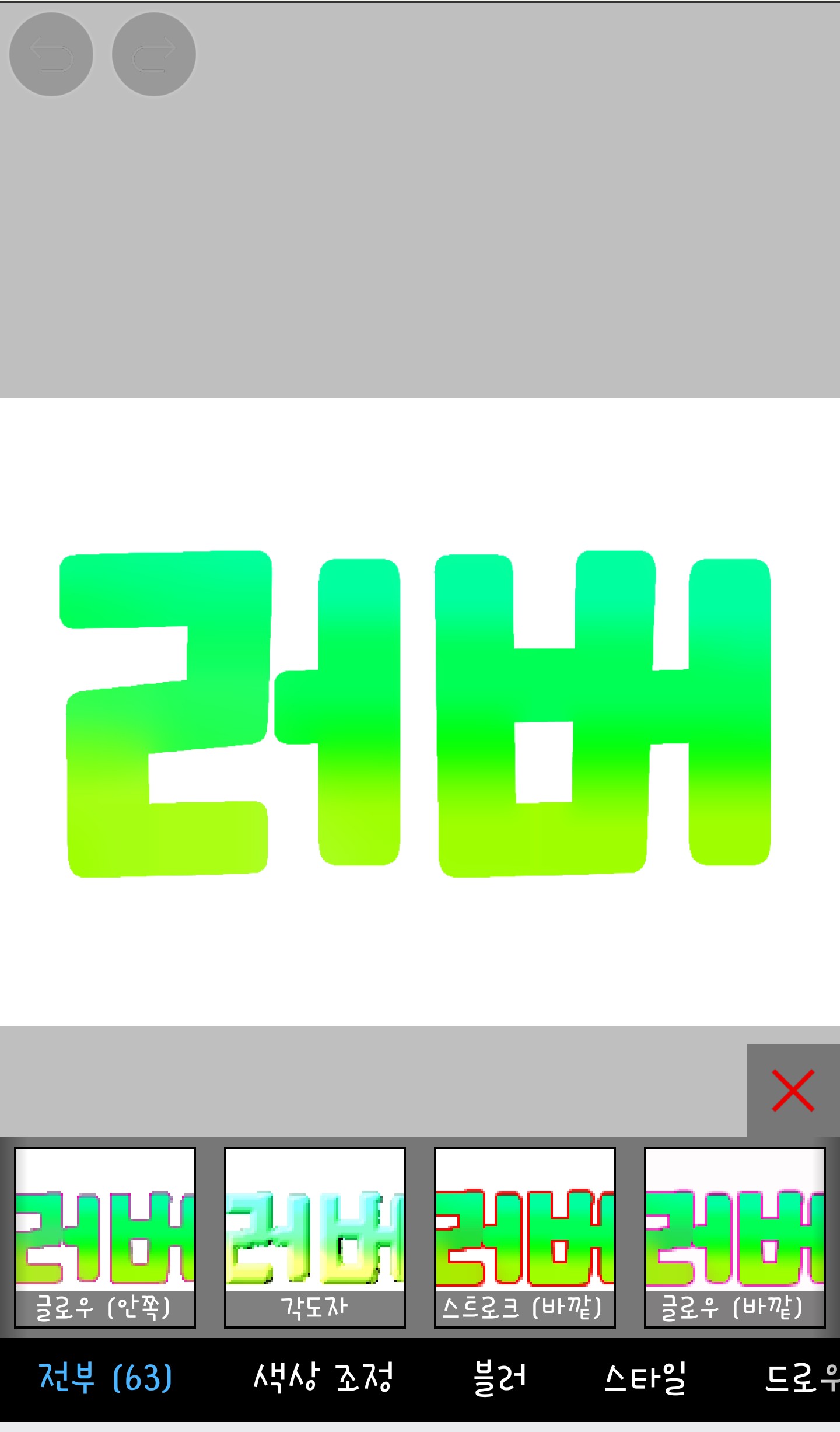
If you scroll to the right, you'll see a lot of them.
I [stroke (outer), glow (outer), drop shadow]
I use it a lot
Select the drop shadow to create a shadow.
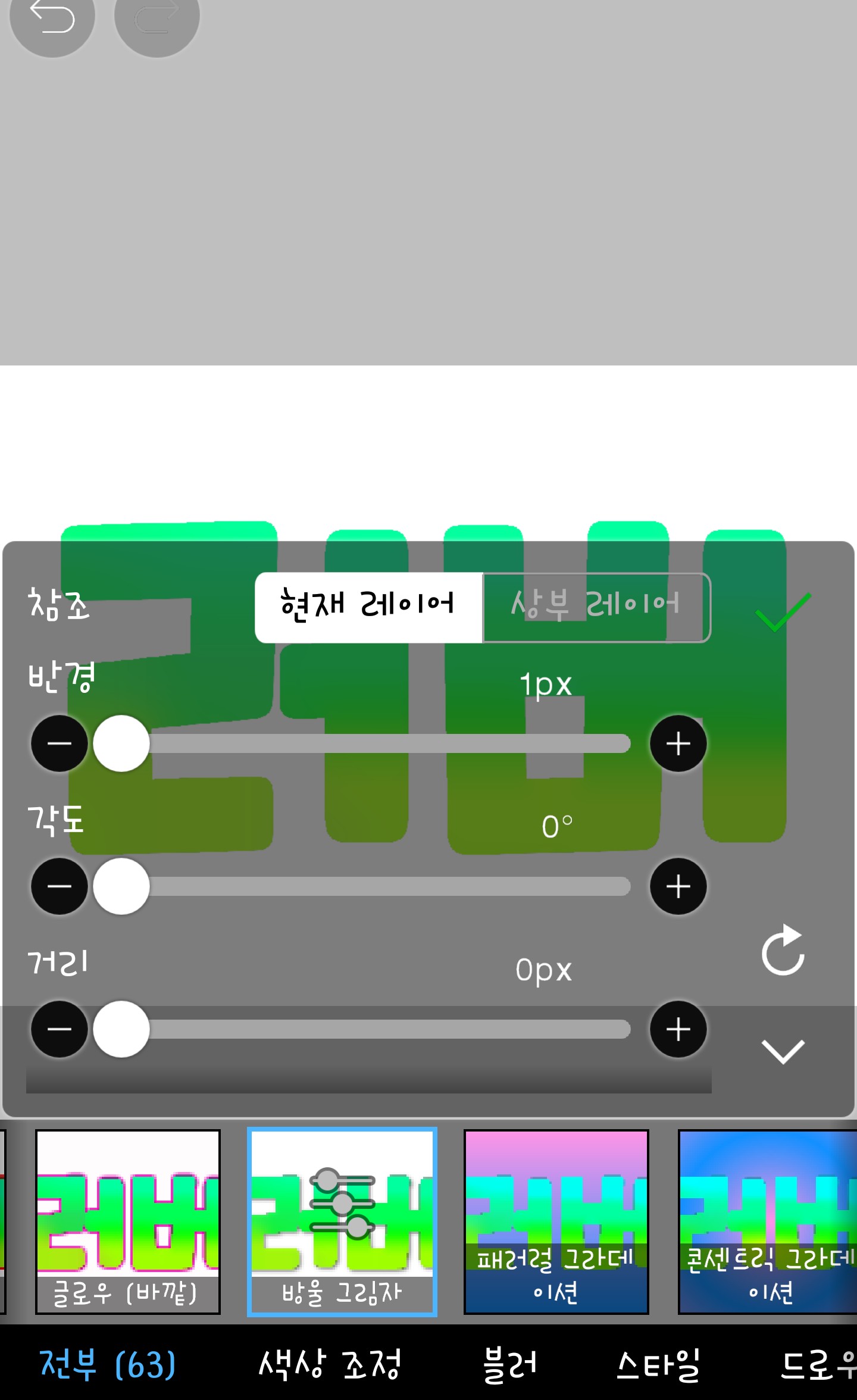
When you click on the drop shadow, it appears like this.
Radius is the sharpness of the shadow?
I mostly use 1
The distance is the location of the shadow?
I often use 0, 360, or 180
The street is literally a street of shadows.
I tend to use 1~25 a lot.
Let me show you with an example.
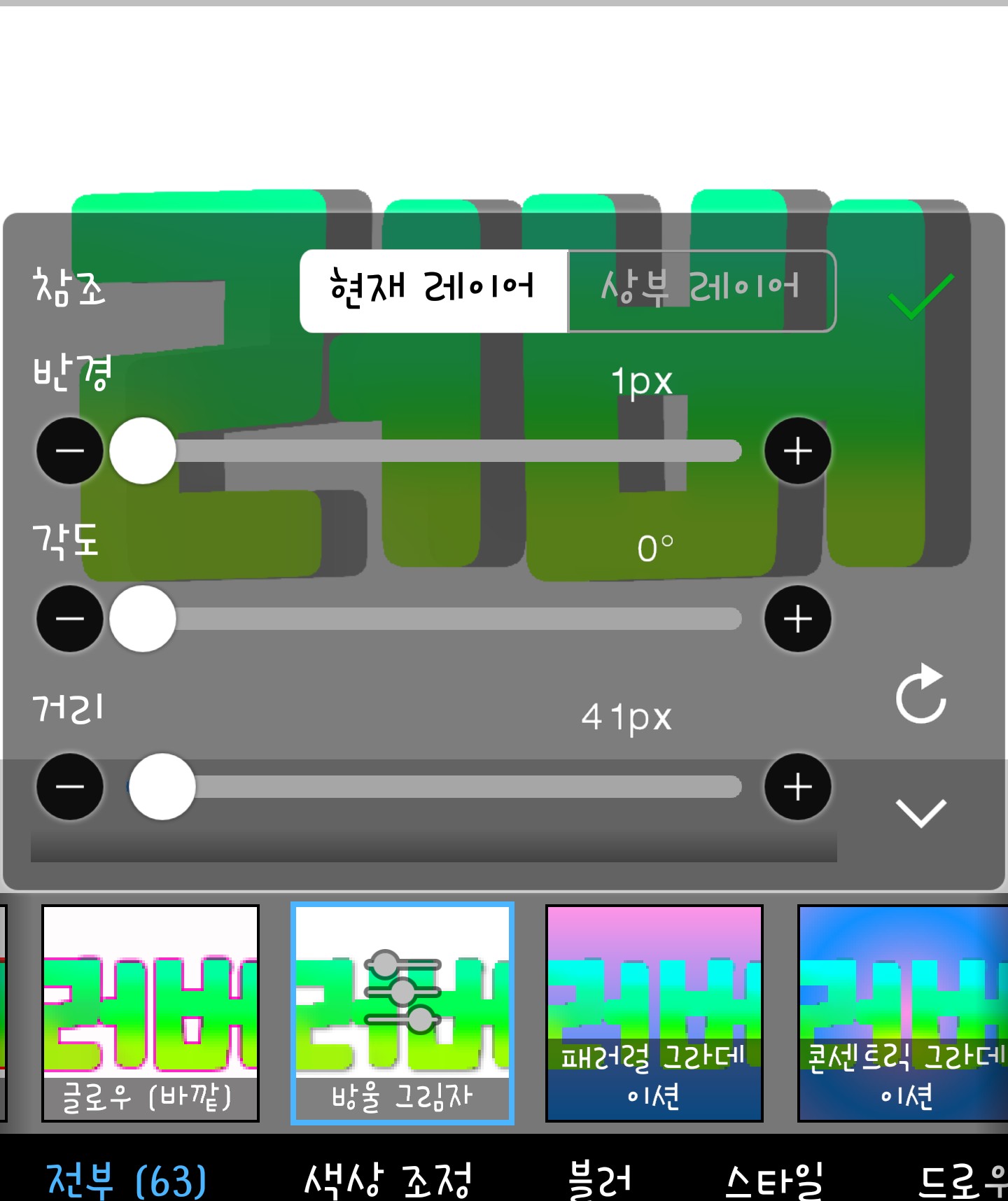
Radius 1 is definitely clear, right?
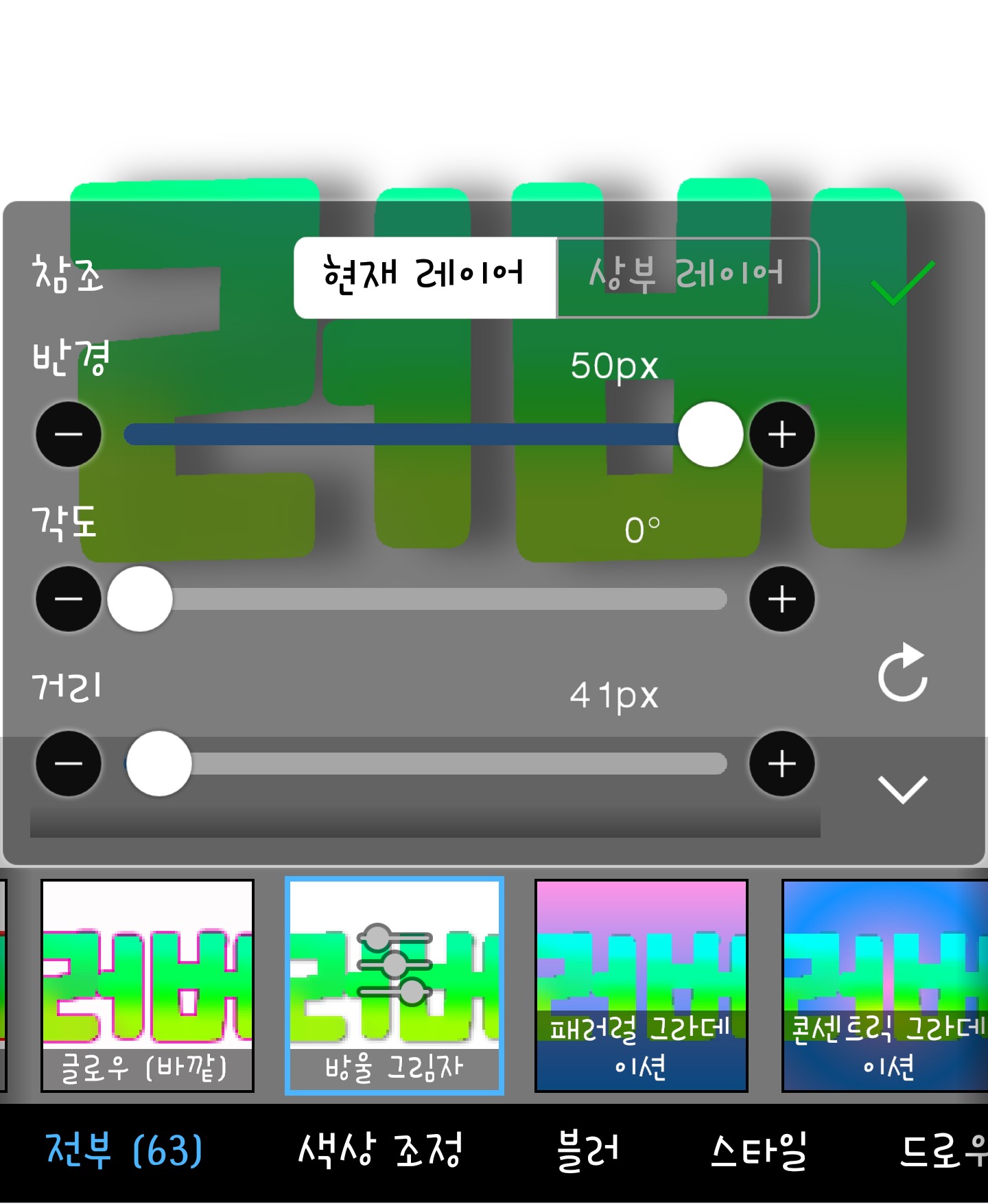
I don't think a radius of 50 is used much.
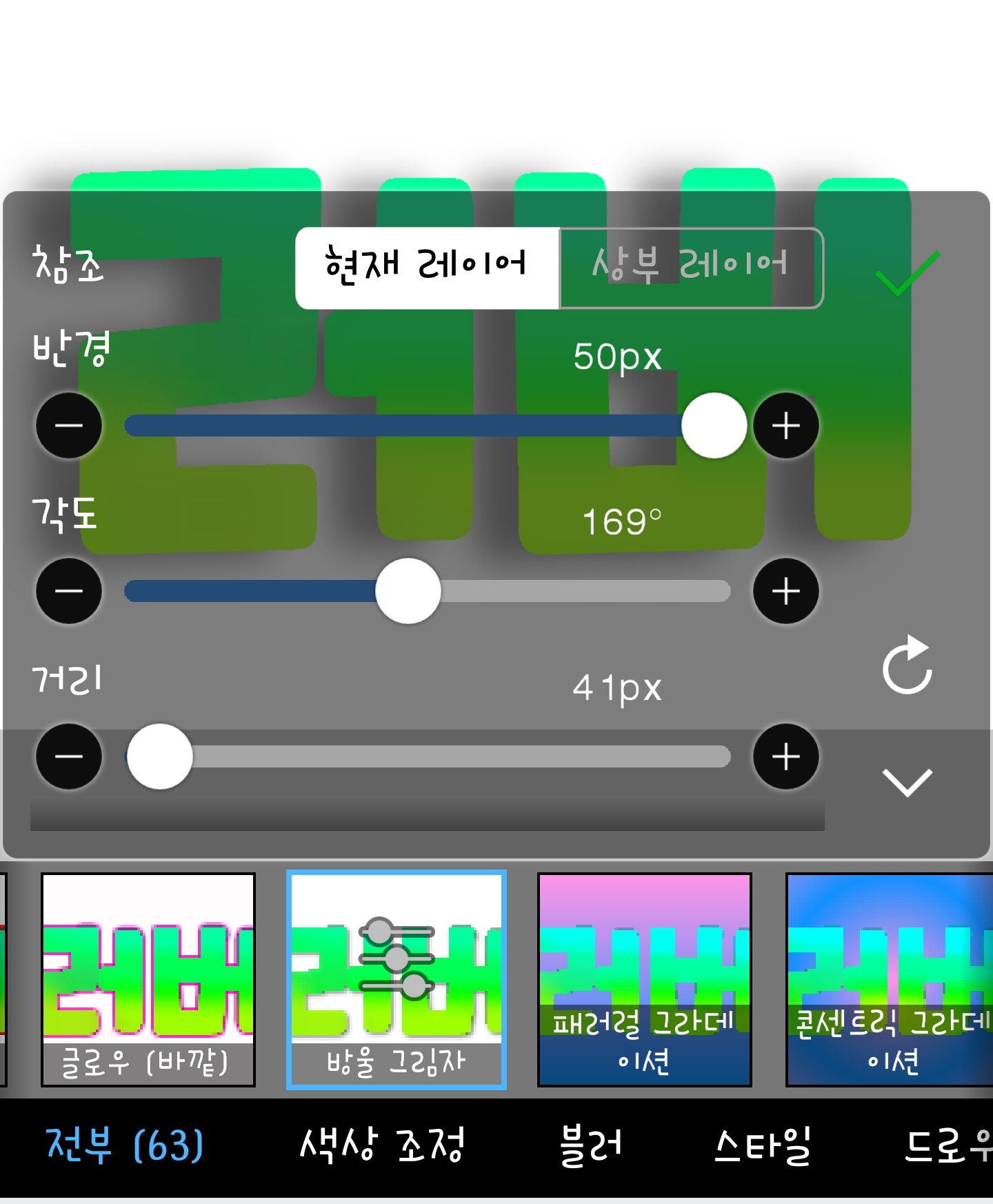
Ta-da~~ The shadow's position has changed, right?
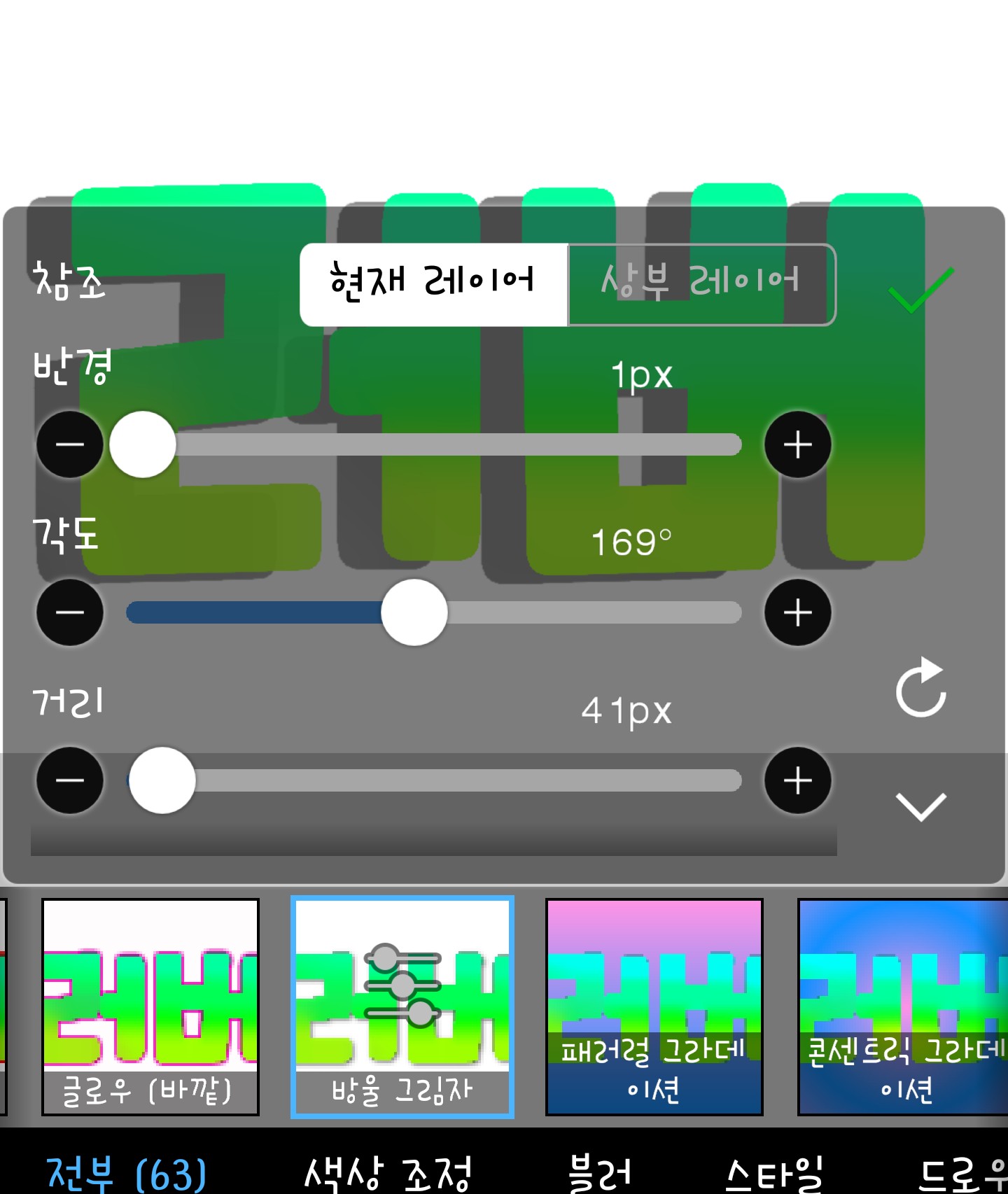
If you do it like this with a radius of 1, it's beautiful in itself!!♥
You can do it like this to suit your taste.
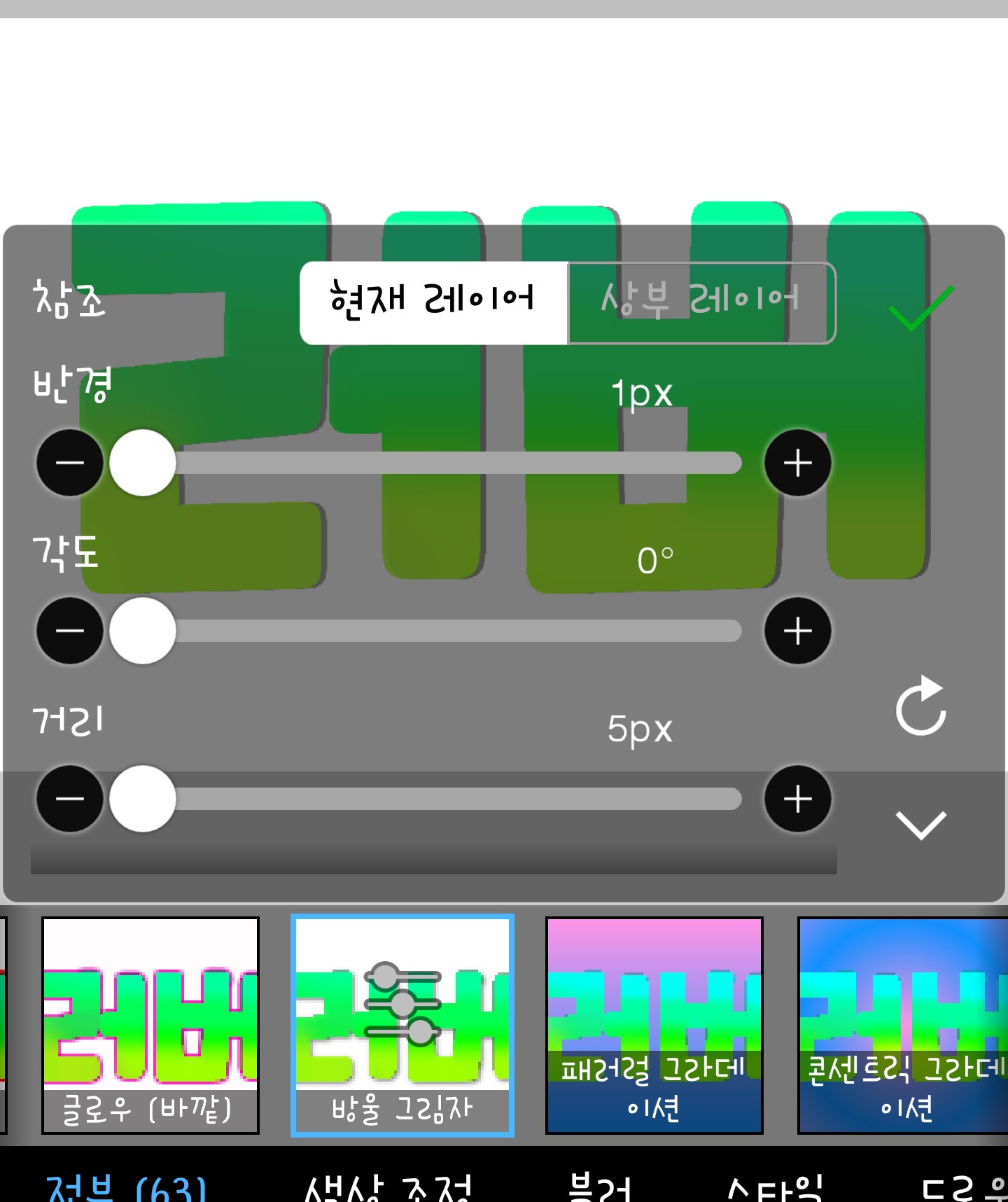
I set the radius to 1px, angle to 0°, and distance to 5px :)
It's pretty up to here, but...the portion is a bit small
I prepared it because I thought it was small.
After adjusting everything, please press ✅

Then it will pop up like this again, but this time, press Glow (outside).
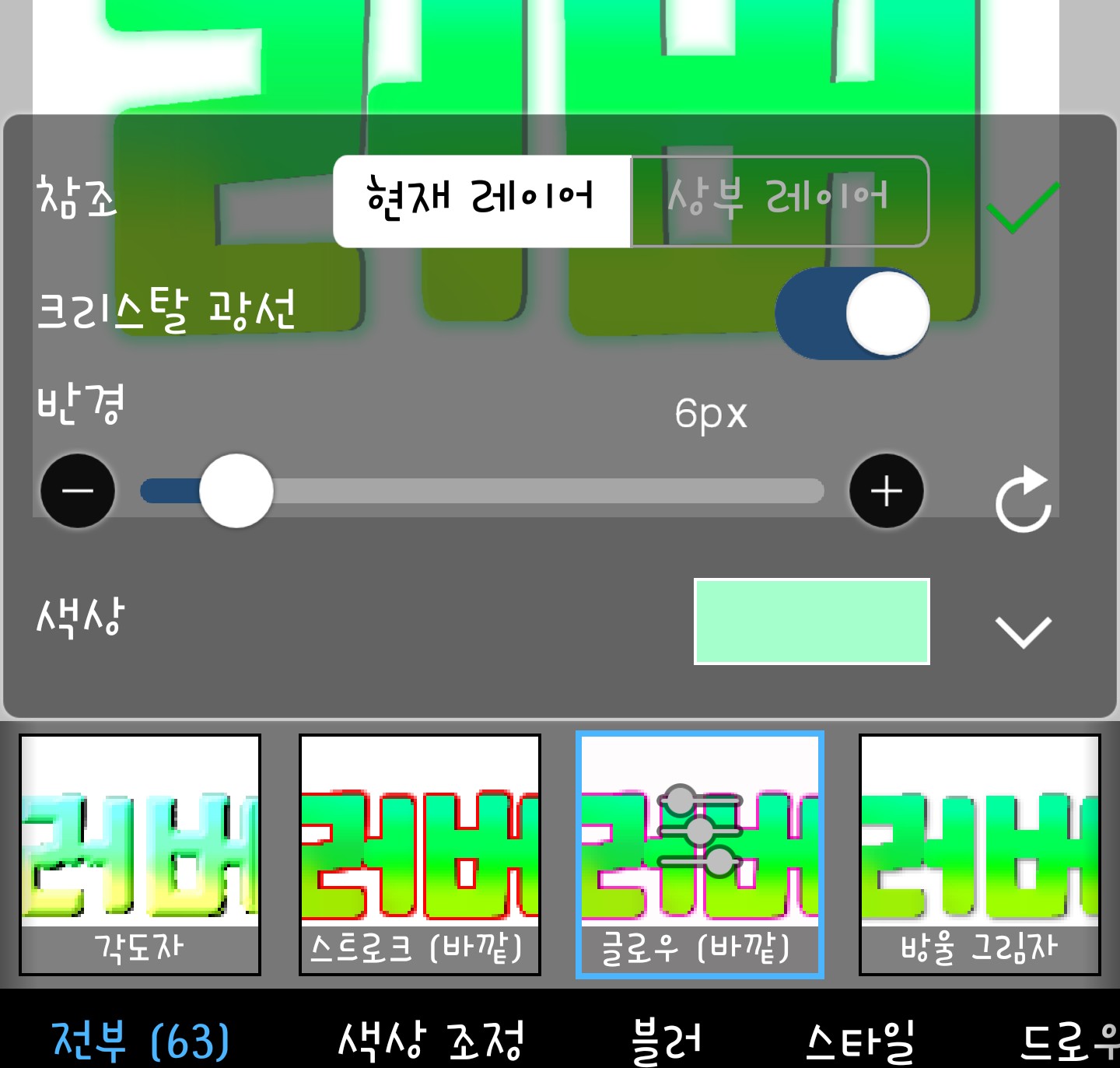
Here the radius is the width of the glow crystal beam, I'm not sure exactly, but it seems to come out a bit pointy
First, please select a color from this box.
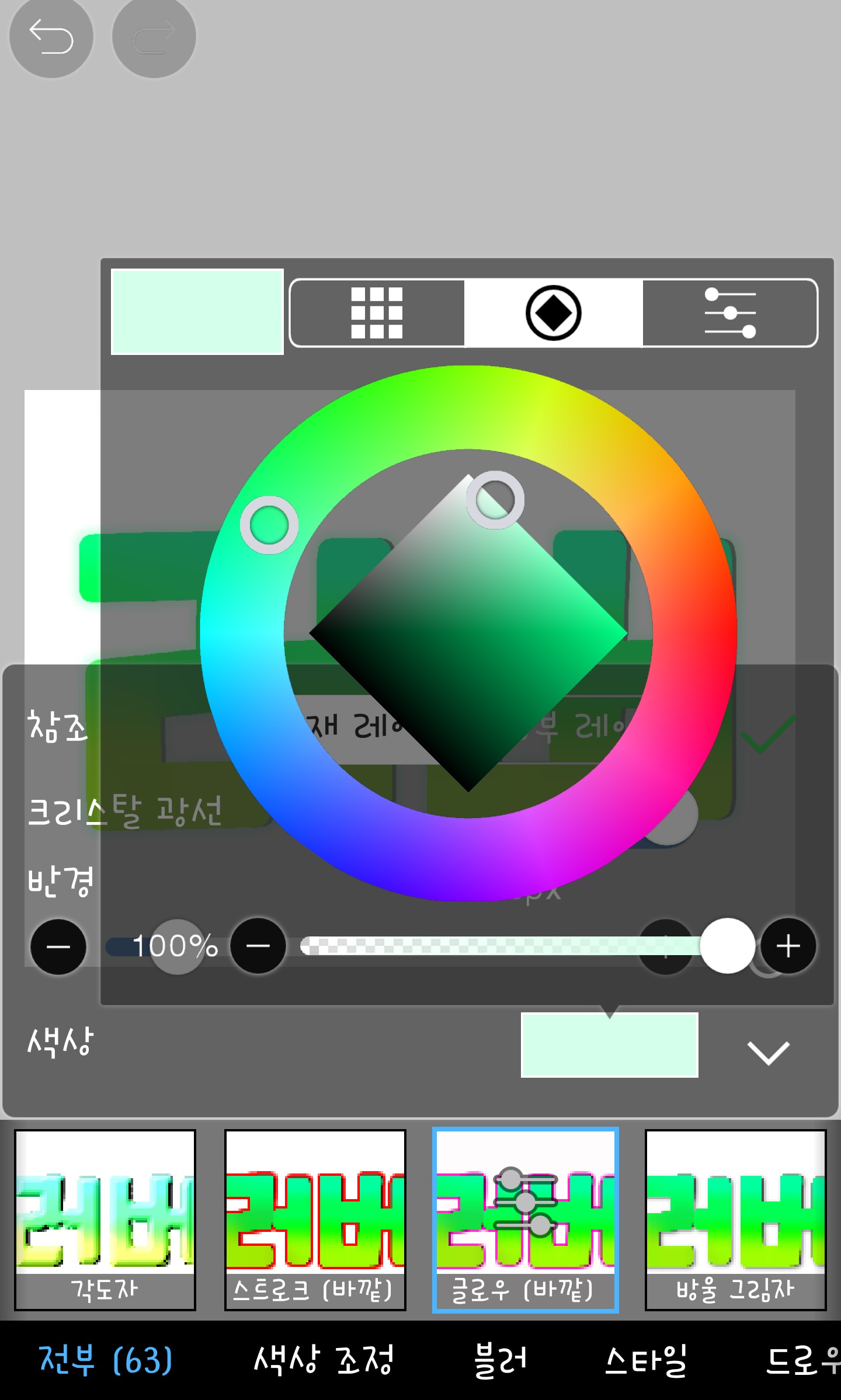
This color will be a glow color :)
If you adjust both the color and radius like this...
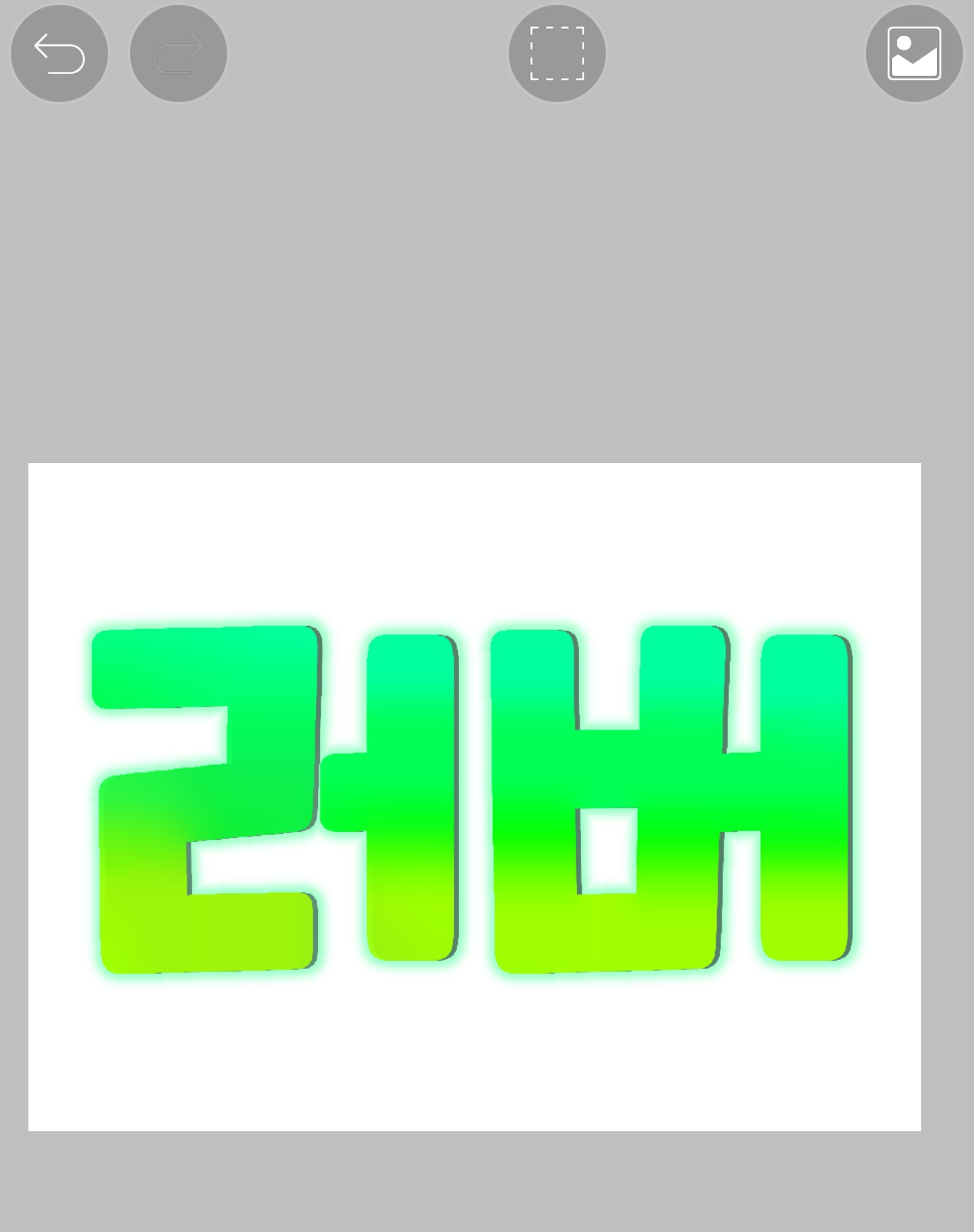
Ta-da~~ It's complete. If you zoom in, you can see

Haha the glow is a bit light so I'll make it a darker color
I think it would be good
In the next episode, we'll use a filter called Stroke (Outside), which we didn't use today. A preview wouldn't be a bad idea, right? Haha
Today's homework-------------
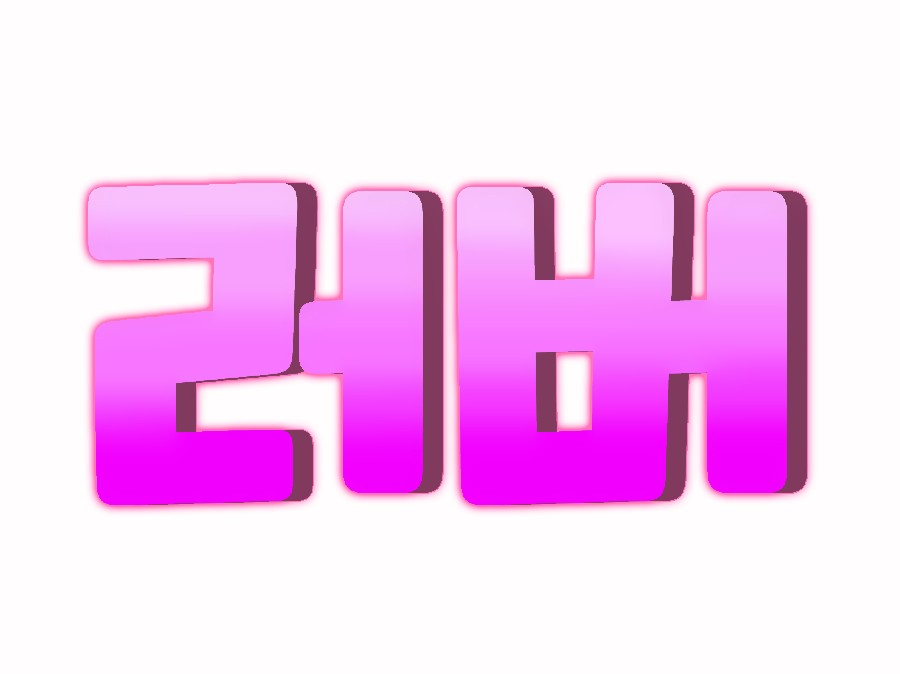
1. Drop shadow - angle 0° radius 1px distance 20px
2. Glow (Outer) - Crystal Ray x Radius 6px
Color pink (free)
If you use a dark color like this on the drop shadow, the shadow will also have some color!!><
You worked hard today too.. See you at 5th period ♥