
I'm sorry....n.g.
----------------------
I'm going to make this today!

Here's a way to write on a dark cover!
Then let's go right away
~~~~~~~~~~~~~~~~~~~~~~~~~~~~~~~~
What to bring - Ibis X, Letter Pang Pang (You can bring the logo you made in 3rd period since you're only going to make the letters!)
First, load the text.
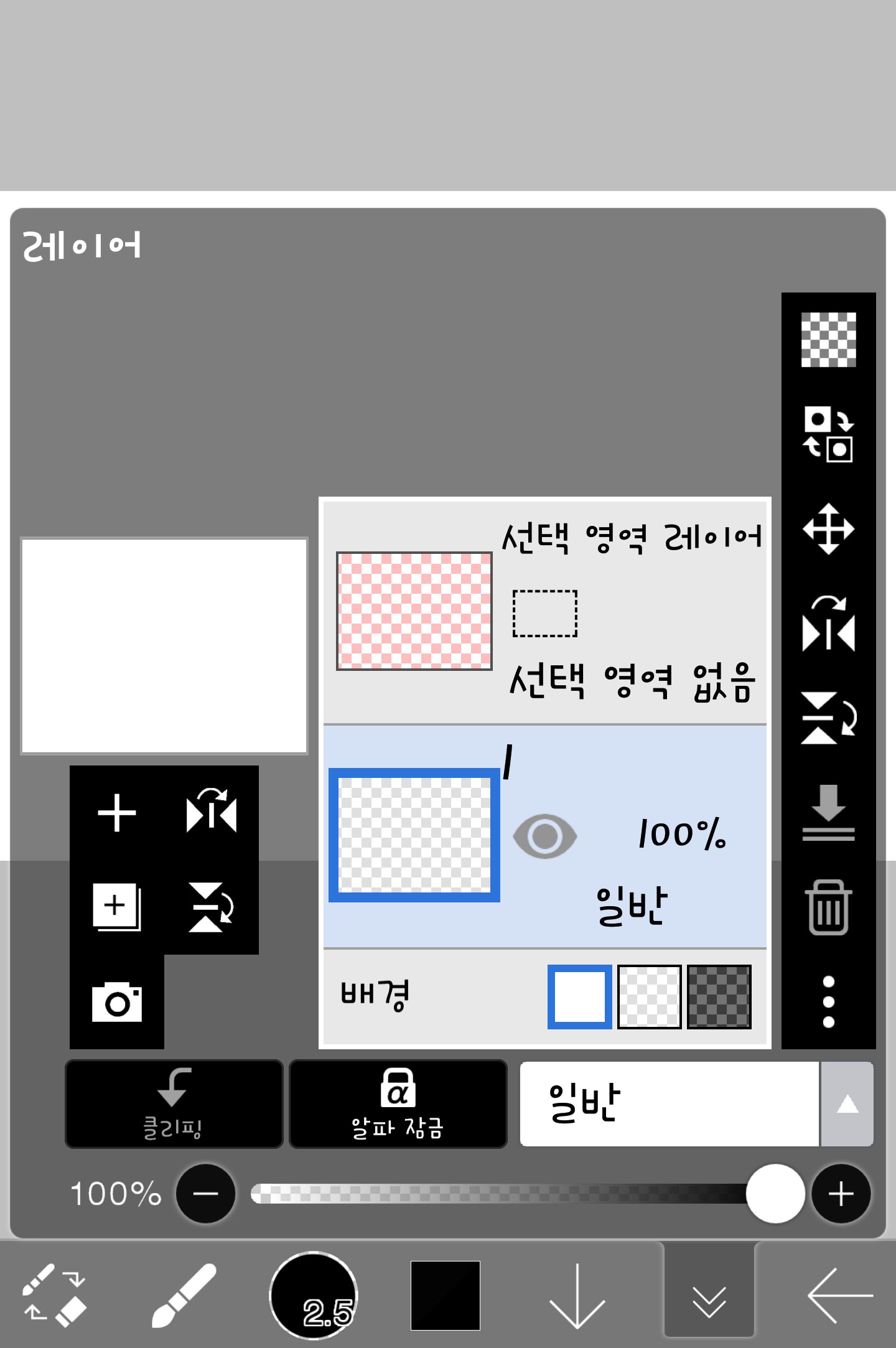

(It looks black because I saved it as transparent ㅠ)
If you had called me like this

Please press V
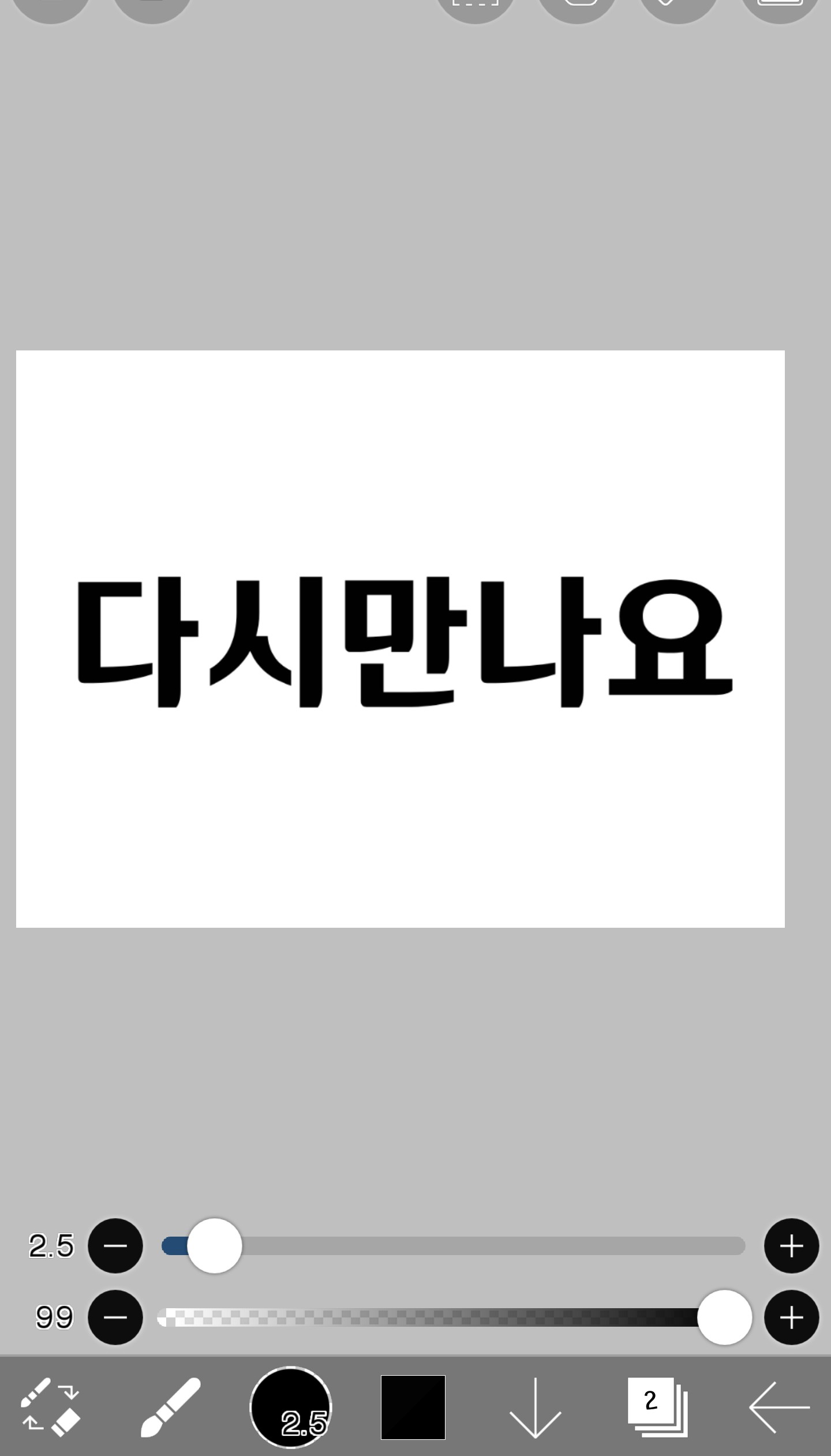
☆☆And when you press the brush, a box will appear, so please select the lasso here.

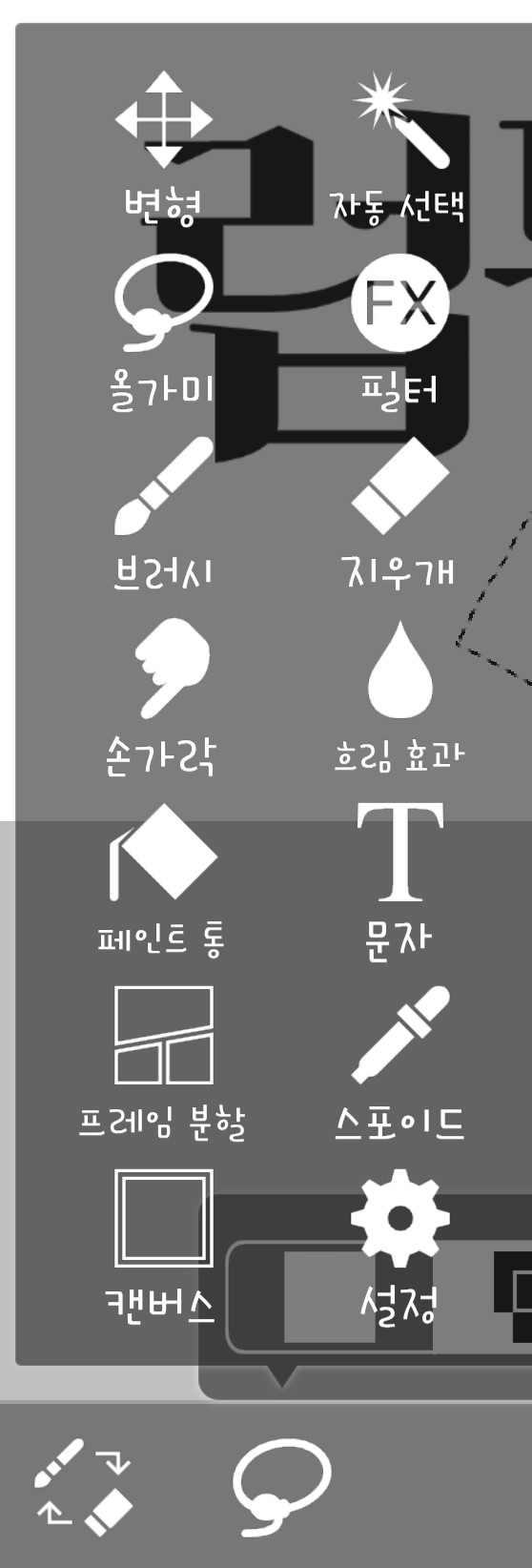
This trap is useful, so it's good to know it in advance.
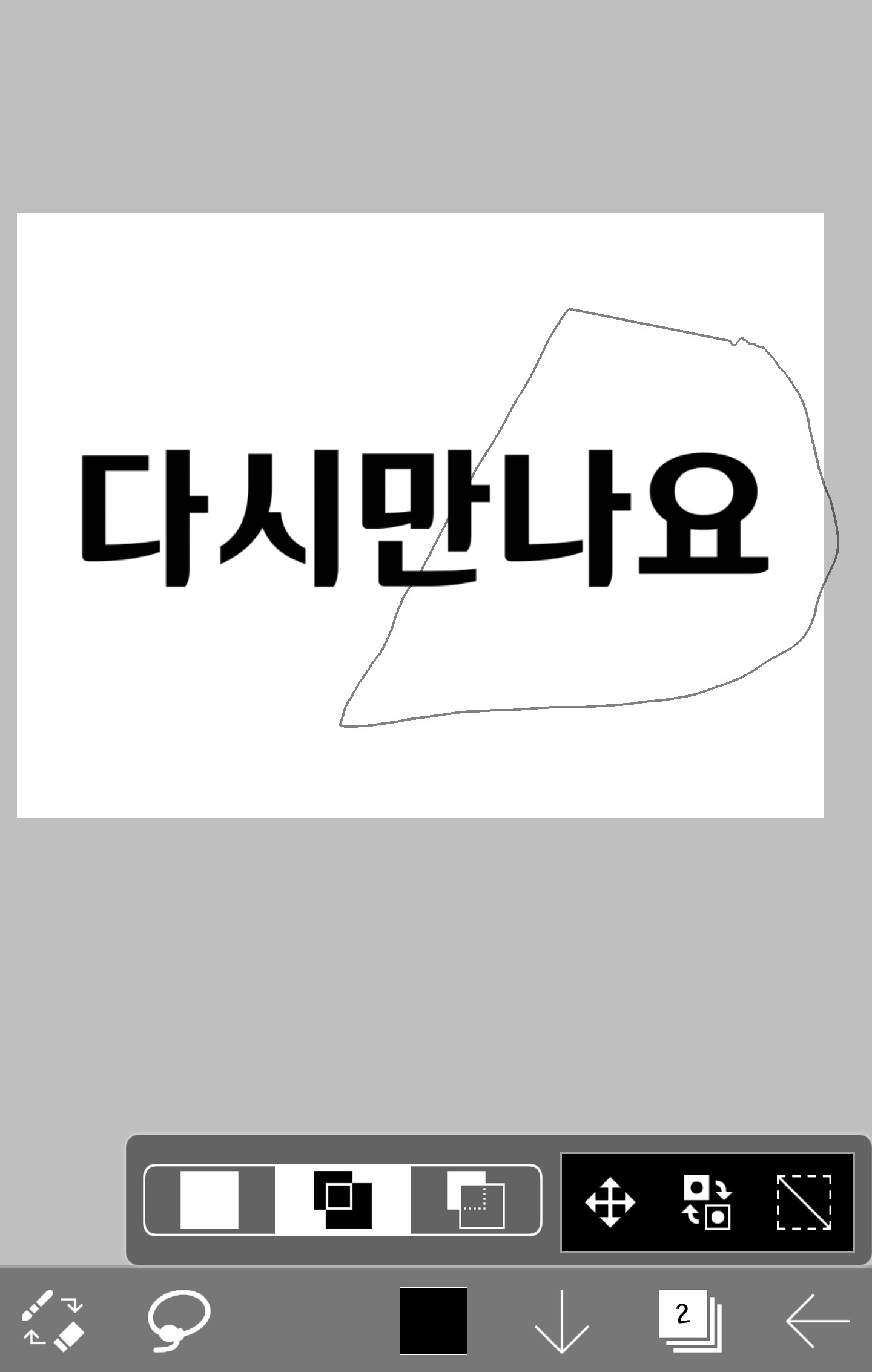
If you choose like this with a trap
Only this selected part can be moved here

If you press this, you can move it.
I moved it like this
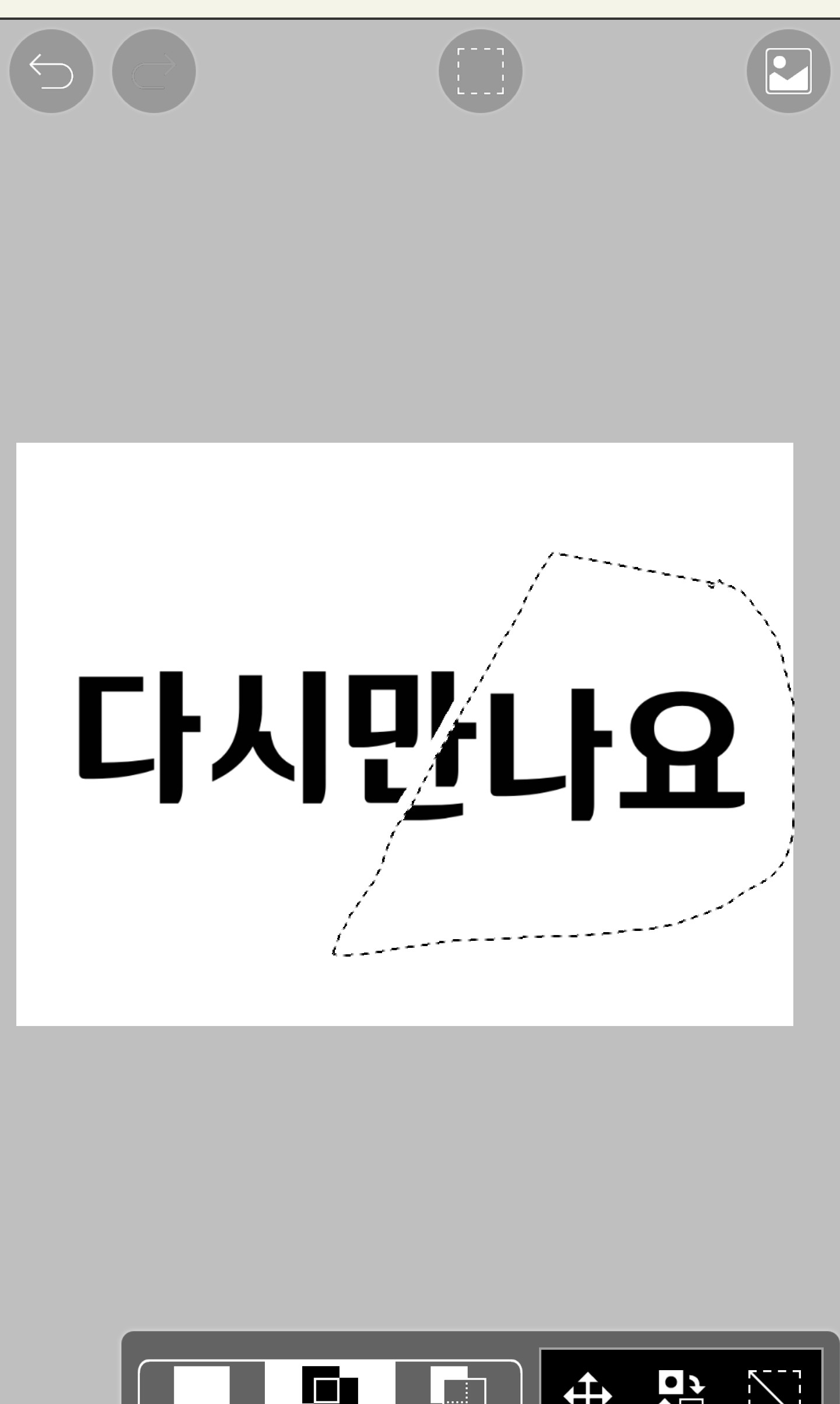
And if you press this, the dotted line will disappear
Now let's move a little more


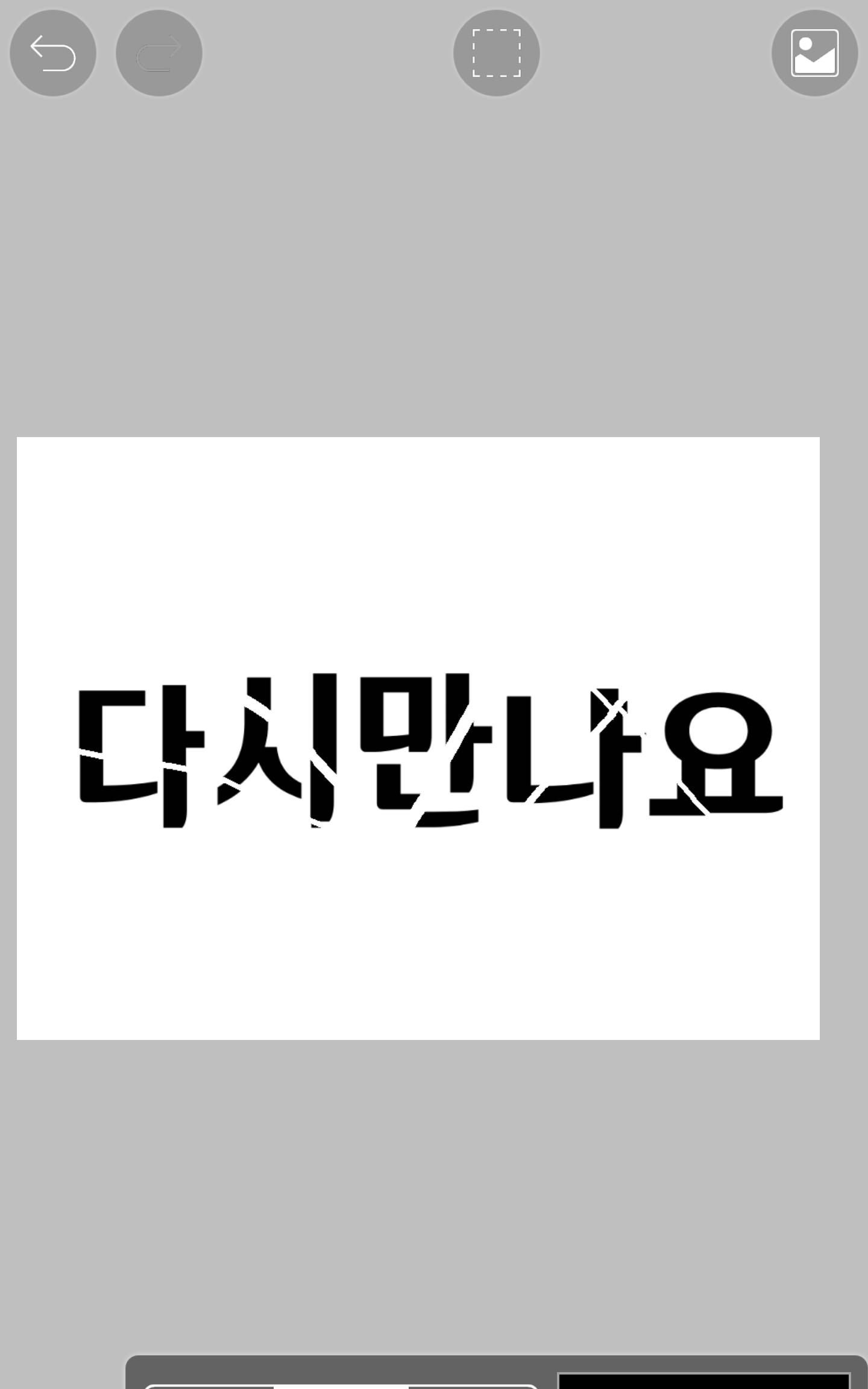
I did it like this and then went into the layer

Then it would be like this
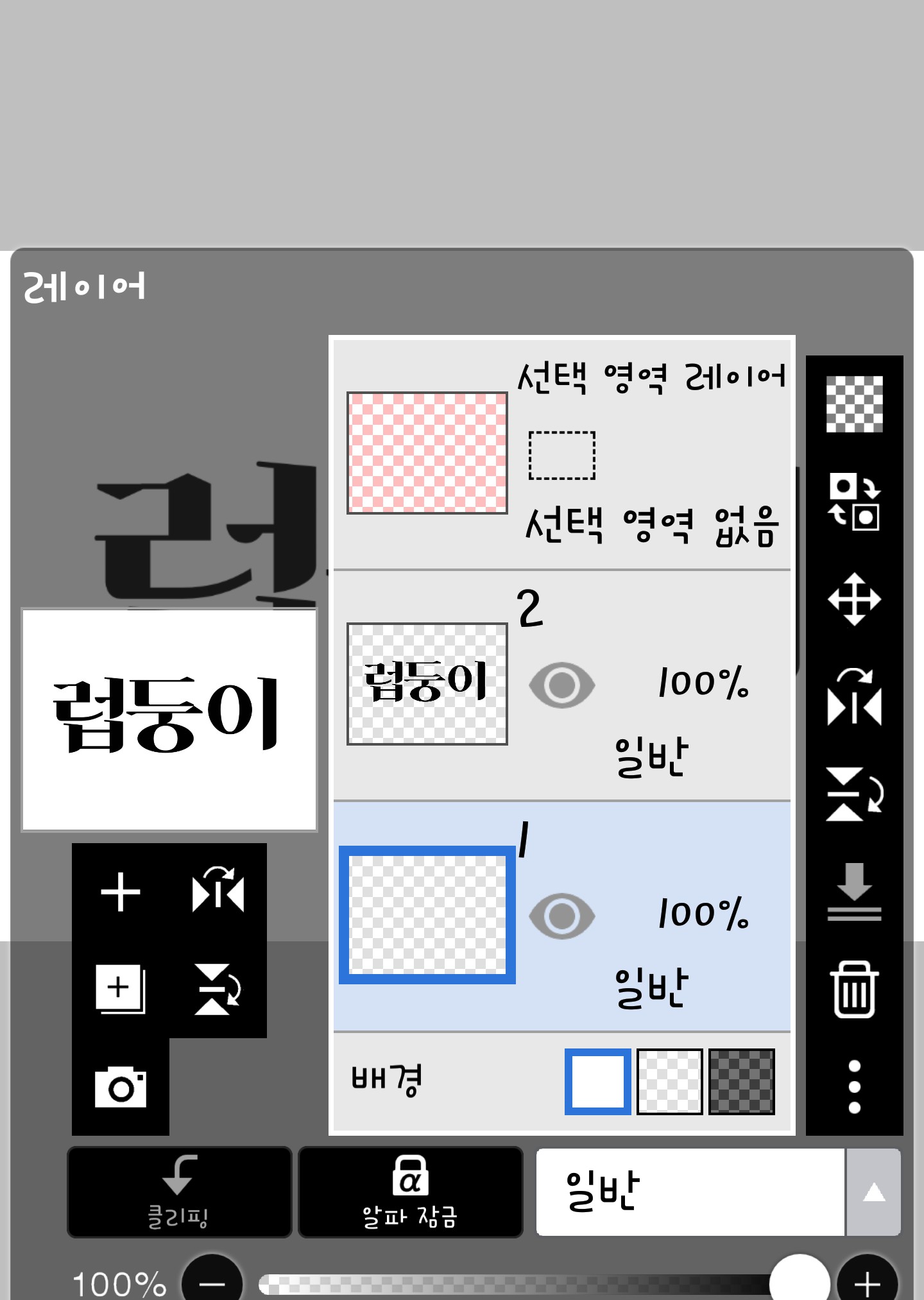
(It's a failed work, so it's called Lovedungi..)
Then, click on the layer below the text and paint it...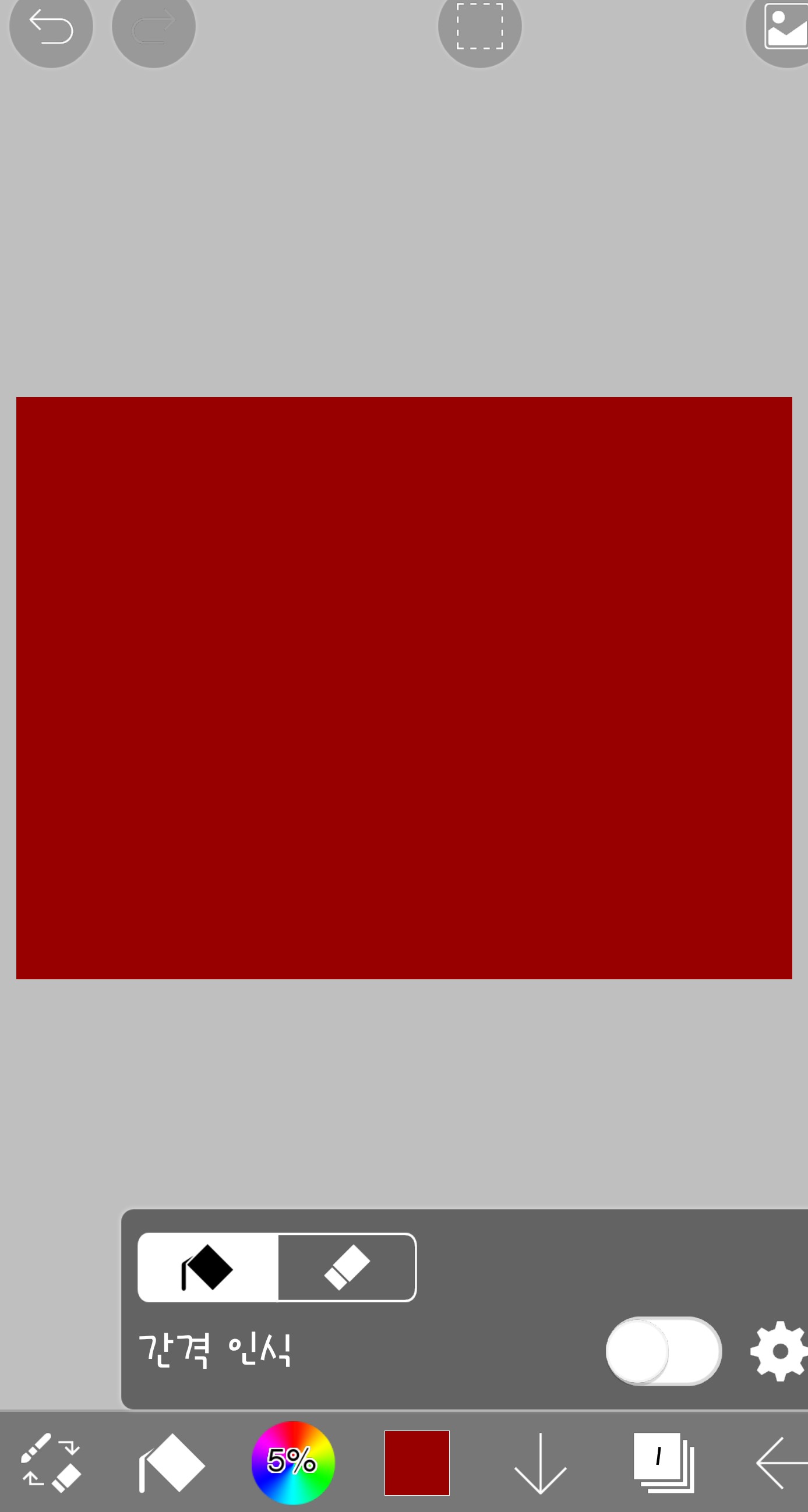
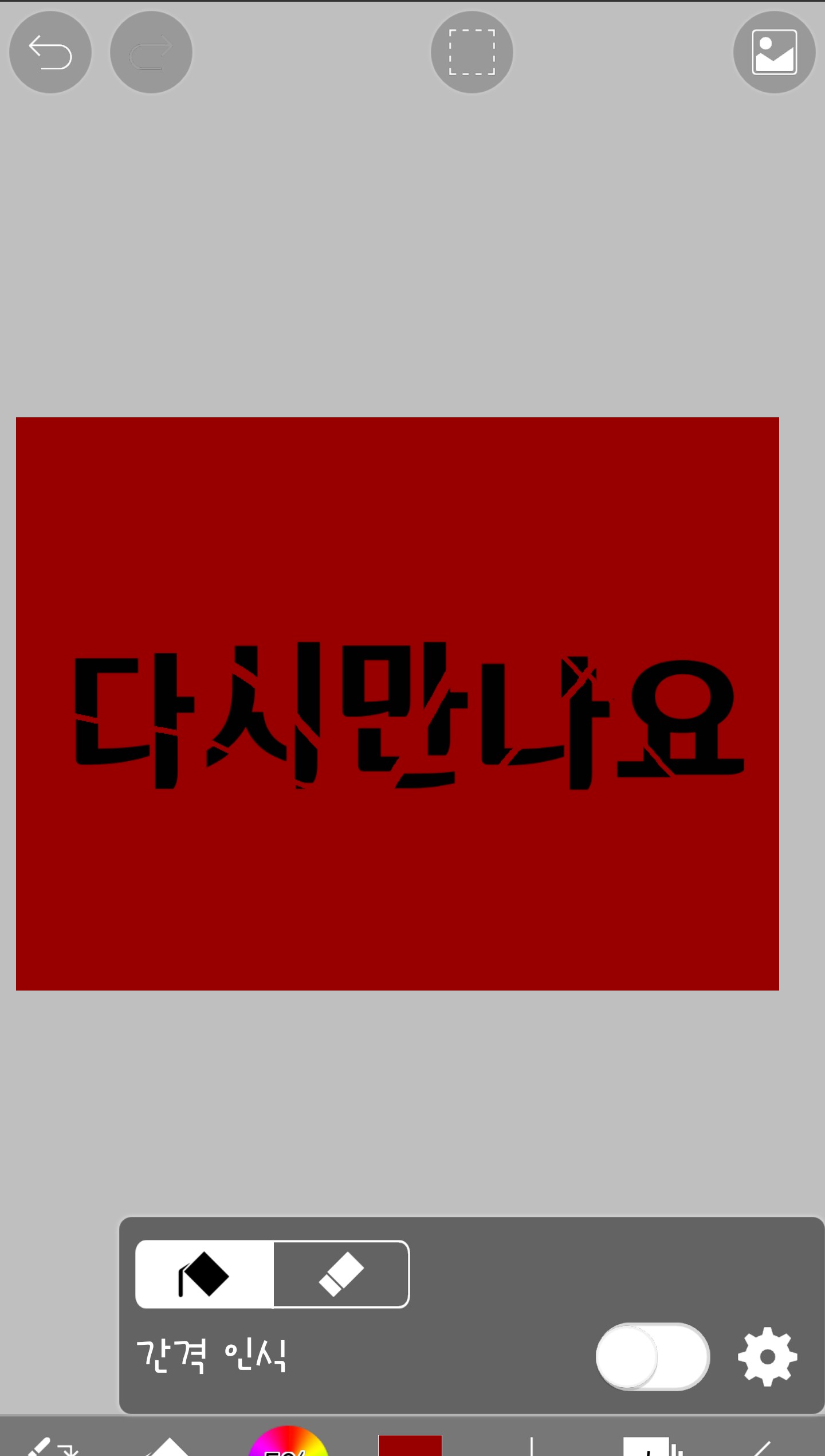
Here it is complete!! I hope you got some good information today! Even if I knew how to use it on a dark cover, I couldn't make it because I only applied for the light version ㅠ So I'm making it public 8ㅁ8
(ps. The next part is finally(?) a fan art part. Don't worry, the cover will be back too.)
My plan is to divide it into 6 actual class periods, cover 6 period, fan art 6 period...
Are you okay?
Everyone, please study hard and become more skilled than me~!♥
*Today's homework
Cut it however you want!
Then, our lovely ones, have a nice weekend~♥3♥