
Creating shadows
1. Create a basic logo (Picture, Glpaeng, whatever works, no background required)

2. Ibis Paint ▶ After loading the logo, press the button below and copy the layer.
▶ Click on the three dots ▶ Set opacity
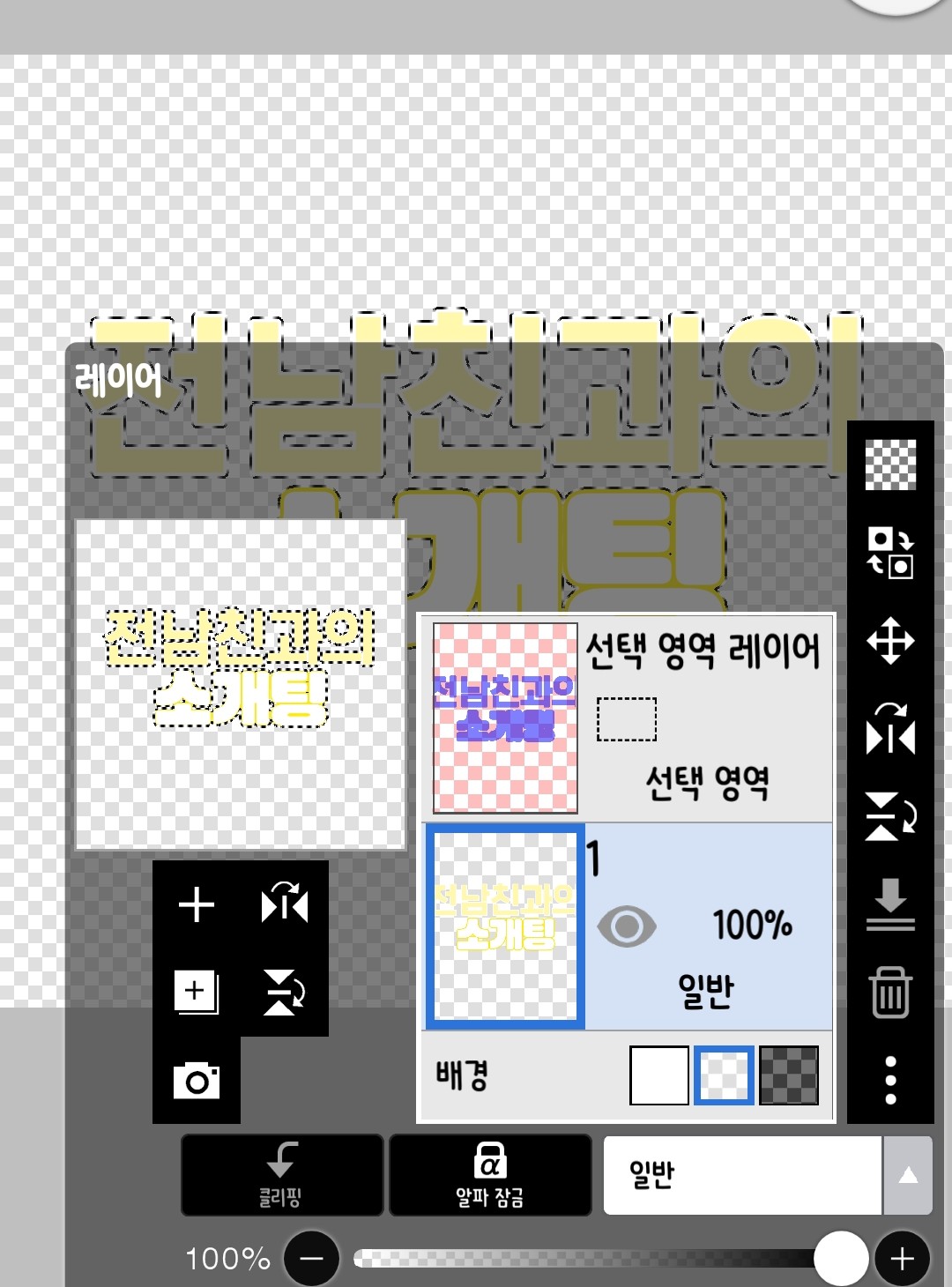
3. Color with desired color ▶ Go to the selection layer and erase the blue color
▶ Select the layer you just painted and move it
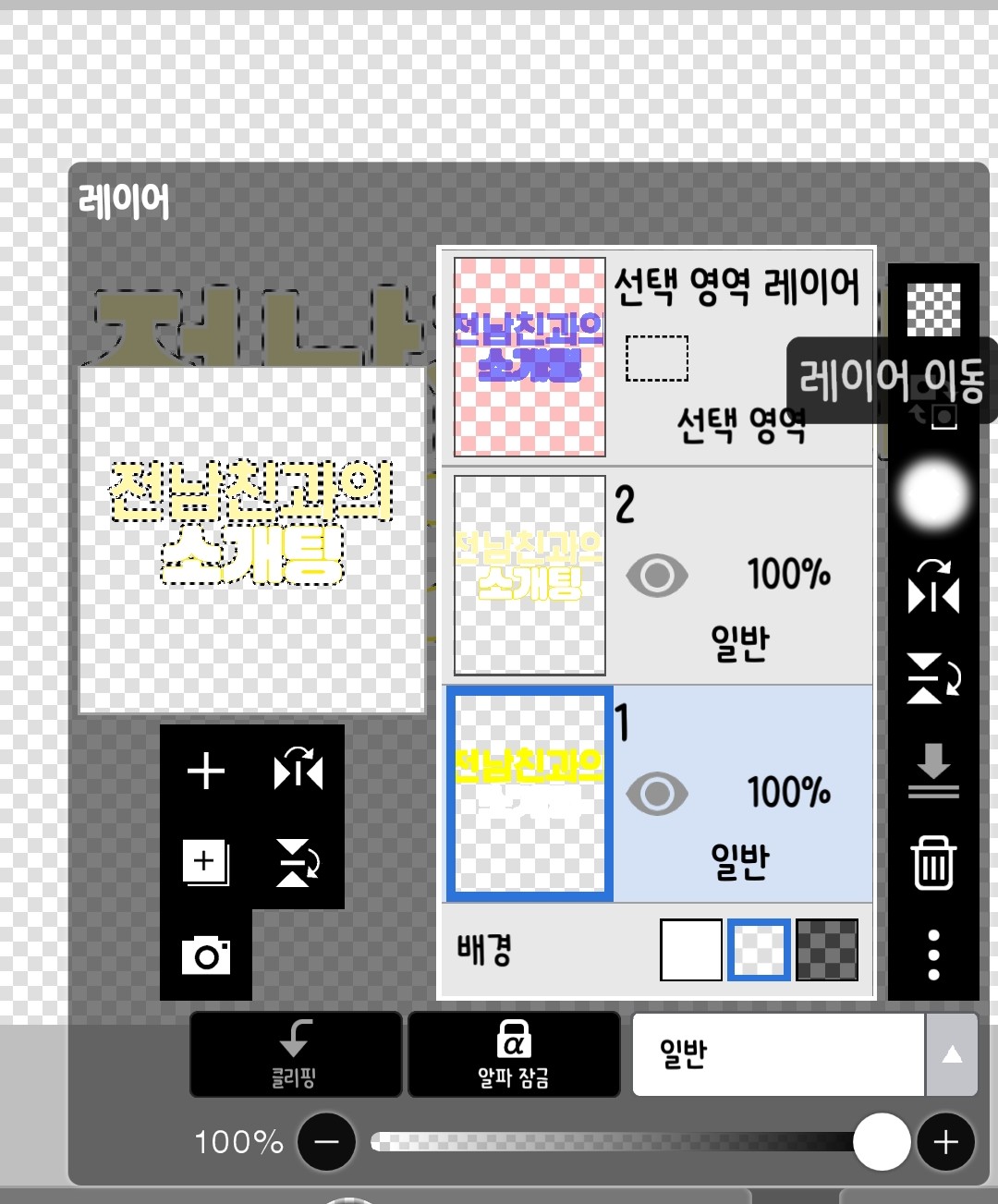
4. Push to the side to confirm and you're done.
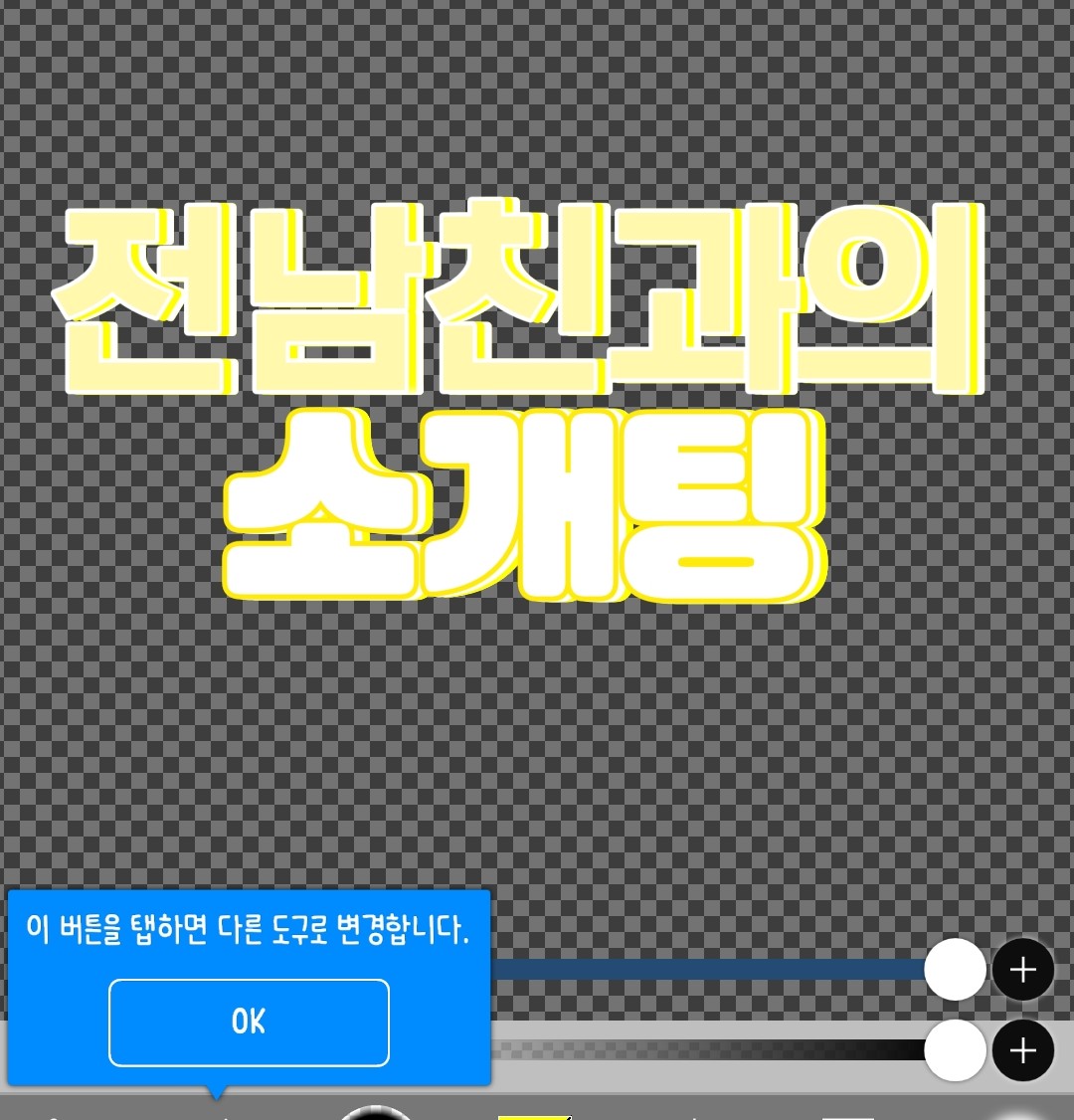
Multiple border methods

1. Go into Cut & Mix, press the plus button, and load the logo from before.
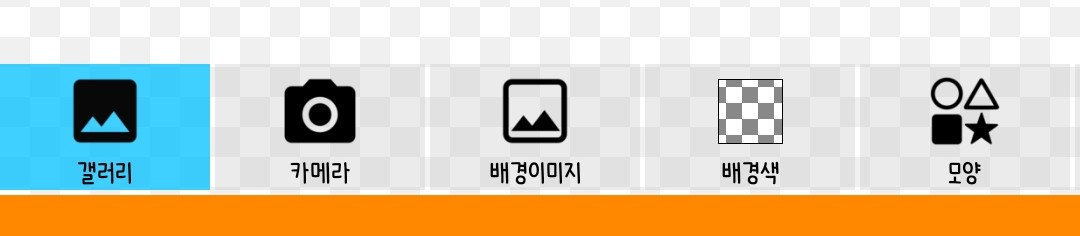
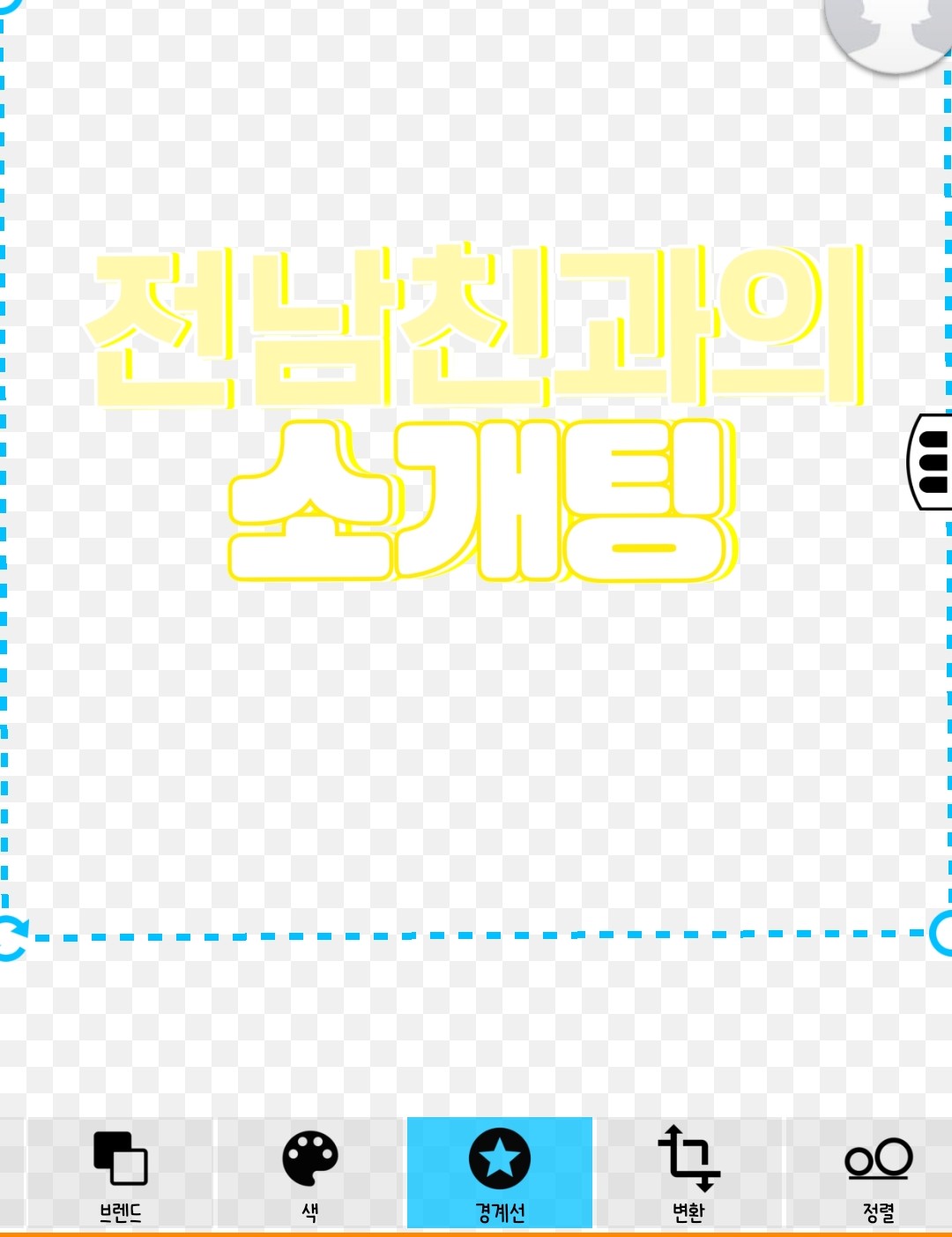
2. Click the border by sliding it sideways
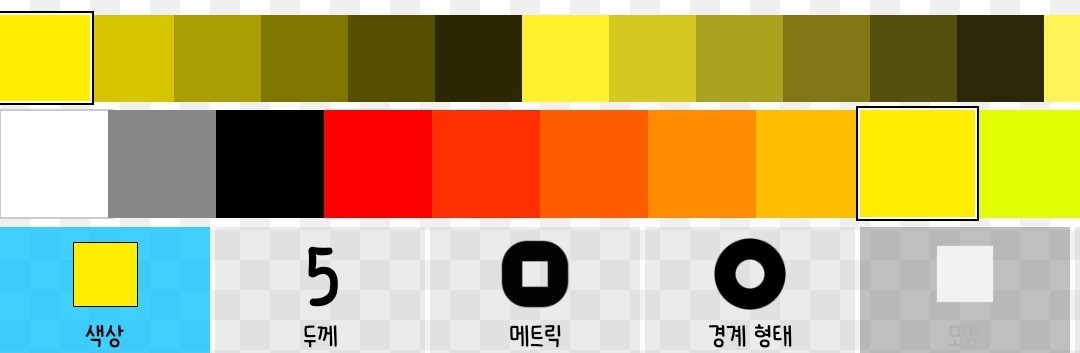
3. Select the desired color and set the thickness.
4. Click Confirm and repeat to make multiple selections.



![[Contest 2] This is my first time at a company thumbnail](https://cdnetphoto.appphotocard.com/fanfic/57607/1572/thumbnail_img_20180223185550.png)