
Again, I don't have the image or remember what it was. But it's something from Naver, a Korean search engine.
It can only be used with Samsung internet and Chrome. (Sorry, iPhone)
This is the message that appears once you have accepted the mission.
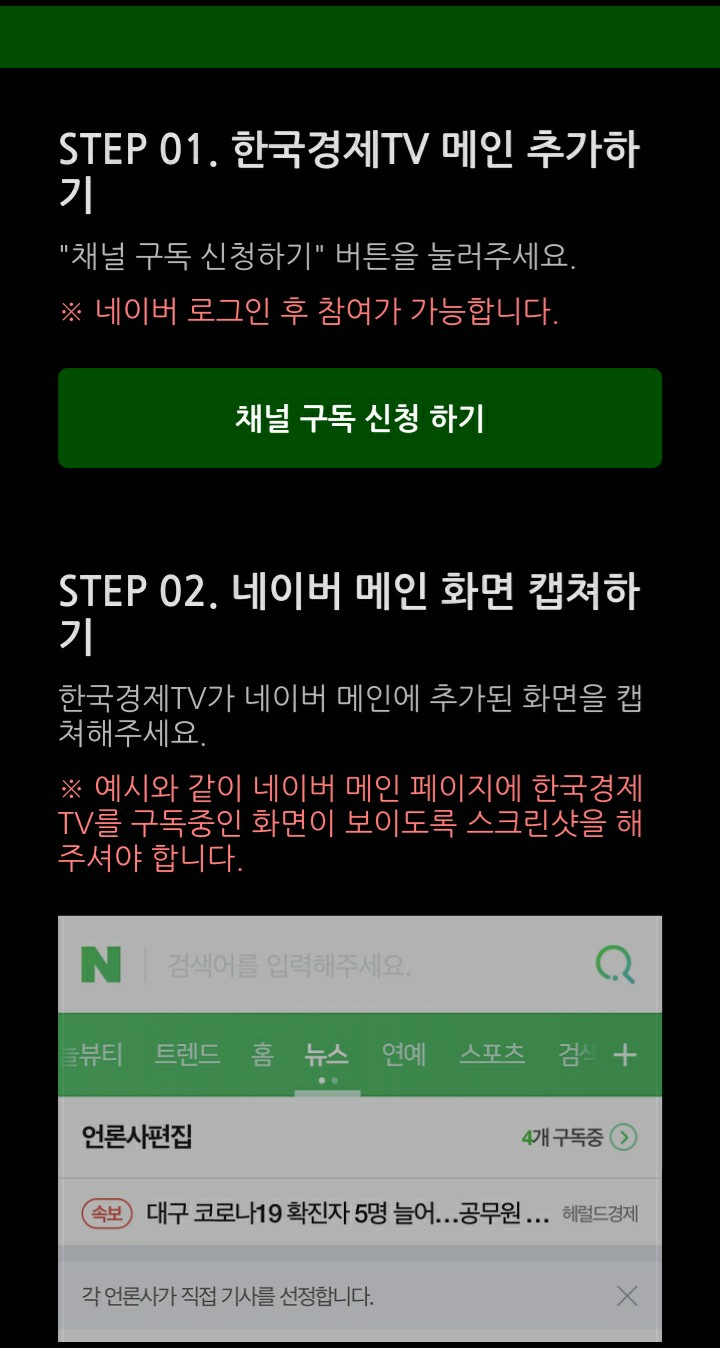
The first box will take you to the Naver homepage.
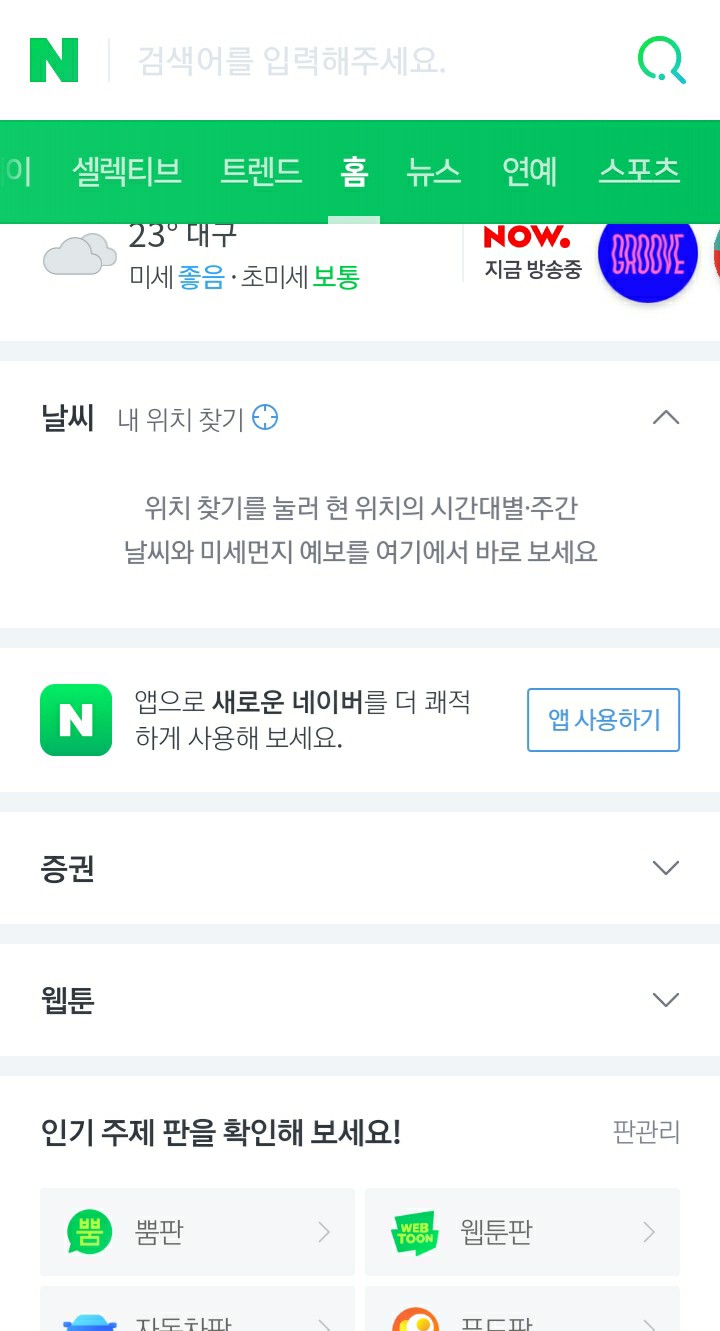
Slide it down until the green bar appears.
Once there, look for the symbol highlighted in white below.
You have to get things out of the news.
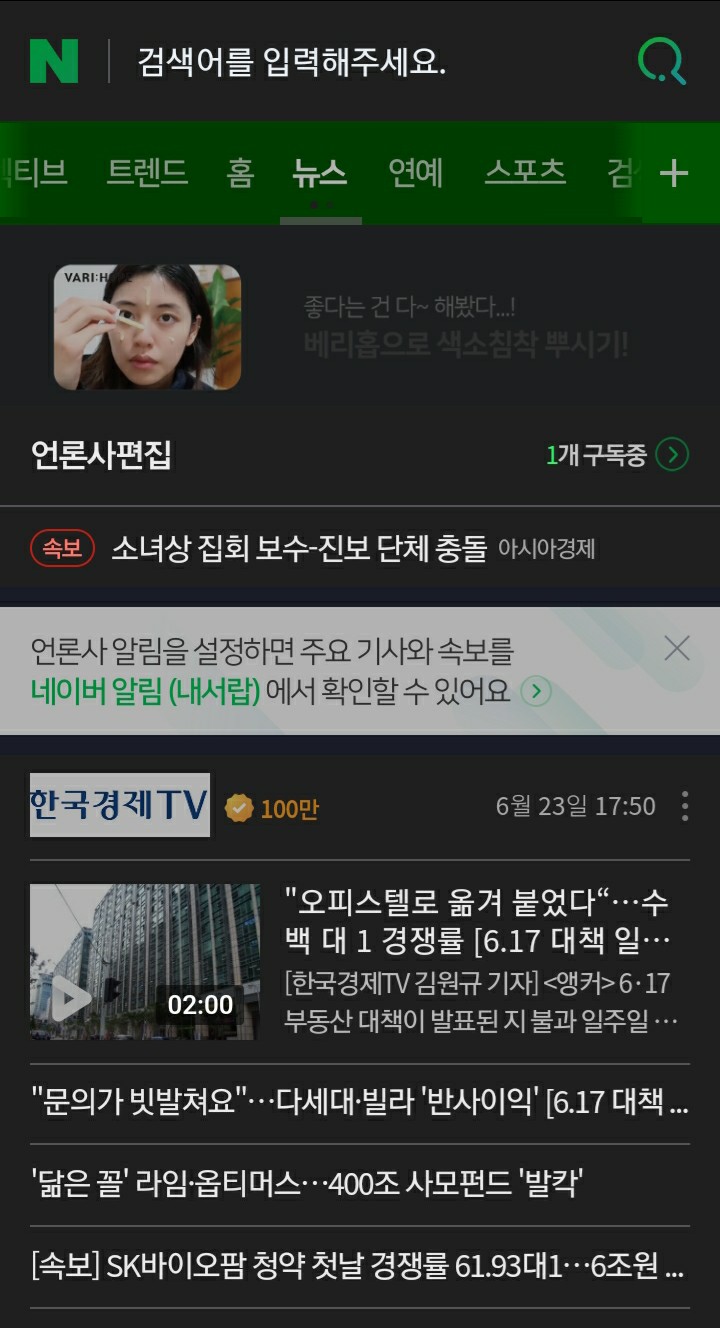
You swipe until several TV network logos appear. And you subscribe to the one I have with the checkmark.
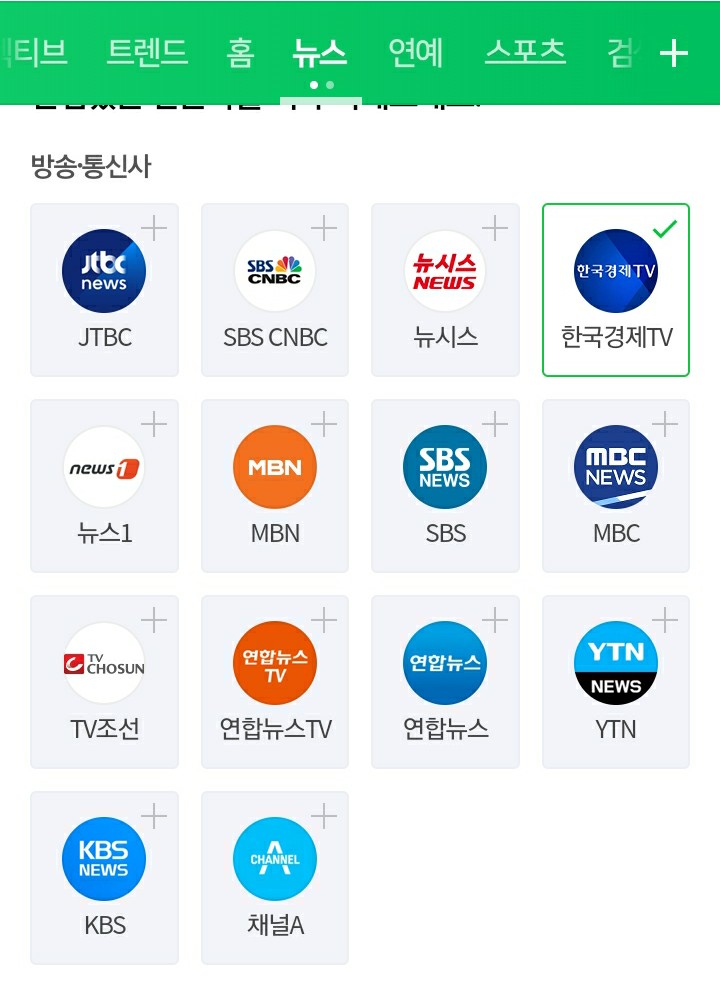

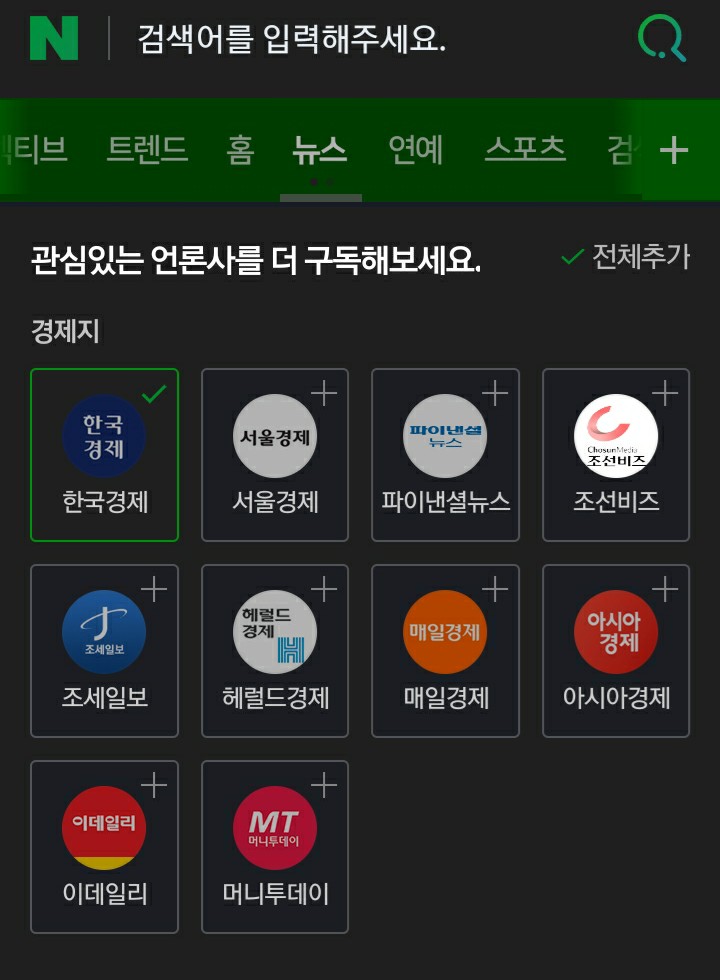
I can't remember which one it was, so subscribe to both.
Then, you reload the page and take a screenshot of where it says you're subscribed to those pages (I don't know where it says either, I just took a screenshot)
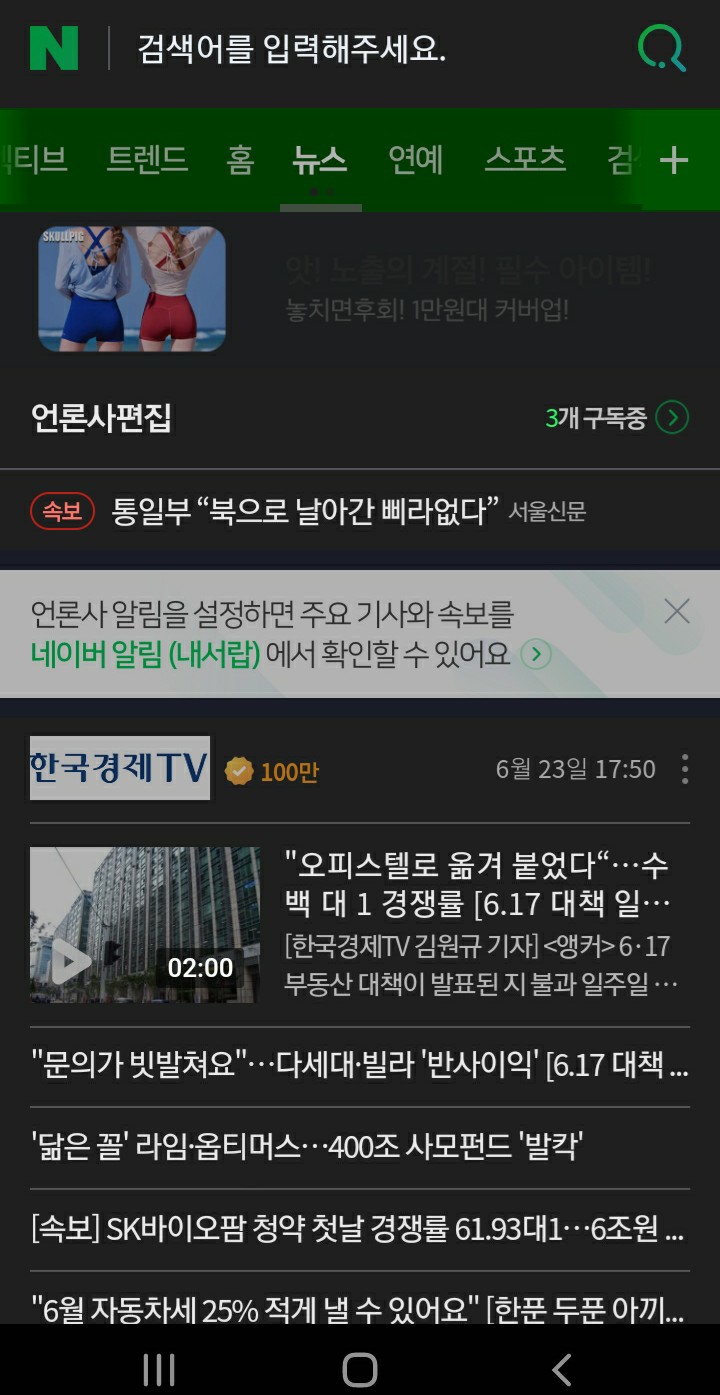
This is the one I sent, but it won't be the same as yours because they updated (it sounds really bad when they update, but you can't remove it until you get your votes)
You return to the mission tab.
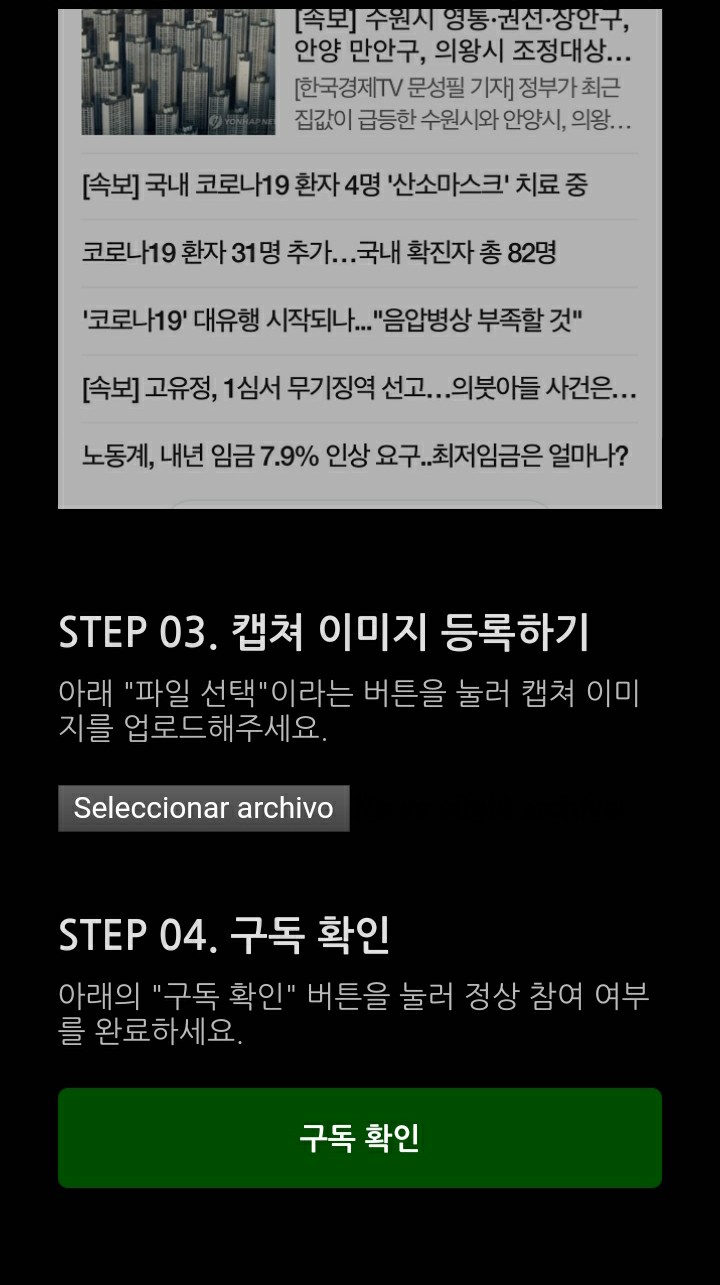
You upload the screenshot (it seems like you didn't upload anything because nothing changes, but it's there)
And finally, you click on the green box.
Another green box appears, and then you exit.
They take a while to arrive, and when they do, they don't notify you or anything. Just boom! They're here.