
After installing 'Snow' from the market
Open it :)
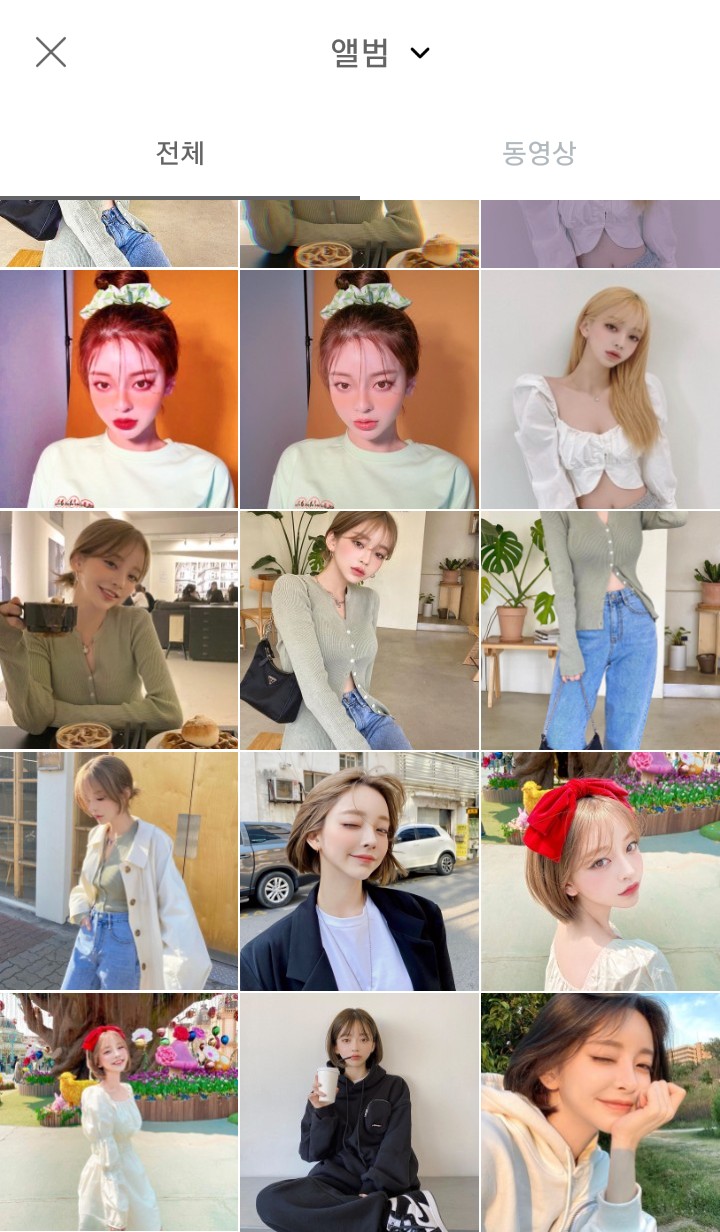
[Source of the above photos - Certified by singer Kang Tae-ri]
Click on the photo you want.
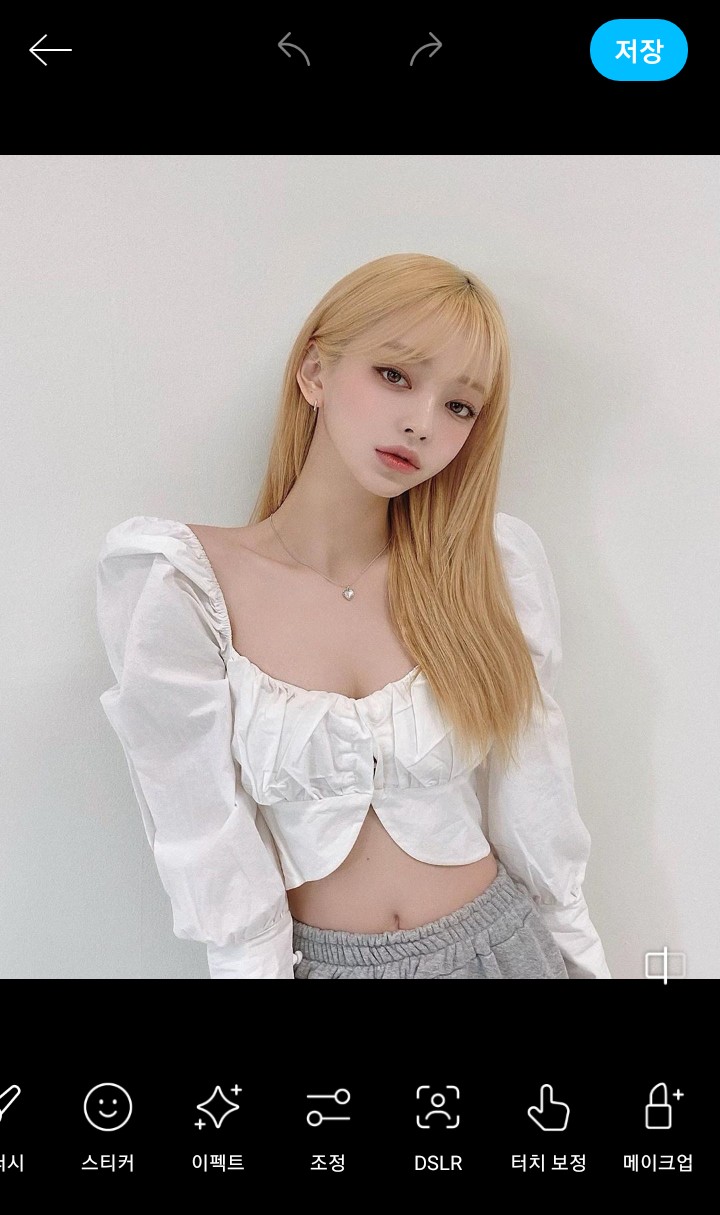
First, press the base makeup.

I finished applying lipstick.

Blusher should be natural, otherwise it won't look ruined.
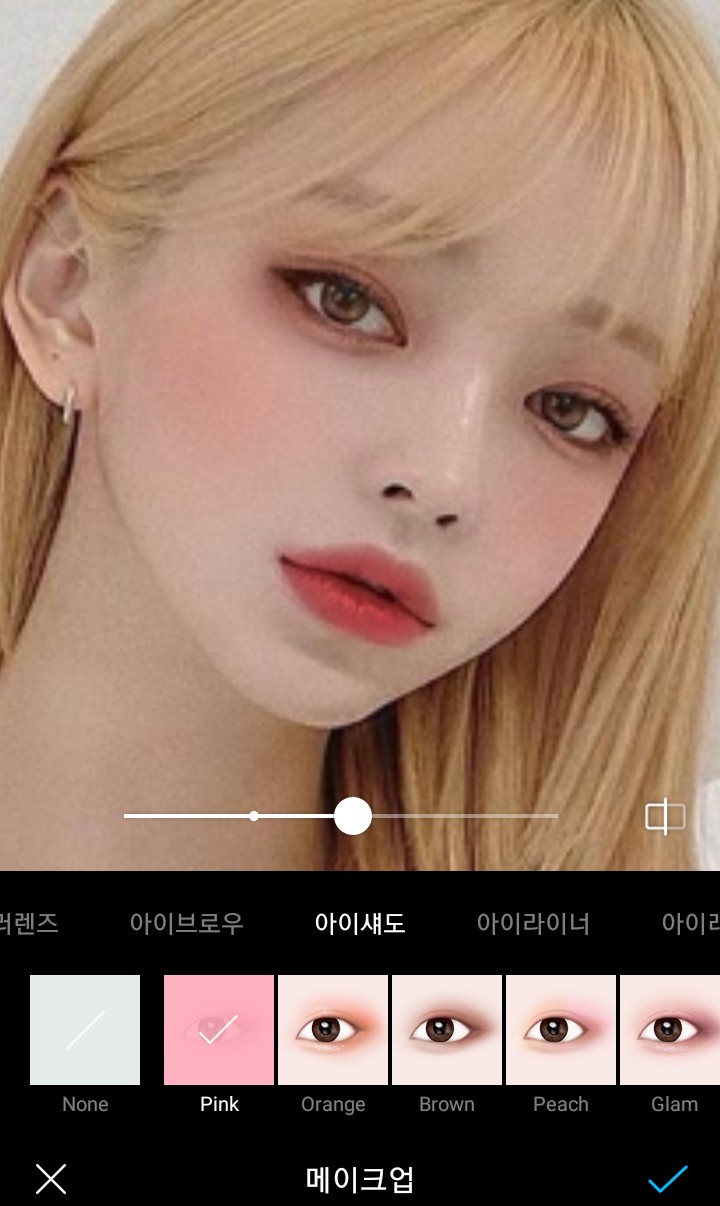
Then press 'Eyeshadow' and choose the lightest looking one
Press the button.
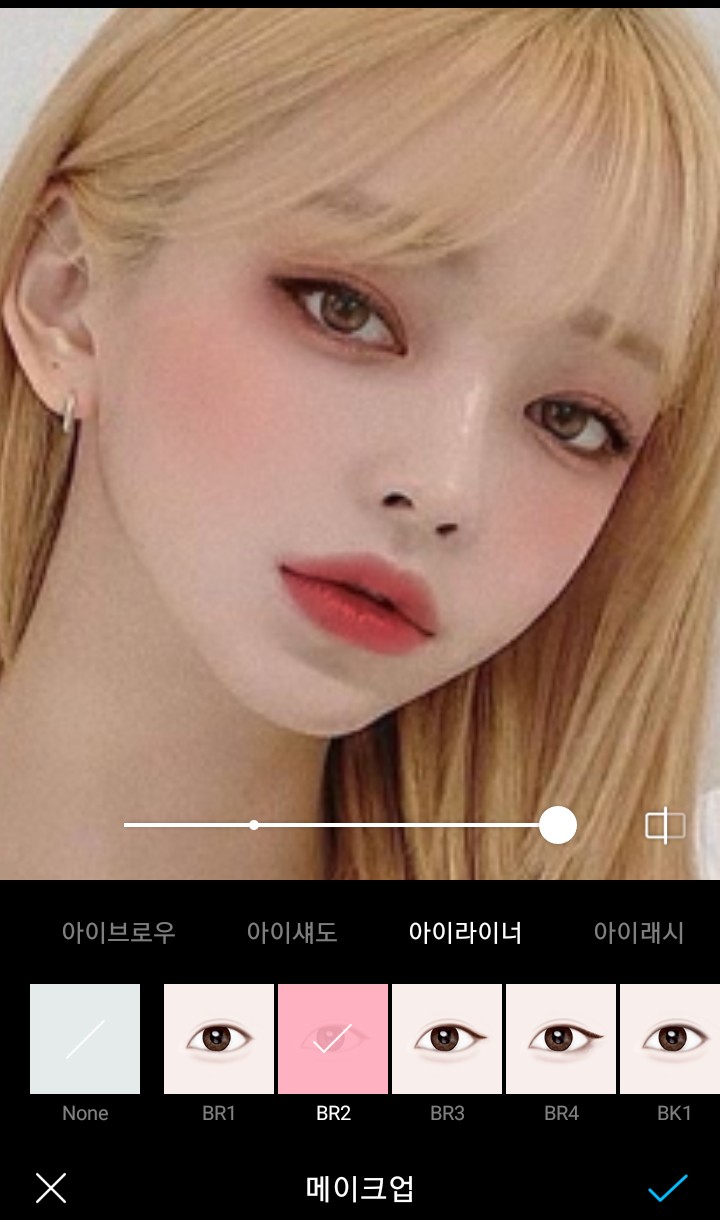
Click on ‘Eyeliner’ and choose the one you like.
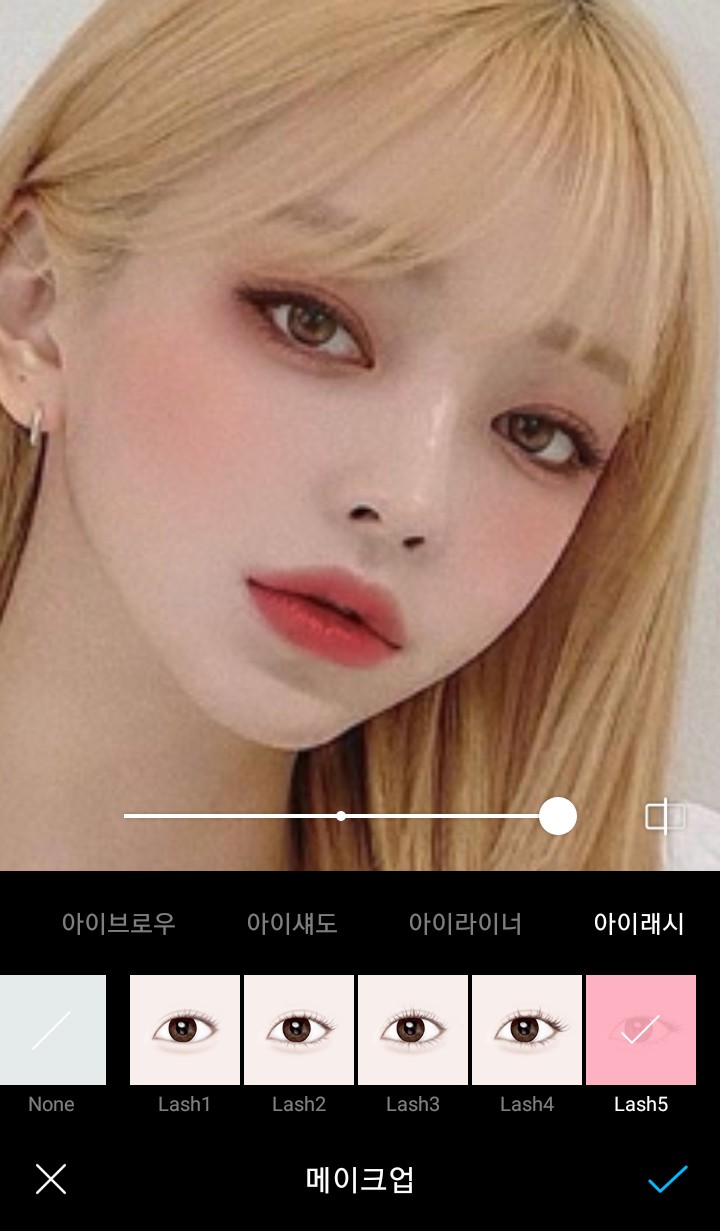
You need to select 'Ilash', so click on the pretty one!
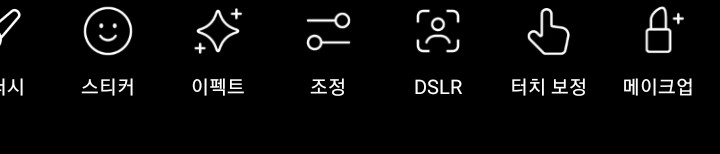
Then press 'Adjust' aaaaah >_<
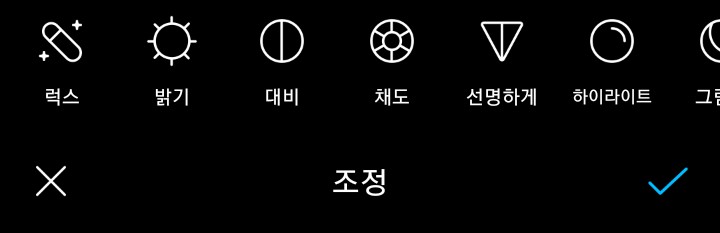
Click on 'Lux'

I gave 'Lux' 50%.
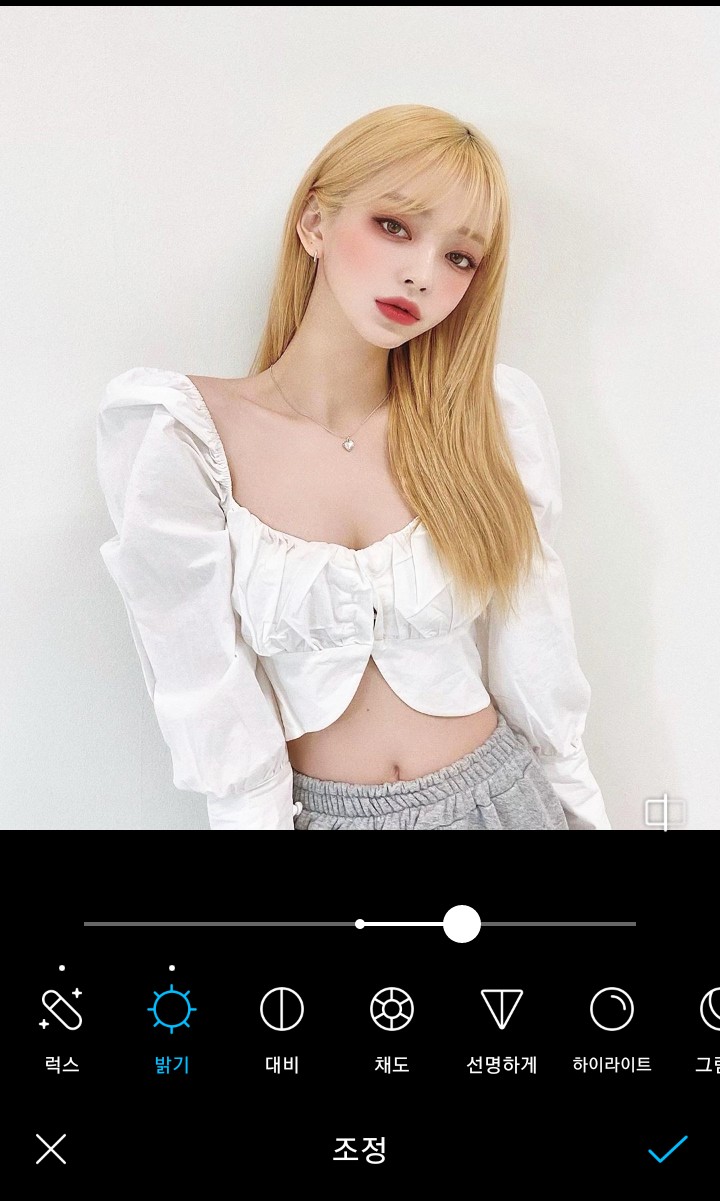
I think I pressed the 'brightness' to about 35%.

You have to be well prepared, but ㅠ don't forget to prepare
Please add half of the plus.

Make the 'temperature' pretty lol
(Highlights, shadows, blur, grain
I didn't do it.)

I've done all the 'tint'!
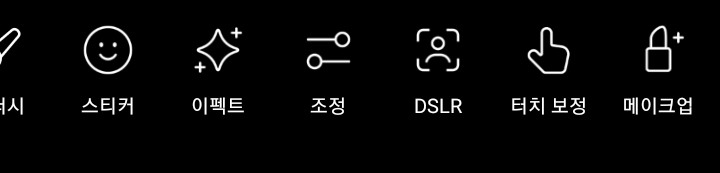
Then click on ‘Sticker’.
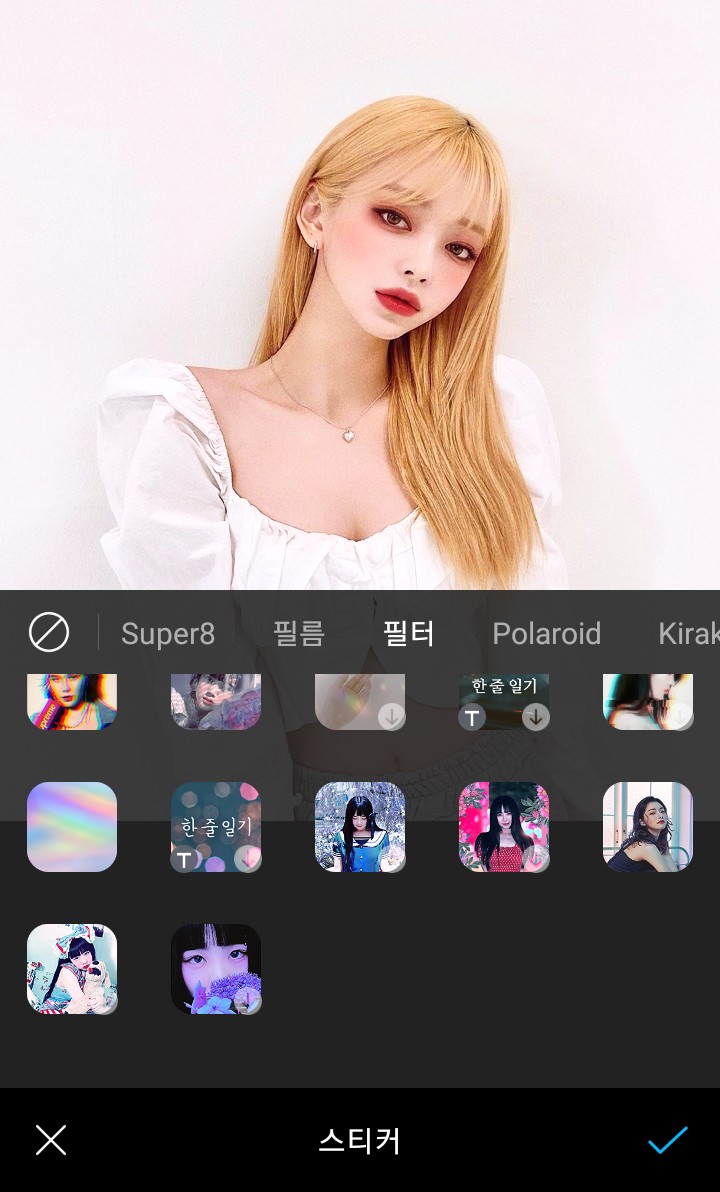
Click on 'Filter'
 Please press this.
It will say "Mugunghwa (what is this?").

Then it will be like that picture lol
[Original photo_Kang Tae-ri's official name]
I have a question. Please write in detail in the comments!