
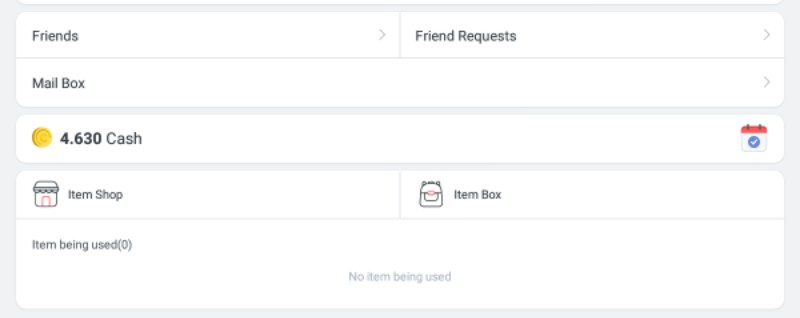
Q. Where is the Item Shop?
A. If you update the app to the latest version, you will see the same item as the image below at the bottom of the hold cache on the main screen.
Q. Where do I have a library?
A. When you update your app to the latest version, you can access your library in the following two items:
Click on the library item at the bottom of the main screen holding cache
Click on the library in the top right corner after accessing the item shop from the main screen of Fan Plus
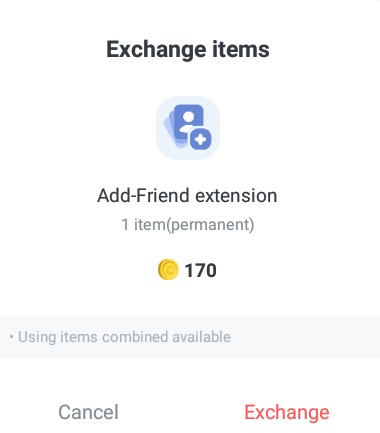
How do I exchange items?
A. After accessing the item shop, you can exchange items by clicking on items that you want to exchange according to your cache.
Where can I find the items I have exchanged?
A. Items exchanged can be found in the 'Locker'.
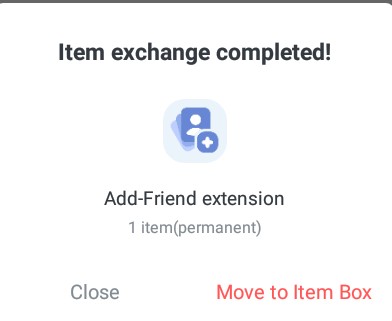
The second feature is not yet available, remember that you need to update the App to get these improvements.
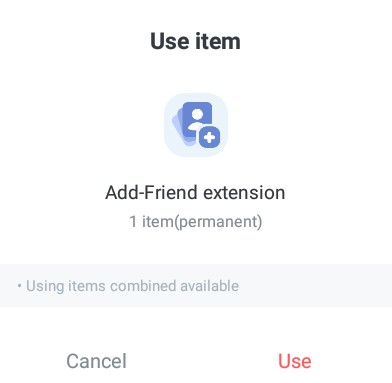
Q. How do I use an item?
A. The item will be used immediately when you click the 'Use' button on the right side of the item you want to use in the archive.
If you have any other questions about the item shop, please let me know
Thank you for always support EXO