
Q. Where is the merchandise store?
A. If you update the application to the latest version, you will see the same element as in the following image on the main page.

Click on the library in the upper right corner after accessing the item store from the Fan Plus home screen.
Q. How do I exchange items?
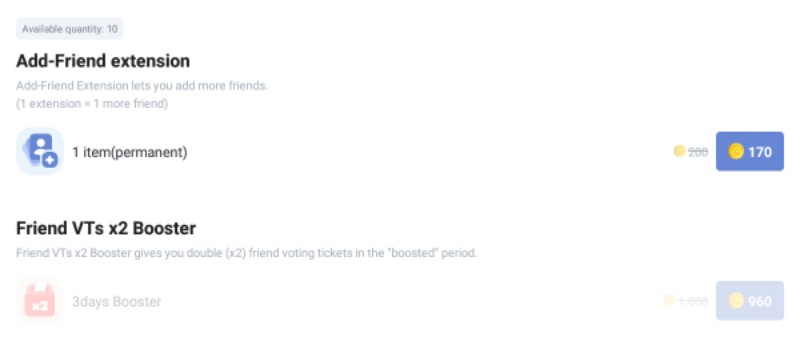
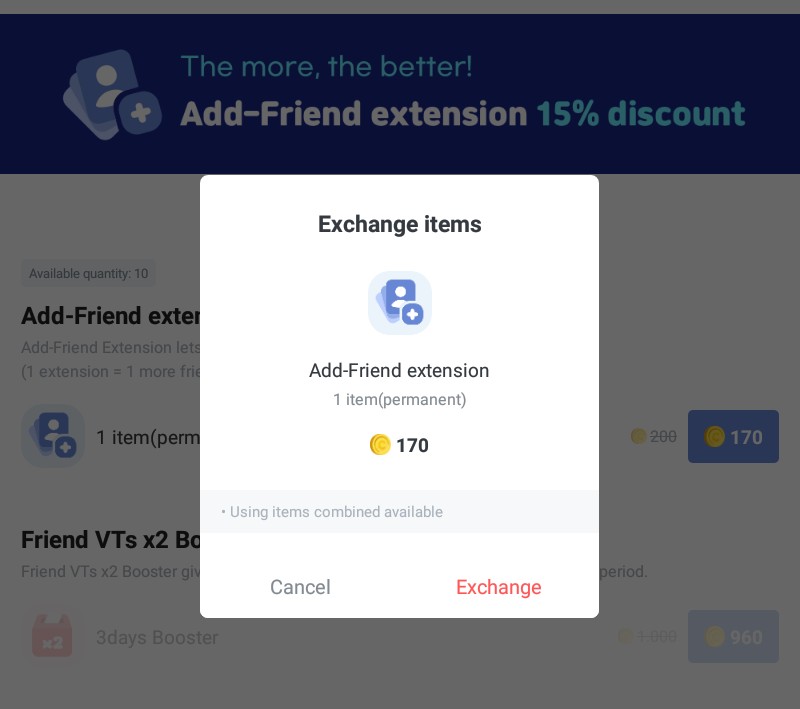
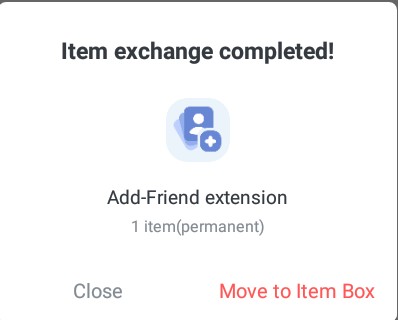
A. After accessing the item shop, you can exchange items by clicking on the items you wish to purchase.
Where can I find the items I've traded?
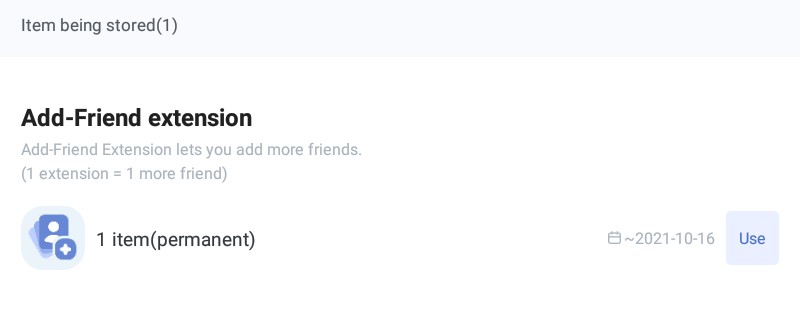
A. Exchanged items can be found in the 'Locker'.
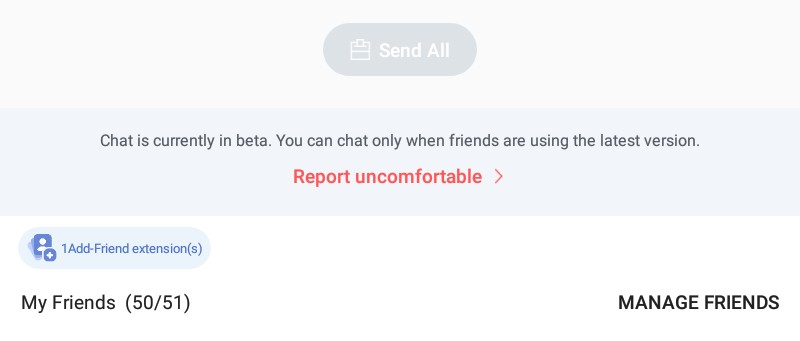
As it's new, the "Add More Friends" feature is 15% off, so it costs 170 coins - for a limited time only. Remember that once you buy it, the extension will only last for 1 year, it's not possible to cancel the purchase, and prices will change over time.
The second feature is not yet available; remember that you need to update the app to get these improvements.
Q. How do I use the article?
A. The element will be used immediately upon clicking the 'Use' button on the right side of the element you wish to use in the file.
If you have any further questions about the merchandise store, please let me know.
Thank you for always supporting EXO