
On NaverSharing the background of the cover of Bing's bookIf you say


UC Novel is a site, not an app.
In the Naver search barUC NovelType it like this
Please enter the site



After entering, please log in


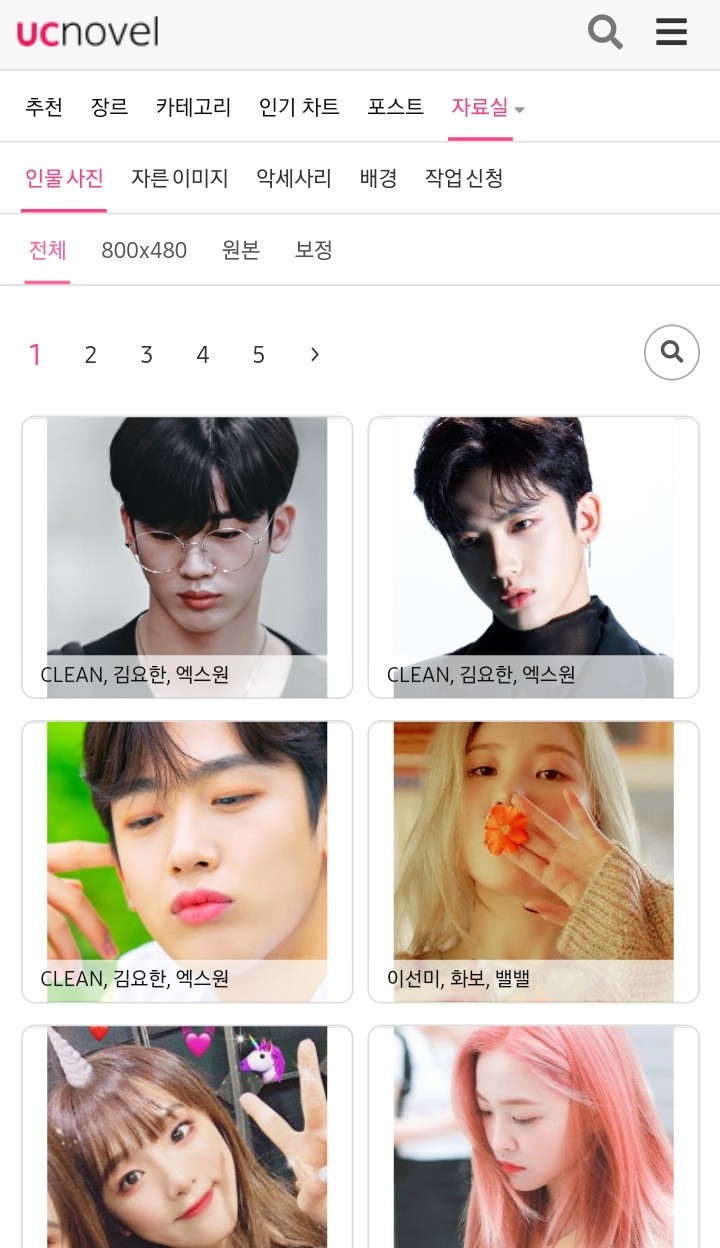

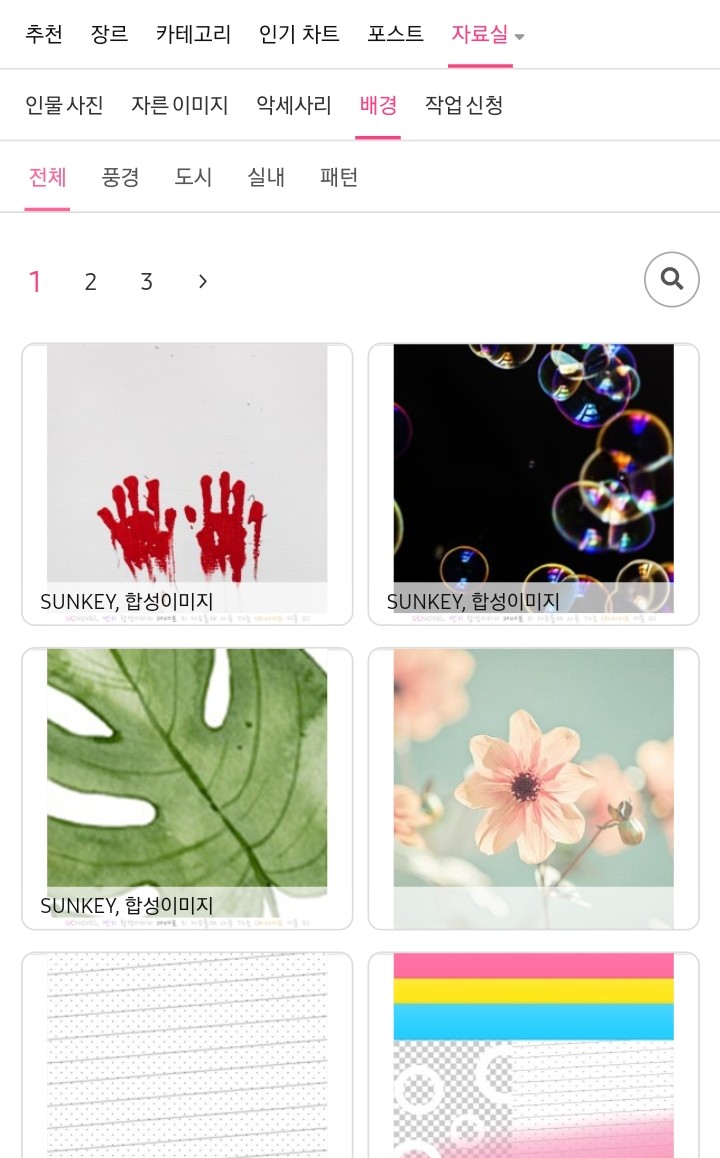
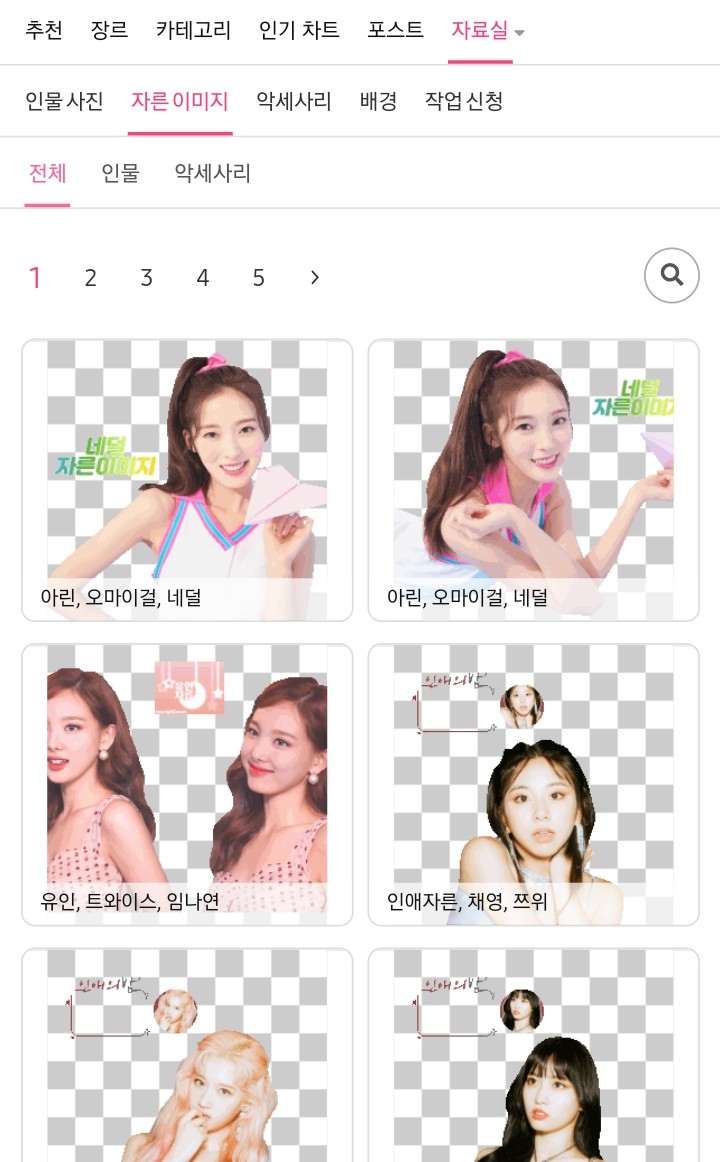
UC Novel brings in a lot of cropped images
Merge (making a cover), making a shadow
I'm going to use the app called Ibis.
After preparing the background and cropped image
I'm going to merge them into an app called Ibis.
Come in
Go to my gallery
Please press plus


After clicking on Import Photos
Click on the background you created
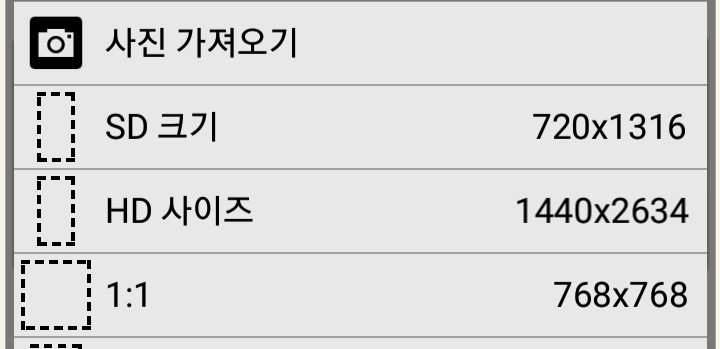
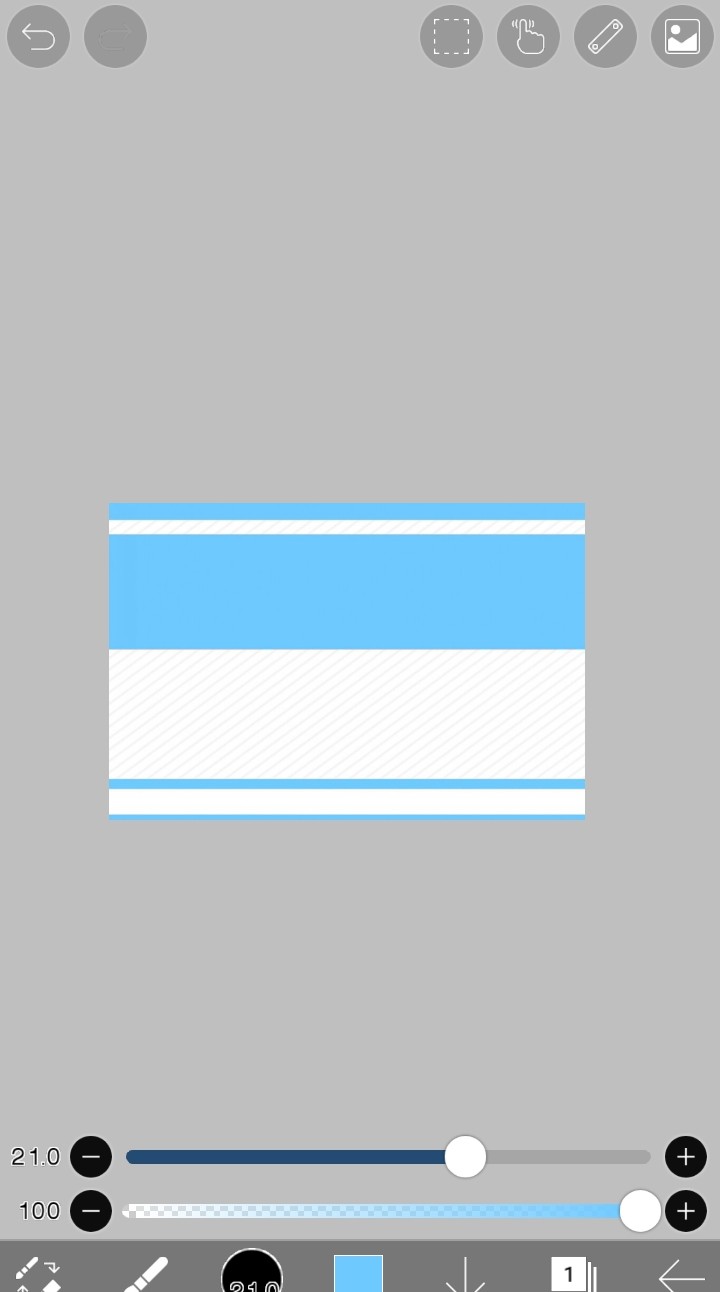
Then click the button at the bottom

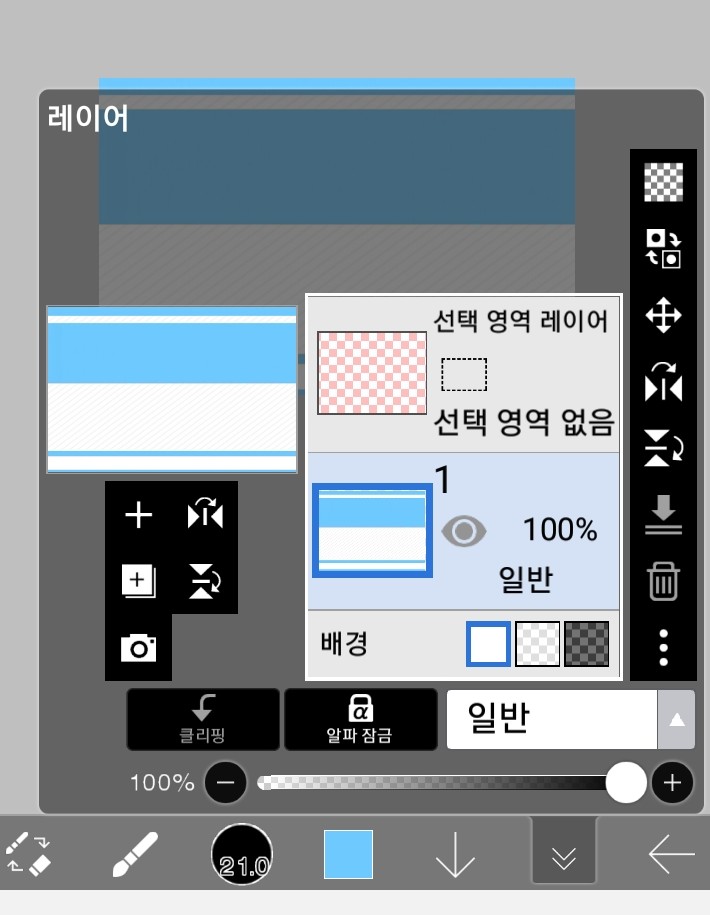
Click the camera button

Please enter the title and cropped image you prepared.


completion!
Creating shadows

Please go back to this square (layer)
Among these layers
Click on the layer you want to add a shadow to.
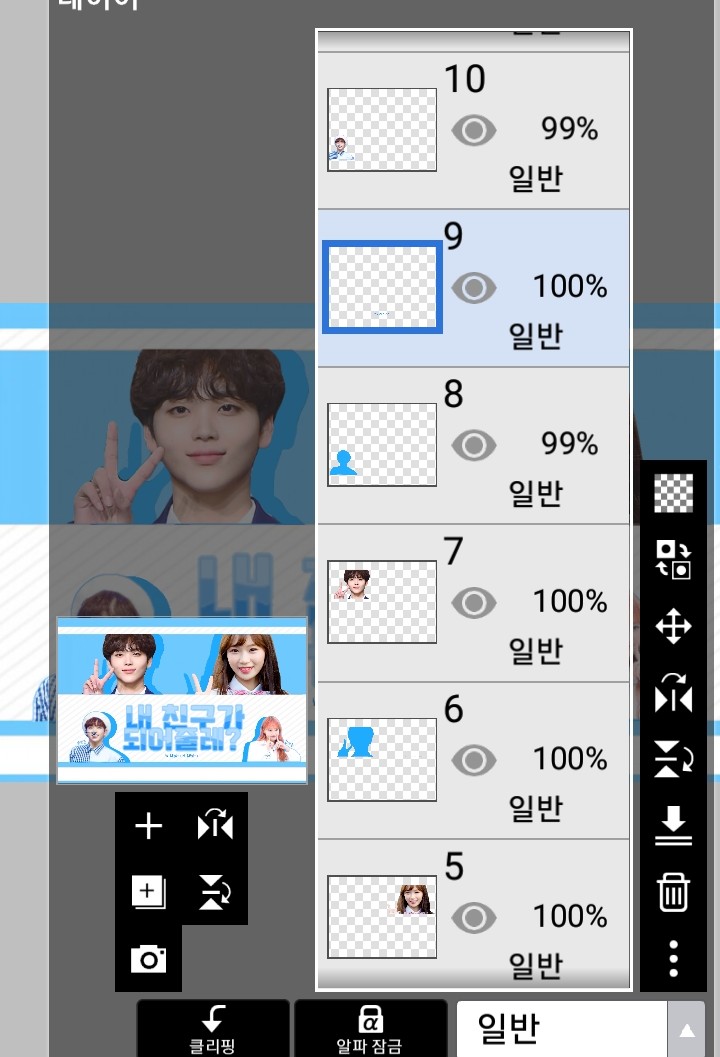
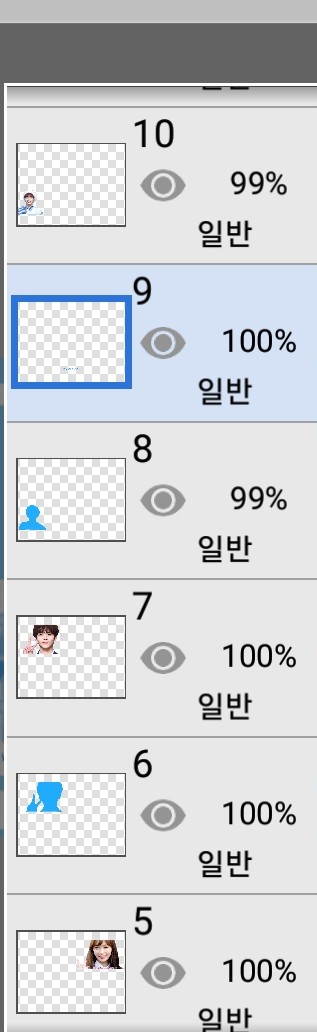
and
Please press this square button(?)

Please press Duplicate Layer
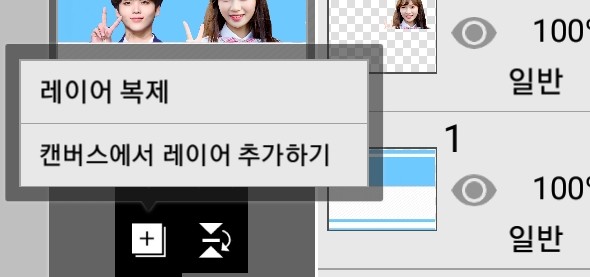
This will duplicate the layer into two.
After duplicating the layer
Click on either one
Please click on these three dots

If you click on it, various things will come up.
Among them
Opacity settingThis happens
Please press

If you press it, a dotted line appears.
Just paint it with whatever color you want.

If you press this brush, various things will come out.
Among them
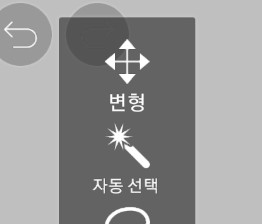
Click on Transform
Please make a shadow


Lastly, please enter W, M, and H.
Cover complete!
H. Q.

End