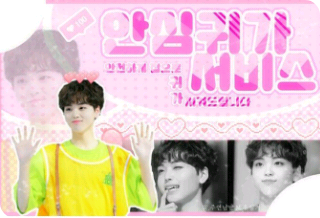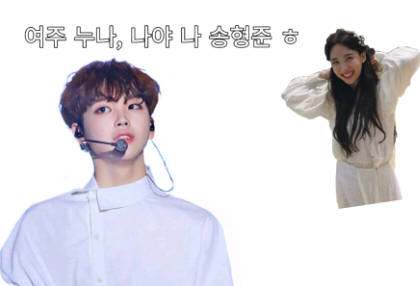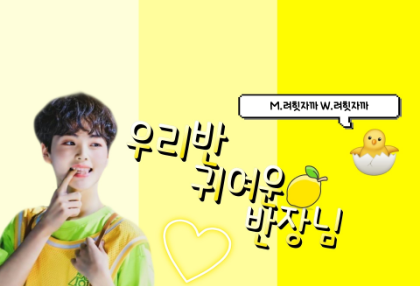
Please install PixArt!
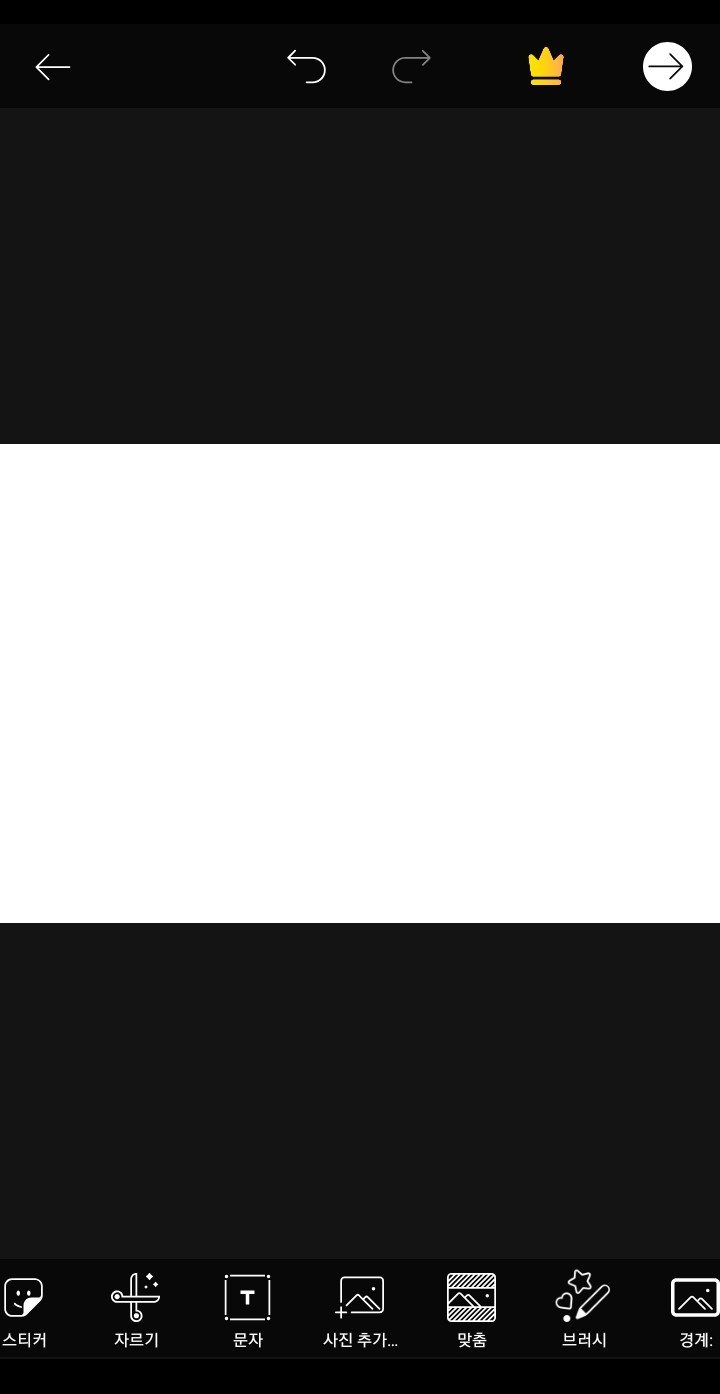
Go in and insert the background you created in episode 1.
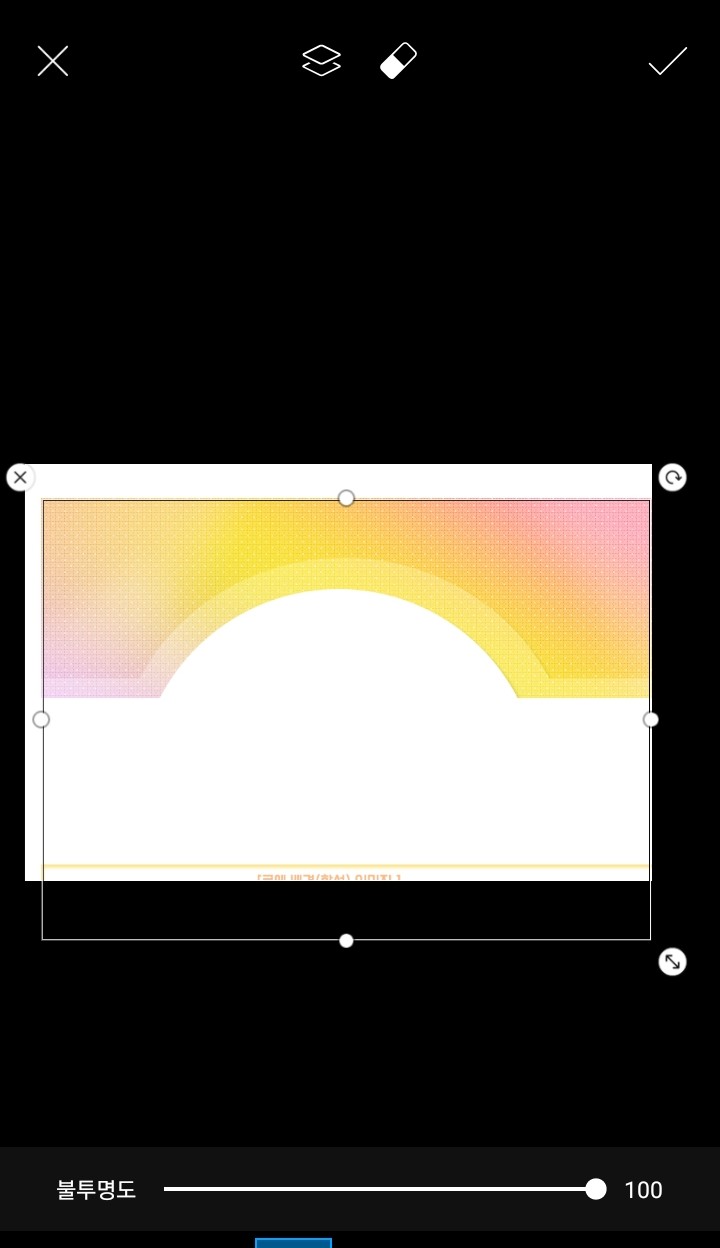
At the cafe that appeared in episode 5
Please load the character image!
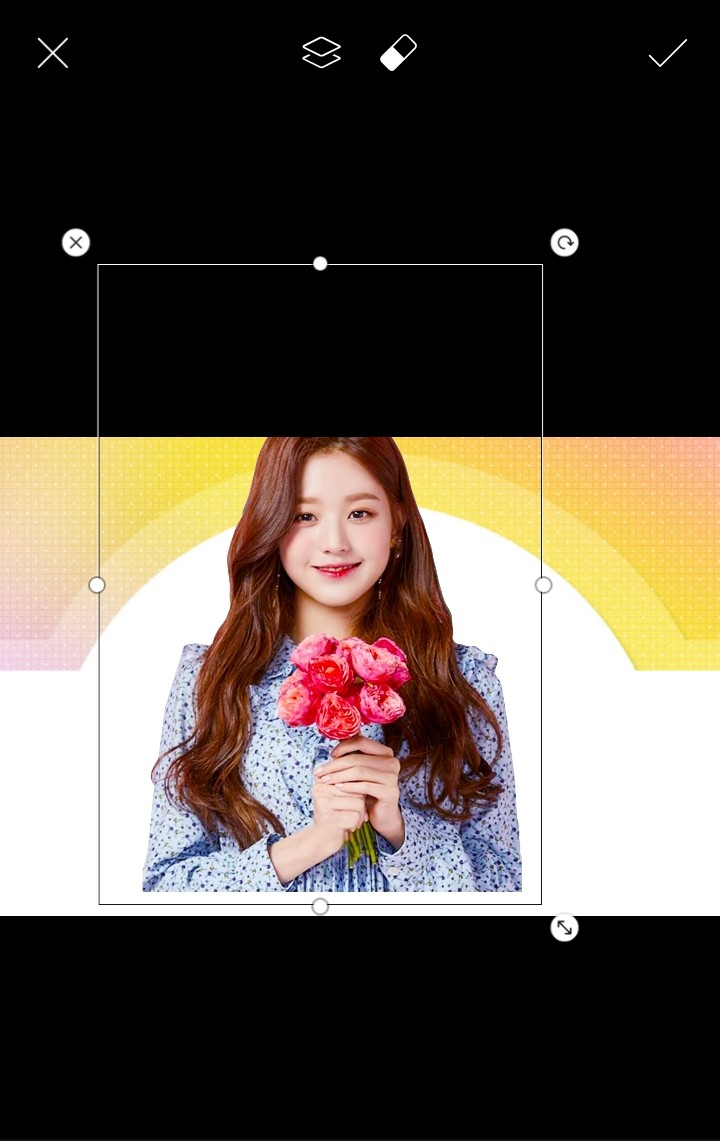

Now we're going to create a border
PixArt can't create shadows
You can do borders!
Please click on the border you want to add
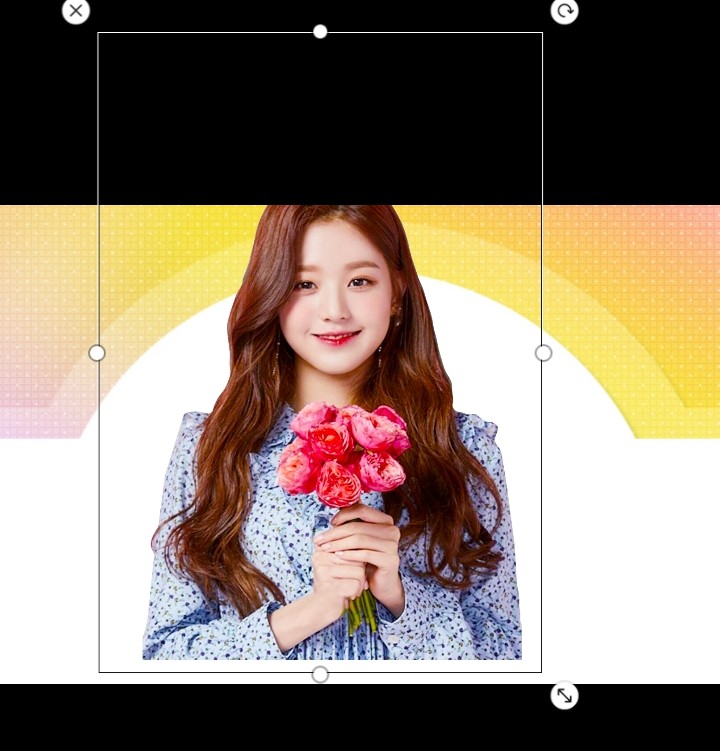
Please press the border
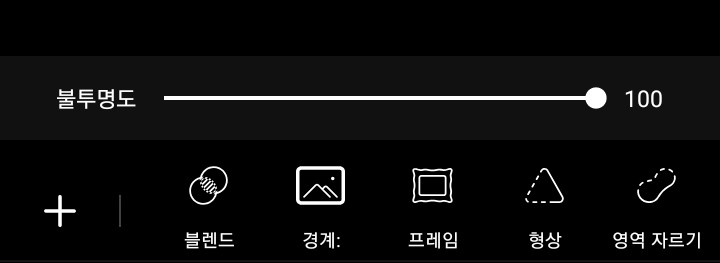
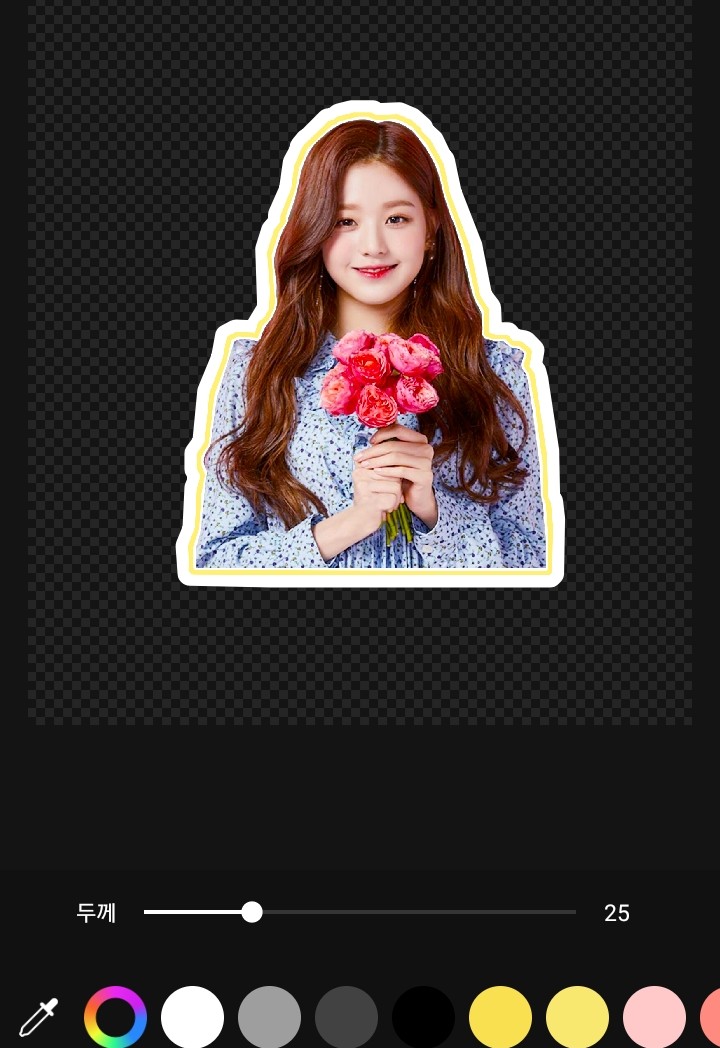
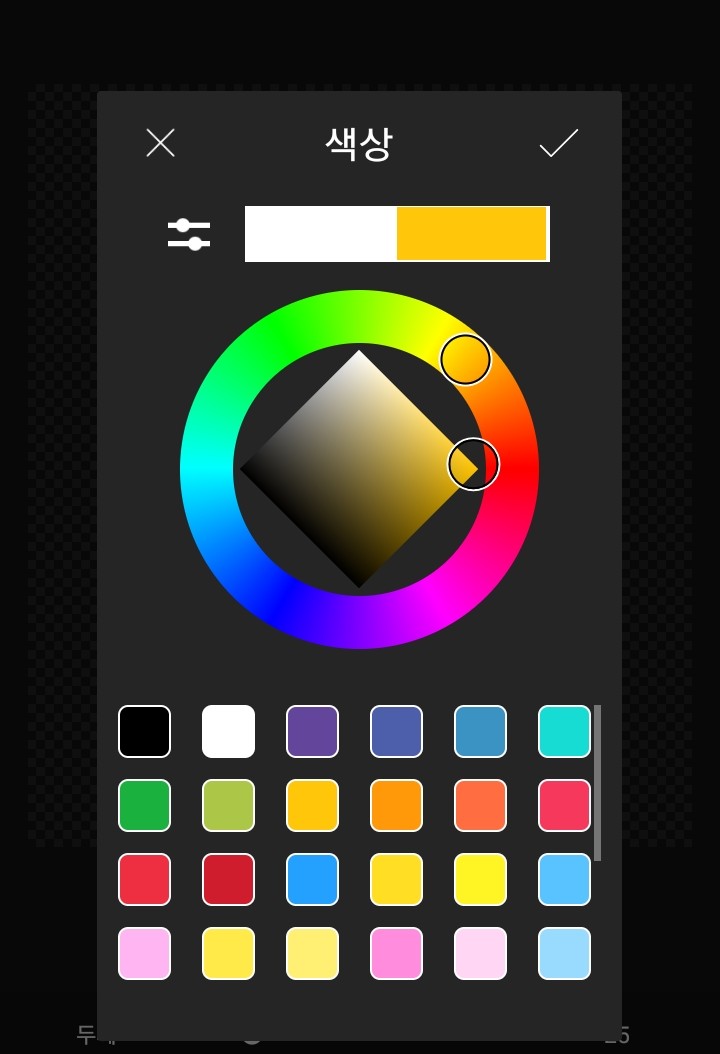
Please set the color
Please set the thickness
Next, made in episode 2
Please bring up the title
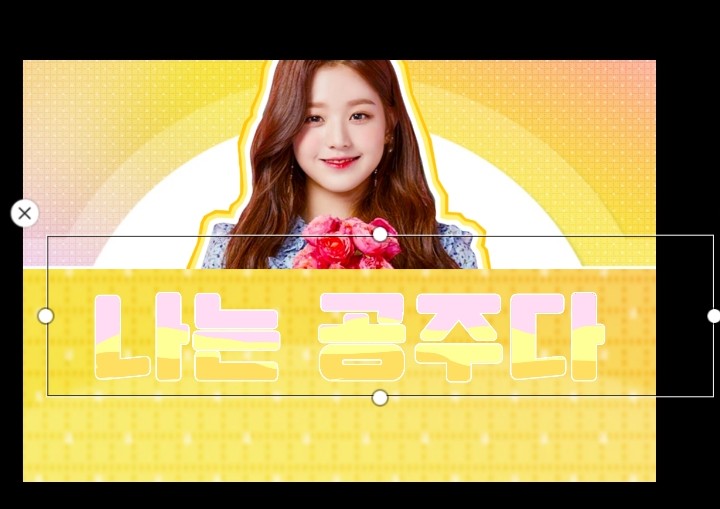
Even add a subtitle
Please create a border like we did before.

Now we'll decorate the cover!
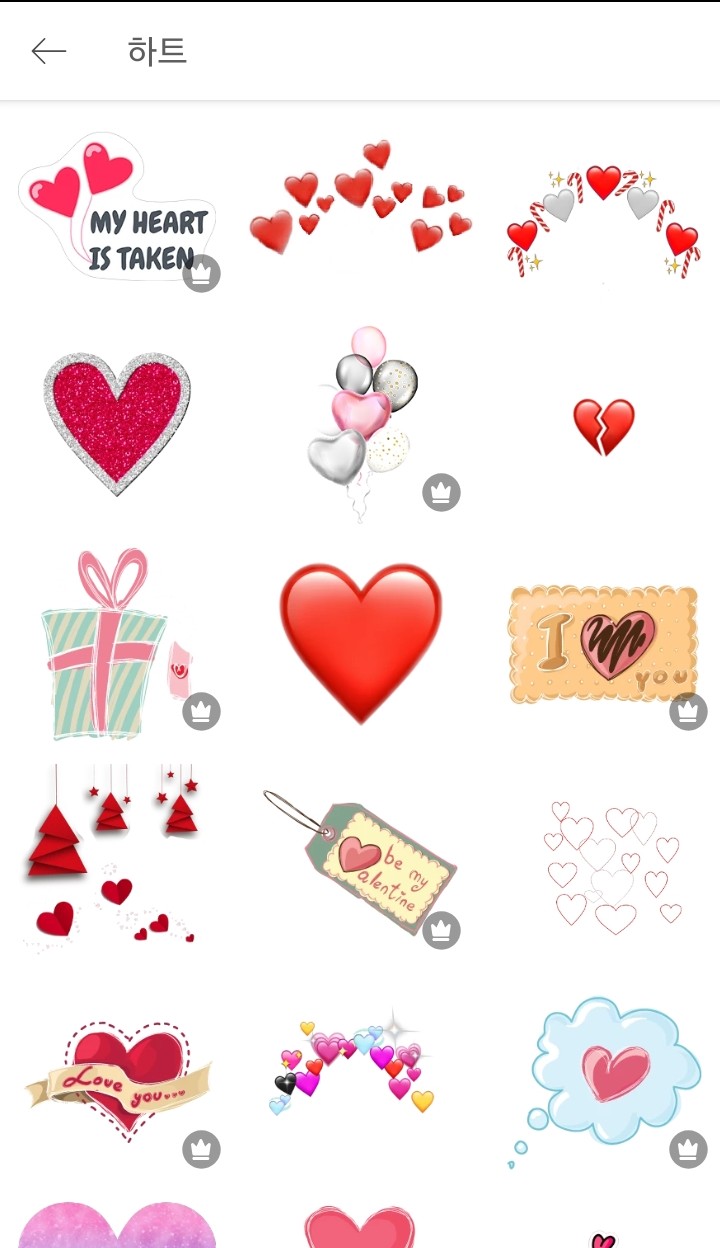
Click on the sticker
Decorate it with whatever decorations you like!

Lastly, please leave a source and something like that!
The cover term is in episode 3
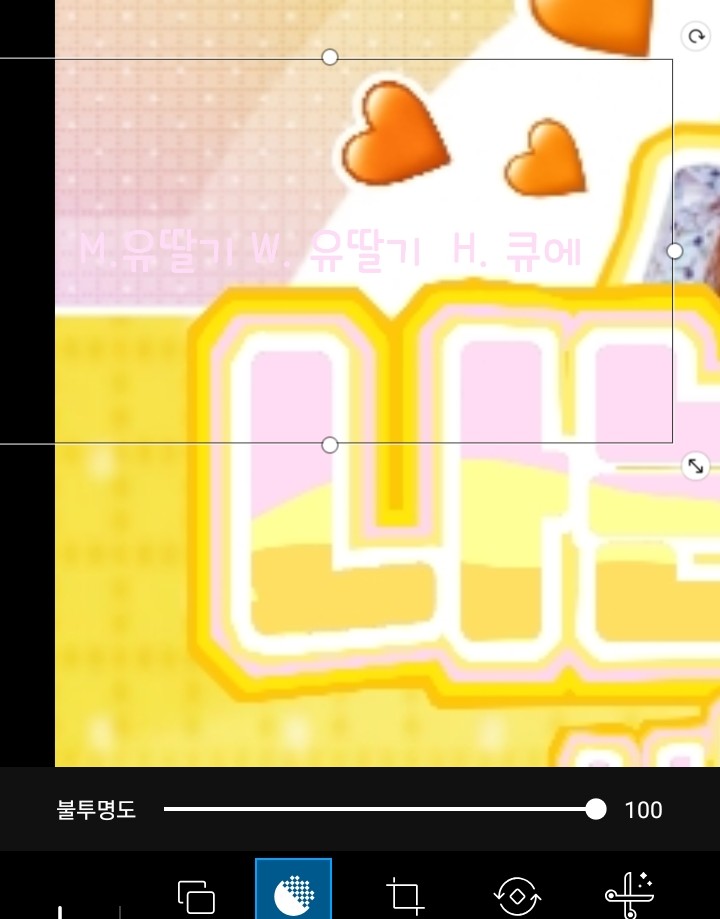
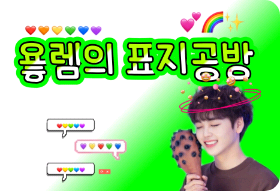
Done!
(Please excuse the poor video quality)

____________________________________
See you in conversation!