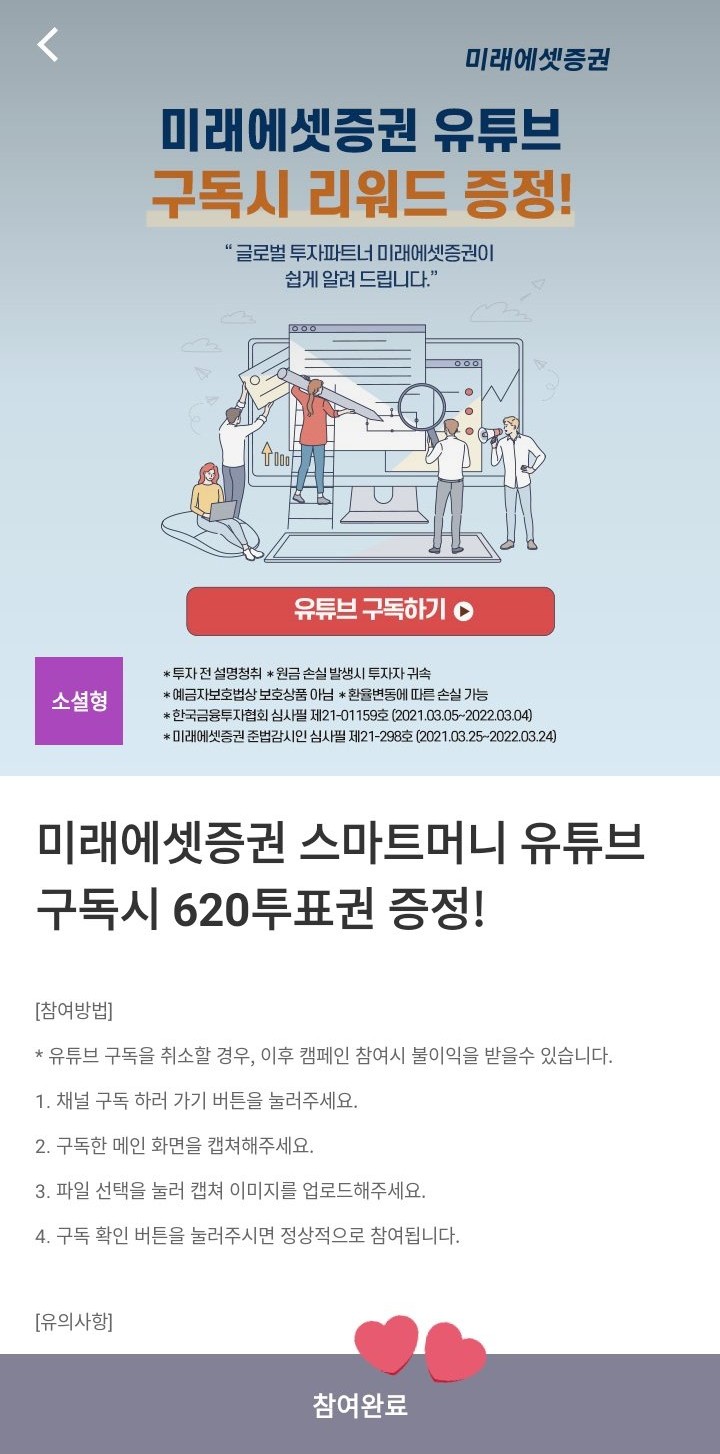
I obtained this method from
@93K00 a twitter,credits
dthe method and the photosher!
1. Go to "Do Missions" → "Get Votes via PINCRUX" and look for the mission in the photo: it has a purple label.

2. Click on it and it will take you to a screen like this, tap the red bar at the bottom.
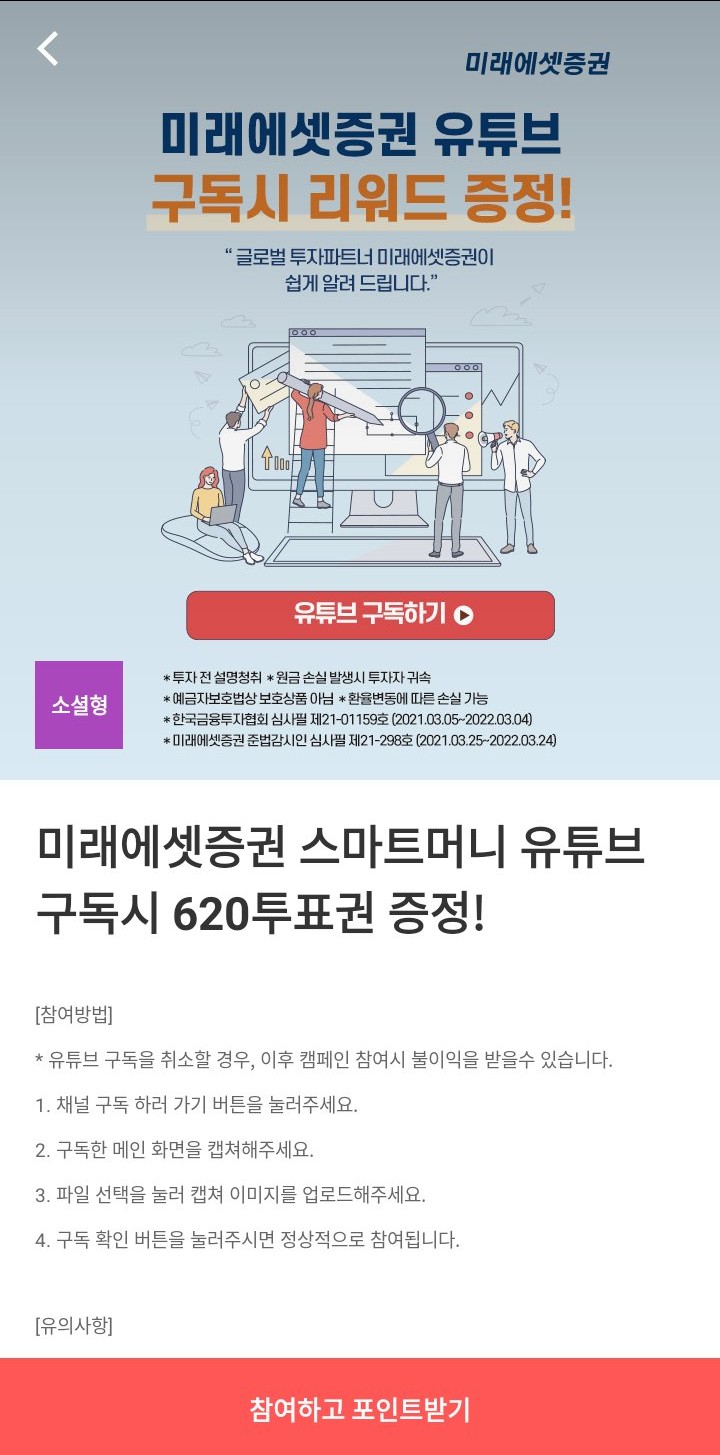
3. It will redirect you to a Chrome tab that looks like this, and it will ask you to subscribe to a channel by following a few steps. Now, you can complete the steps yourself or you can use the photo she provided. Either way, to insert your screenshot, click on "select file" and choose the photo.
Link to the tweet with the photo to upload: https://twitter.com/93K00/status/1380641025635520515?s=19
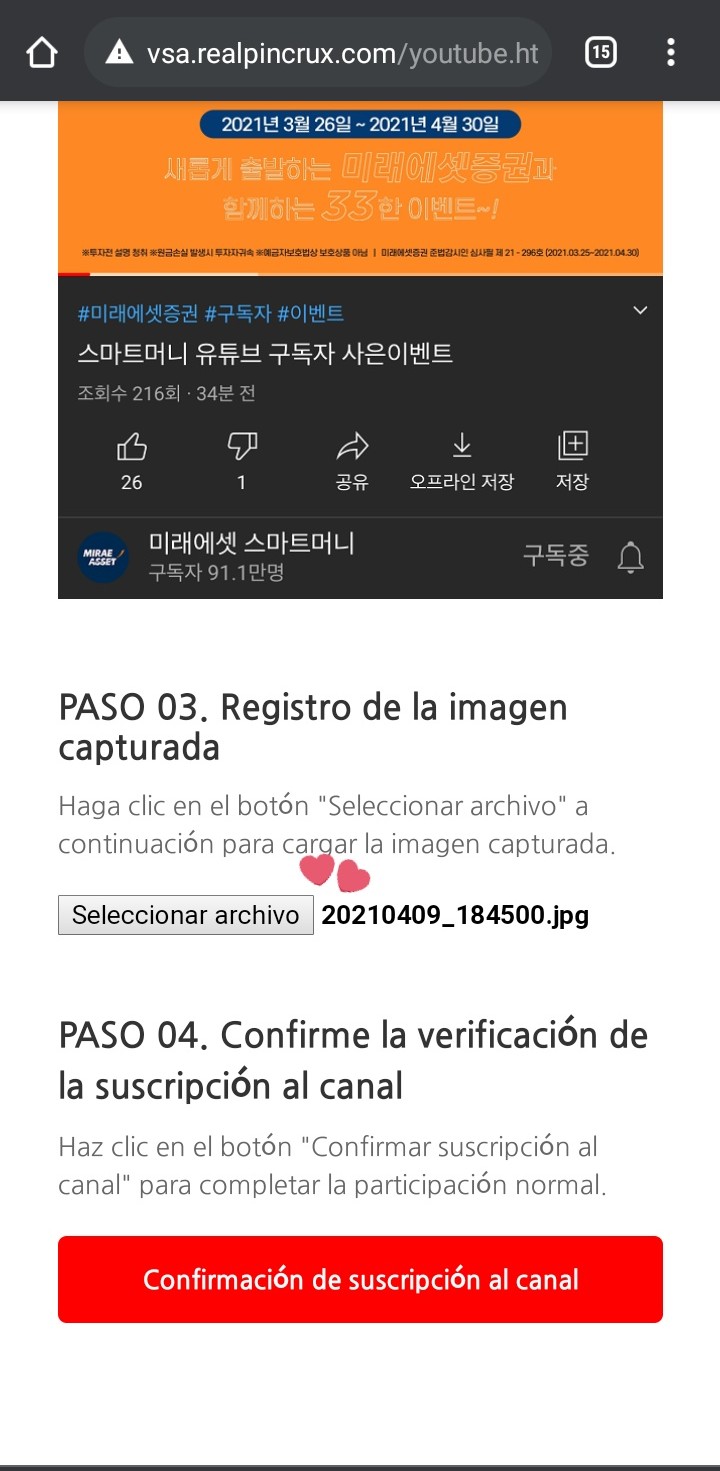
4. Next, click on the red button,"Channel subscription confirmation"and they will get a picture like the following:
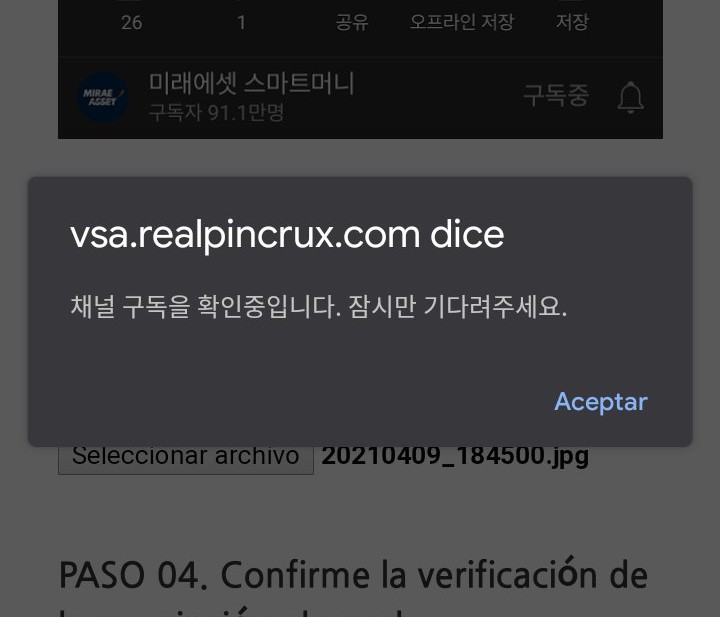
Usually, this message is enough to verify, as it says something like "the image was verified and the votes were cast." However, if you want to double-check, go back to FanPlus, to the mission screen: if the red button appears grayed out, you should receive your votes within a few minutes.