hello
Today I'm going to post about how to make topaz.
Actually, I made a mistake with Topaz...
And it's really simple so I was wondering whether I should upload it or not, but I'm uploading it anyway.
first
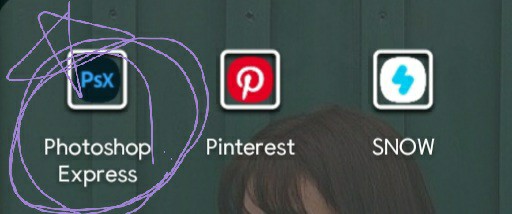
These are all apps I use for conservation.
When using Topaz, I use the app called Photoshop Express on the far left.
Once you run the app,
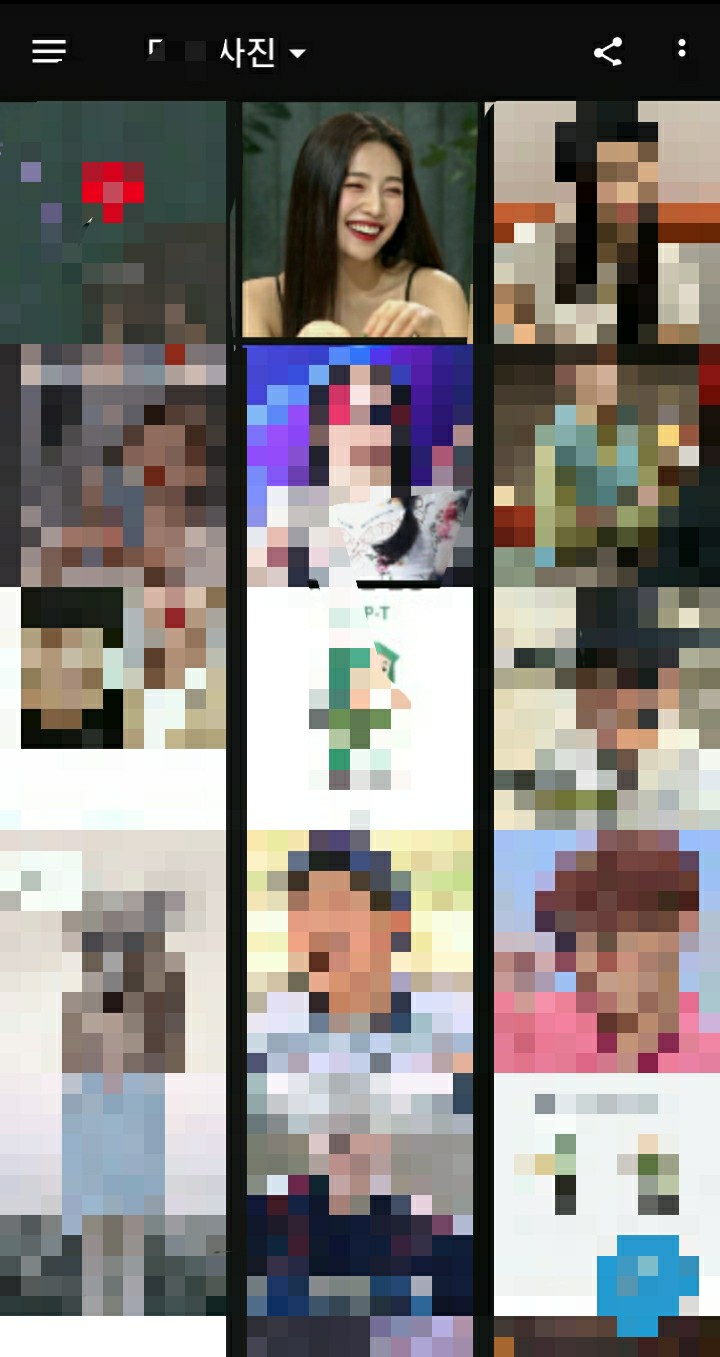
It comes out in a nutshell
Please note that this app requires you to log in.
If it comes out like this
Almost successful
I'm going to do a phone call with a photo of Red Velvet's Joy (Park Soo-young) here.
Once you click on the limb,
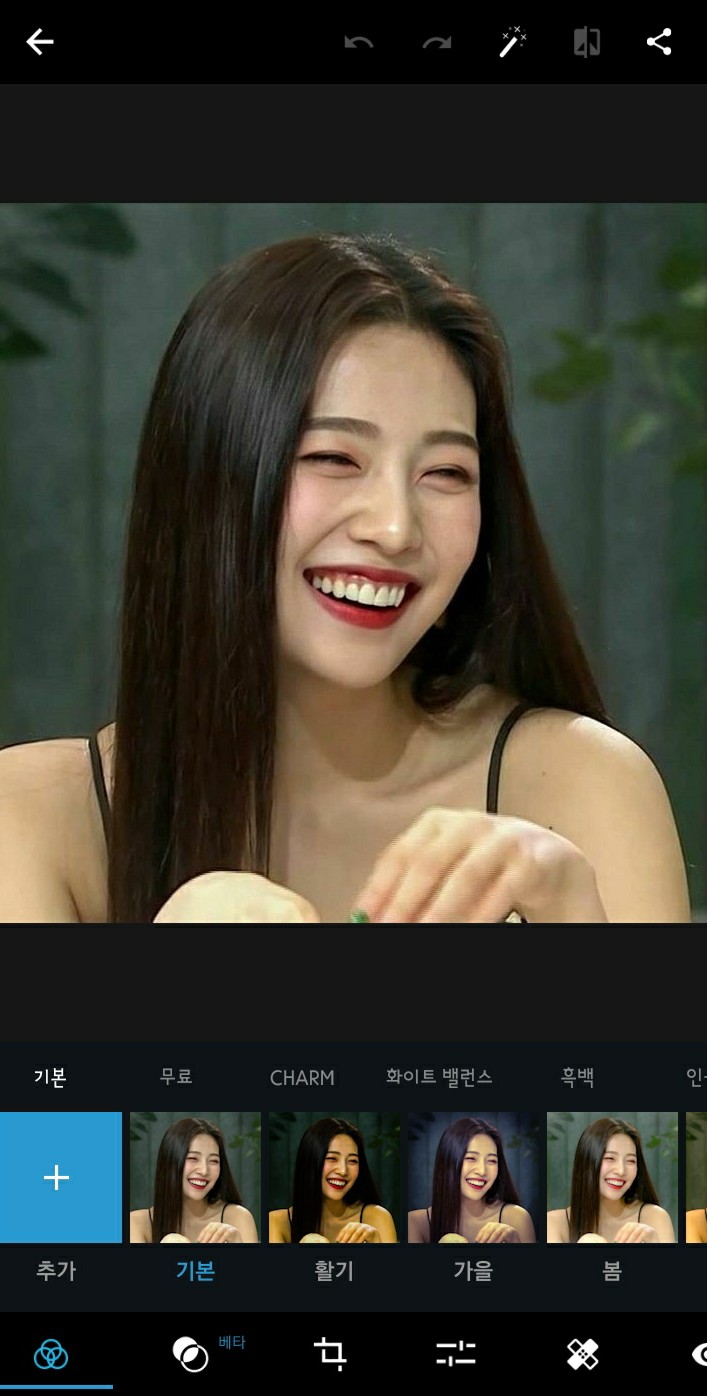
It floats like this
There are two ways to do this.
If the photo is a bit dark like the example here,
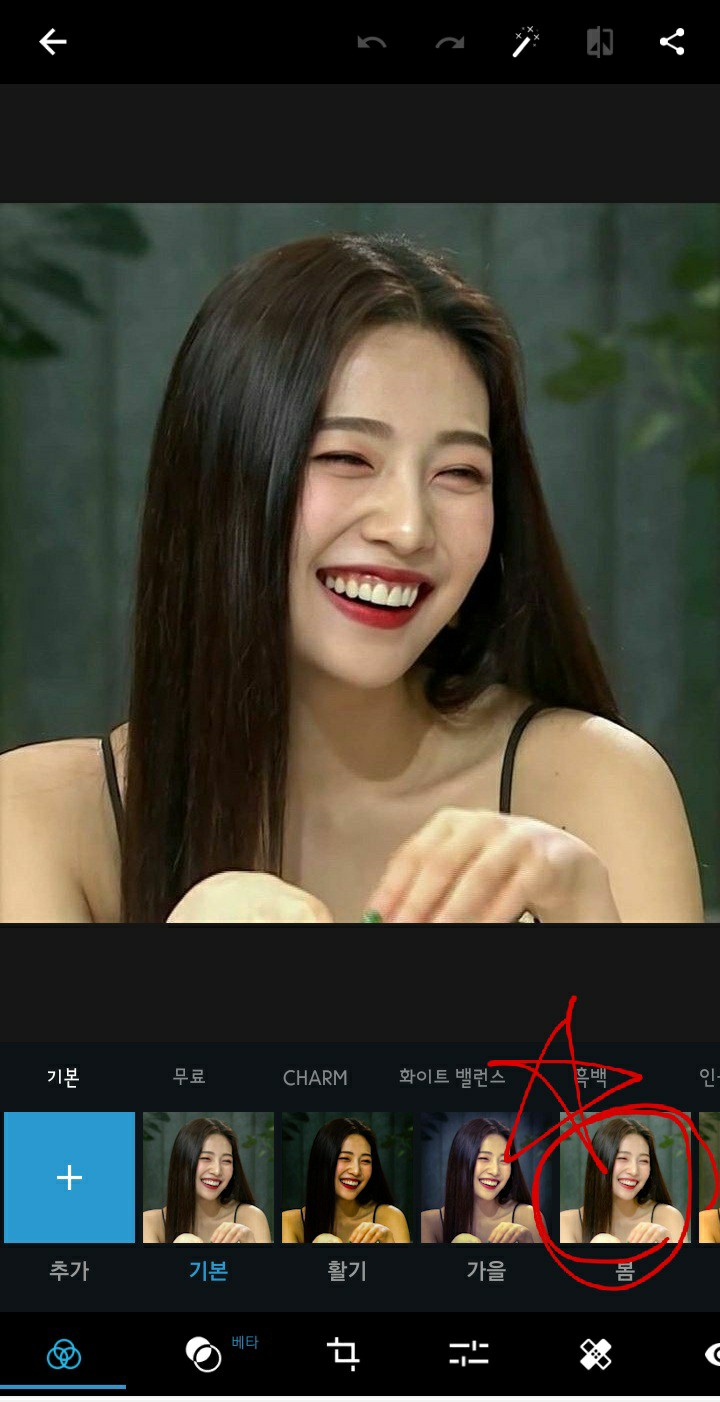
Please come back this spring
As we enter spring

It's so bright
But don't forget that adding spring to a bright photo will make it look weird😉
If you entered like this, click again on the bottom where the two lines are drawn.
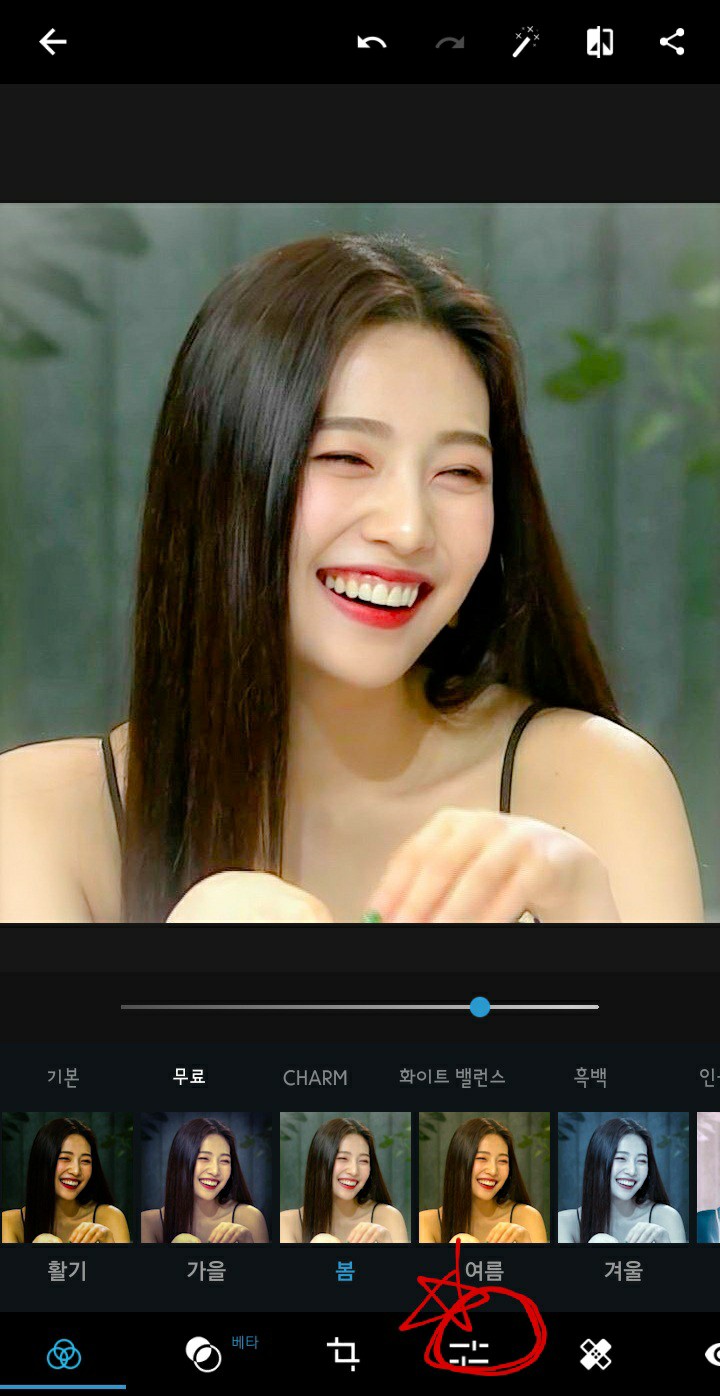
If you click this

It will come out like this
If it comes up like this
First, let's go into the details
And from here on out I do it my way

Sharpen | 95~100

Luminance noise | 100

Highlights | 4-5
※Note: The color I adjusted to spring earlier was too bright, so I lowered it a bit.

Shadow | 5

Black series | -10~-15
Just do this and press the back button

It appears like this
Click Save here to save
Comparison

See you next time then
Hello👋