Tips and help
#6 - Check photos.
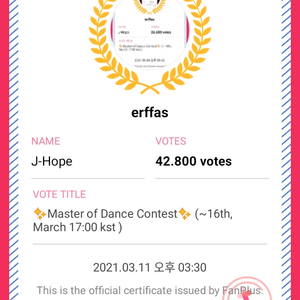
erffas
2020.02.13Views 17
In the "Photos" menu, they press on and onConfirm PhotosThere, you have to answer the questions about some photos. Who is in the photo, the date it was taken, the quality, and what do you think of it? For the date, simply select "don't know" and that's it; you don't need to find out. Keep selecting the options like this until you reach 50 photos.
They receive the votes at the "Mail Box".