

first of all

After accessing Ibis Paint
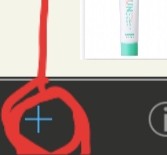
Thank you for pressing this.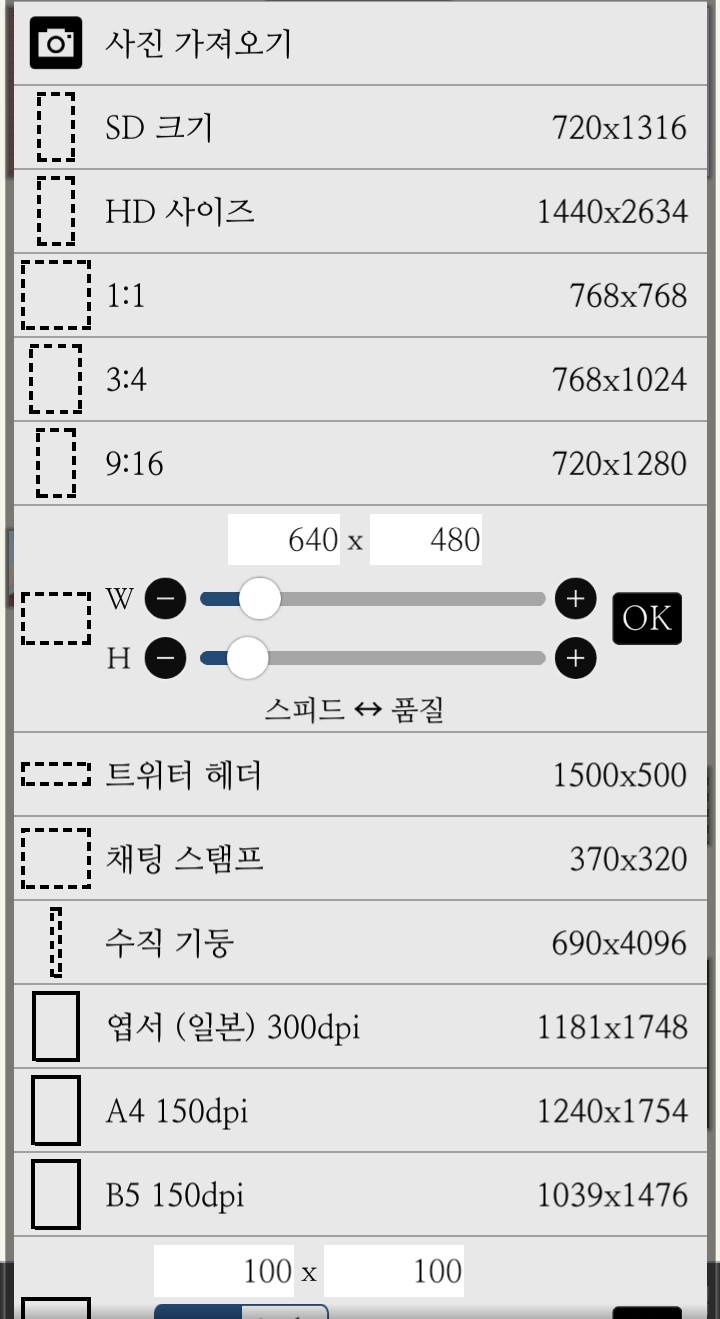
Please select 1:1!
Then
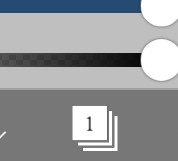
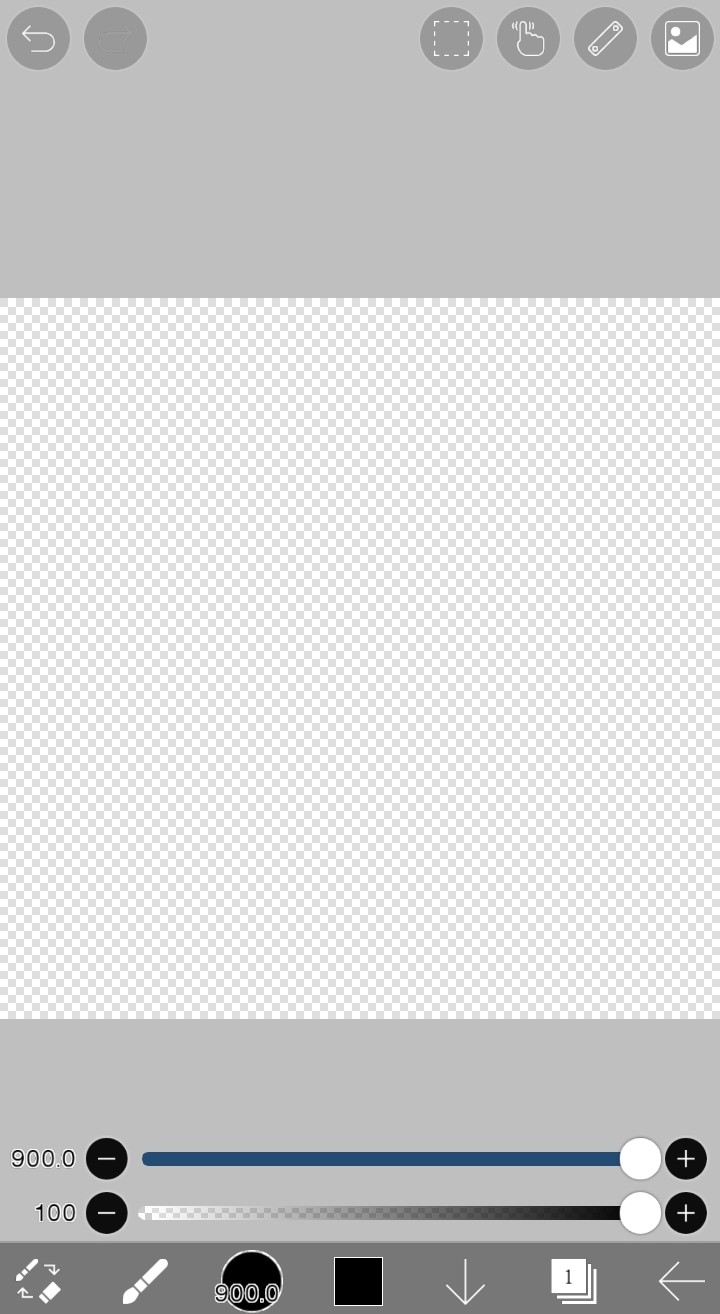
If you press the child below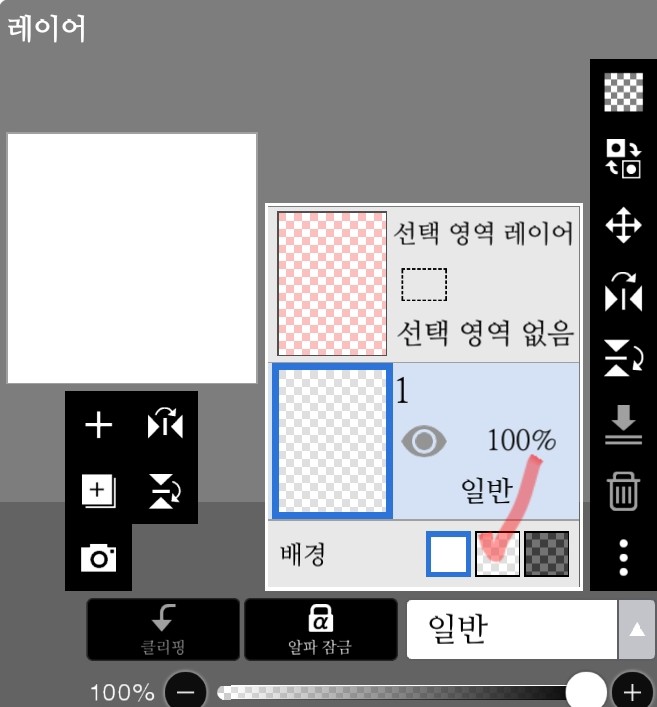
A screen like this will appear. Click on the red check mark (•ᴗ•)
This will do it!
And then

This kid is pressing down
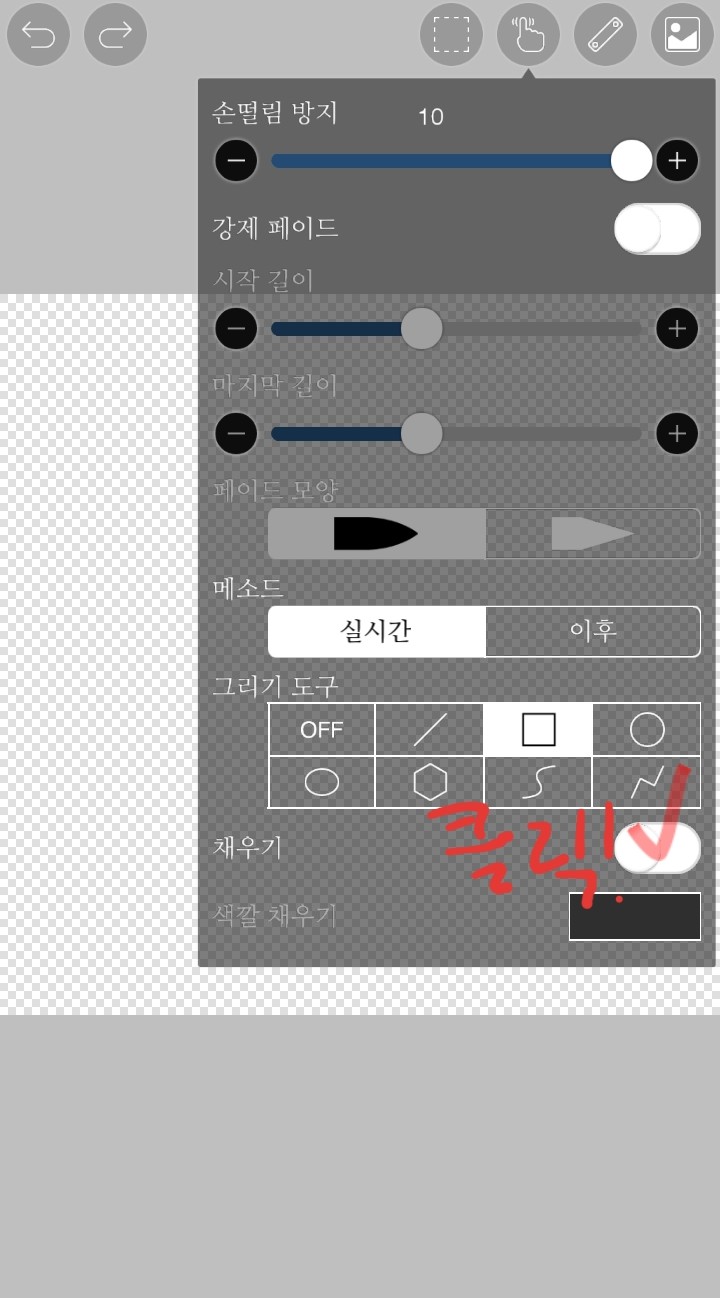
After selecting the □ shape, press ✔︎ to fill in the □. I will choose.
After selecting the color you want, drag it onto the screen.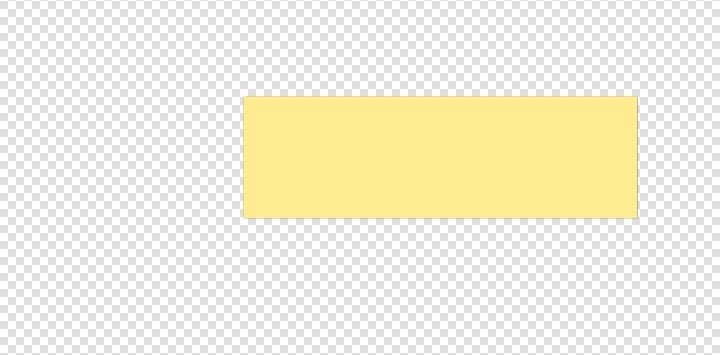
Then
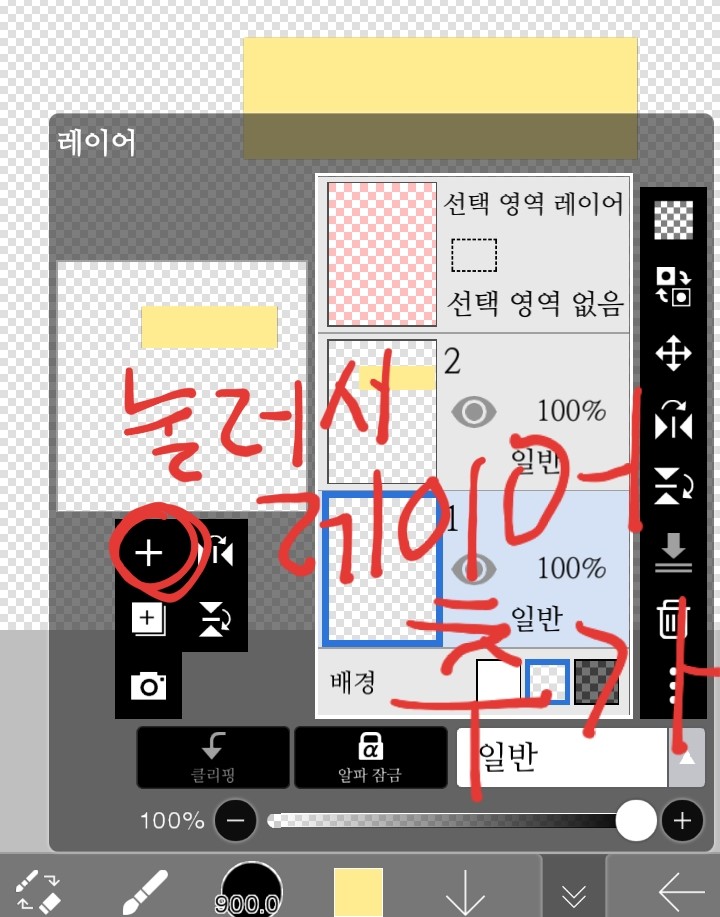 Please press to add a layer ((The author is stupid, so the handwriting is not good, so it is an essay. Please understand even if it is dirty.
If you can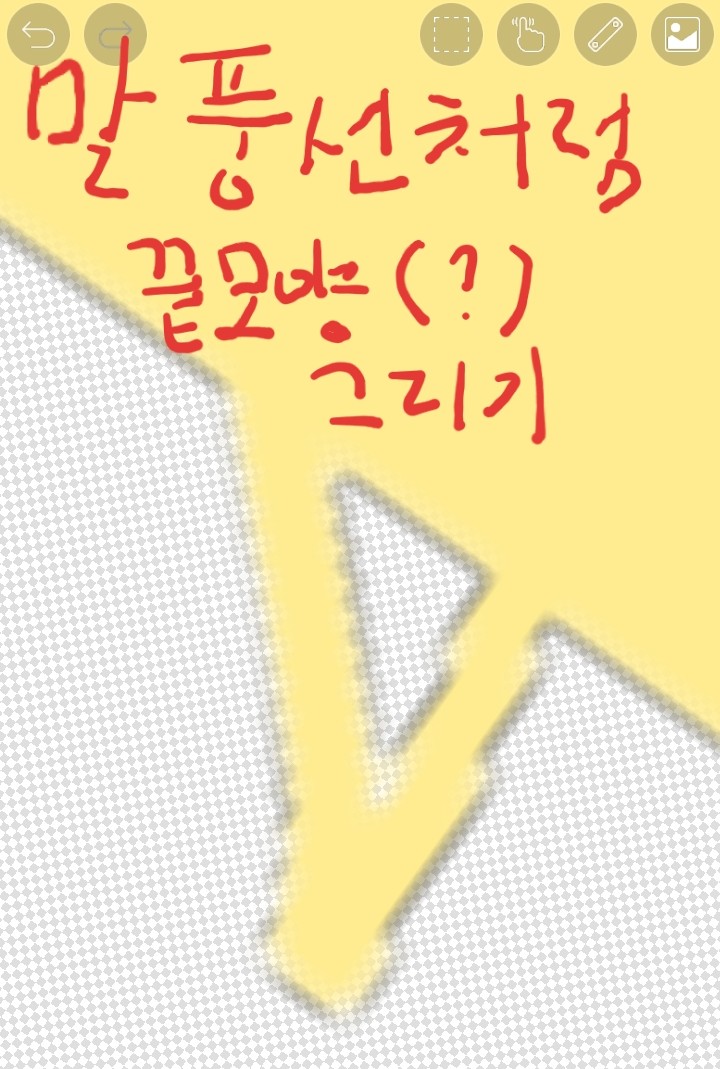 Please draw the end shape!
Please draw the end shape!
Please color and trim it!
If you do it like this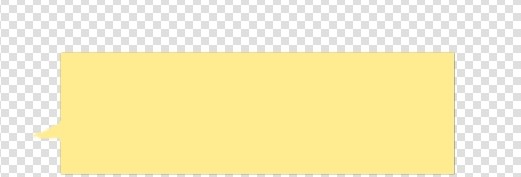
This is how it happens!
It's done!
I make these myself, but I also use your materials. Thank you for listening to my limited explanations •ᴗ•