

(Please turn on Ibis Paint as you always do and bring in a character! This is the standard description)
(I'll just do the characters for now)
Turn on Ibis Paint as usual and bring in your character!
If you do it like this, press the brush shape on the side
Click on the child called Filter and click on the stroke next to the angle ruler!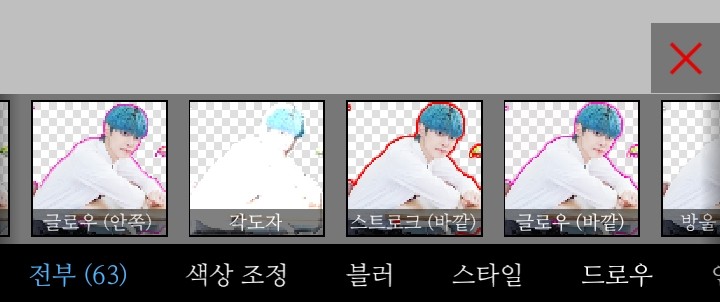
Press the stroke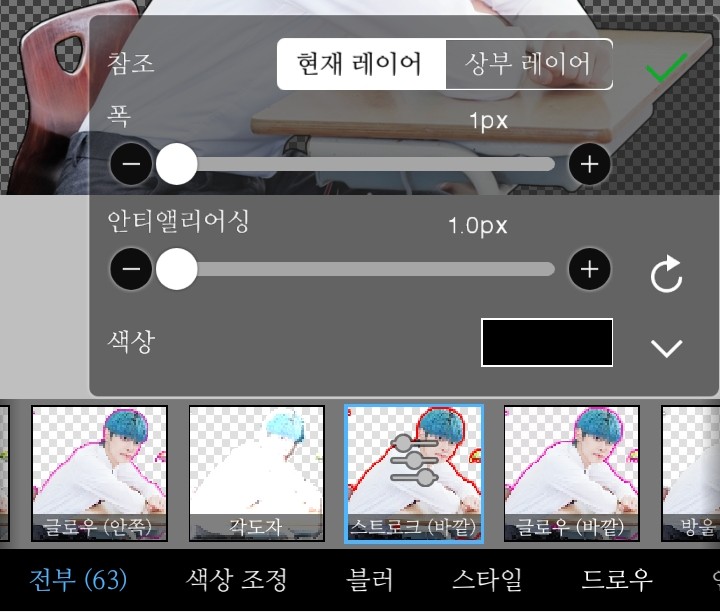
(I'll go with black!)
Color-hue adjustment
Anti-aliasing - I'm not sure, but it looks like stroke blurring!
It's a wide stroke size!
After adjusting the stroke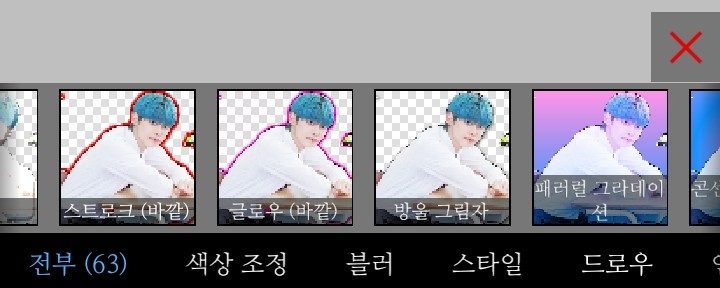
Here, click on the drop shadow friend(?)!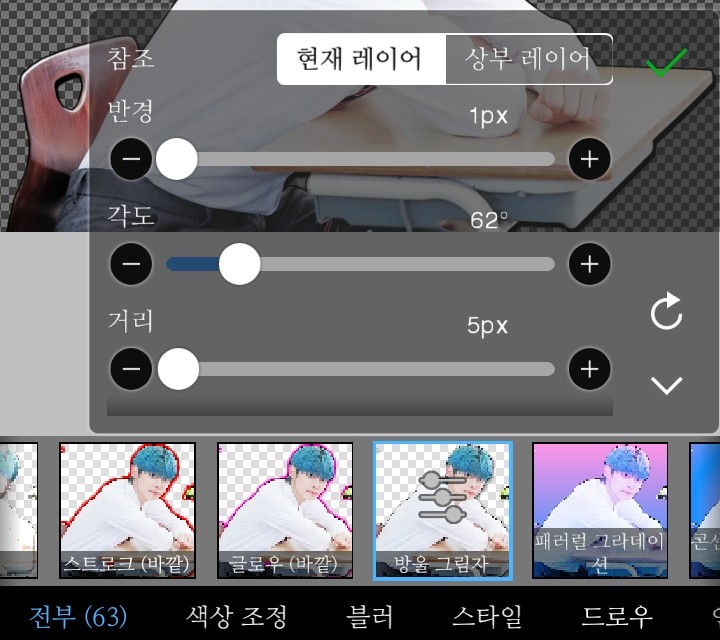
(I later changed the color to sky blue!)
Radius-Spread (maximum when dark or hazy)
Angle - Specifies whether the shadow will be next to, above, or below the character.
Distance - the distance between the shadow and the figure
Thank you for setting everything up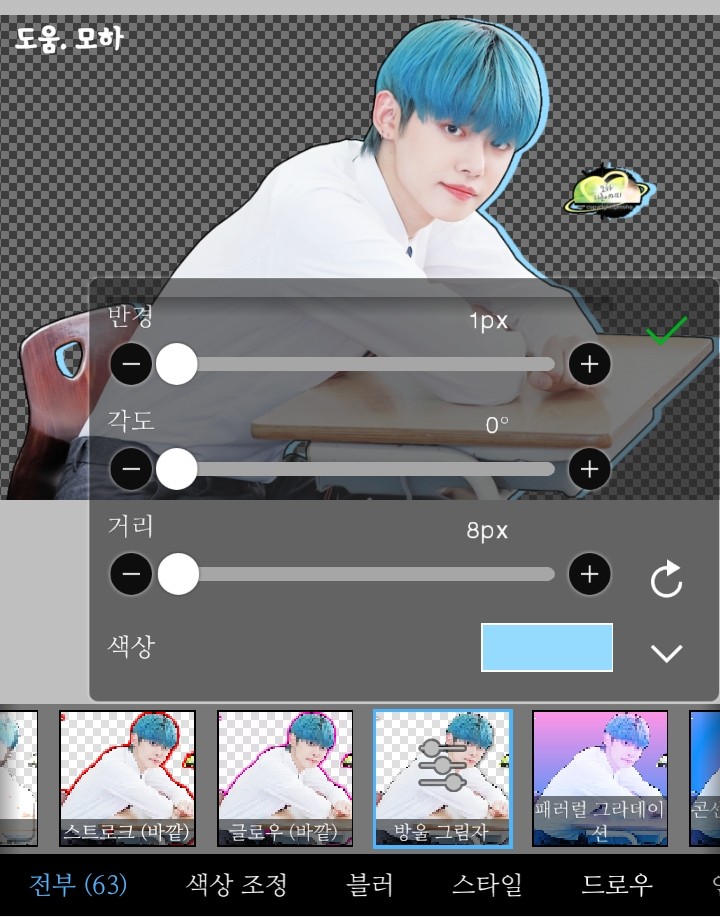
I'm so happy!
Strokes are not necessary, but they make it look neater and prettier!
--------------------------------------------------------------------------------
Everyone, please become a better diamond hand than me!
Thank you for watching!