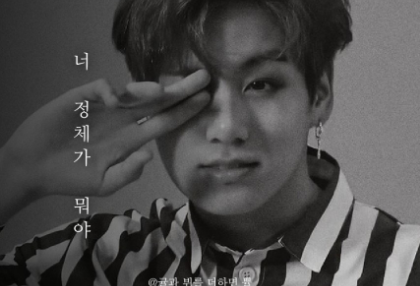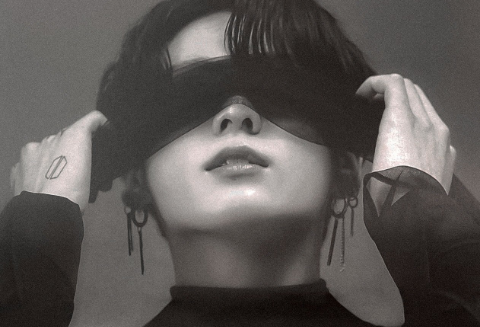

(I will explain based on recent standards.)
First of all, the app used to create the cover is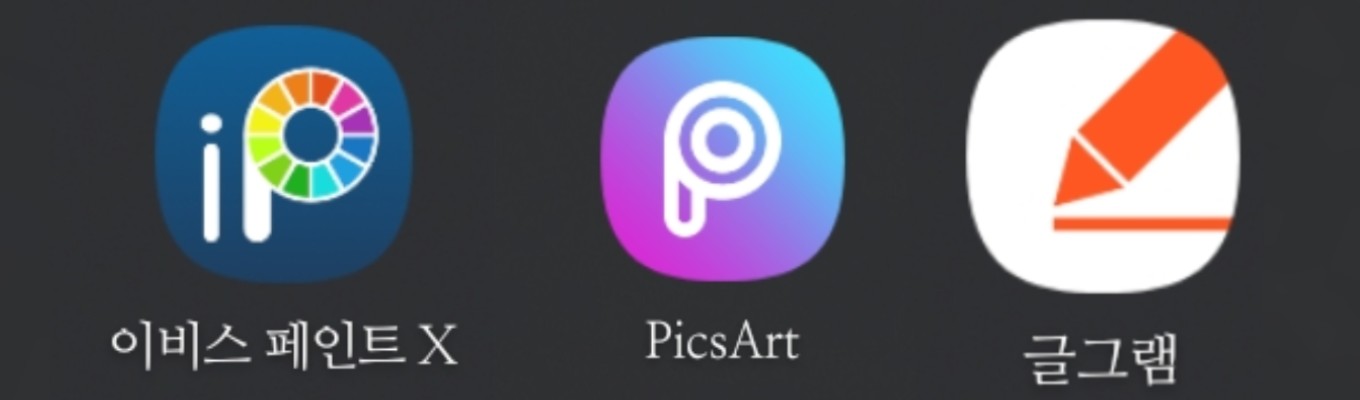
There are three of them, and I will explain them in order.
--------------------------------------------------------------------------------
-Ibis Paint x
Pros: Since it is definitely a drawing app, you can use brushes, shapes, strokes, corrections, blurs, etc. conveniently. The brushes that are locked with an orange lock can be used for about 18 hours just by watching ads without paying, so it is good for students to use as well.
(You can search for the font site and download it by clicking on the font, regardless of whether it is English or Korean!)
(There are many English fonts that are pretty and useful, even the default fonts)
Cons: As mentioned in episode 2, when loading an image, it is an app that is just like Photoshop Touch, except for the line drawing extraction message and the image being broken down into pixels!
-PixArt
Pros: If you make good use of the speech bubble, mask, drawing, sticker, and font features, you can make a pretty cover!
Cons: Constant paid payment message.. It really follows you around..
-Geulgram
Pros: Ibis, FixArt, you've completed a hazy, dark cover, but you don't have the font you want! This app is easy to use!
Cons: I haven't seen any cons yet, so I don't really know.
--------------------------------------------------------------------------------
Sorry it's been so long since I've been here 😥
Everyone, please become a better diamond maker than me!
Thank you for watching!