
Run Photoshop Express
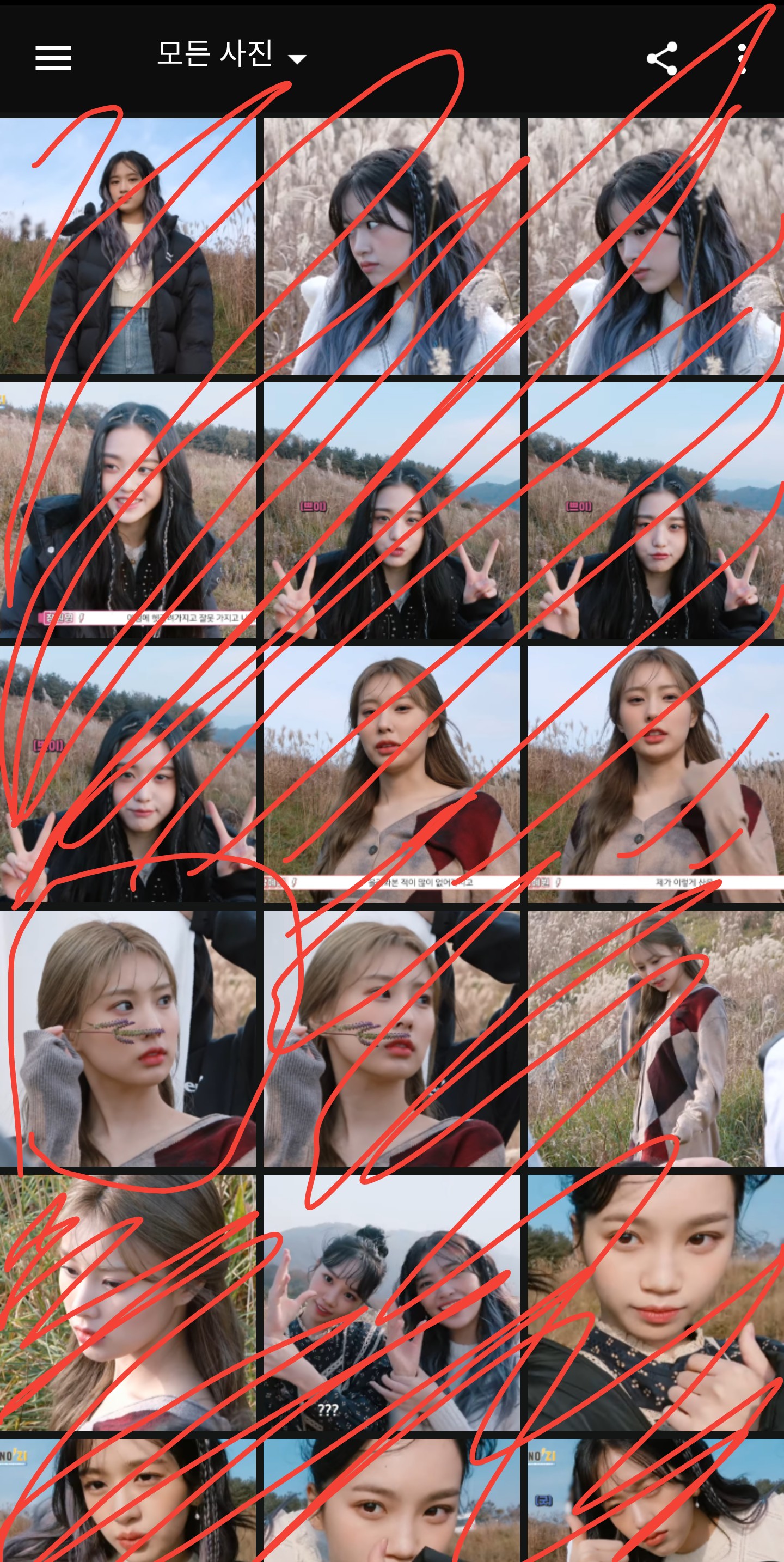
Photo picking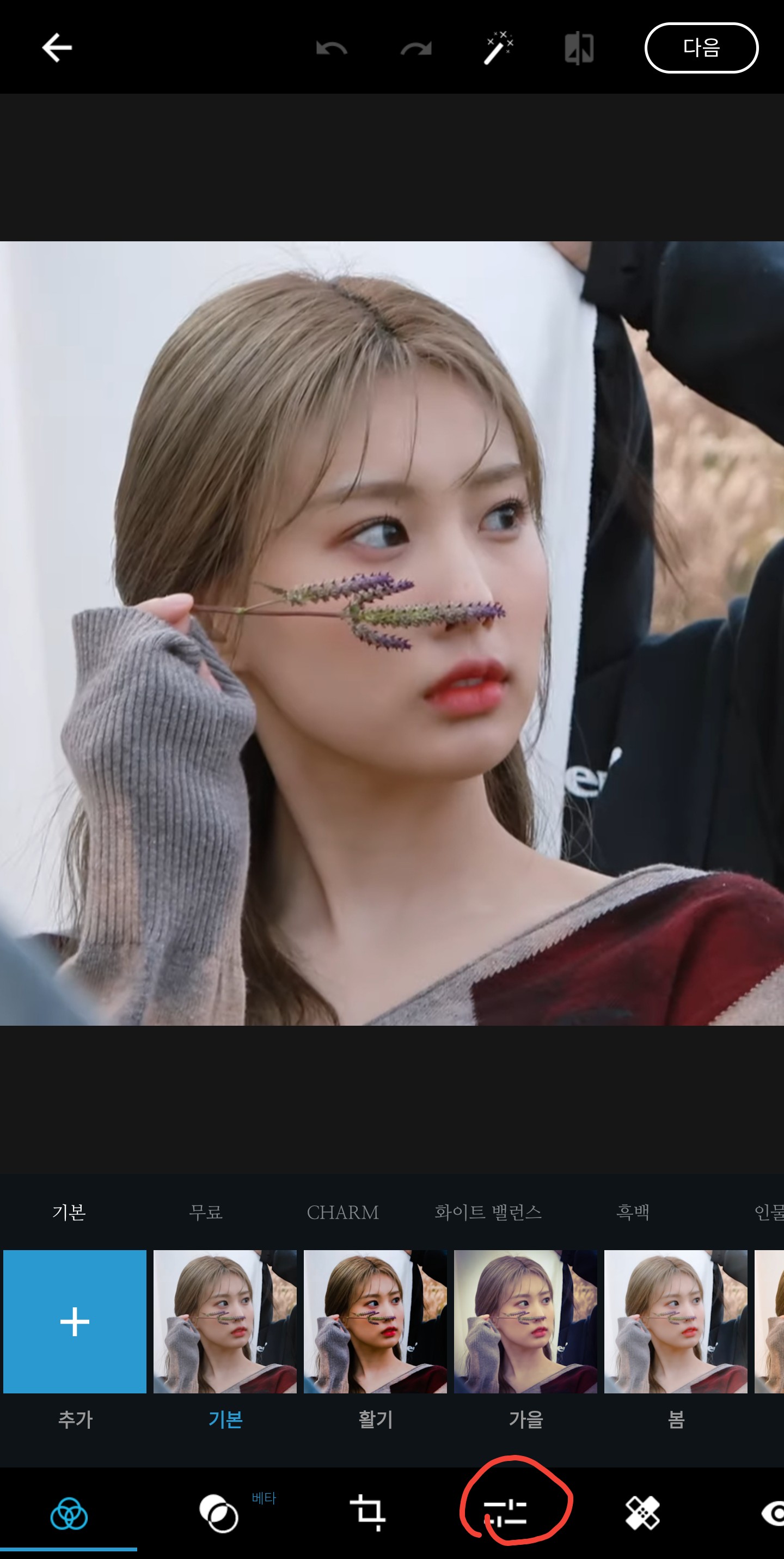
Press two buttons
The color noise is the same as that of regular topaz.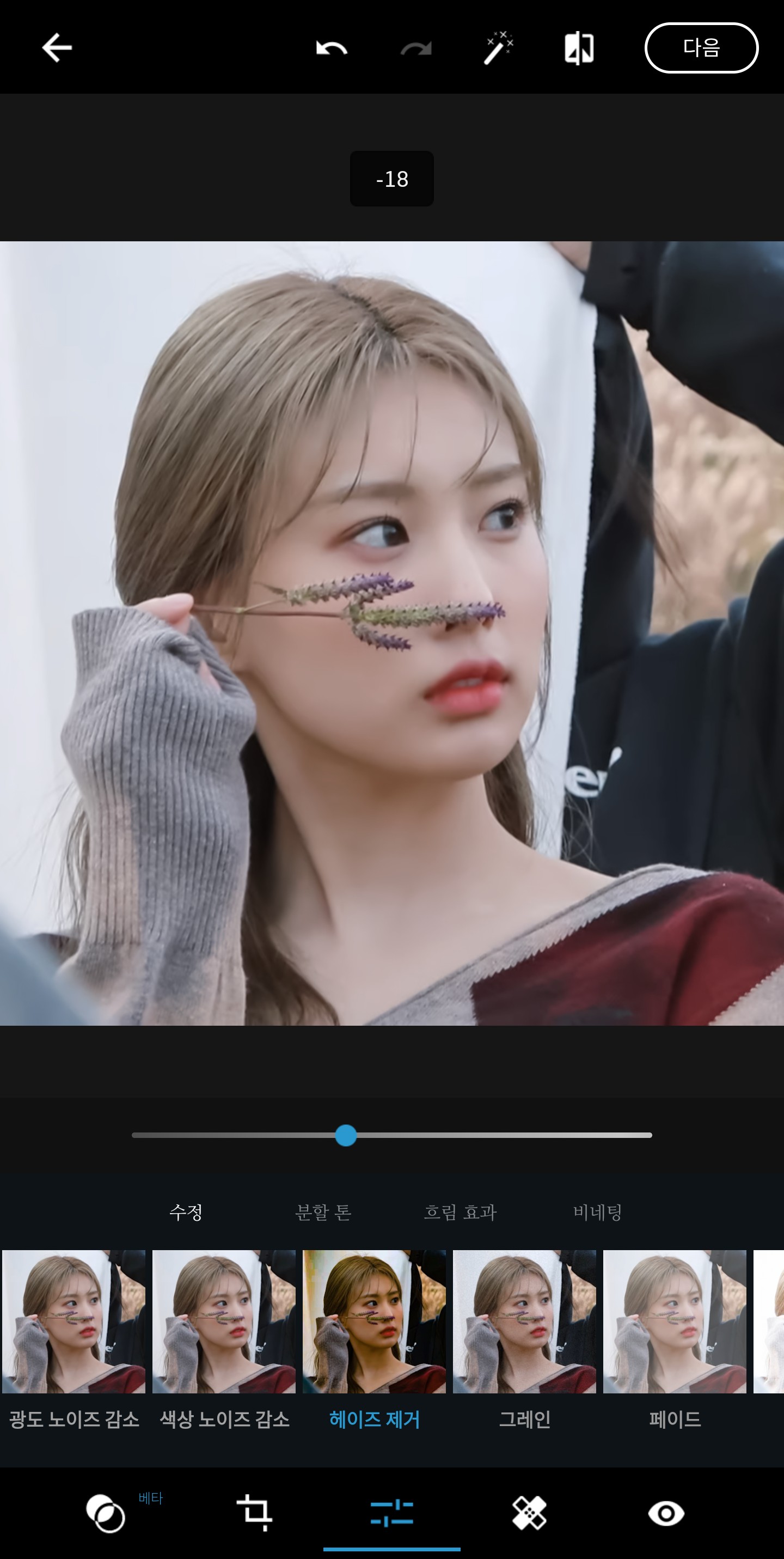
Remove haze -15~-25
Exposure varies depending on the photo, but try setting it to around 10-25 (I couldn't capture it...)
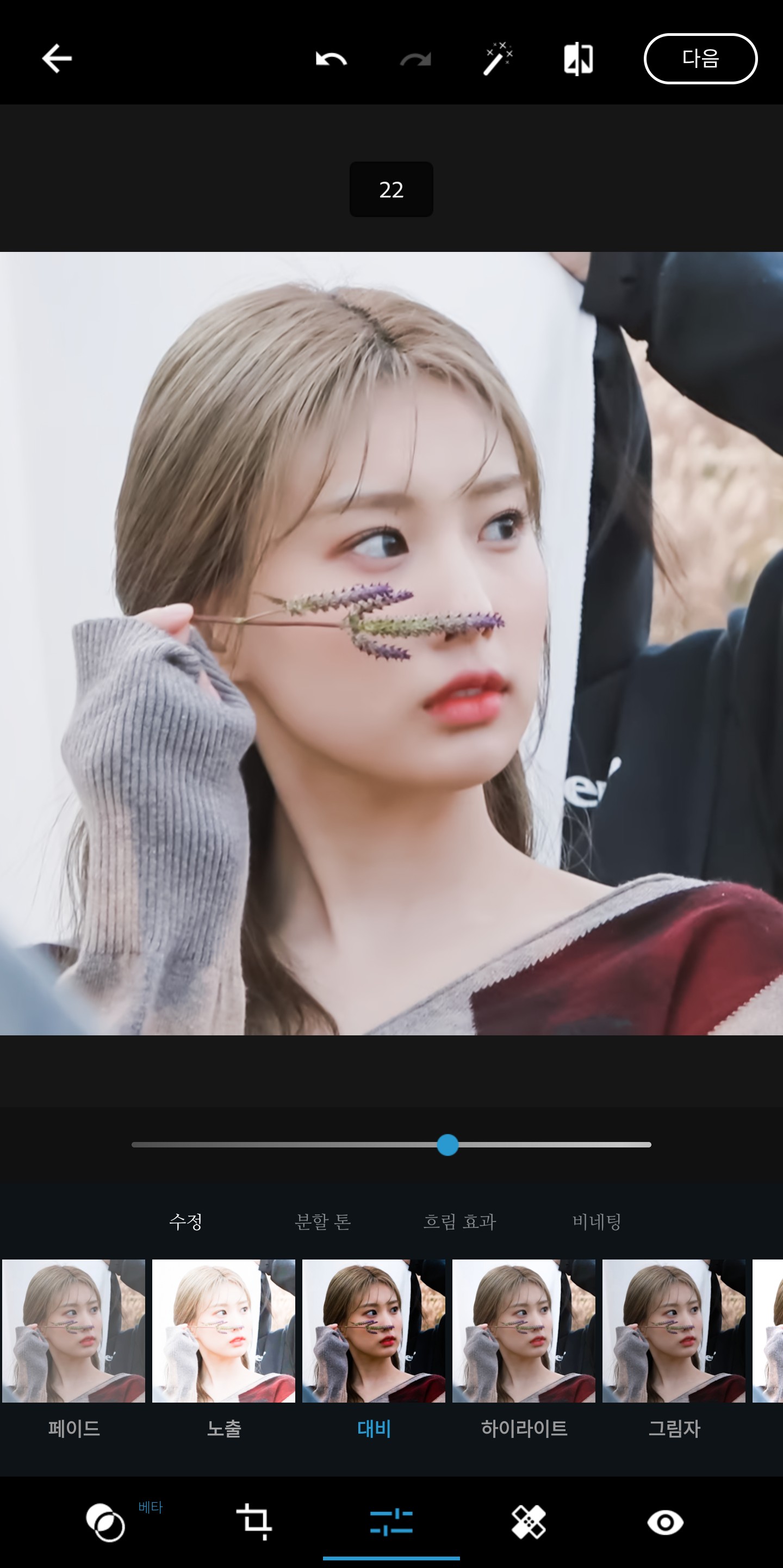 The contrast is 20~30
And do a little bit of highlights, shadows, and whites!
About 10?
Just leave the rest the same and you're done.
Before correction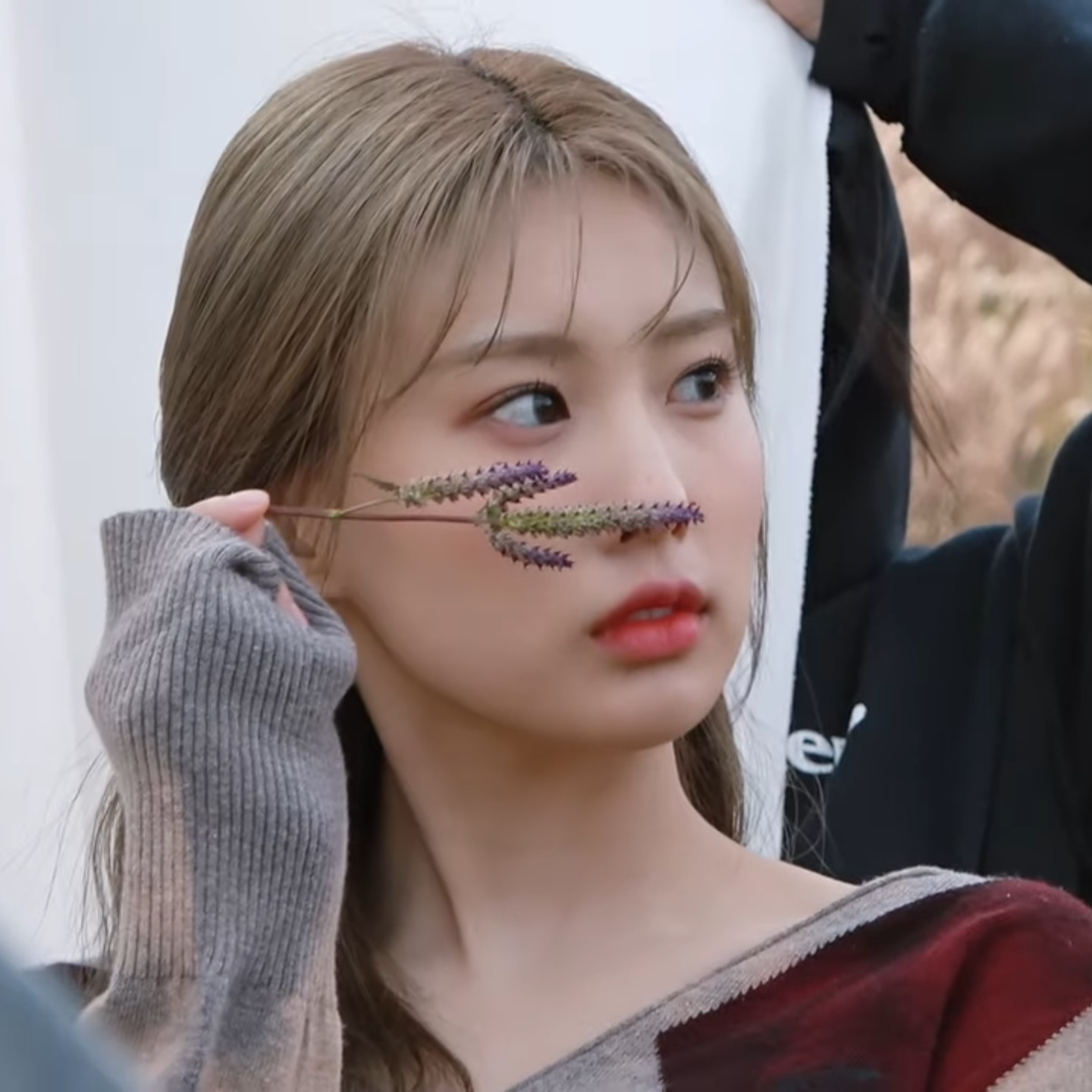
After correction
Direct cap
Another example (I probably added a little bit of staining to this photo!)
(I probably added a little bit of staining to this photo!)Certified
If you want a bit more extreme correction, increase the exposure more!!
And I tried removing some of the exposure and adding some stains, and it turned out pretty too.
That's it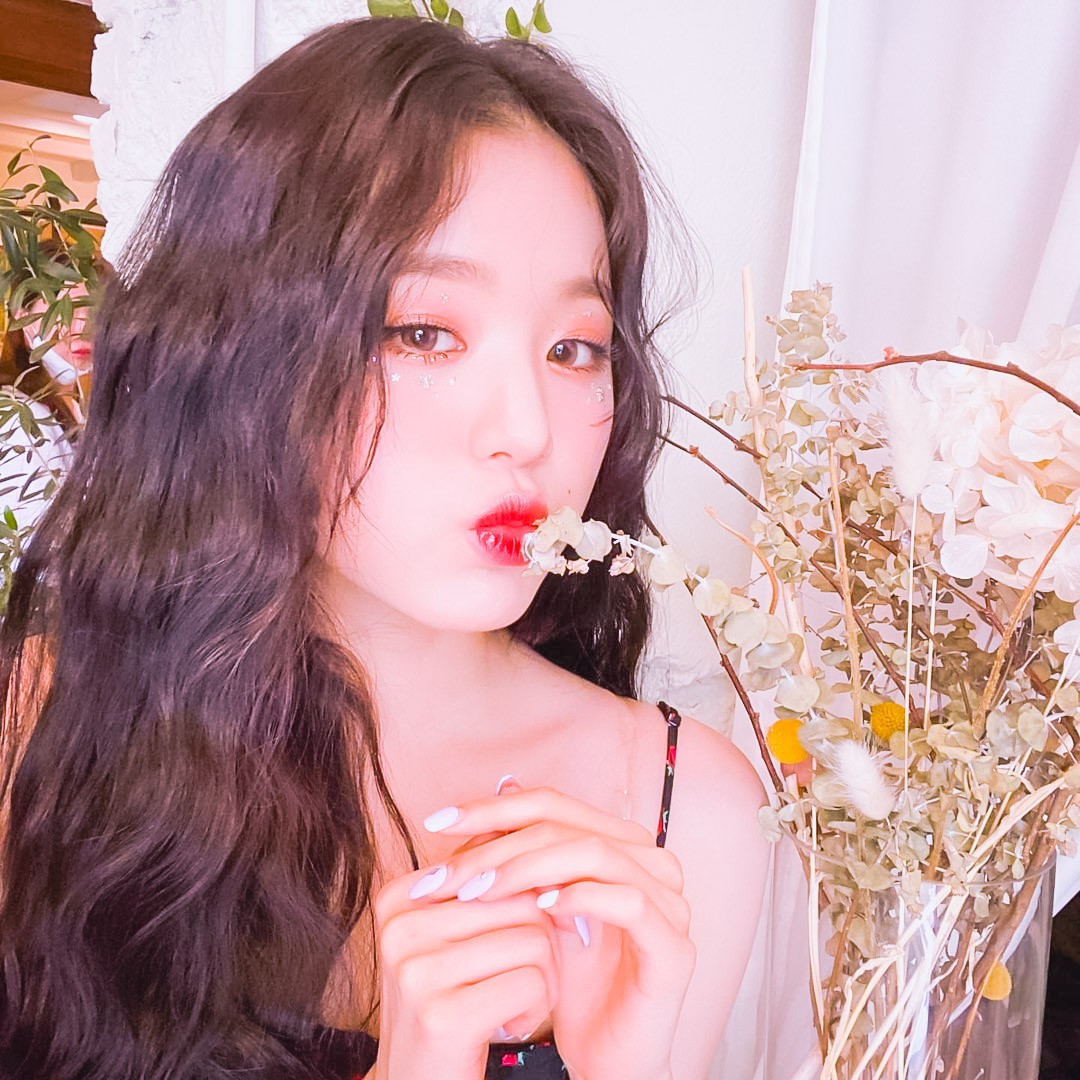 Certified
CertifiedThe stain is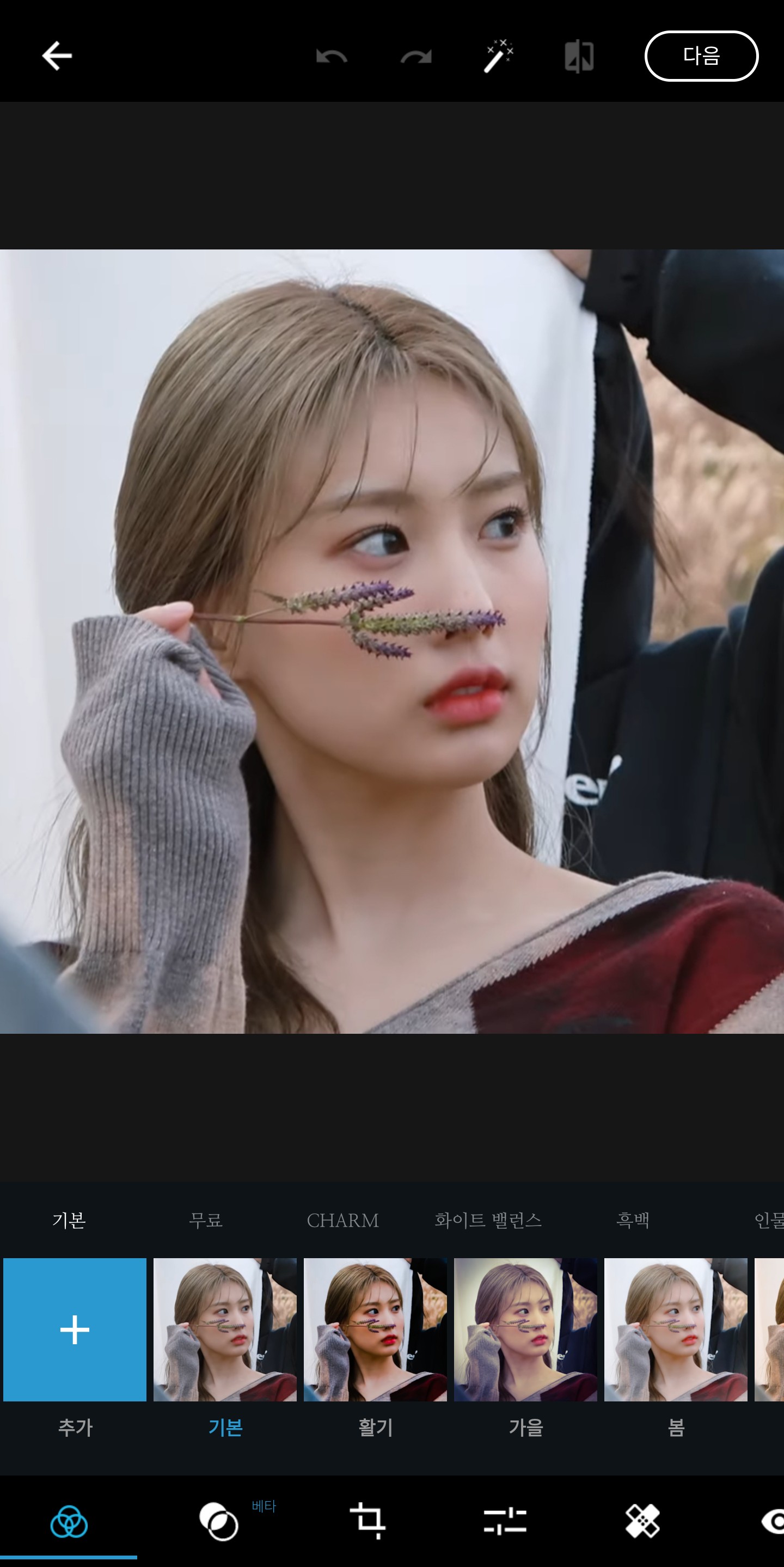
If you scroll here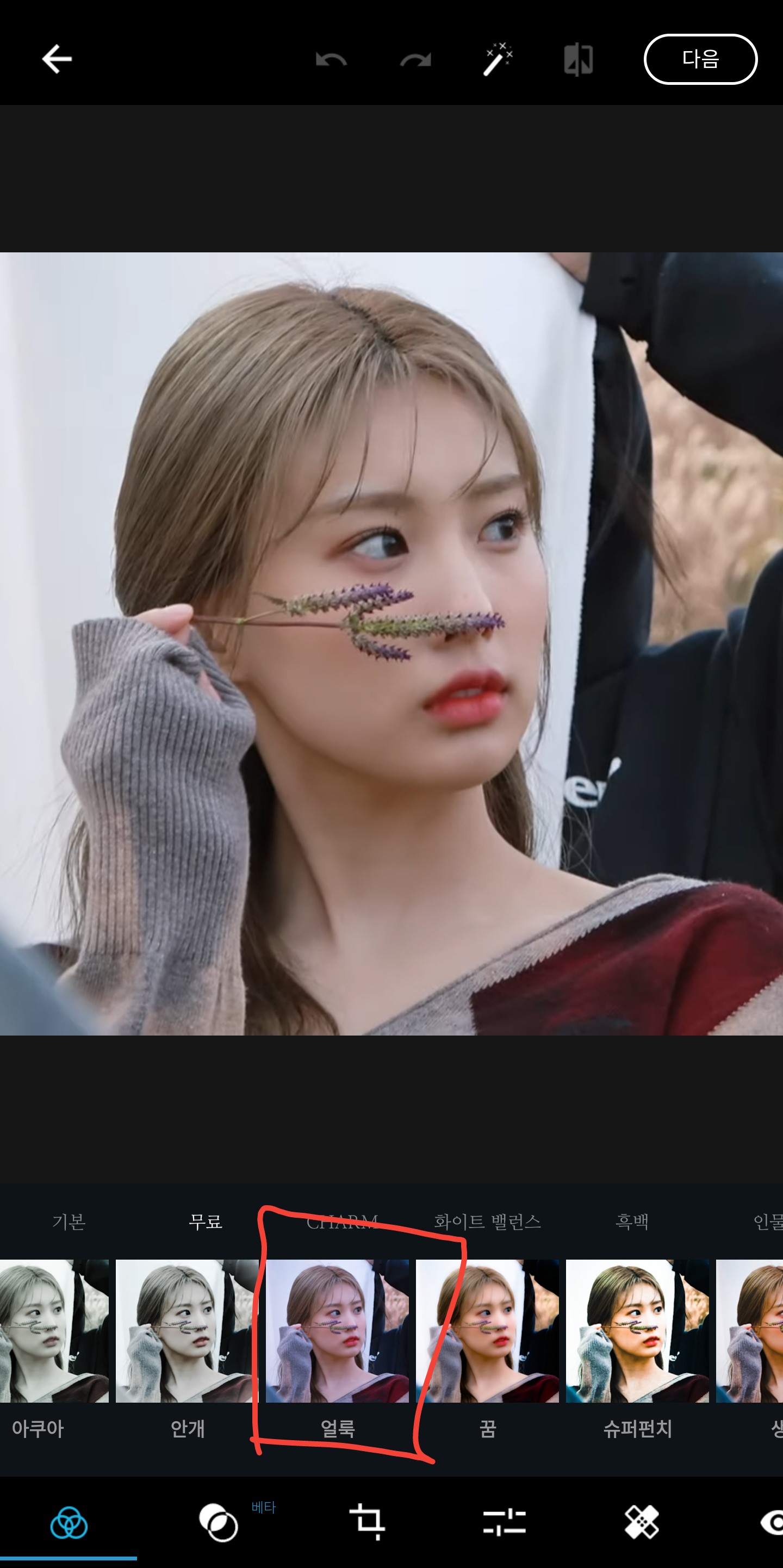 Come out^^
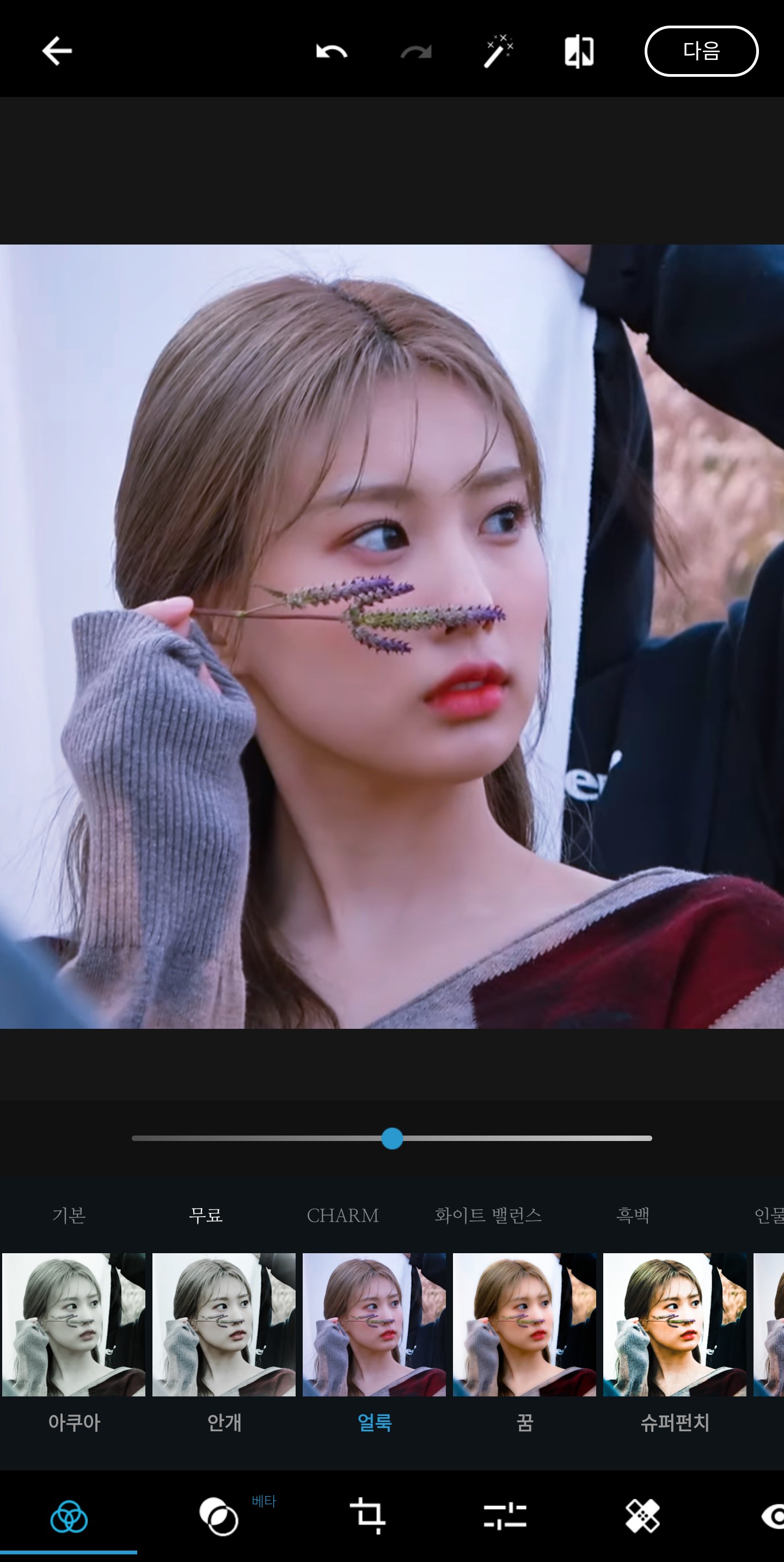 The stain gives off a pinkish tint similar to Snow's tint.
Come out^^The stain gives off a pinkish tint similar to Snow's tint.