
Launch Lightroom
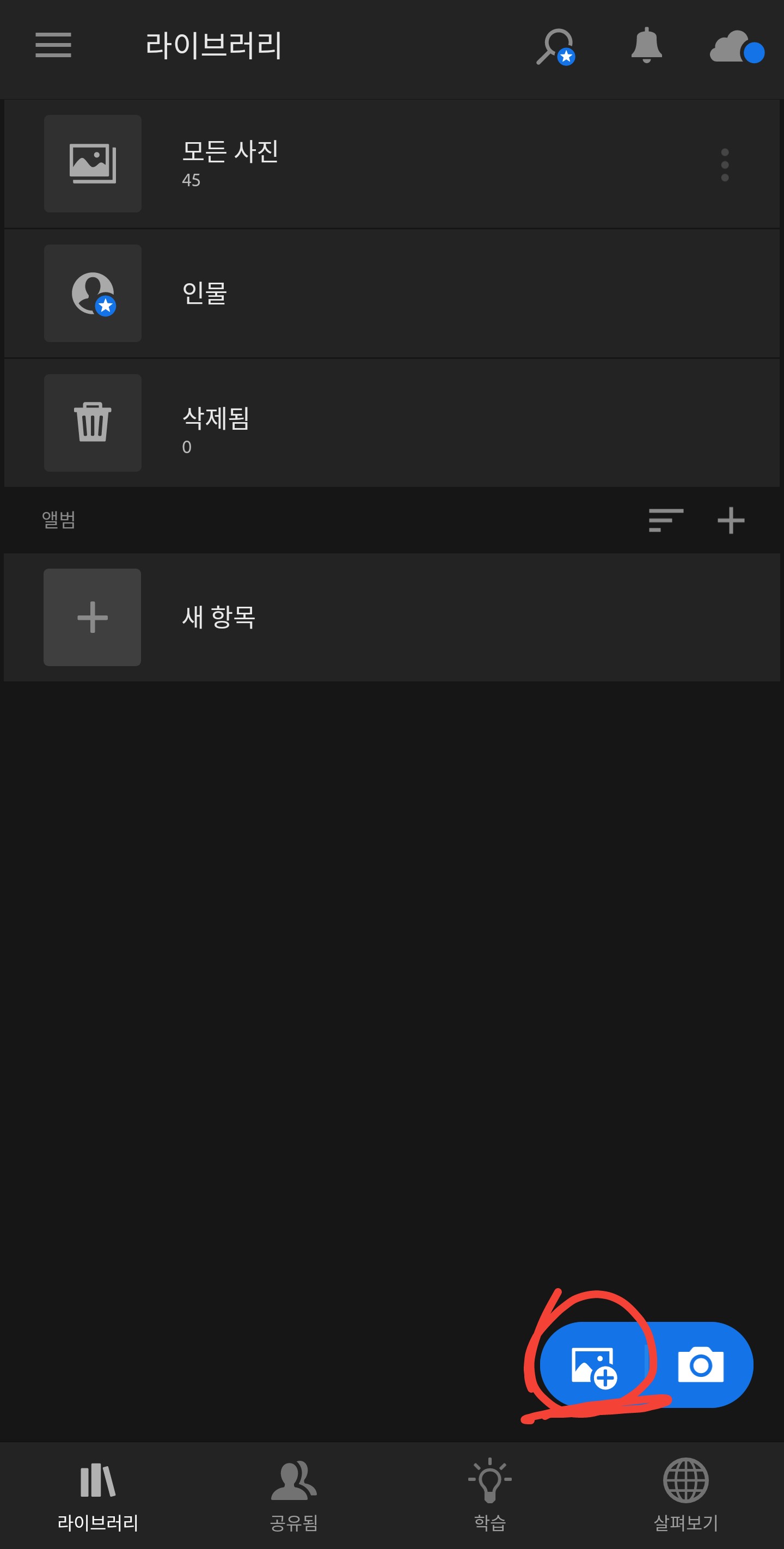
pressure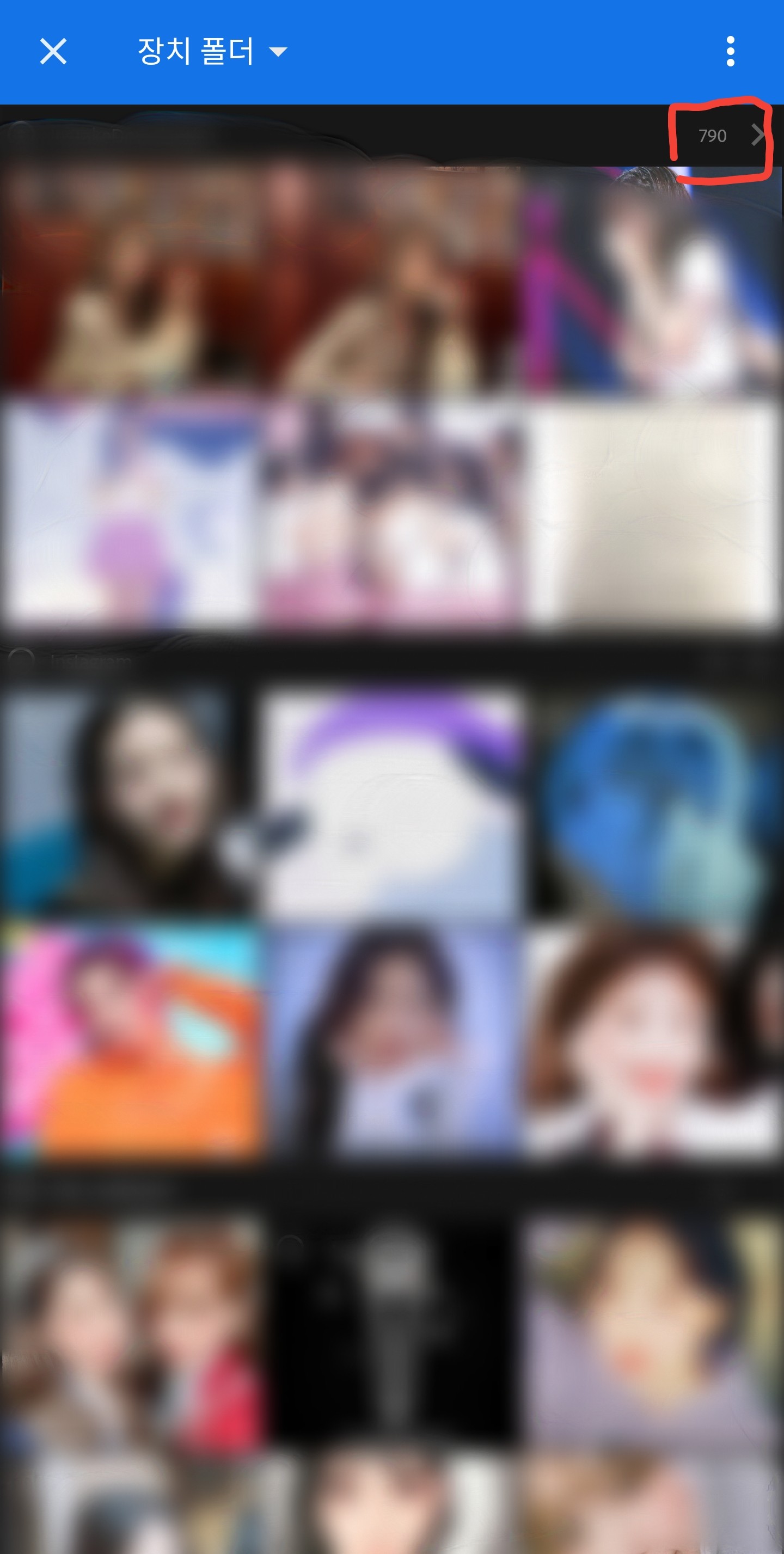
Change the time by pressing the arrow next to the folder name or the arrow next to the device folder.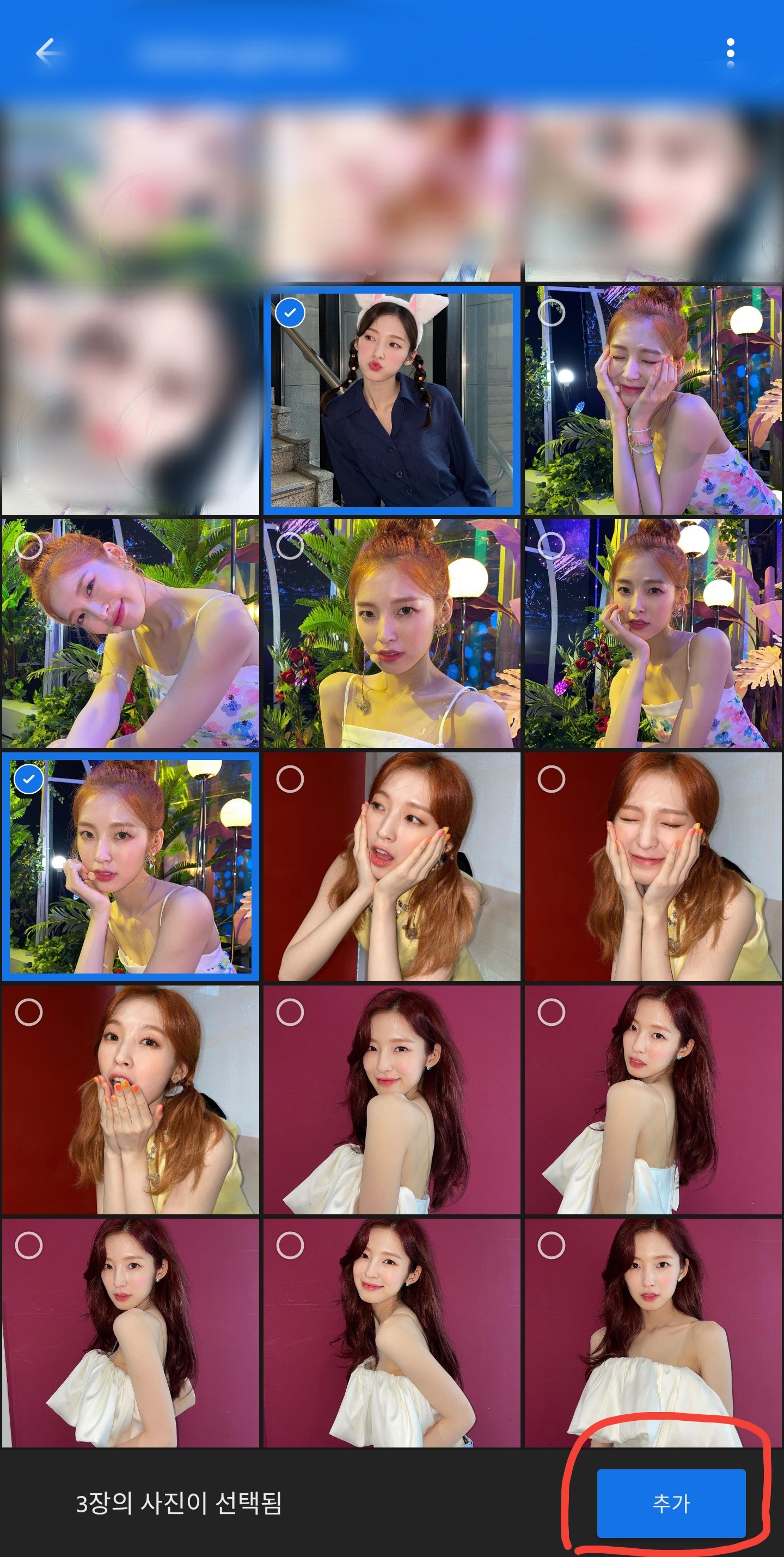
Select a photo and click Add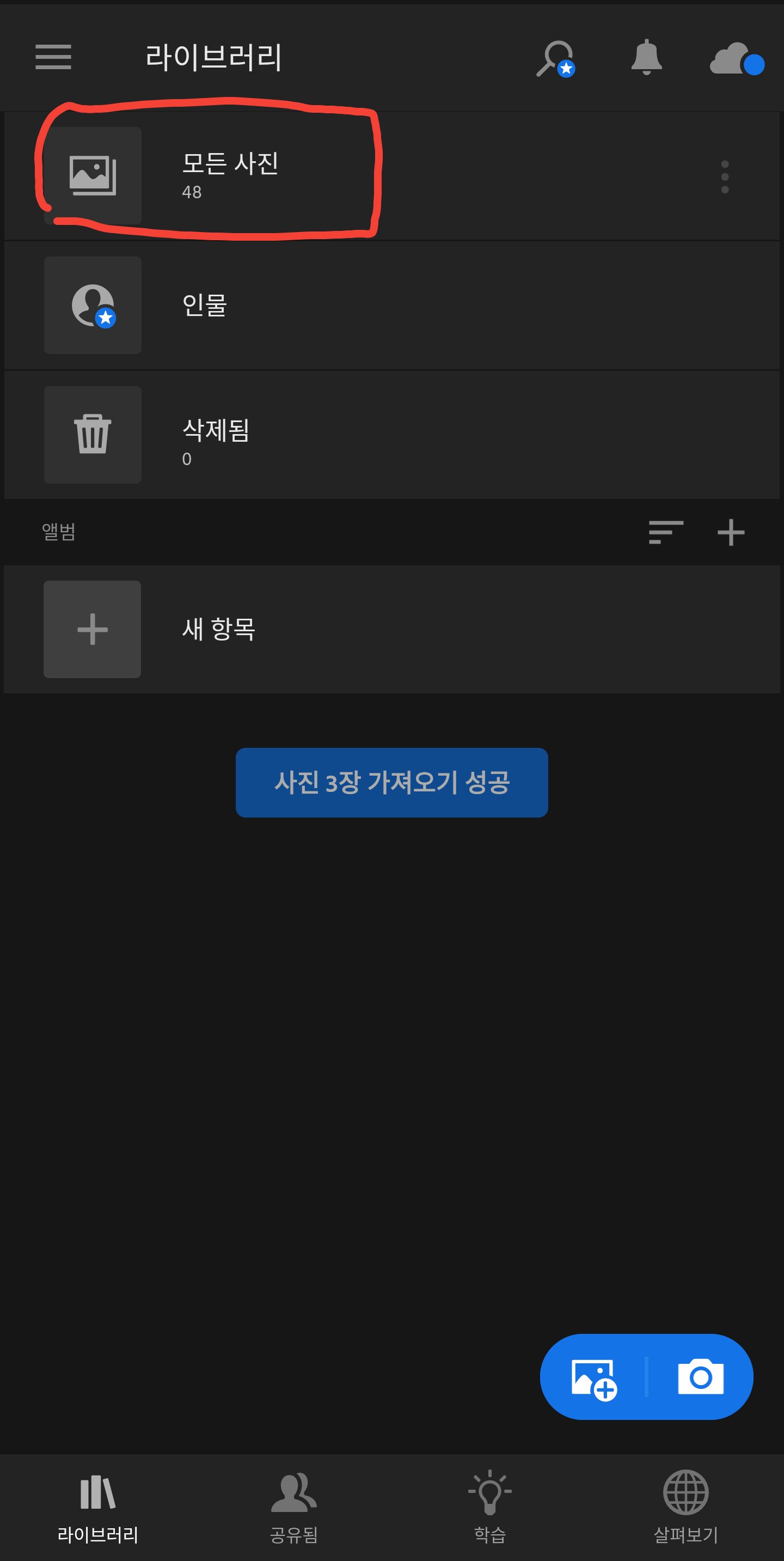 pressure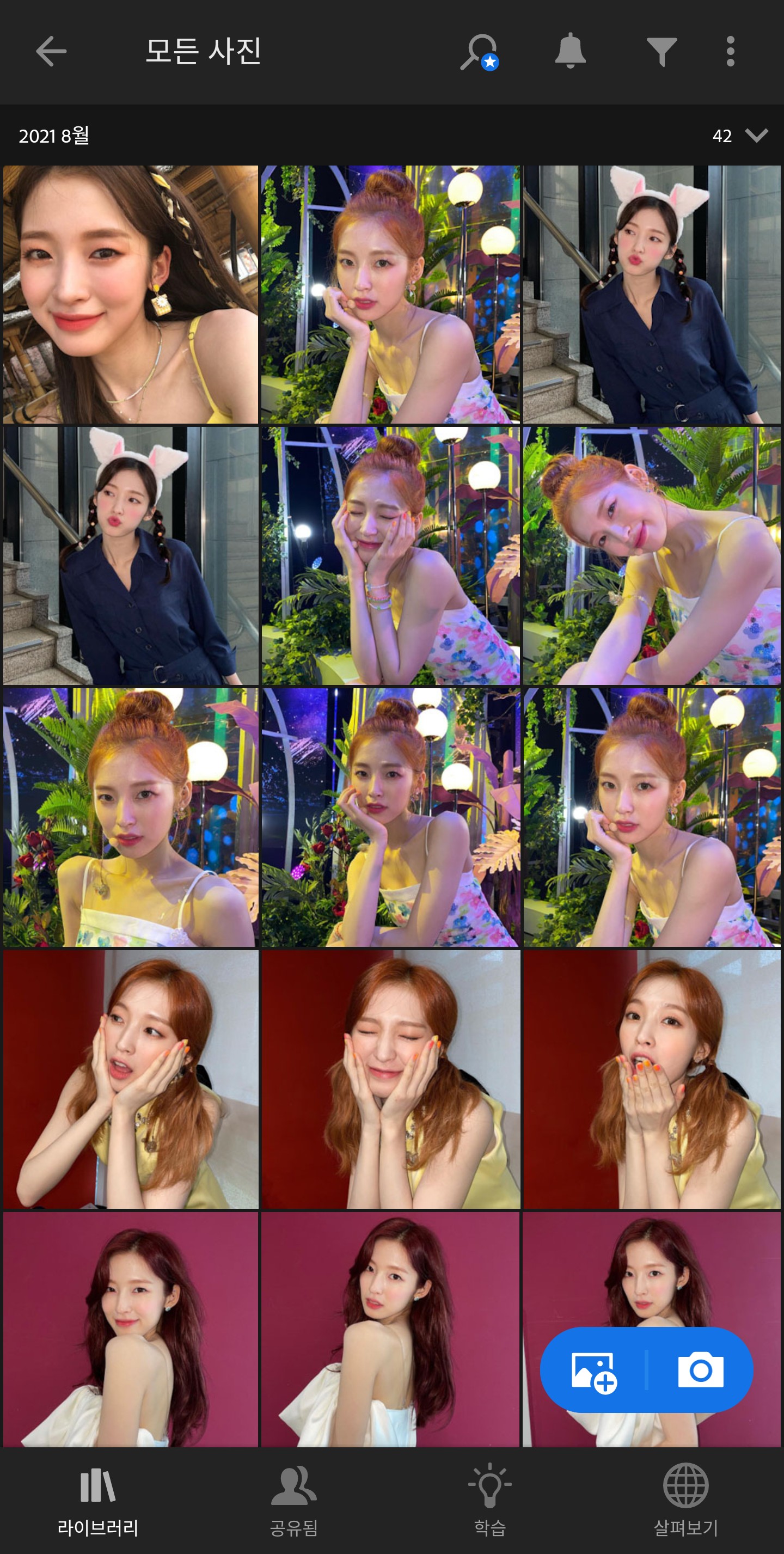
pressureClick on the photo you just added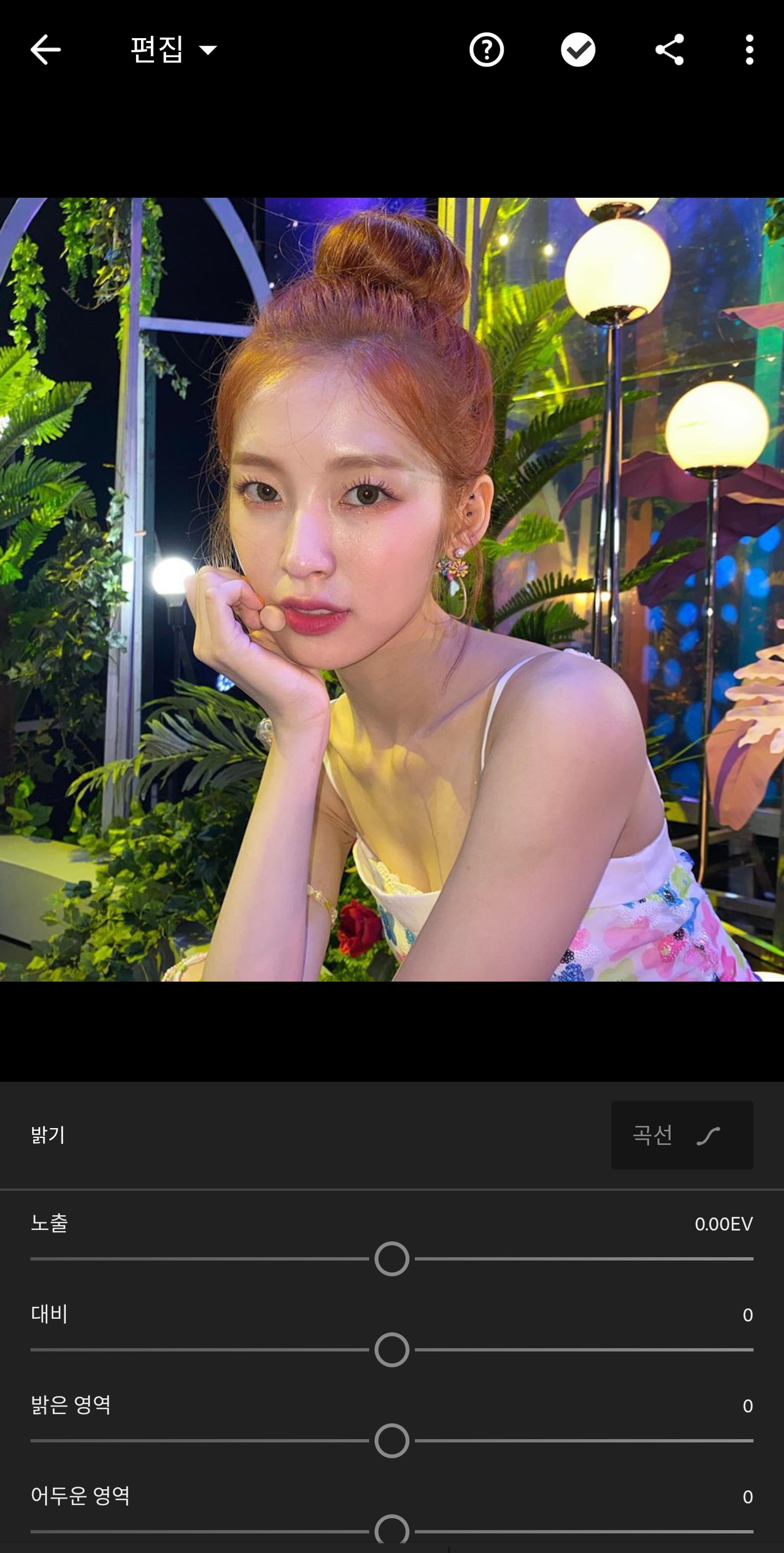 Enter brightness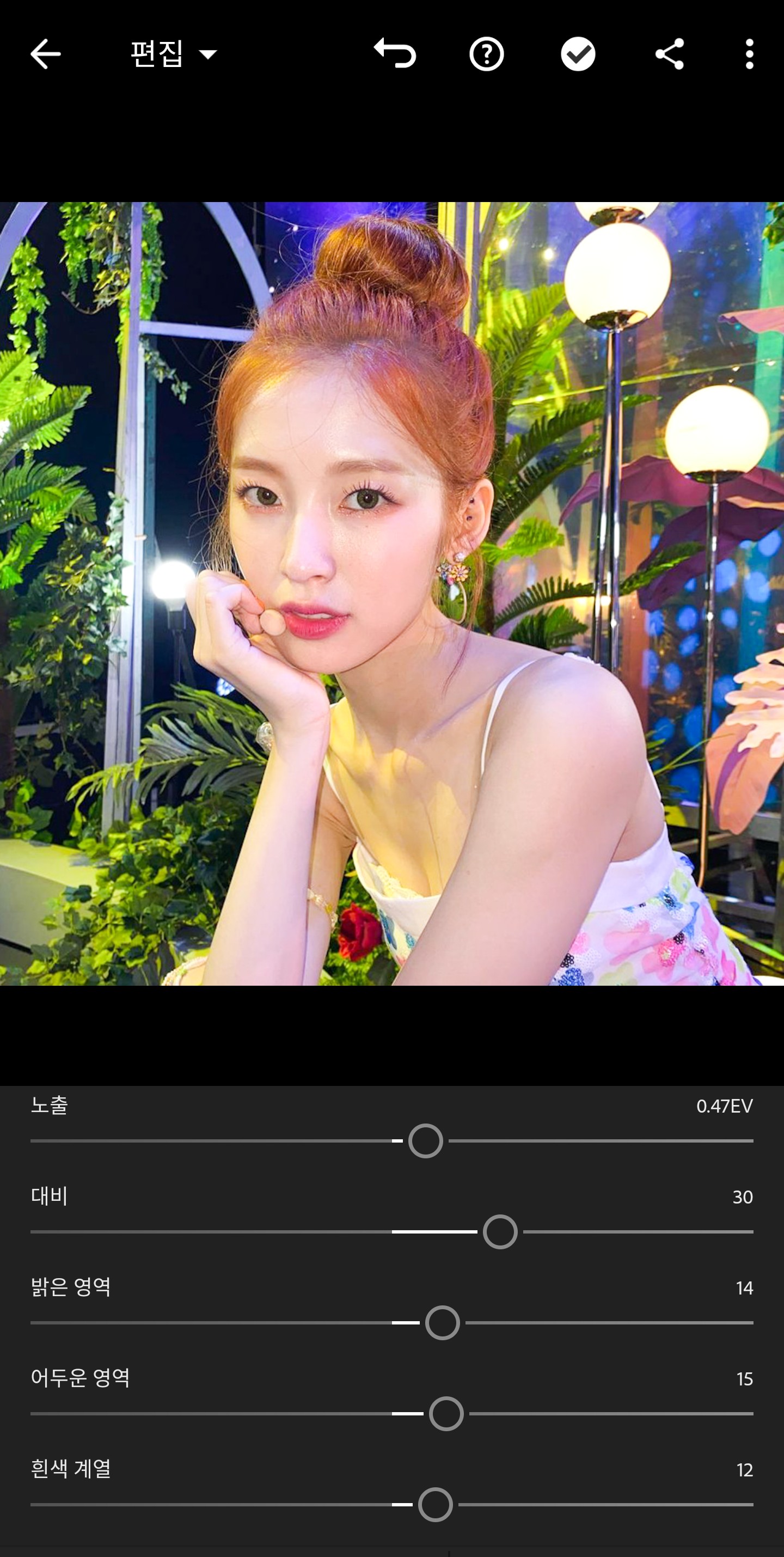
Enter brightnessJust do something like this (for reference, I prepared more than usual!)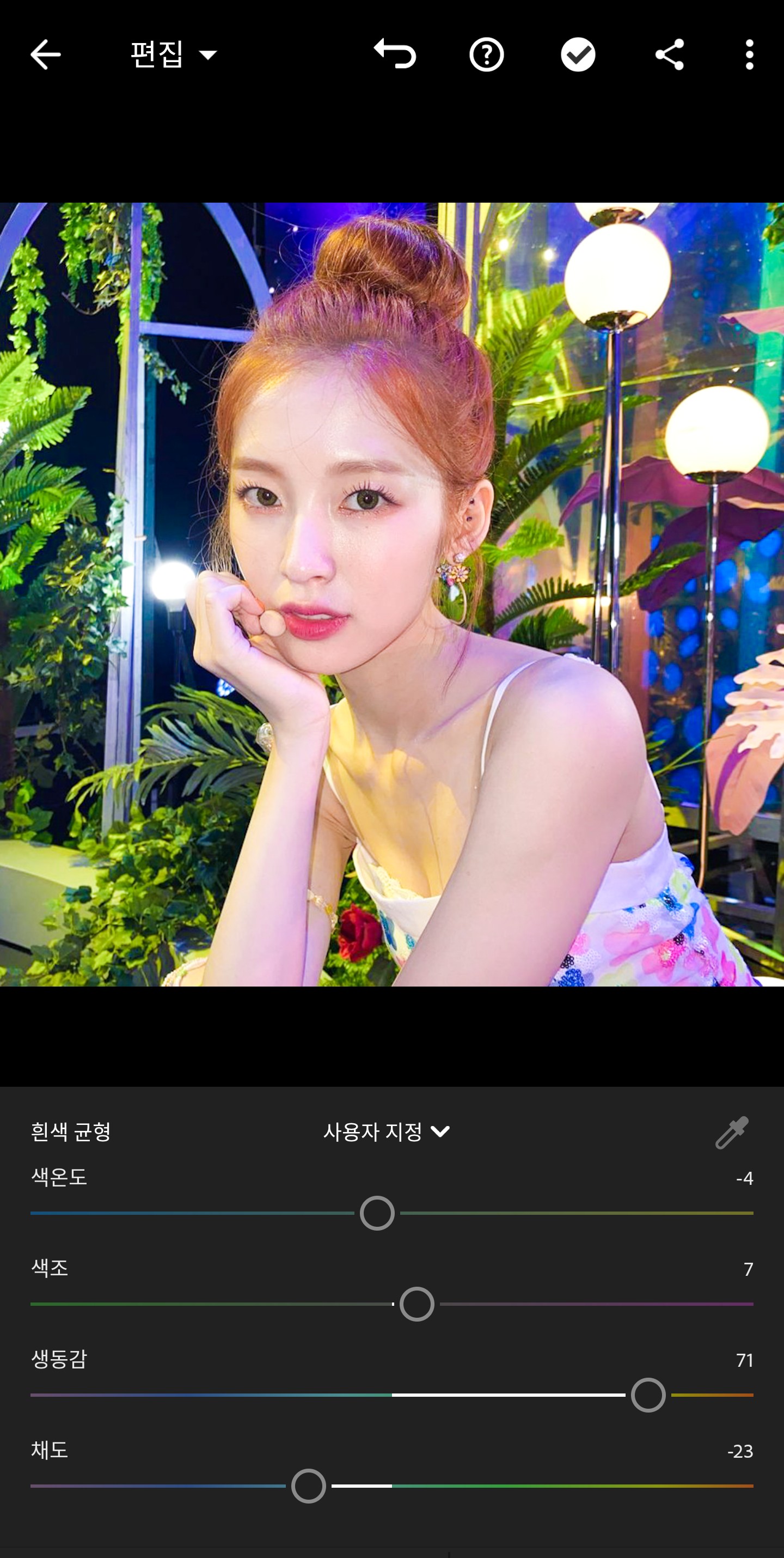
Also go into color
Temperature is mostly minus, Vividness plus, Saturation minus, Hue depends on the photo.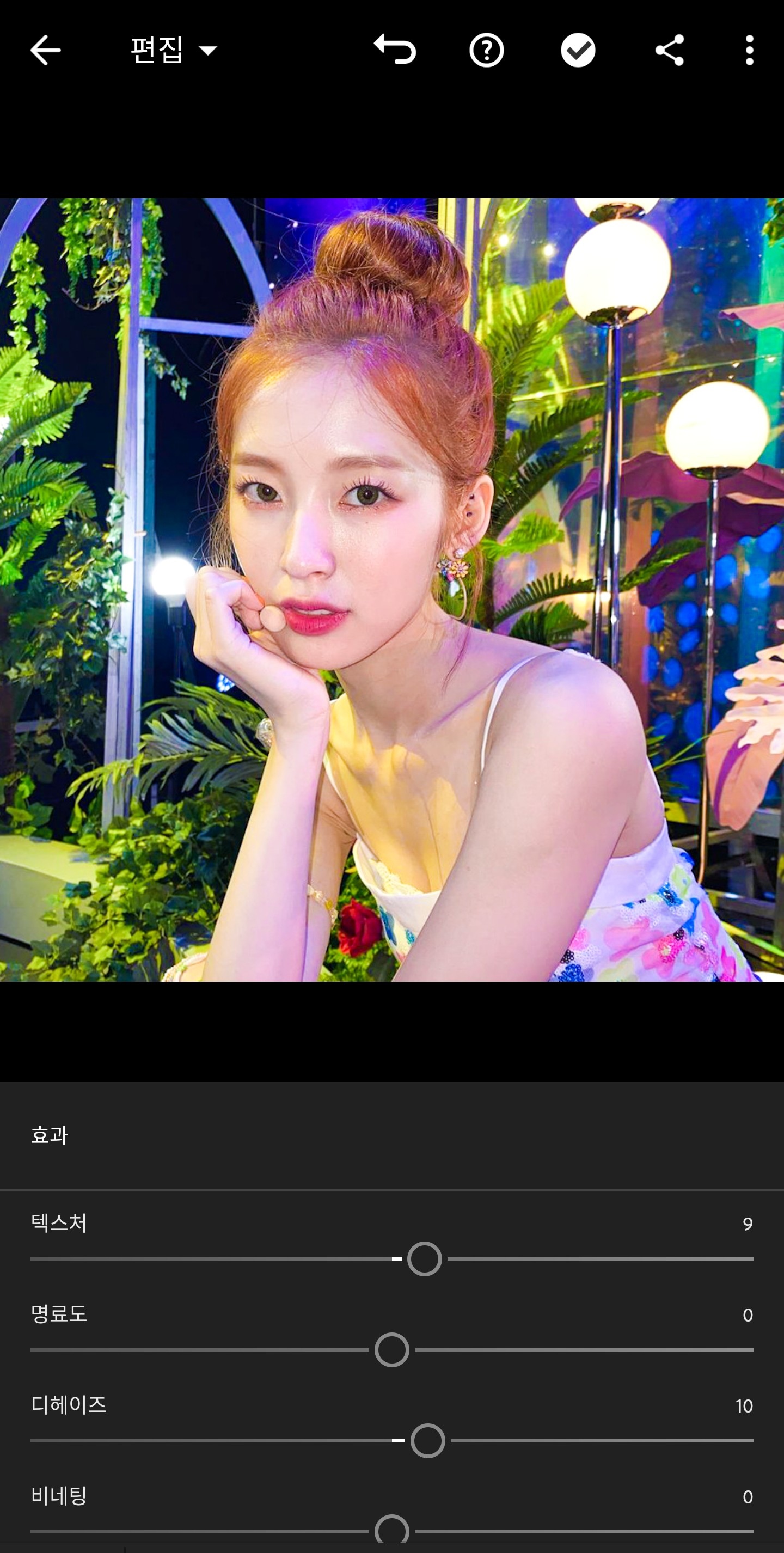 Go into the effects and increase the texture and dehaze to around 10.
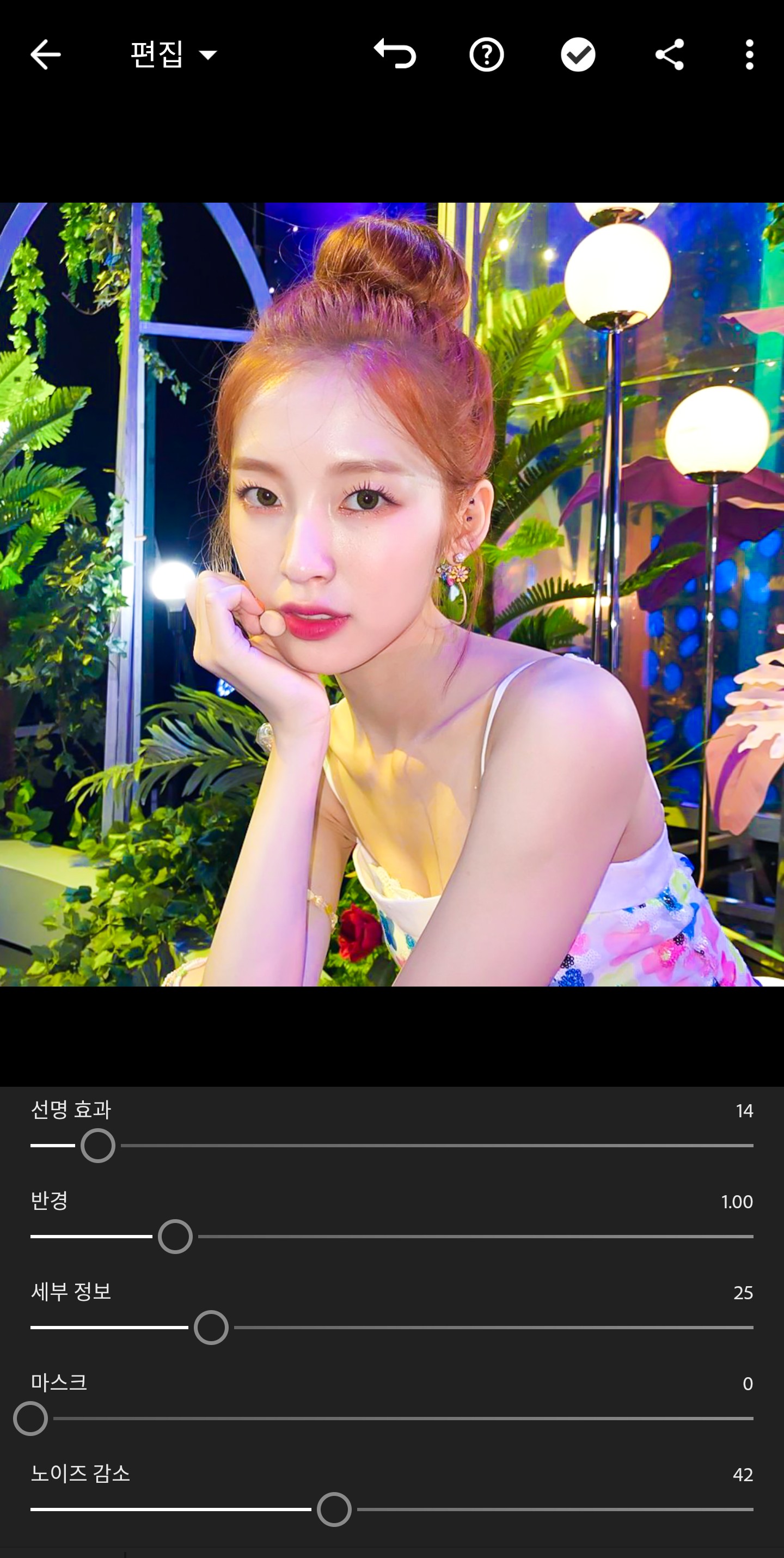 Go into the details and set the sharpening effect to 10 or 15, and most importantly, reduce noise (I don't like to do too much, so I did a little bit).
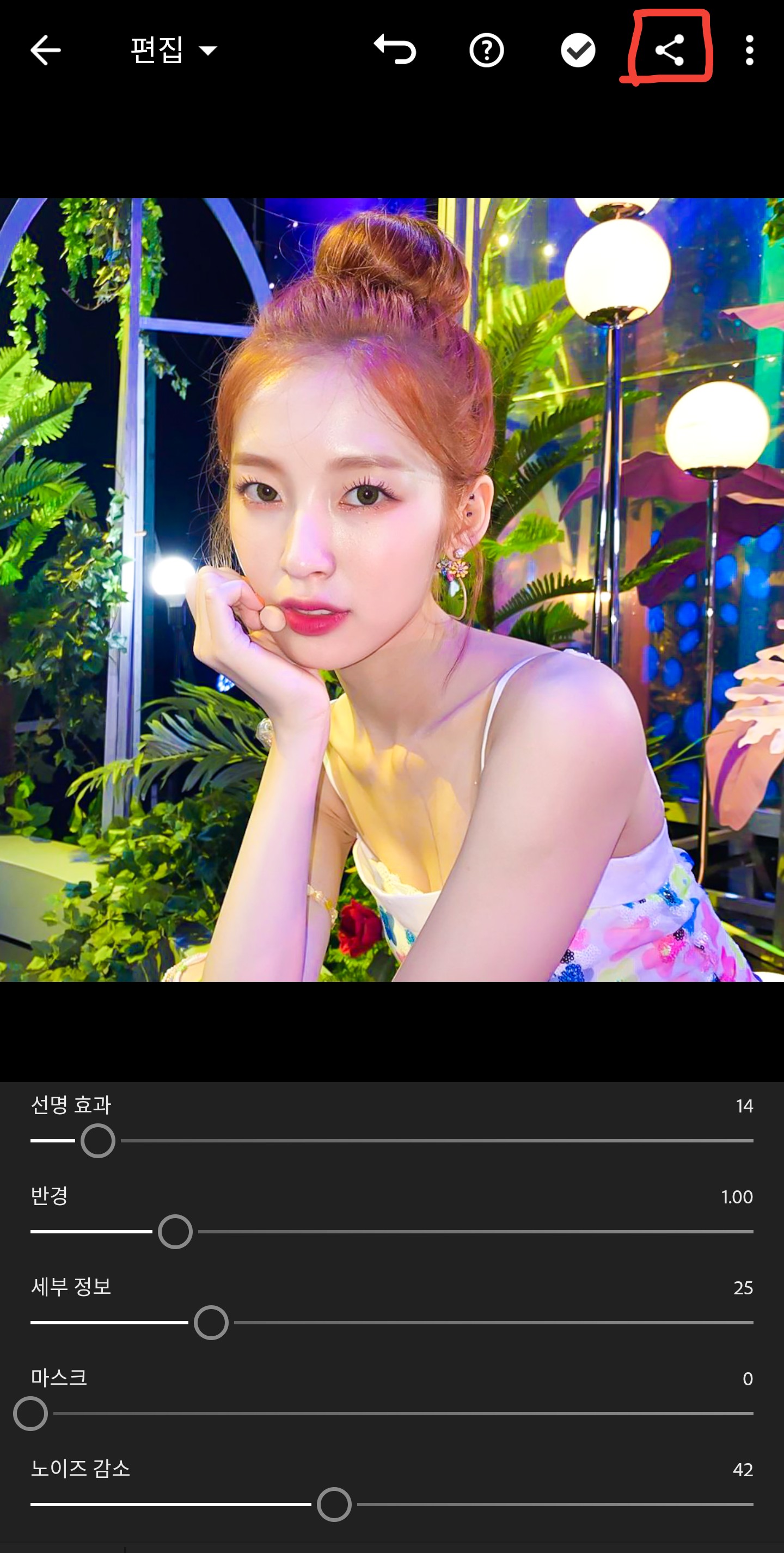 pressure
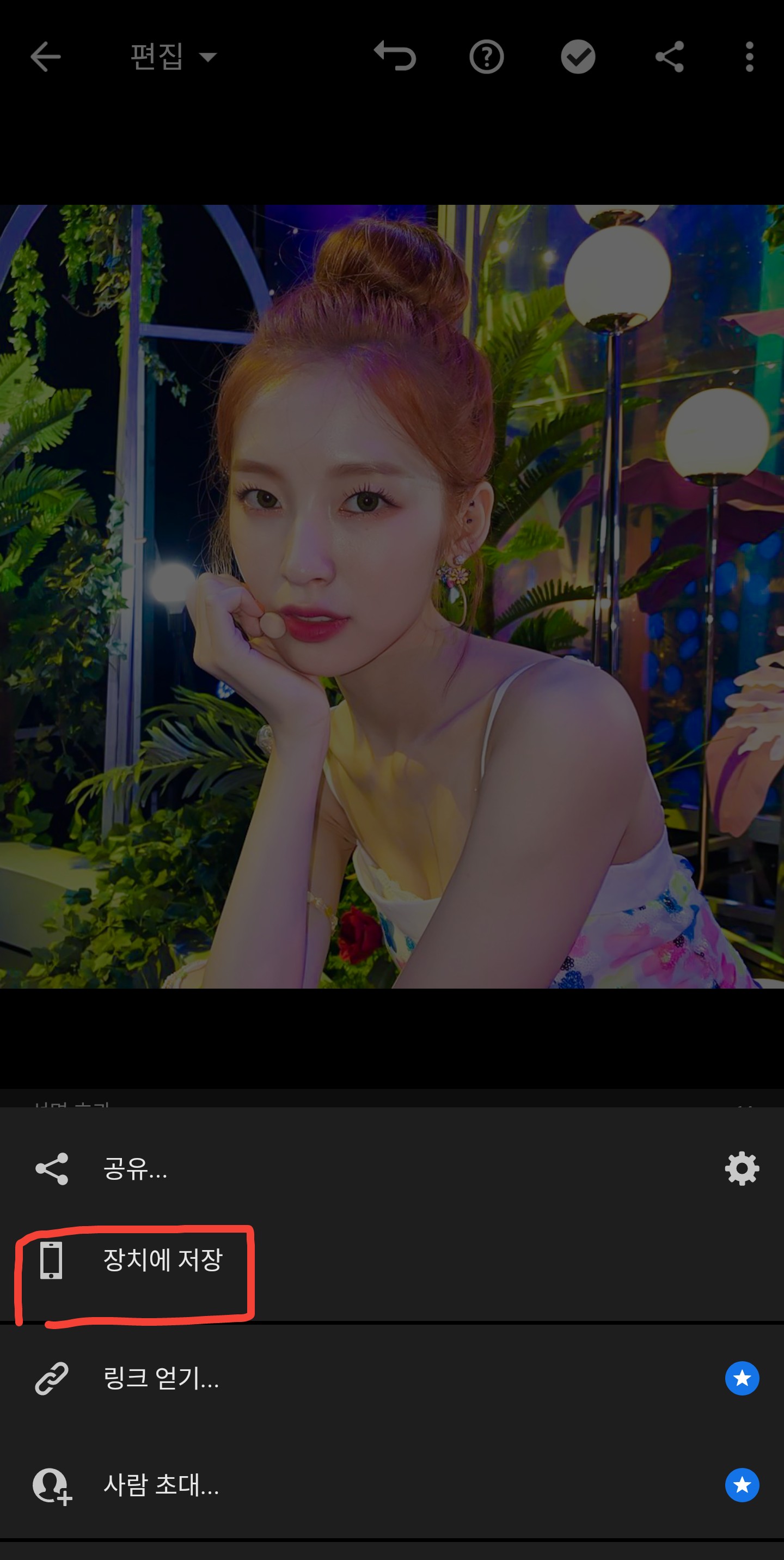 Click to save
Go into the effects and increase the texture and dehaze to around 10.Go into the details and set the sharpening effect to 10 or 15, and most importantly, reduce noise (I don't like to do too much, so I did a little bit).pressureClick to saveOriginal (cropped)

Corrected version

Source: Arin's Instagram
If you want to make your lips red here, go to Polar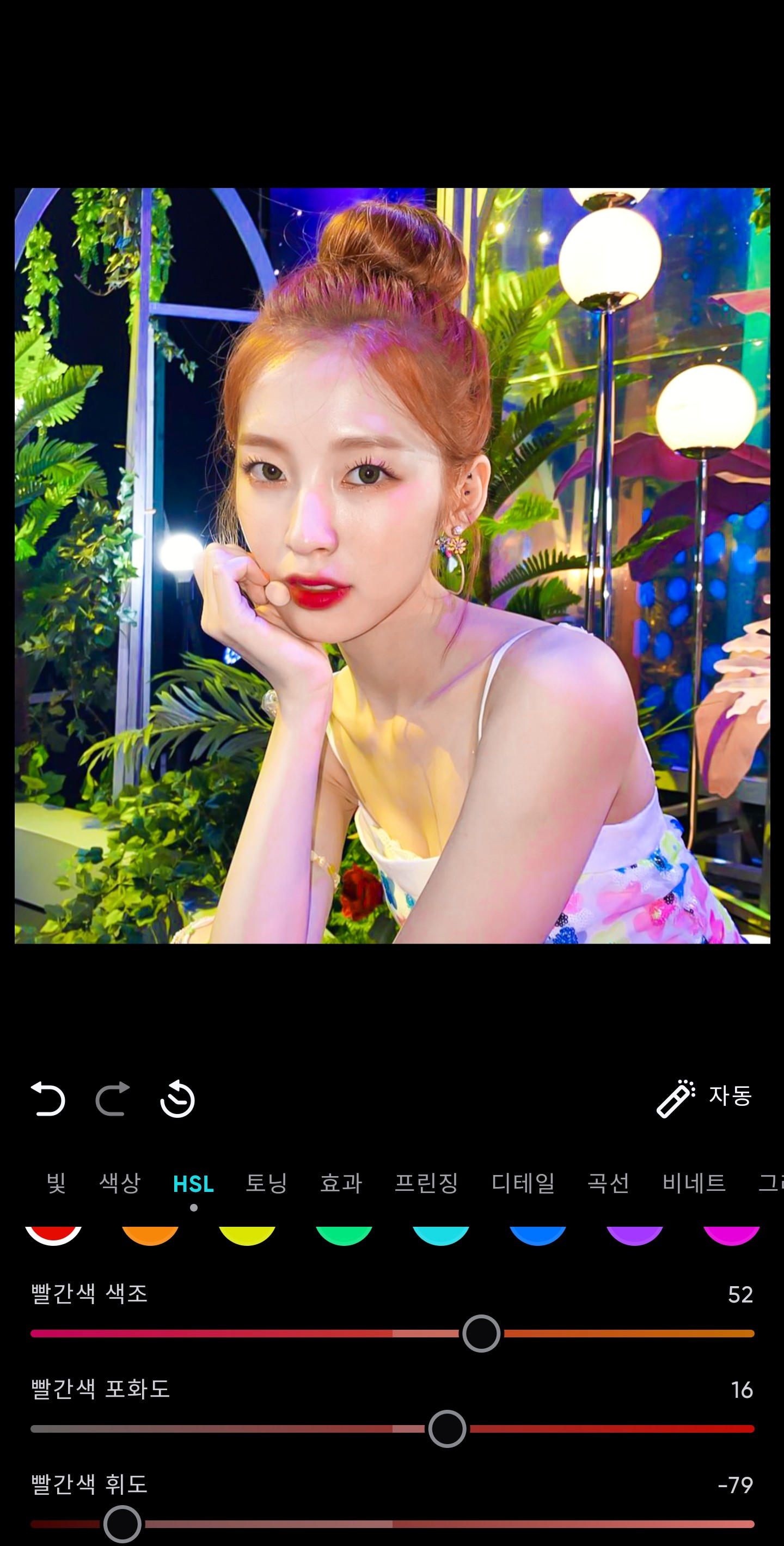
Just adjust the HSL red!
If it's too pink, it might not be recognized as red and might be recognized as magenta.
Corrected version

Please do not follow my correction method exactly, but use it only as a reference.