PERMISSION TO DANCE🕺 BUTTER🥞
Information, how to stream
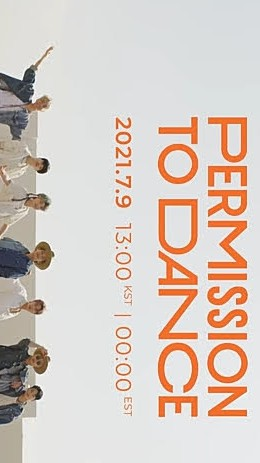
Armys, here's some information on how to stream correctly on YouTube
GUIDE] How to stream correctly on YouTube?
We know that YouTube has often removed our views for "detecting them as bots"...
Let's begin!
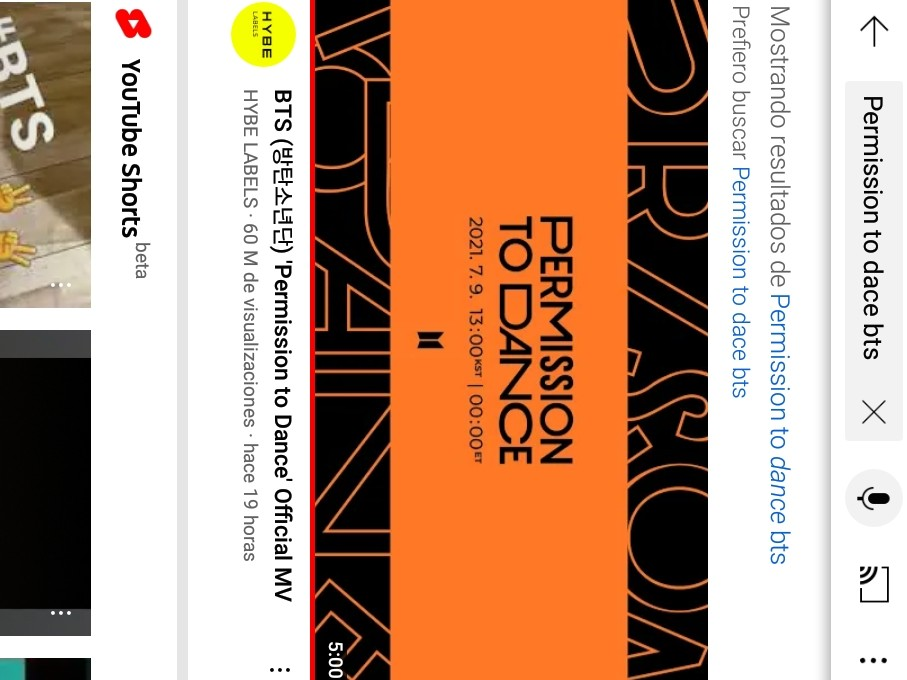
LOG IN Log in to YouTube Search for the MV manually (BTS MV + name) PERMISSION TO DANCE BTS
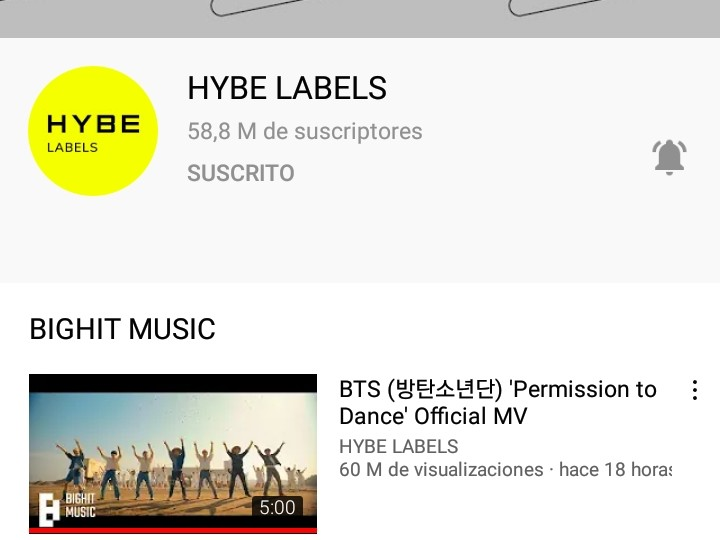
• Watch the MV only from the official YouTube channel (not embedded links)
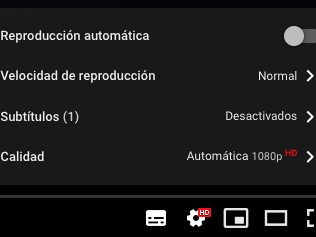
HOW DO I STREAM? Turn off autoplay. Directly from the video or to the right of it.
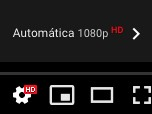
Minimum quality 480p. Watch the MV until the end. Let the MV finish before liking it! Leave a comment (no spam!)
USE DIFFERENT ACCOUNTS FOR DIFFERENT DEVICES The more IP addresses, the better! You can connect to different internet networks.
(WiFi data).
NO… Do not use incognito mode or multiple browser windows/tabs. Do not replay or fast-forward the video. Do not pause the video.
• Do not mute the video or the device you are watching it on (use headphones instead). • Do not clear the history.
• Don't upload photos of yourself using multiple devices! • Don't report spam comments! Don't watch the music video more than 4 times in one hour!
• Do NOT use playlists during the first week, even if you have a premium account. • Do NOT use YouTube Music.
• Do NOT look through embedded links (MVs embedded through articles, Wevere, Twitter…) during the first week.
• DO NOT watch lyric videos, translations, or reactions.
At BTS Spain we will translate all the lyrics into Spanish tomorrow, so you can listen to the uploaded songs.
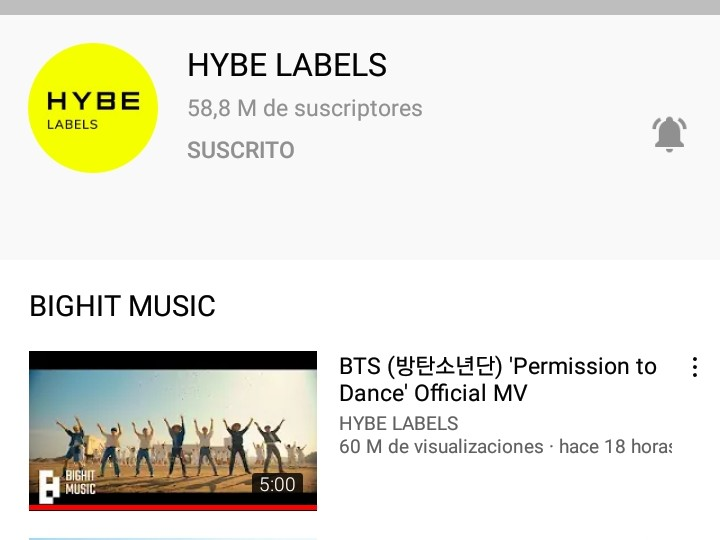
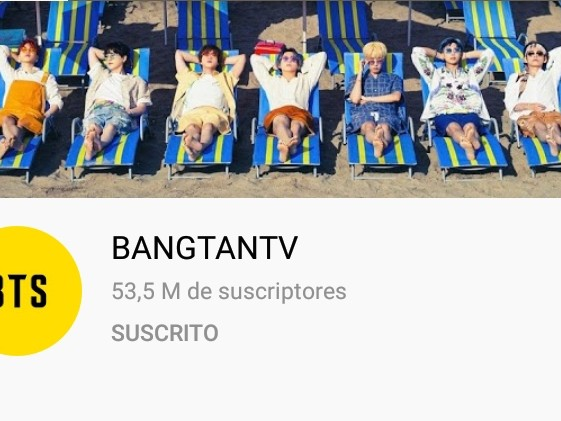
officially on the platform from BANGTANTV / HYBE LABELS.
I hope this helps 🥞🕺