
How to send voting tickets?
Friends > Send All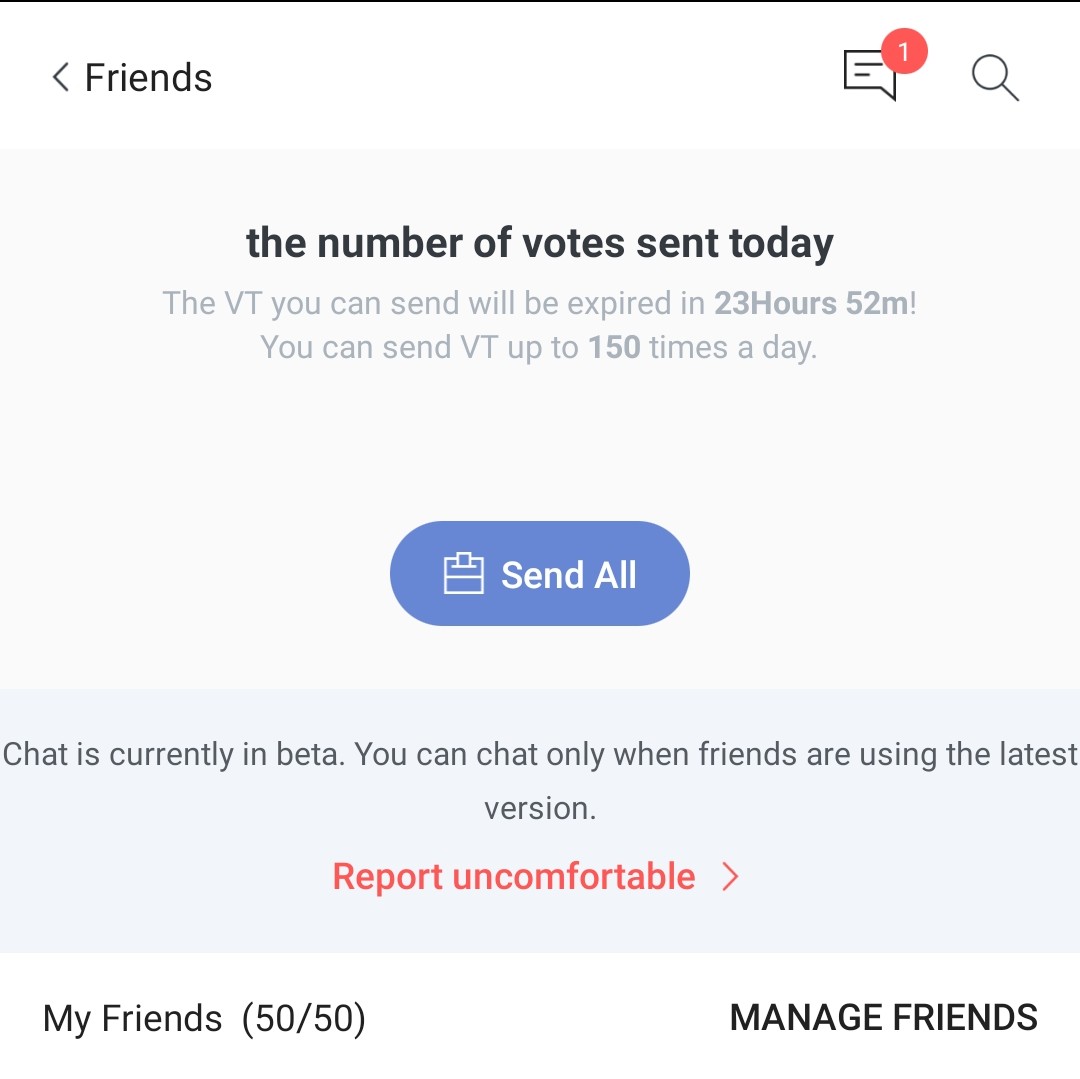
After pressing send all, if you have 50 friends, the counter will say that you have sent VT 50 times.
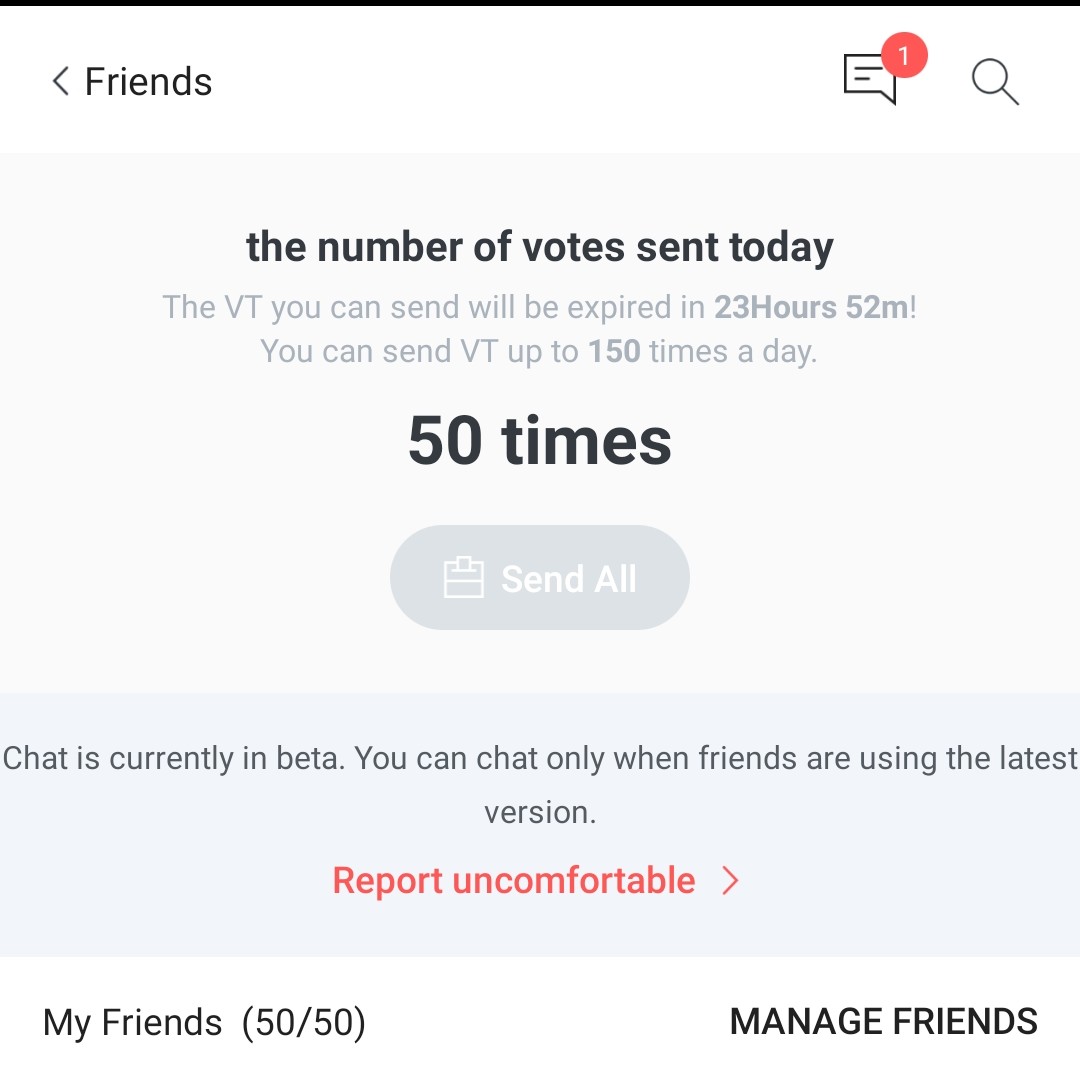
After 30 minutes, log-in to your account again and press send all. Thirty (30) minutes is the waiting time before you can send a VT to a friend again.
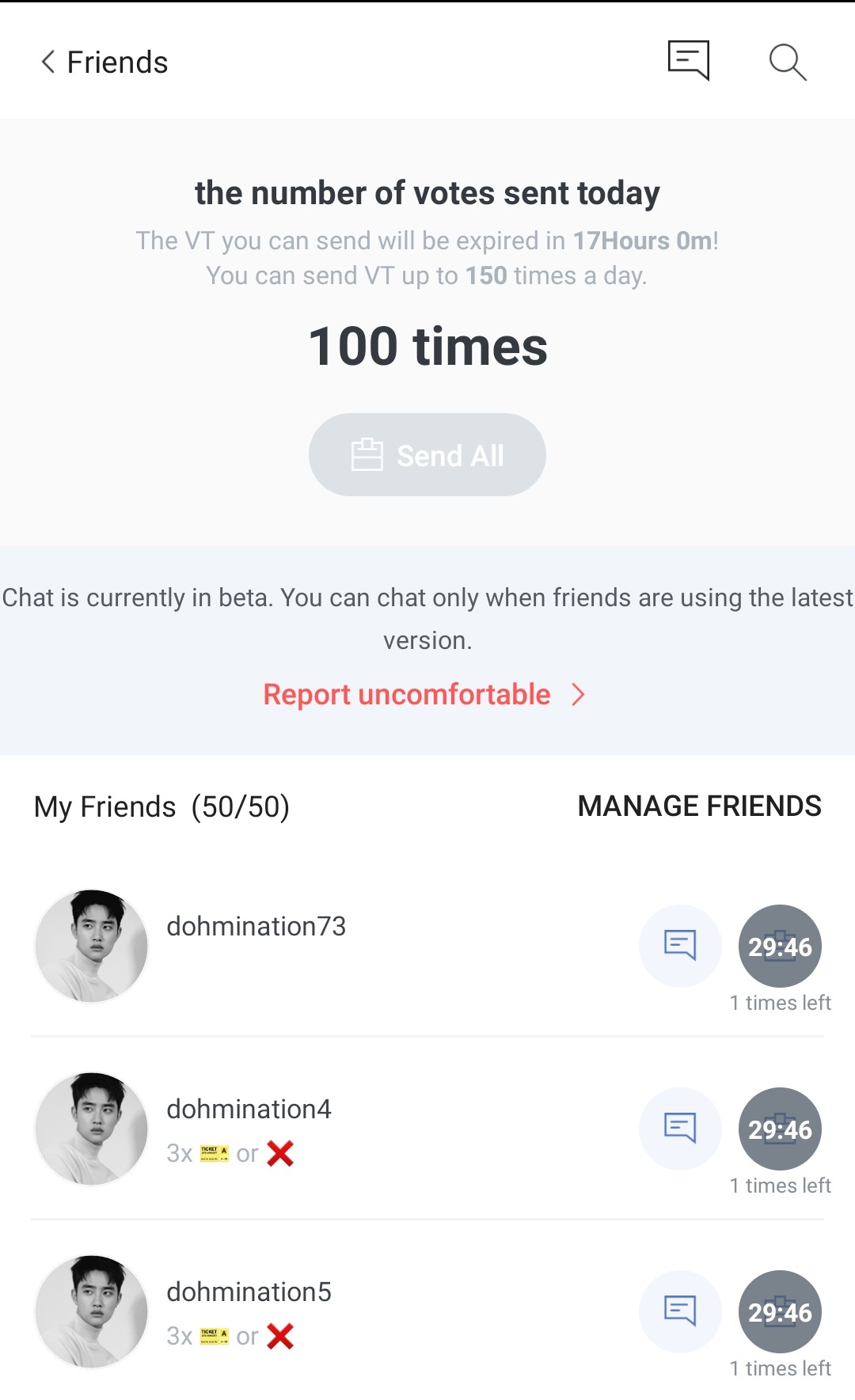
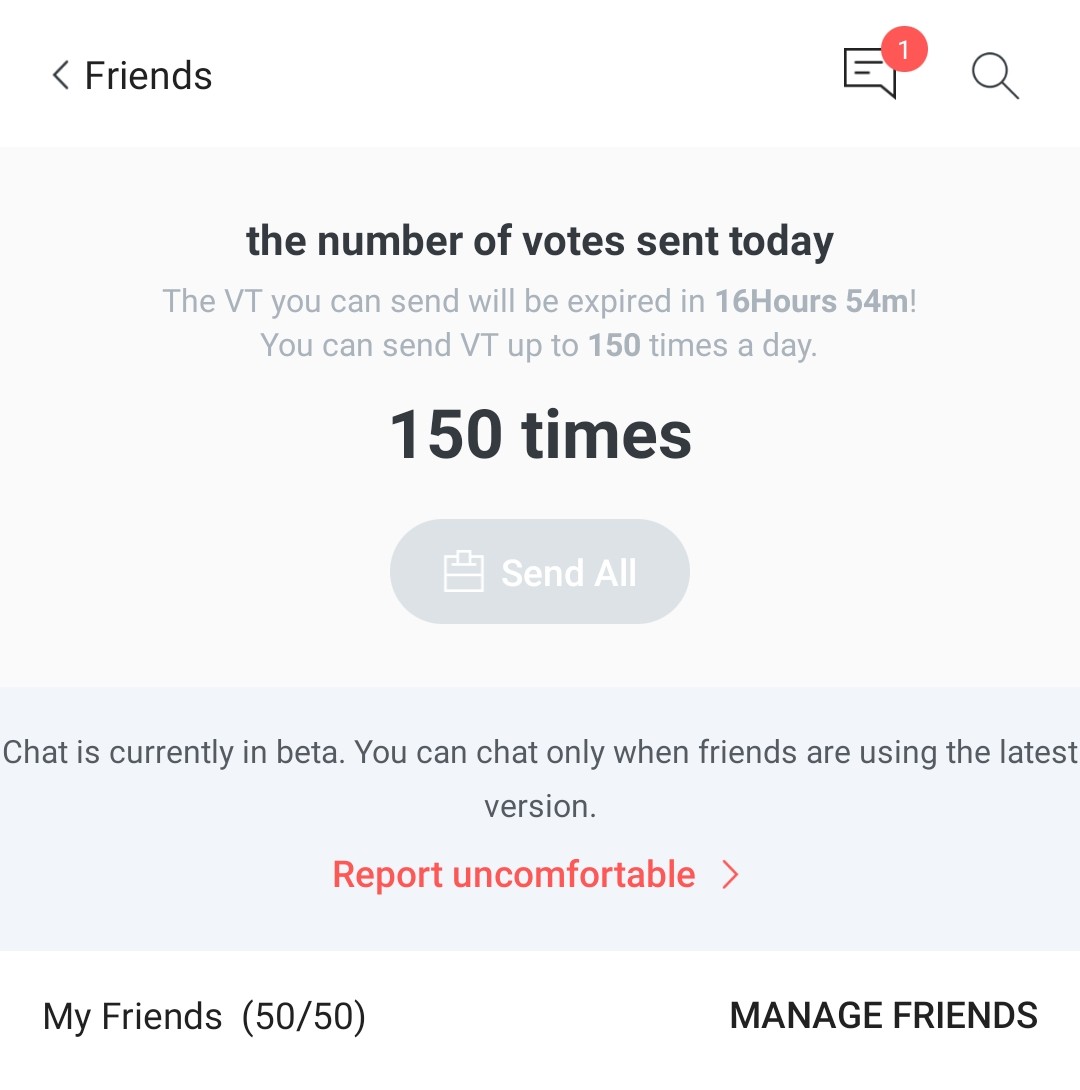
Keep pressing send all every 30 minutes until you use up all the allowed 150 VT per day.
IMPORTANT: You can only send up to 3 VT to each friend everyday. Also, try to send VT as early as you can to avoid forgetting about it and to give your friends ample time to collect their VT.
How to collect votes?
Mail Box > Friend's Mail > Receive AllBUT...don't receive them yet! Contine reading. 🤗
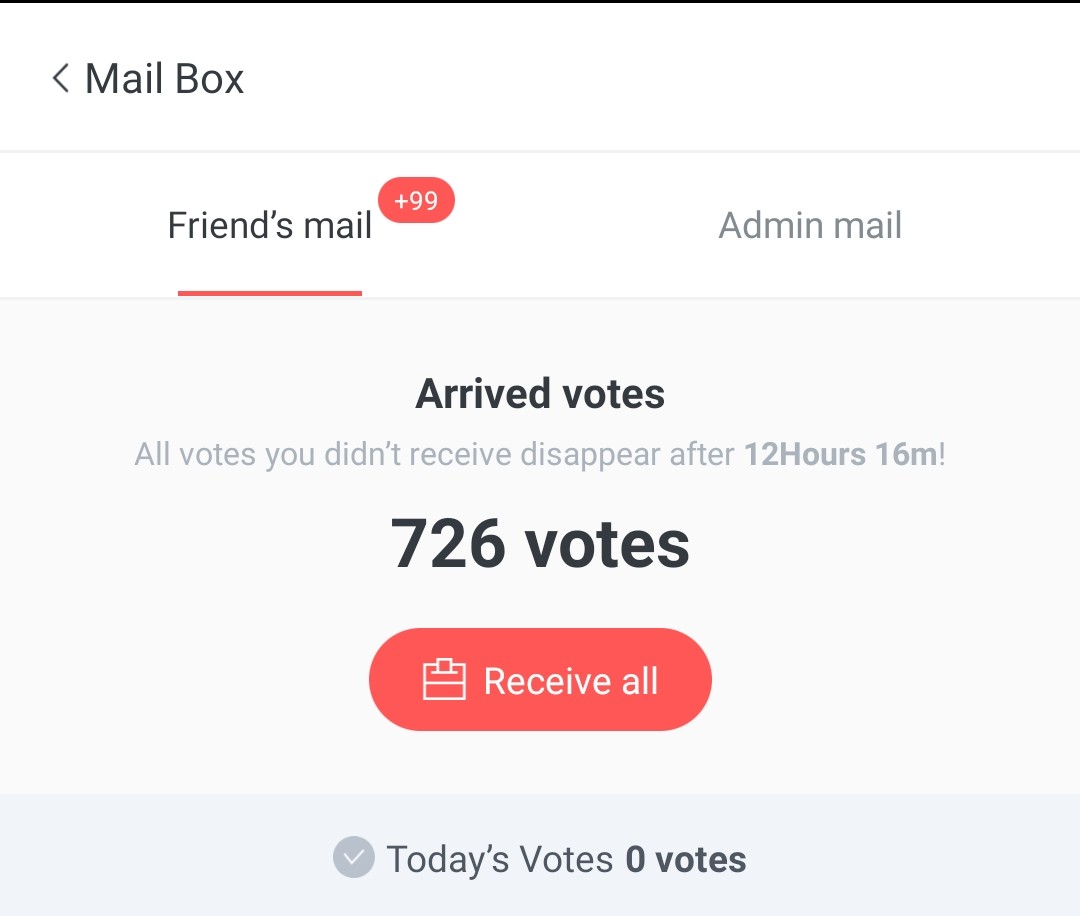
Who among my friends sent me 3 voting tickets? Who did not?
Mailbox > Friend's MailTry not to receive your VT every time you log in. Set a comfortable time for you when you can check the VT you received. It will look like this.
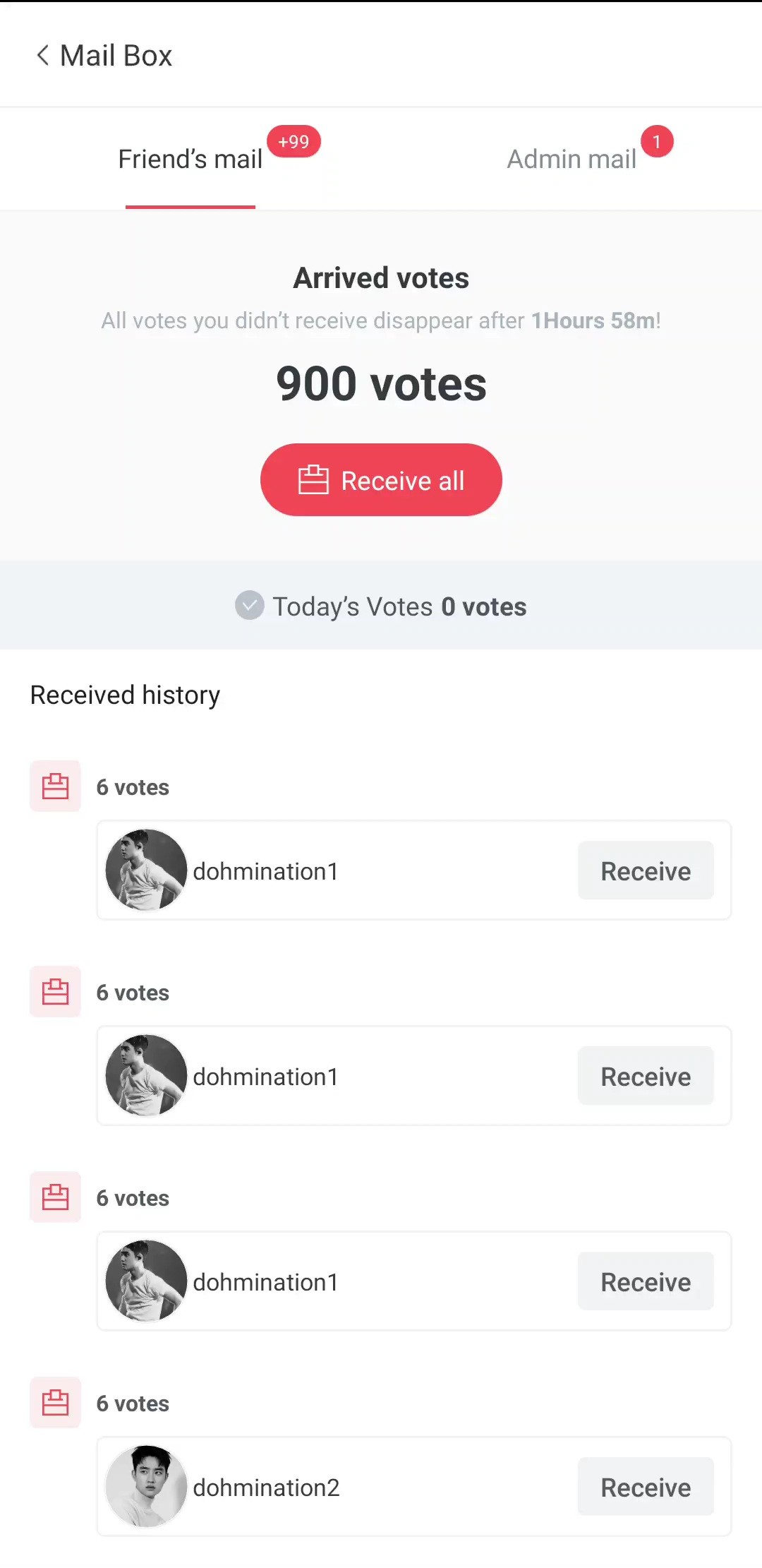
Scroll down and you'll see a record of VT sent to you. Now you can see who sent three and who did not.
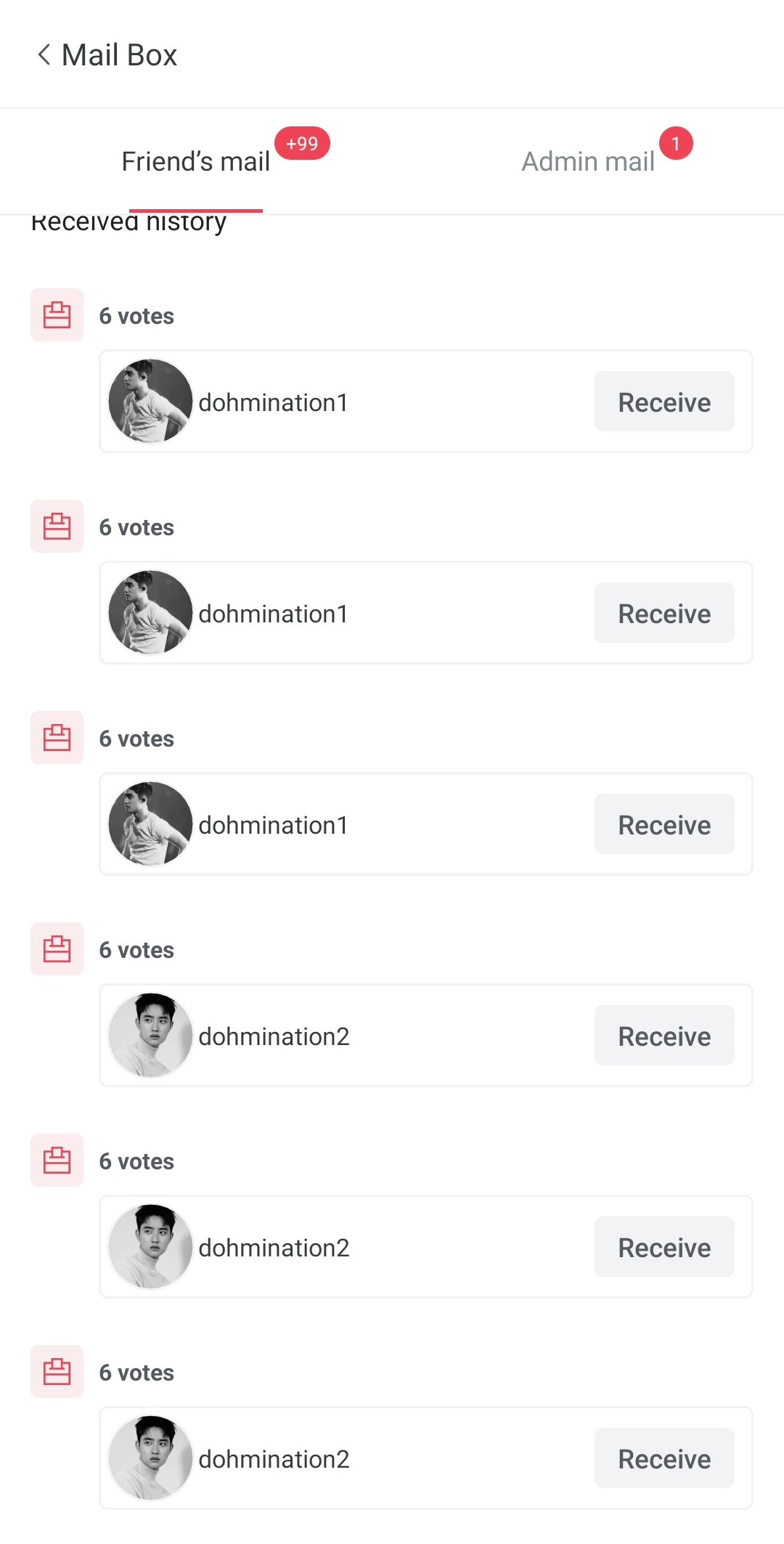
IMPORTANT: One of the easiest ways to gain votes is through friends. You send them 3 VT (total of 18 votes) and they send back 3 VT as well. It's a give and take relationship. Don't be shy to remind them to send VT, it's perfectly acceptable.
VT received from friends will vanish by 12mn. Make sure that you receive them!
When you think your friend is not active anymore, try to look for other friends who can send you 3 VT, so that the VT you send to this friend does not go to waste as well.