
It's a bit hazy. Today, I'll create this background.
 A little bit of gradation~💜
Okay, let's get started. This one's going to be easy.
*Materials required - Ibis Painter X
The beginning is almost the same as the first part!!
For those who haven't seen it, please watch part 1 first.
If you watched Part 1, it was easy to get into Ibis, right?
So, did it turn out like this screen?
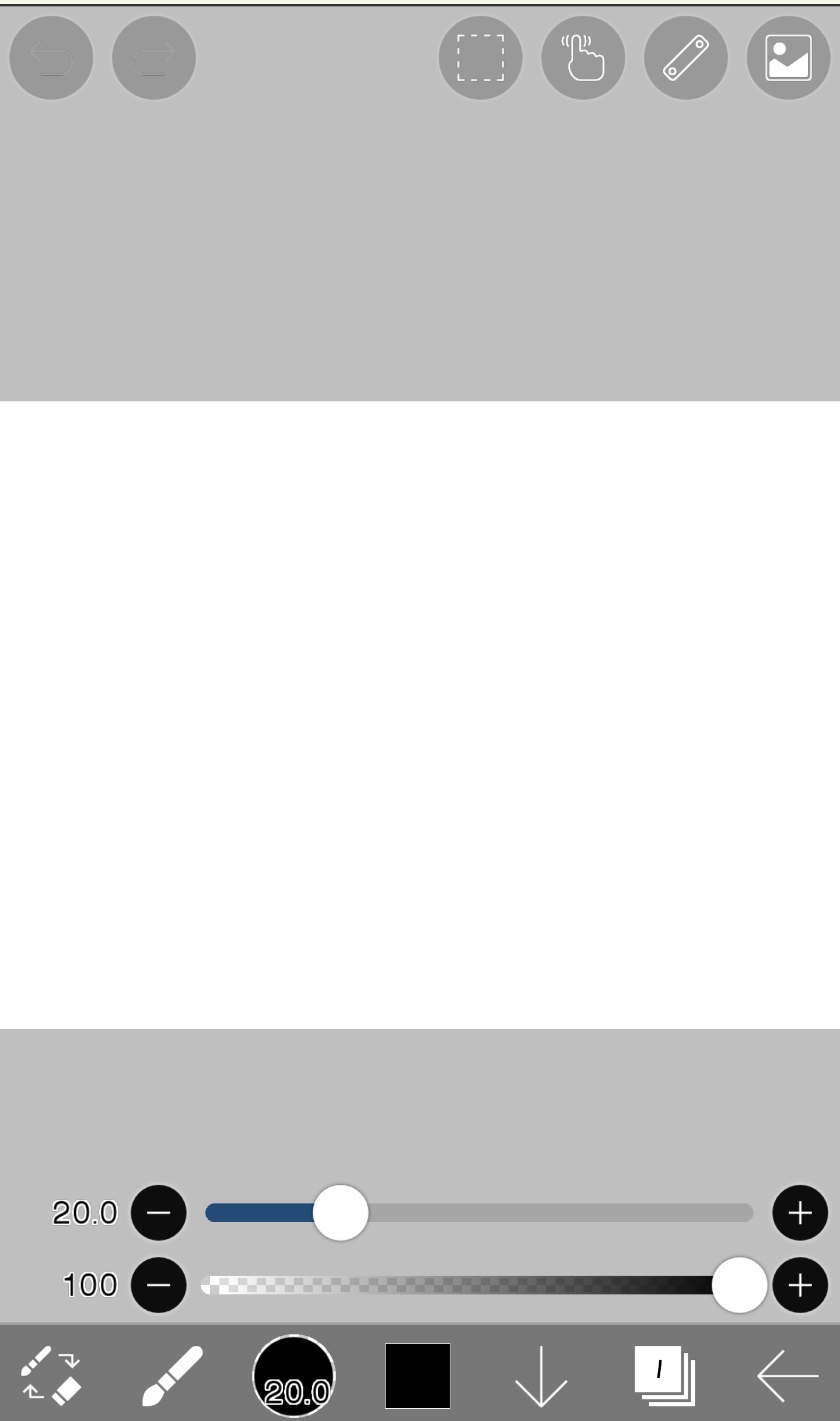
Then click on the brush shape to open the paint bucket
Please select
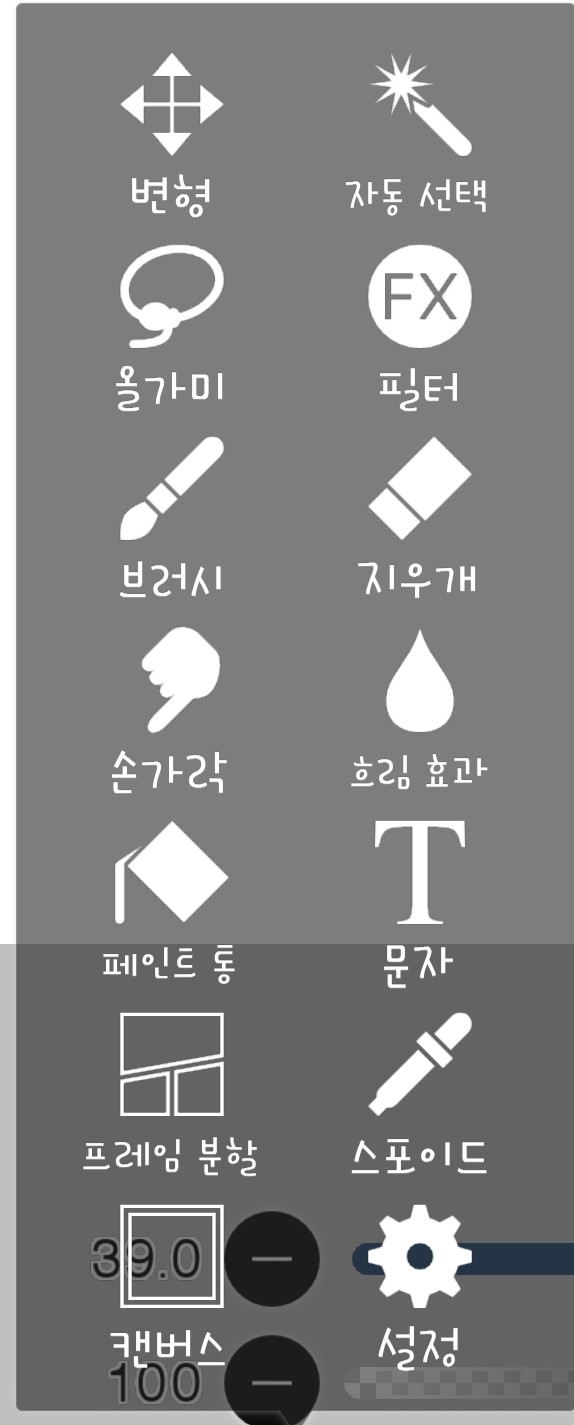
Then, select the color here.
I chose dark purple
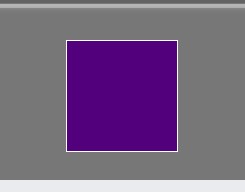
And then when you color the white screen, it's paint.
It's painted like this
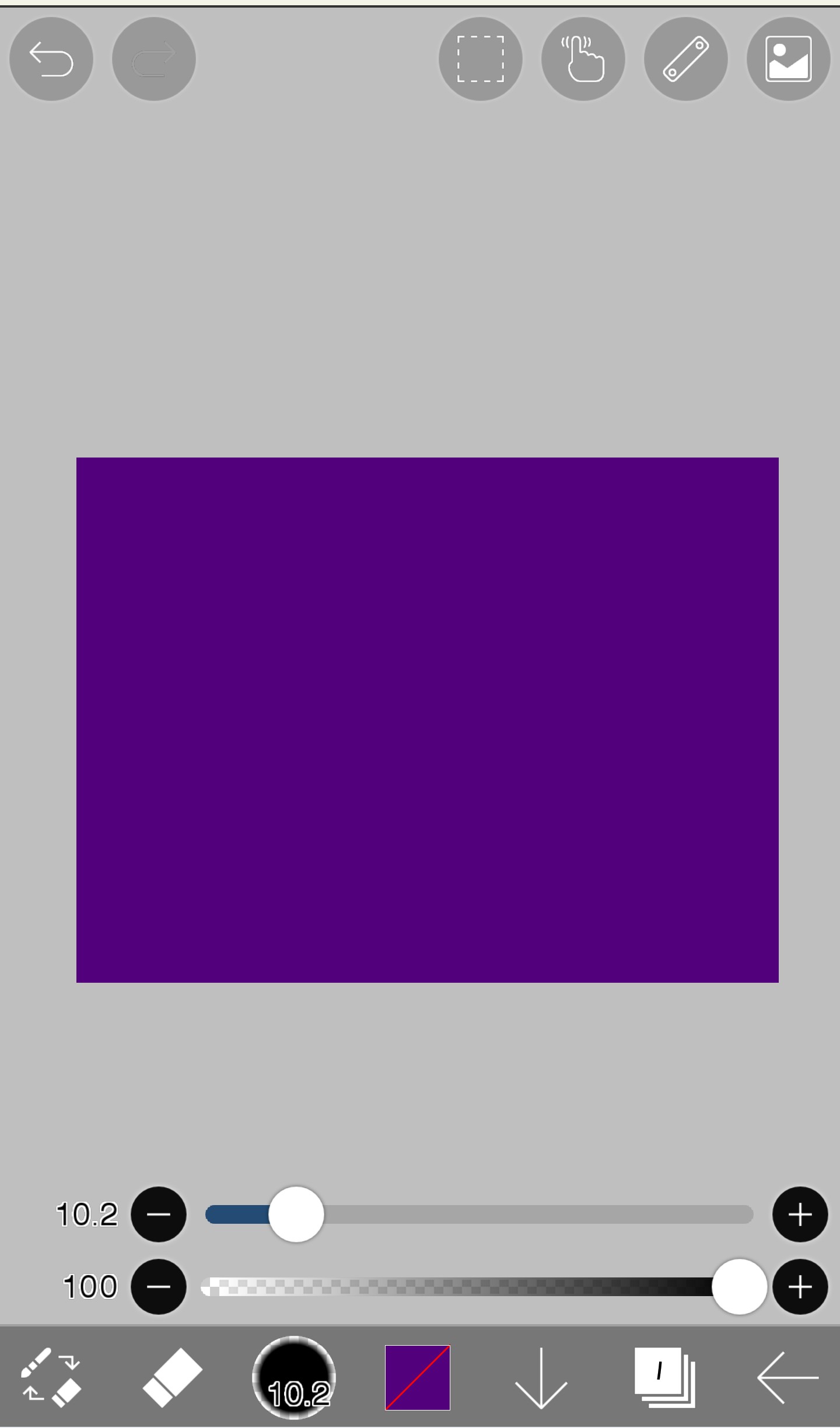
And then this time, select the brush
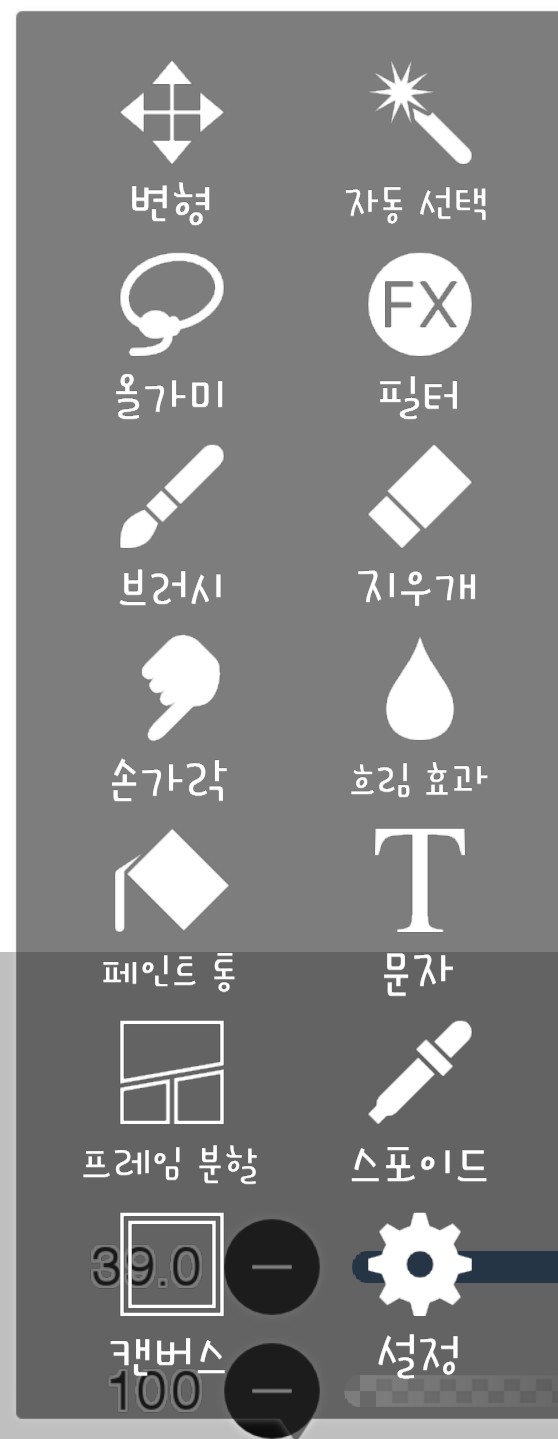
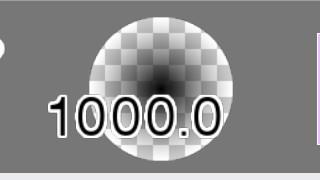
In that state, there will be something like this right to the right of the button that appears above. This is to tell you the type and size of the current note, so it will be different from mine.
If you press this now, there will be a lot of different types of brushes.
Don't panic
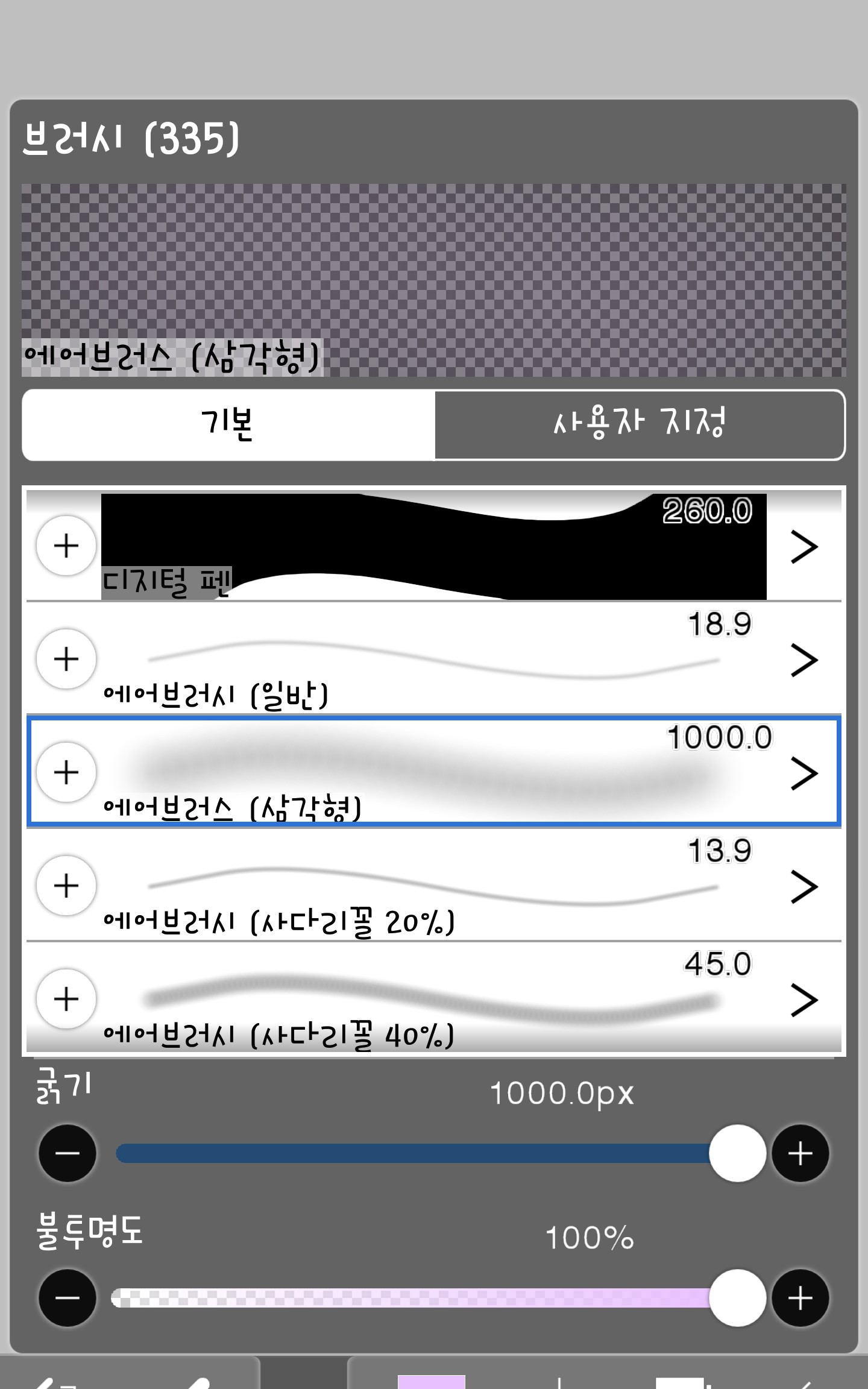
Please select the airbrush (triangle)
Please make the size 1000.0px
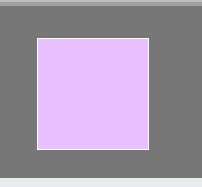
And this time, in the place where you were selecting the color earlier,
Choose a lighter purple than the color you painted.
And then, first of all, I lightly painted the purple background
Paint it like this
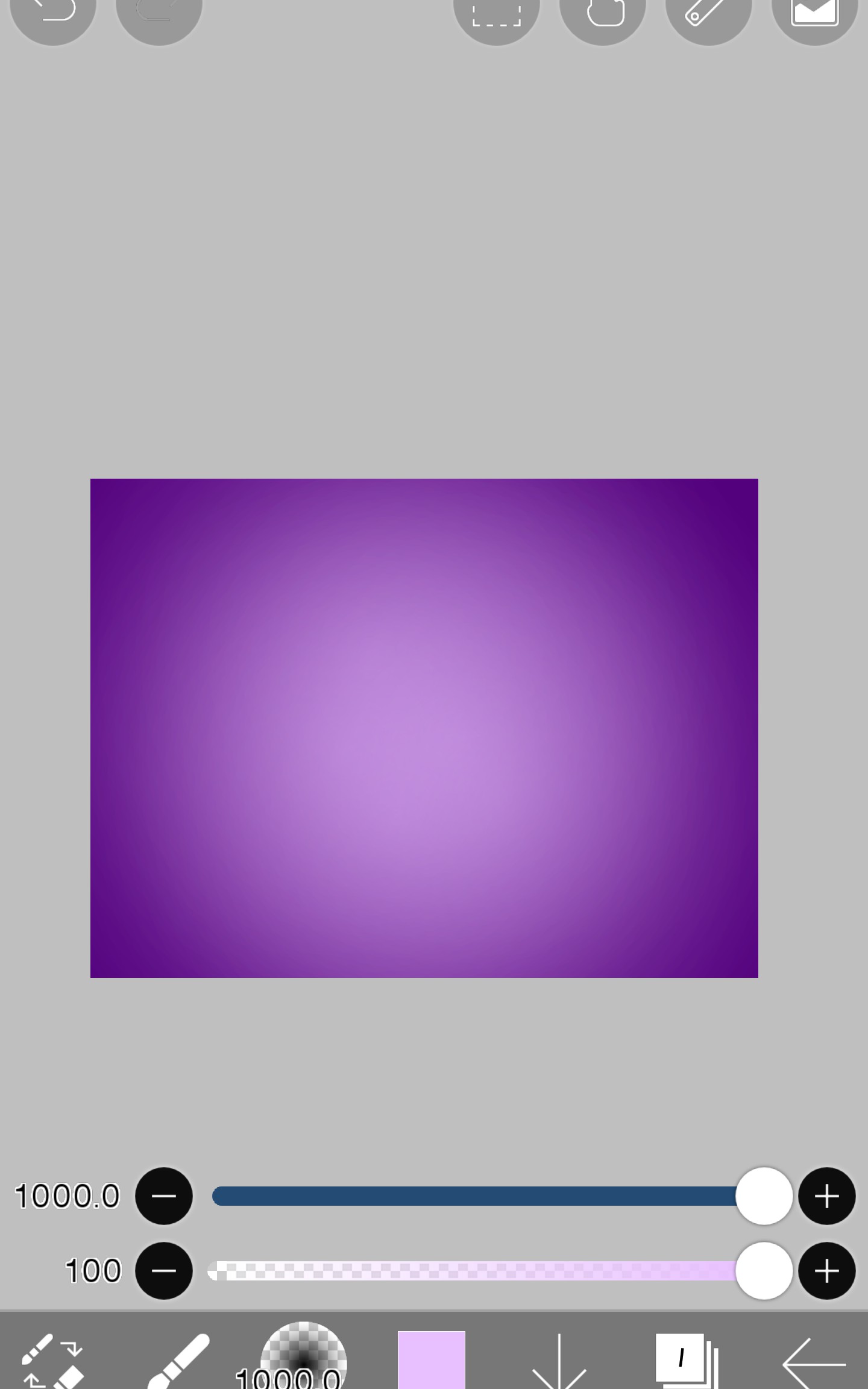
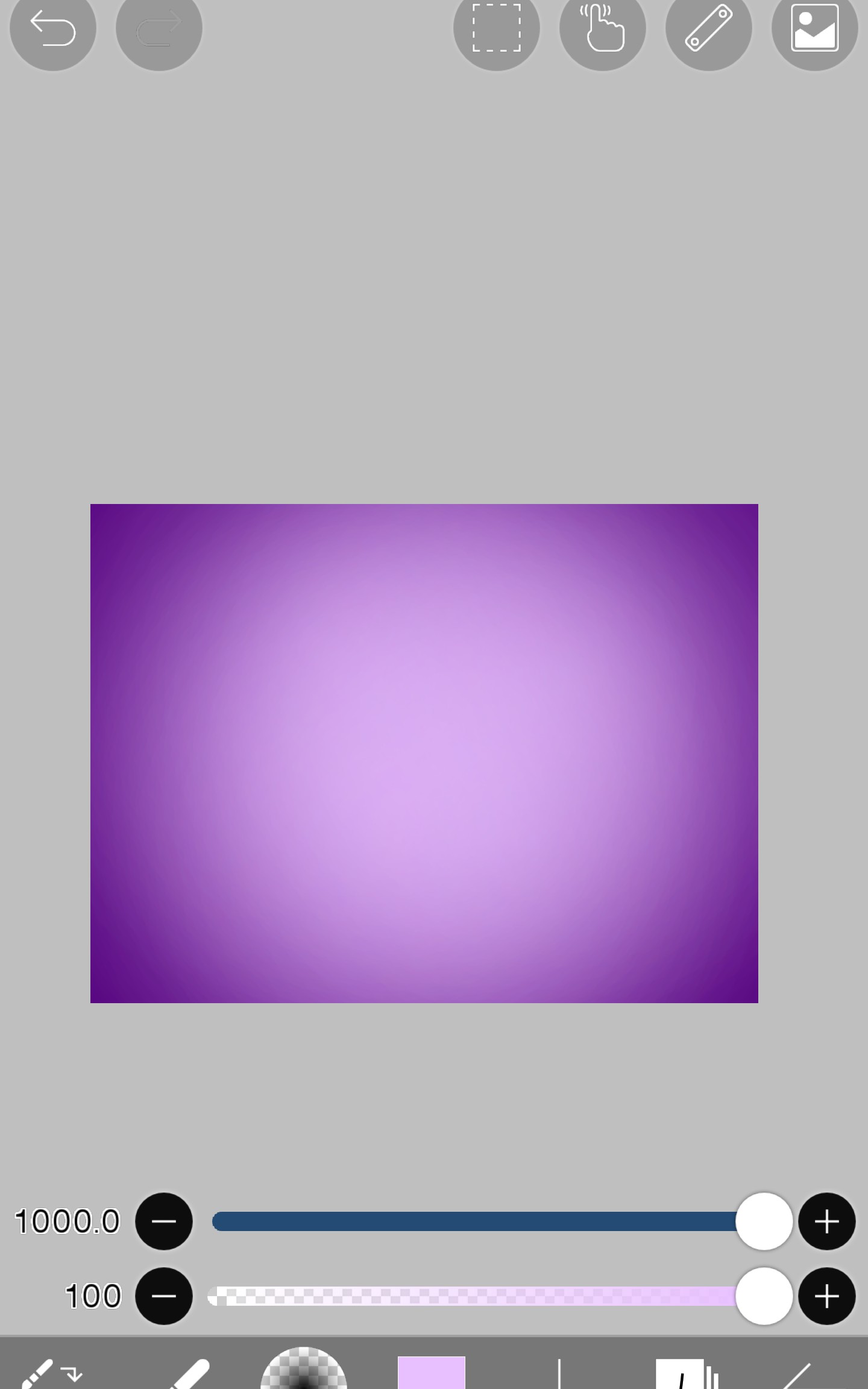
Then it's complete!!👏👏👏👏👏👏

How was it?... Was it a bit easier than background 1?...
Maybe not.. haha
Next time, finally!! Let's make a logo
I'll be back. Ah, today's homework is^^

This is an application version of what I learned today haha
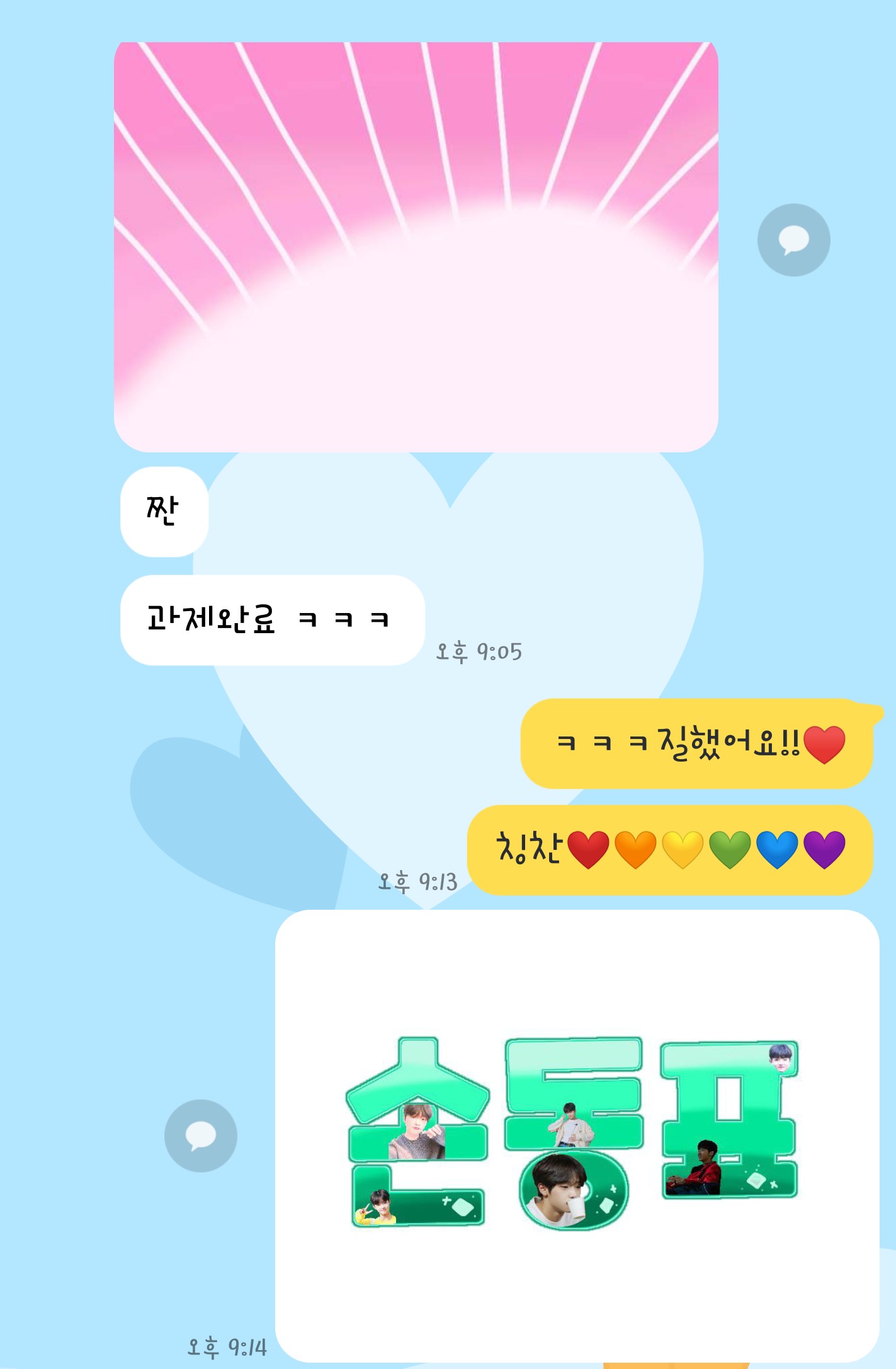
Oh, and if you type "Won-it-dong-pyo-lover" in the chat, I will
If you submit your homework(?) like this there, I will give you a small gift like this haha
Well then, bye!!