

Install 'Ibis Paint X' from the market.
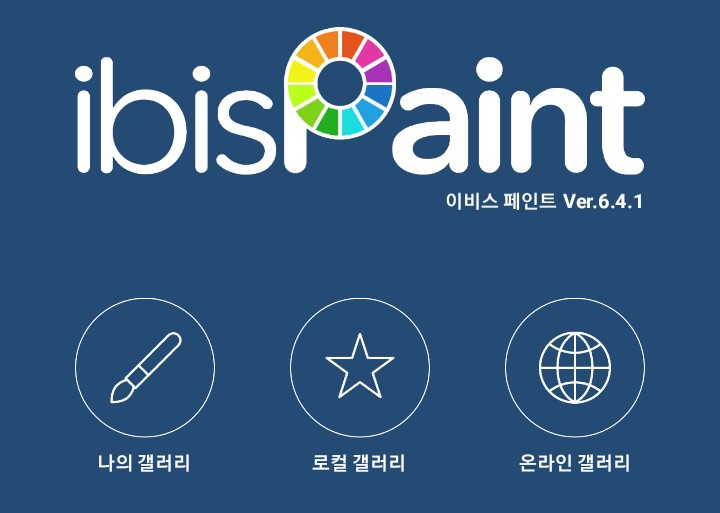
Here, please tap 'My Gallery' ;)

Please press ' '!
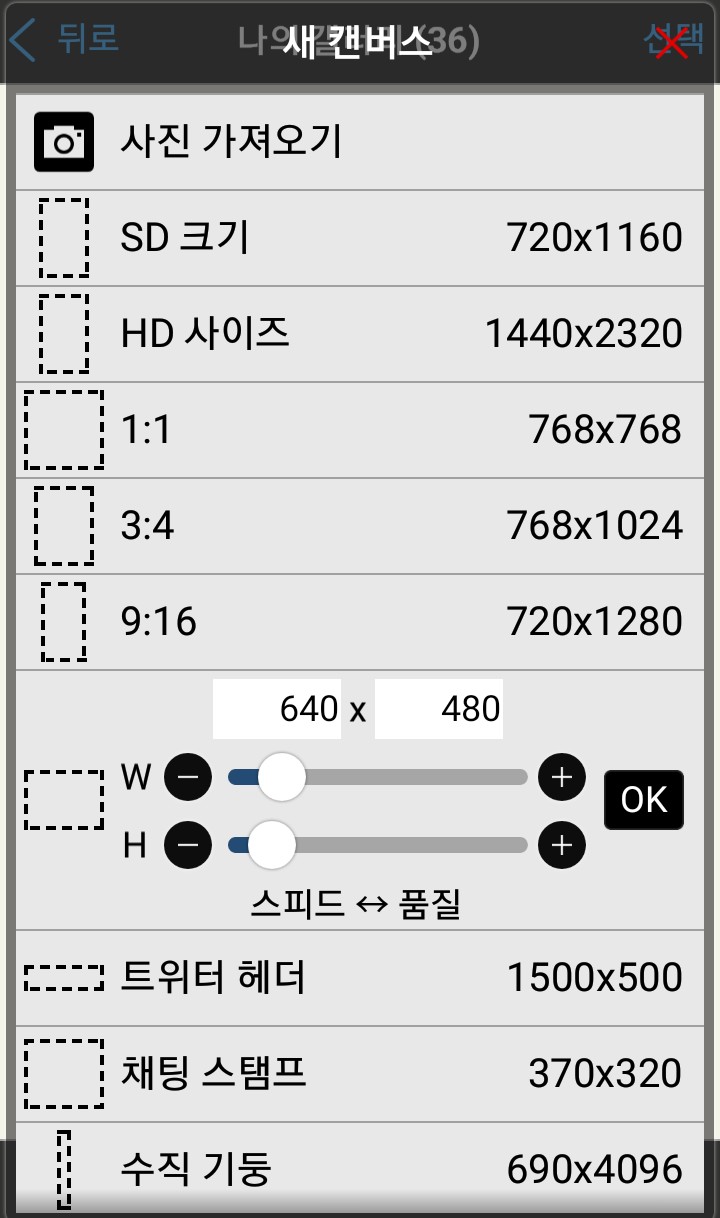
Click on the one that says 'SD'. The logo is
It's easier to do it as 'SD'.

When you go in, something like this appears below.
Chalk..? Press the pencil shape!
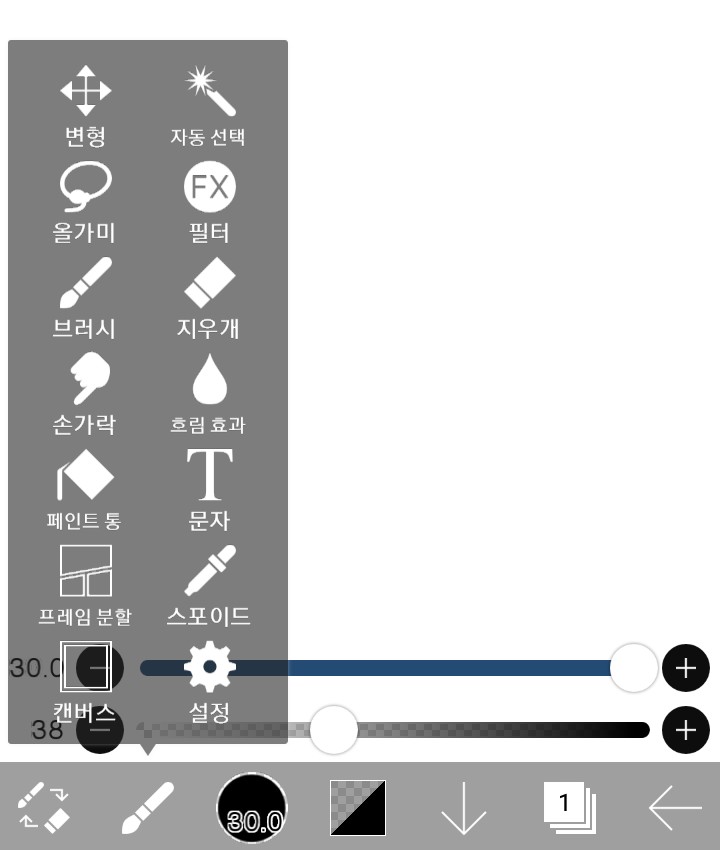
A screen like this will appear, so click on ‘Text’.
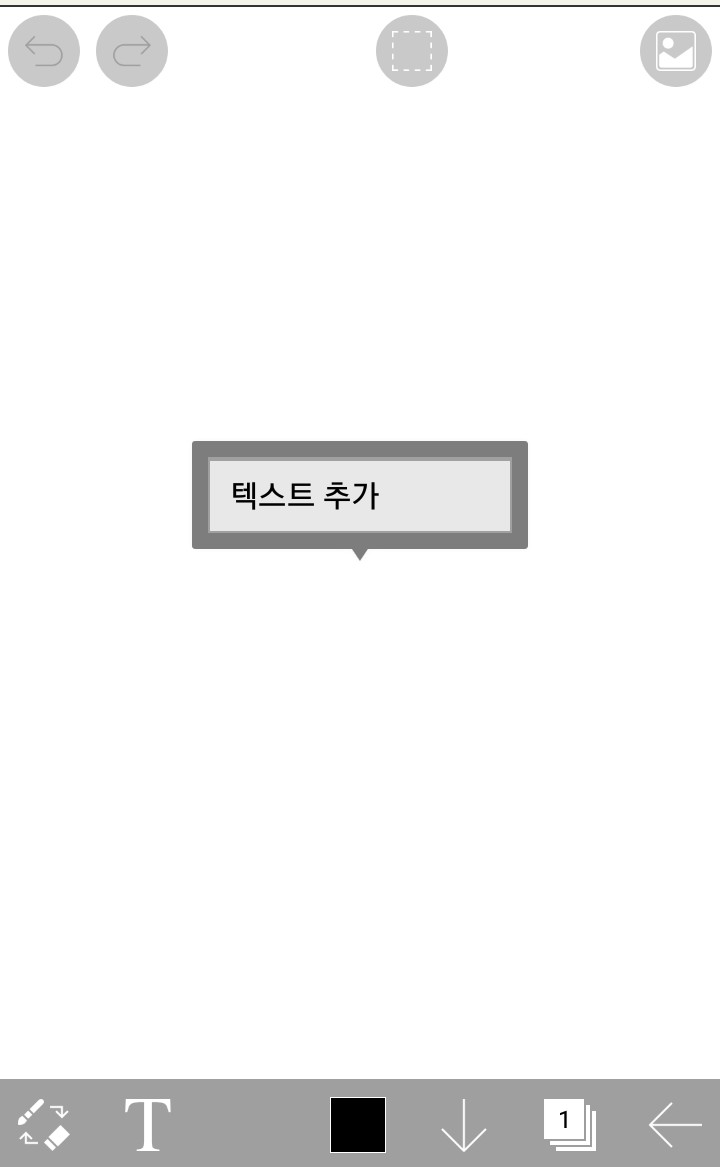
Click 'Add Text'
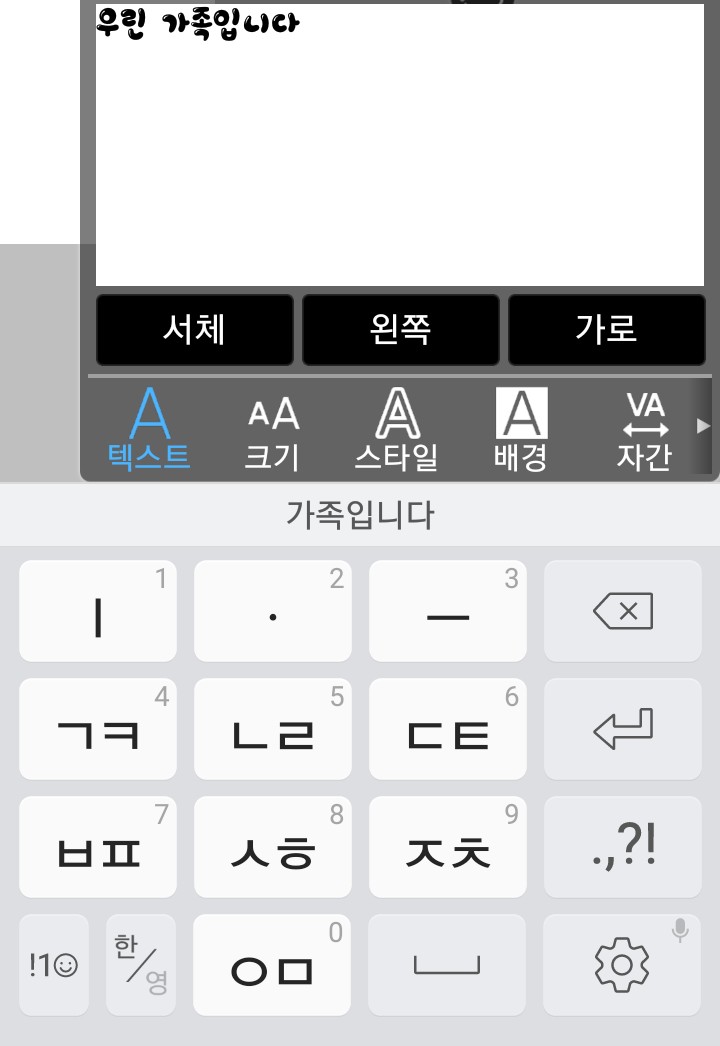
Press the text

Click on 'Font'
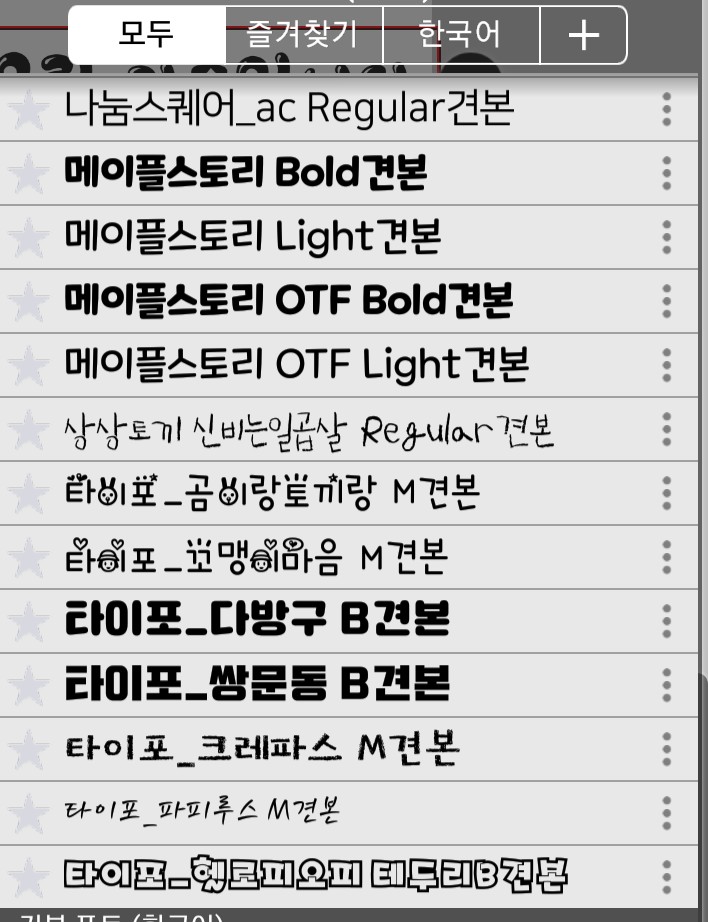
Press ' '
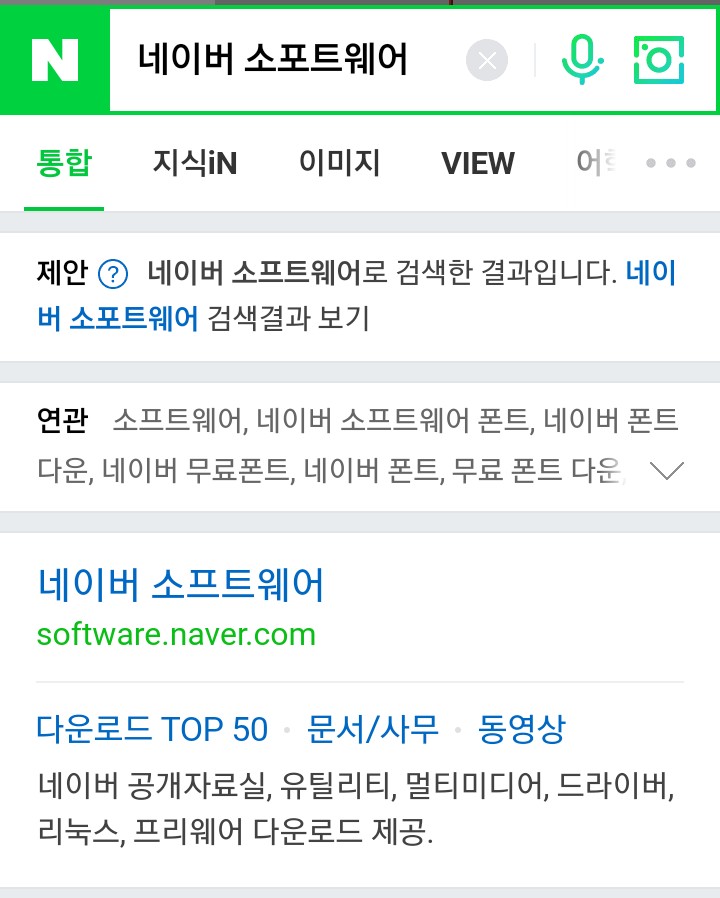
Click on 'Naver Software'
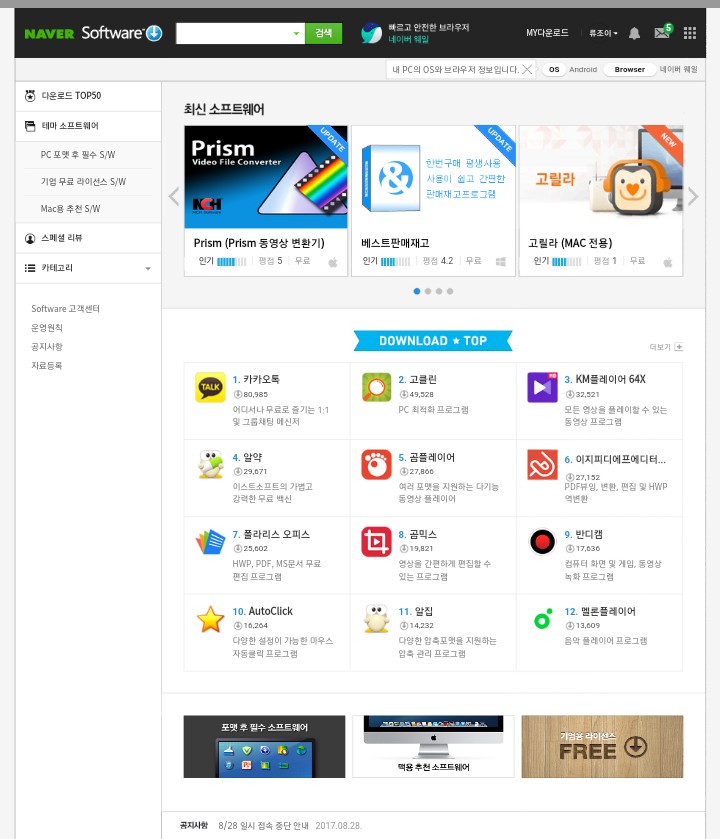
It comes out like this,

Click on the green search bar
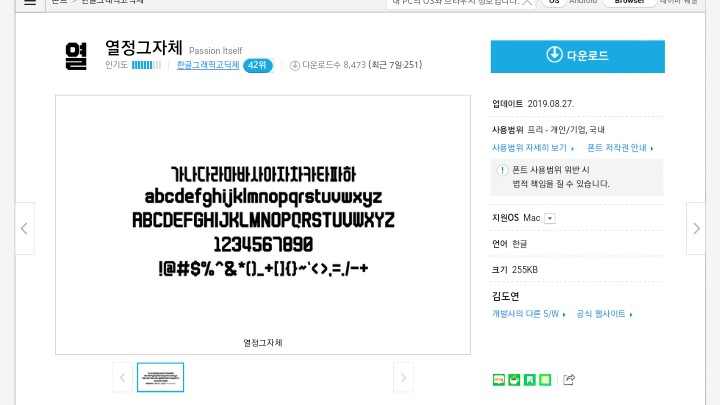
After selecting the font you want, click Download!
(You have to press 3 or 4 times)
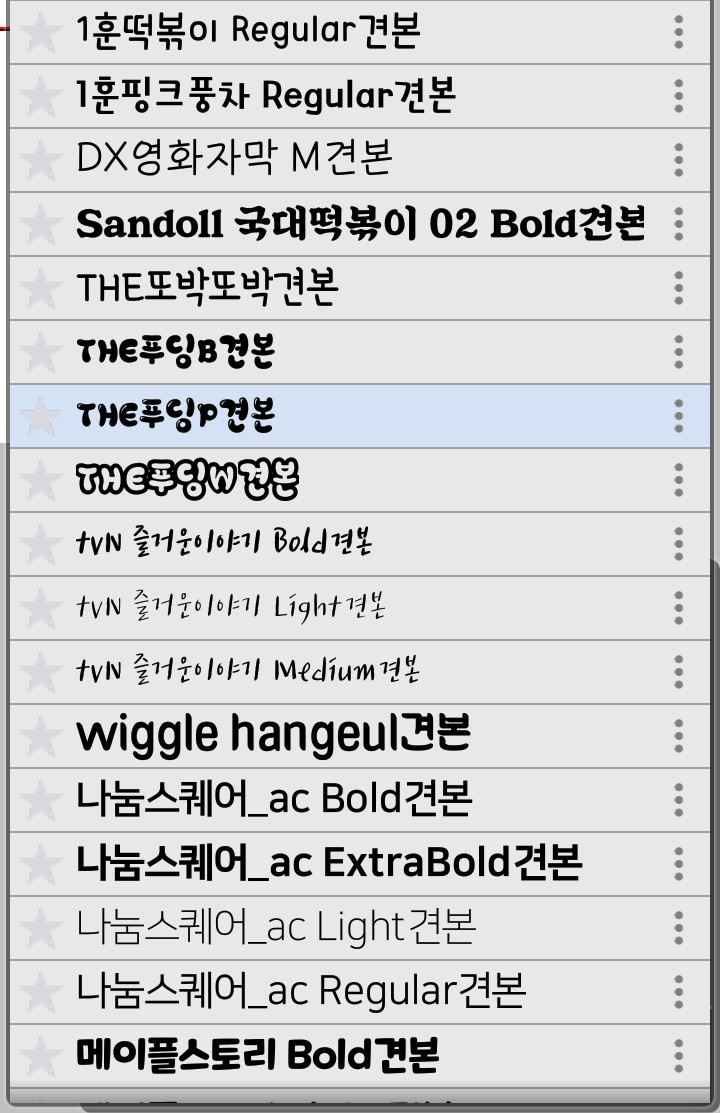
I chose one of the fonts above
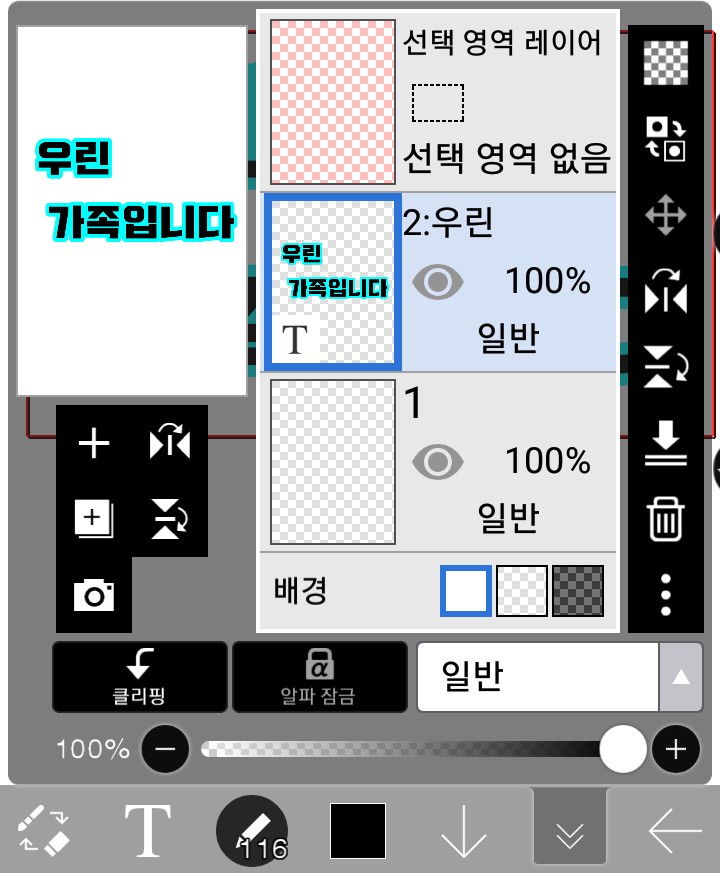
It comes out like this (from 'We are family'
I changed the text. ) Click ' '
You need to press 'Clipping'!

After coming out
 Please press .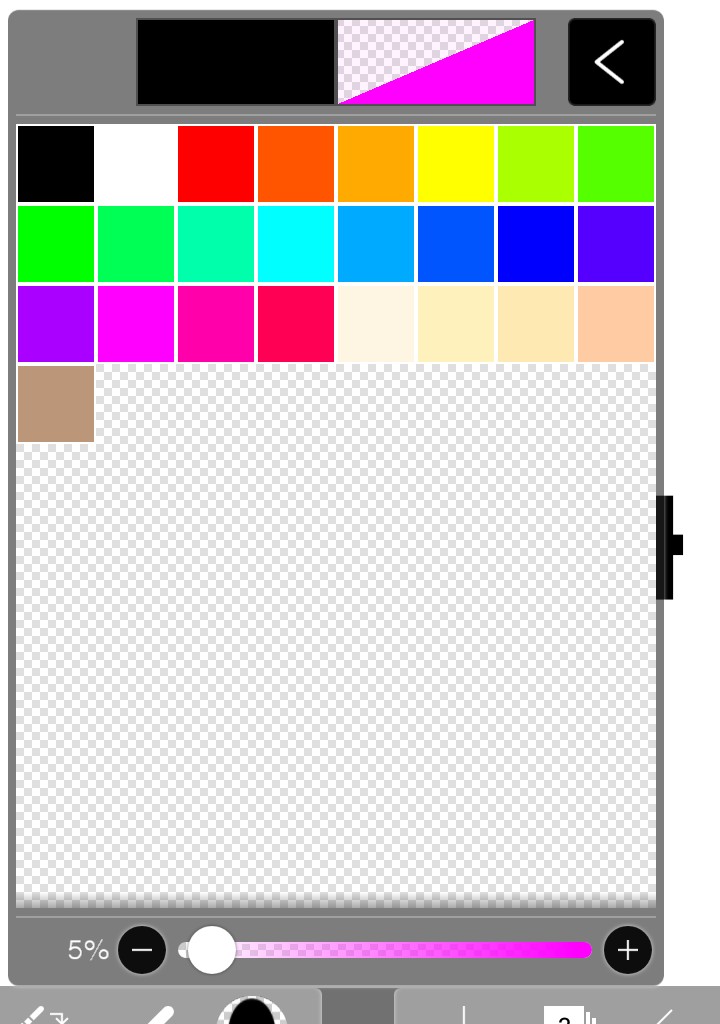
Choose a color and paint it lightly.

I painted it like the picture above.
(You need to press twice to color!)
------------------------------------------------
That's it! If you have any questions, just ask~
Please leave a comment! I'll let you know! Next
What apps will there be..? (If there is no next time, Ibis
It could be a lecture...ㅠ'