

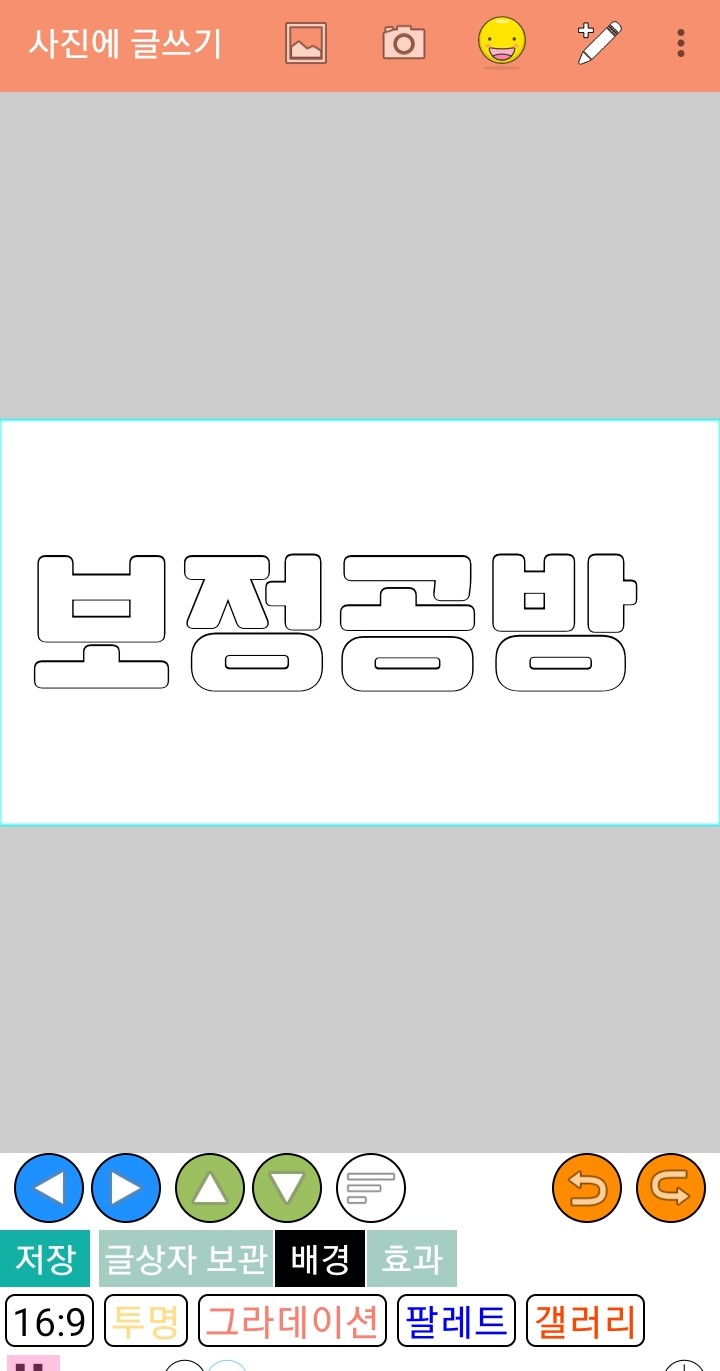
Please write a title in Geulpangpang!
Please make the background transparent.
Unlike when creating a title in the Color app,
Please do not make the text color black
Set it to default and save it!

Please enter Ibis
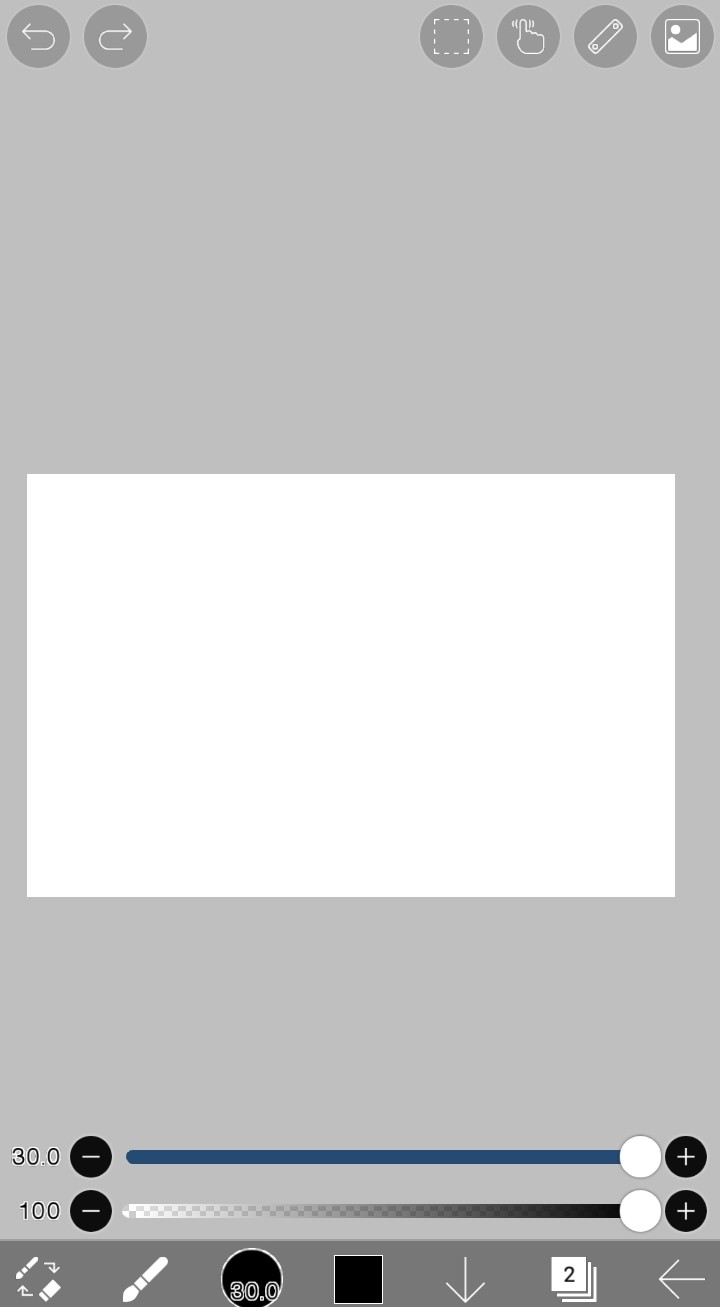
Please click the blue circle below
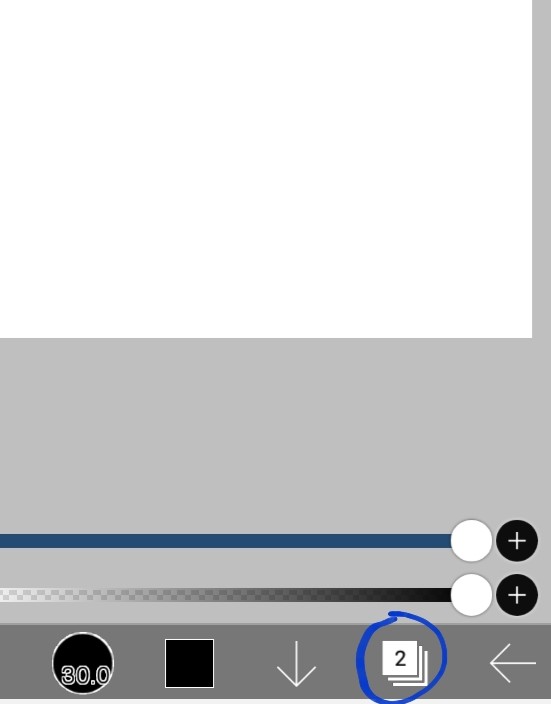
When I press it, it appears so complicated.
Click on the camera shape
Please load the title saved in Gulpangpang!
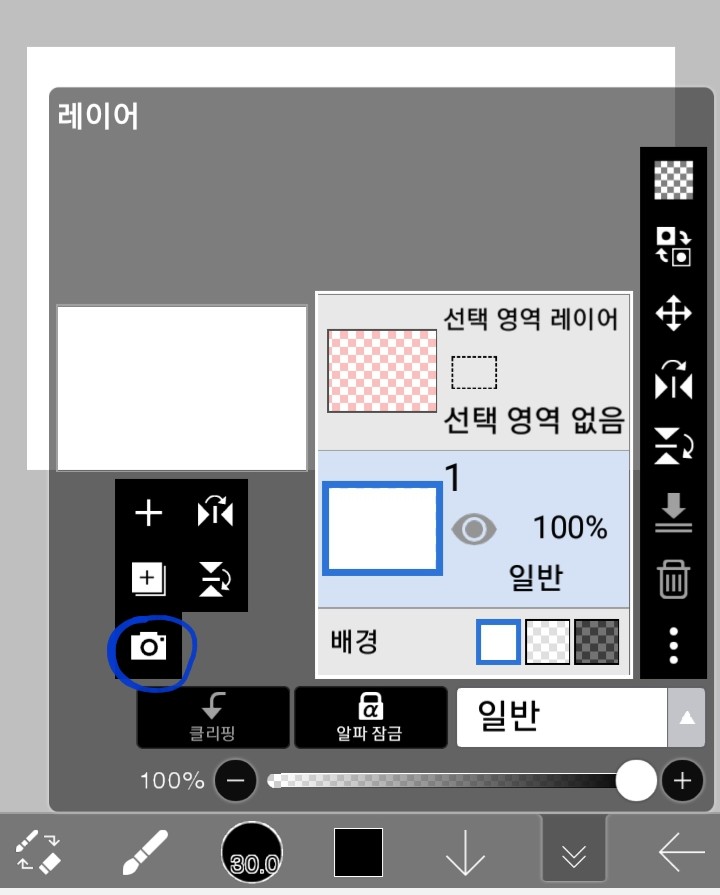

Click the blue circle again
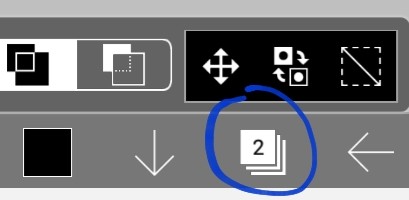
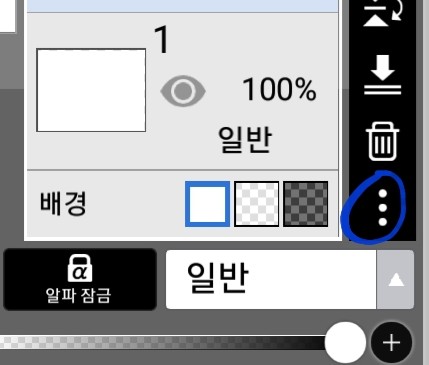
If you click on the three dots
There are many things that come up
Among them, please click on the opacity setting!
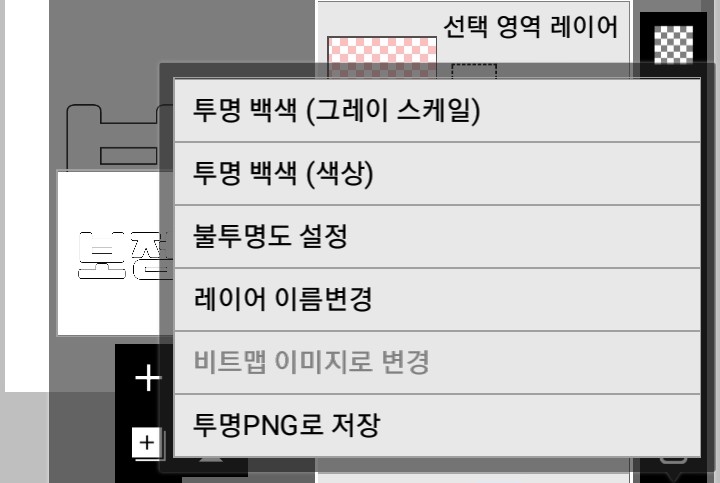
If you do this, the text will be in dotted lines like this
You will be surrounded
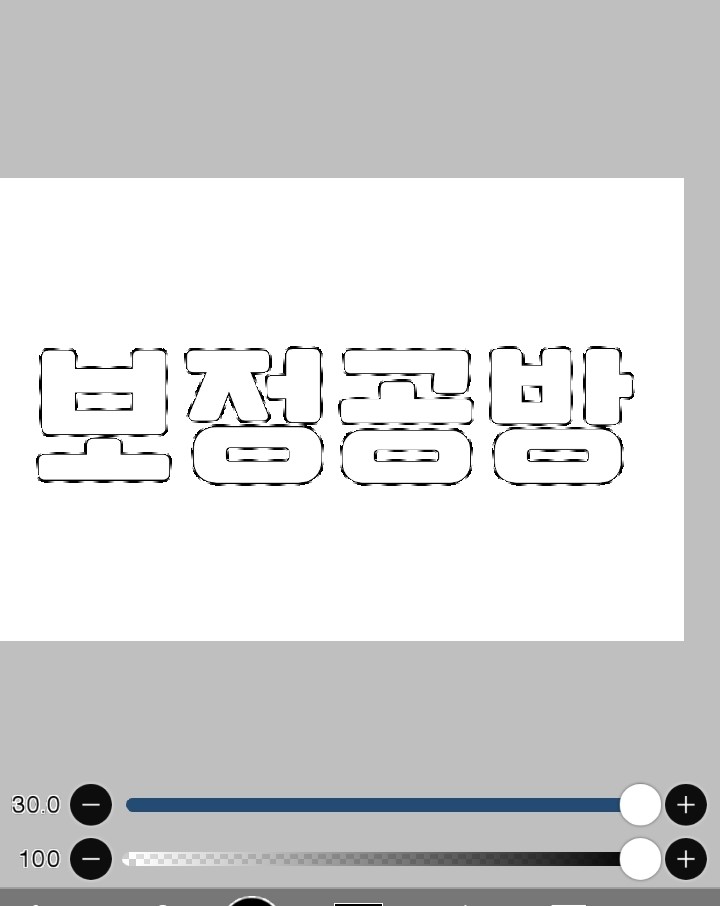
Now on top of this text
Please color it in the color you want!
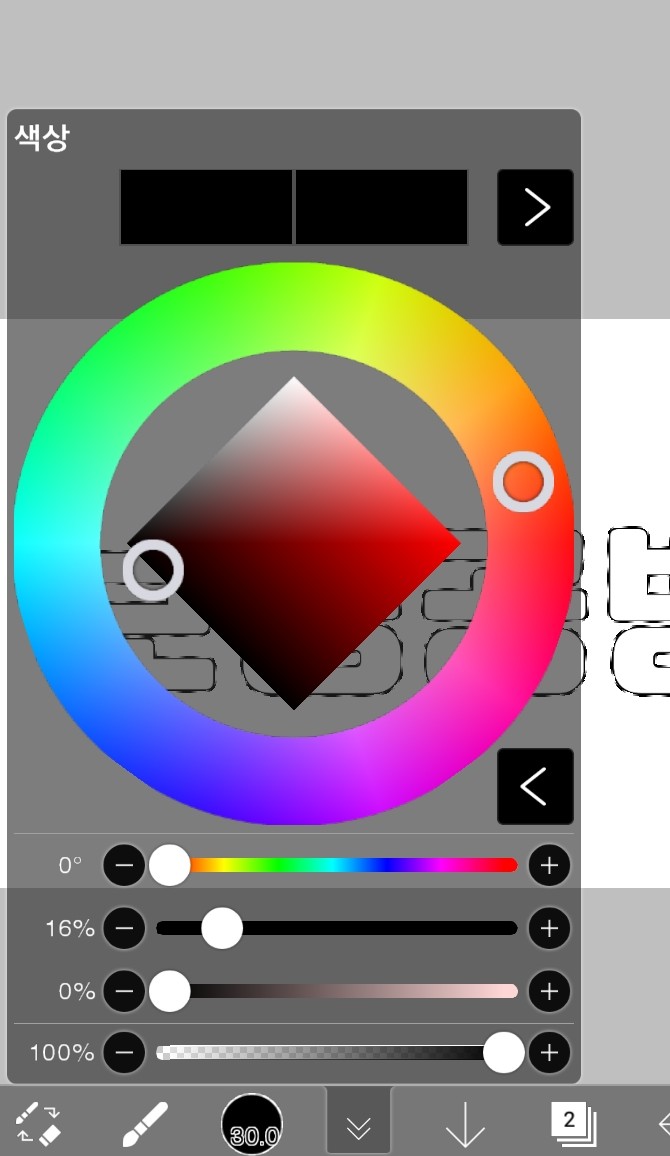

Now that you've colored everything, remove the dotted lines.
I'm going to make a border!
After pressing the colored pencil shape,
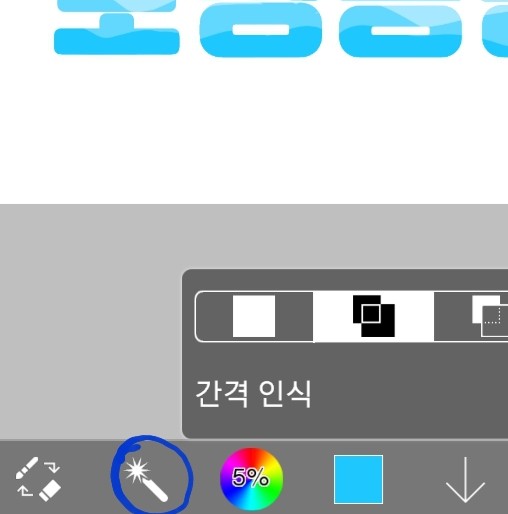
Please press auto select
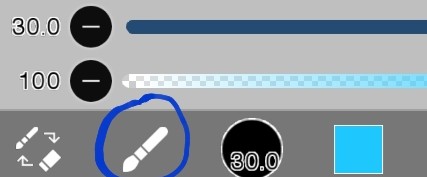
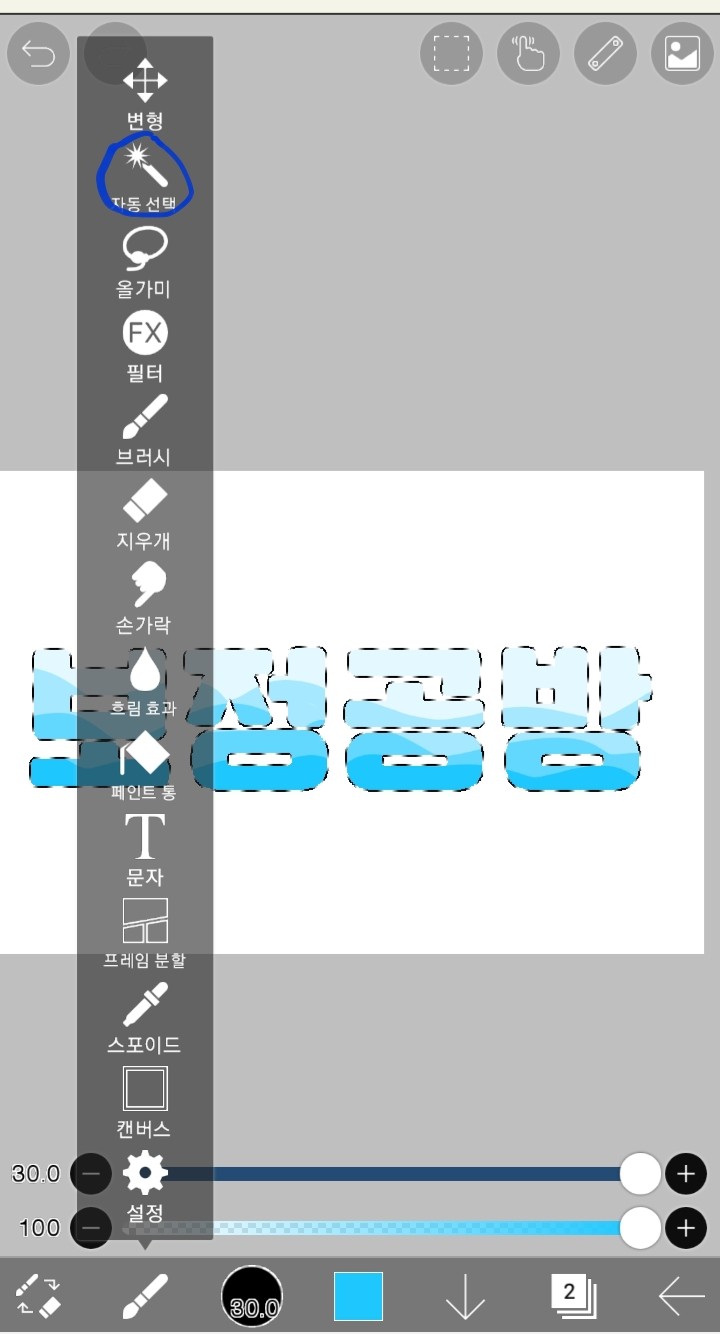
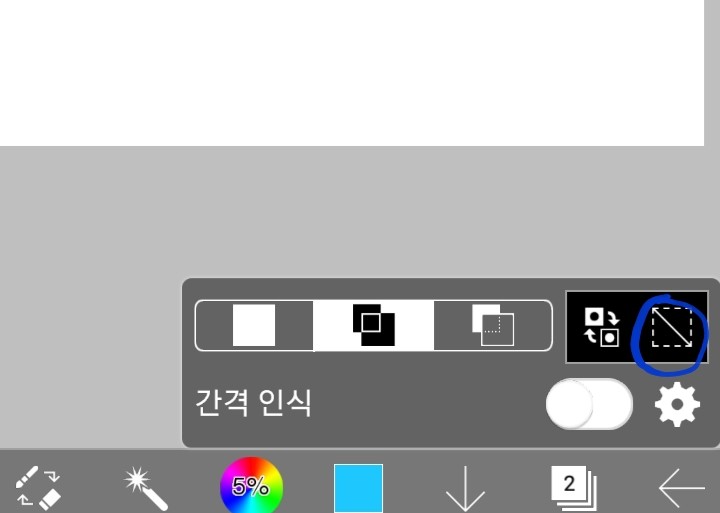
And if you click on the blue circle
The dotted line will disappear!
Now we're going to create a border around the text.
If you click on the blue circle
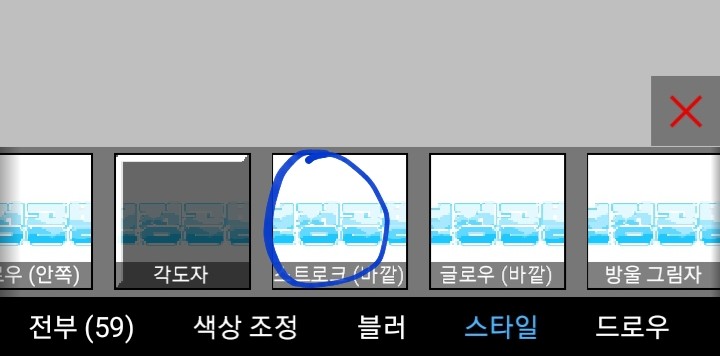
There are many different ones, but among themfilterPlease press
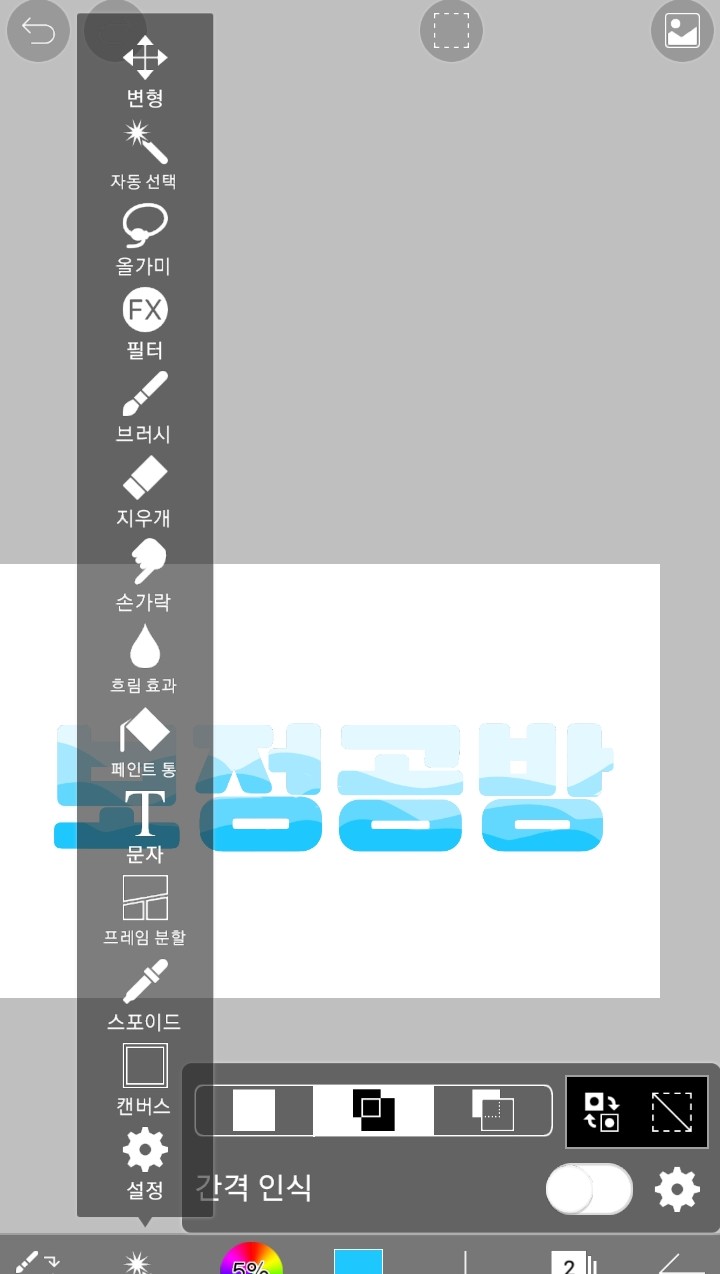
Various filters appear
Stroke (outside)Please press ,
After deciding on the color, adjust the thickness
Just create a border and you're done!
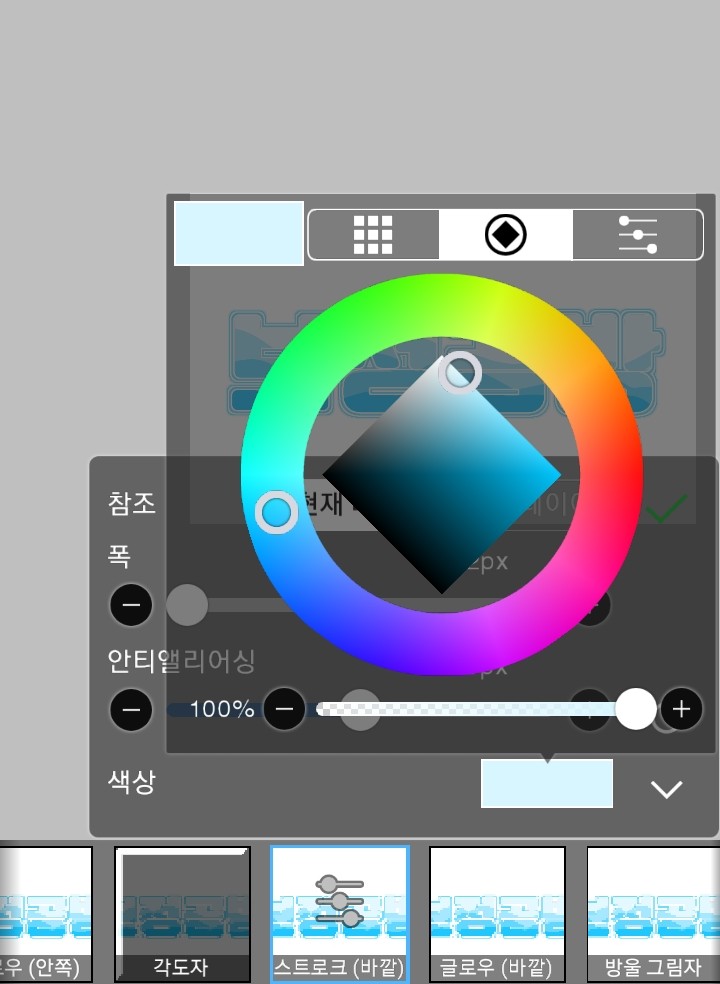
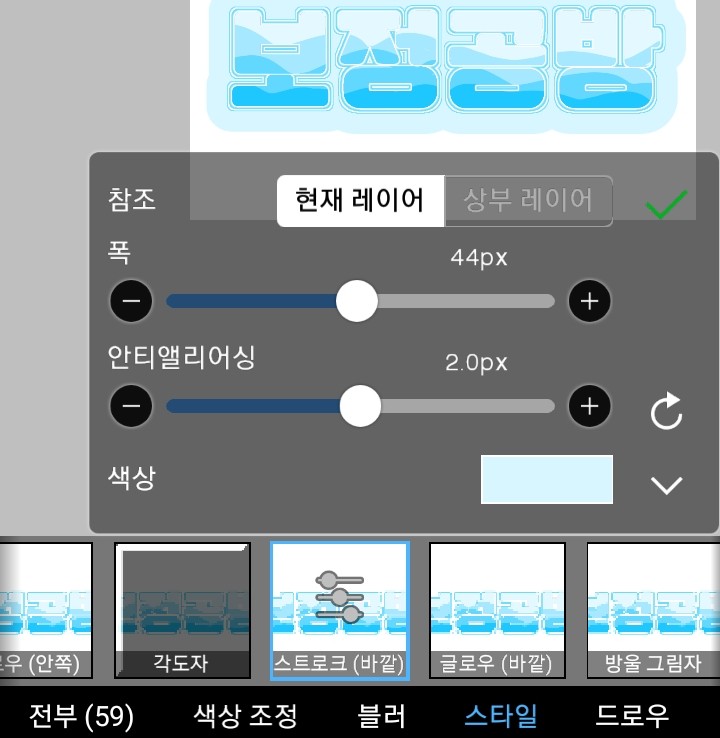
completion