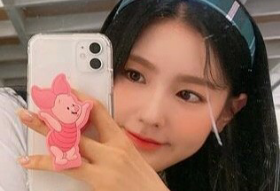
Pick it up because it's red
First screen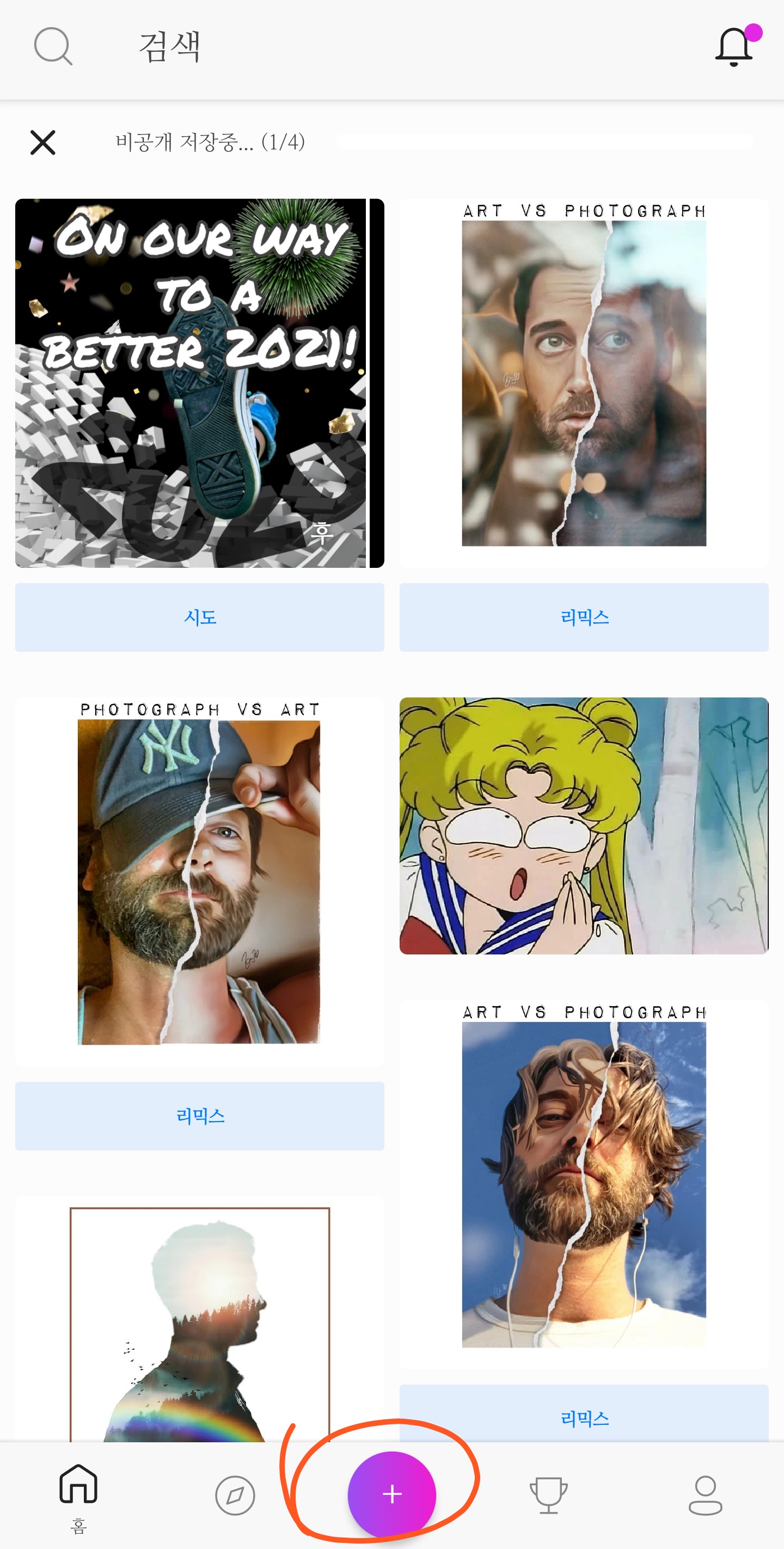
Press the middle button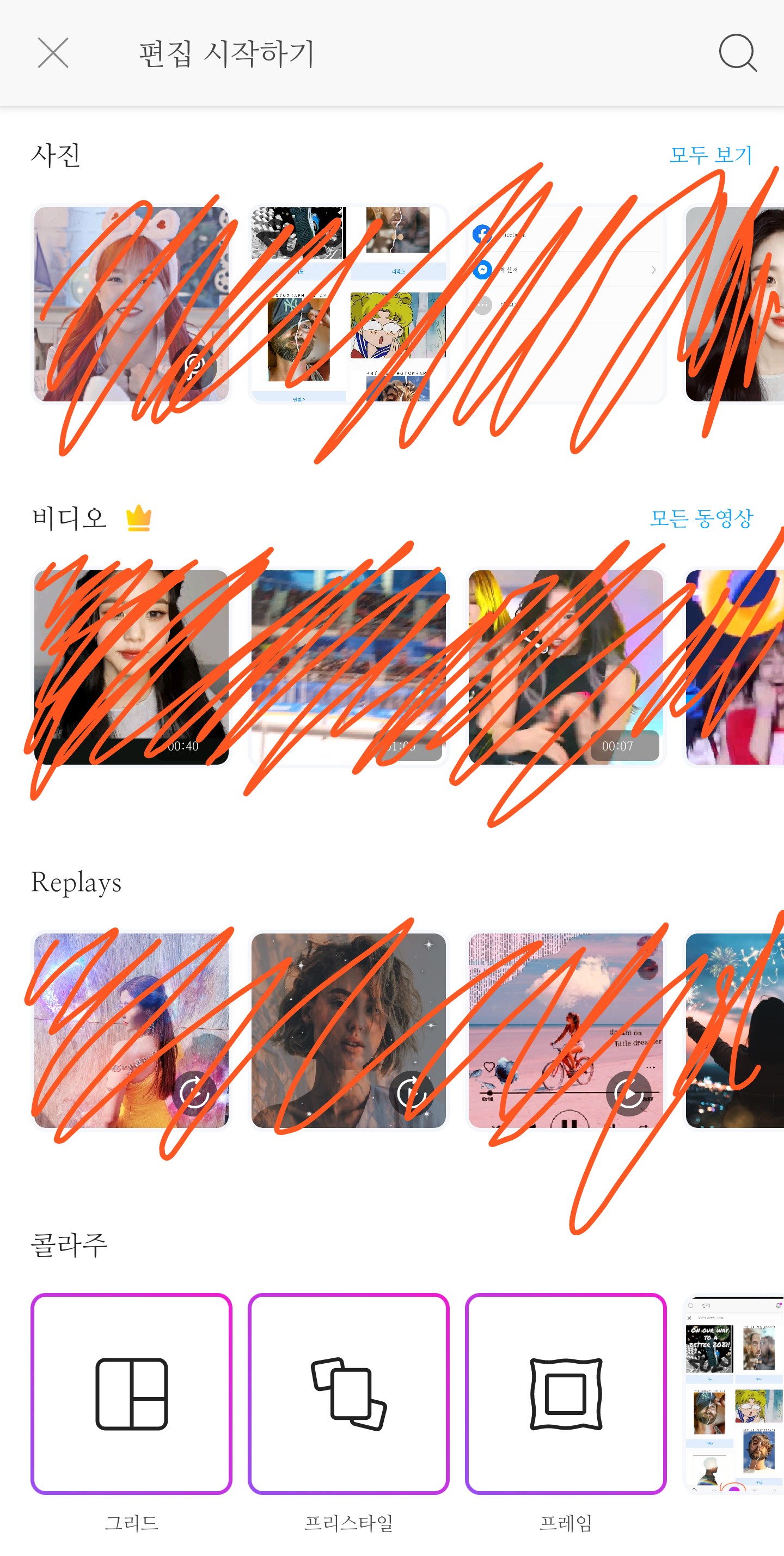
Then it comes out like this
Click on See All next to the photo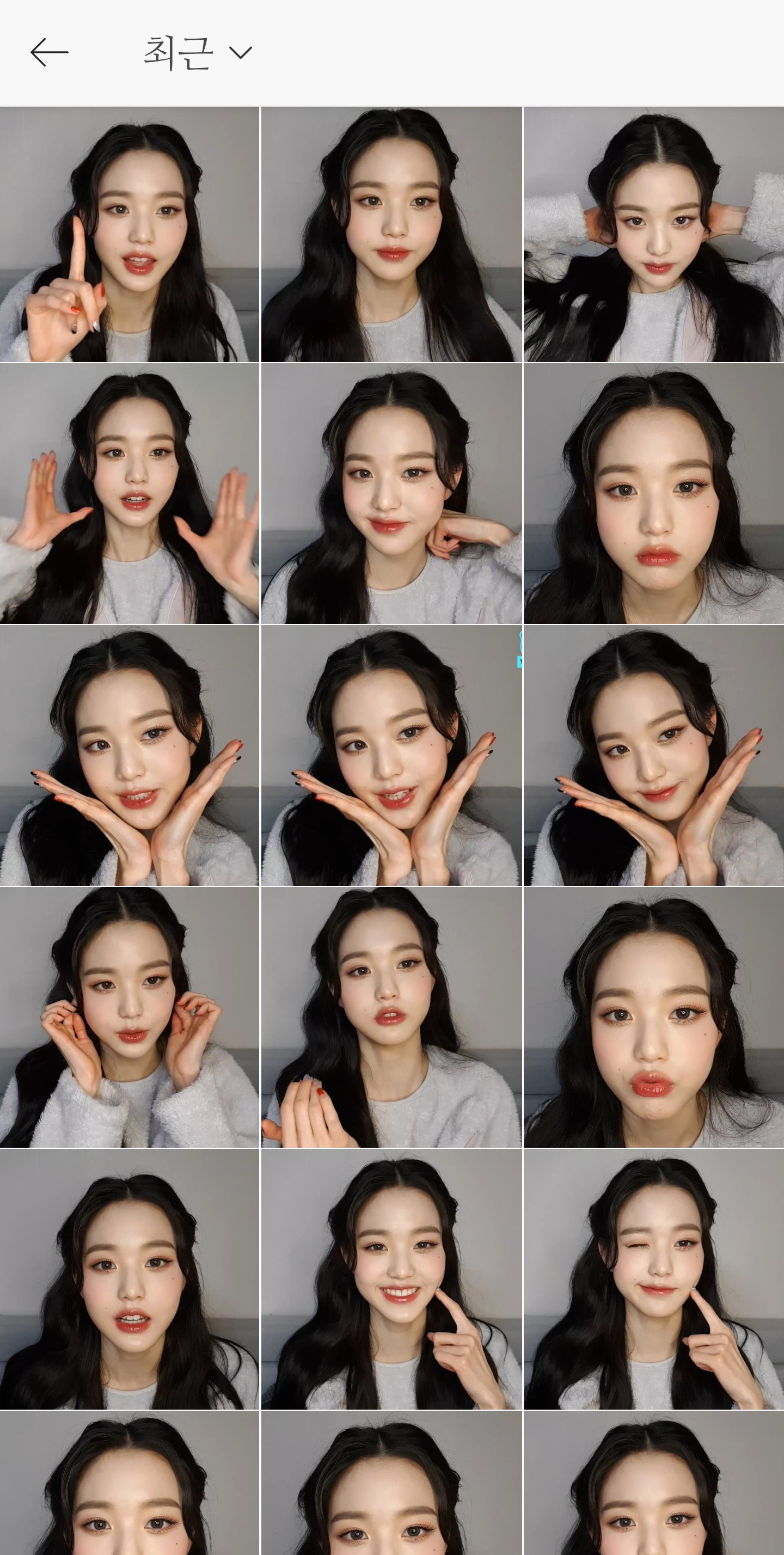
Choose a photo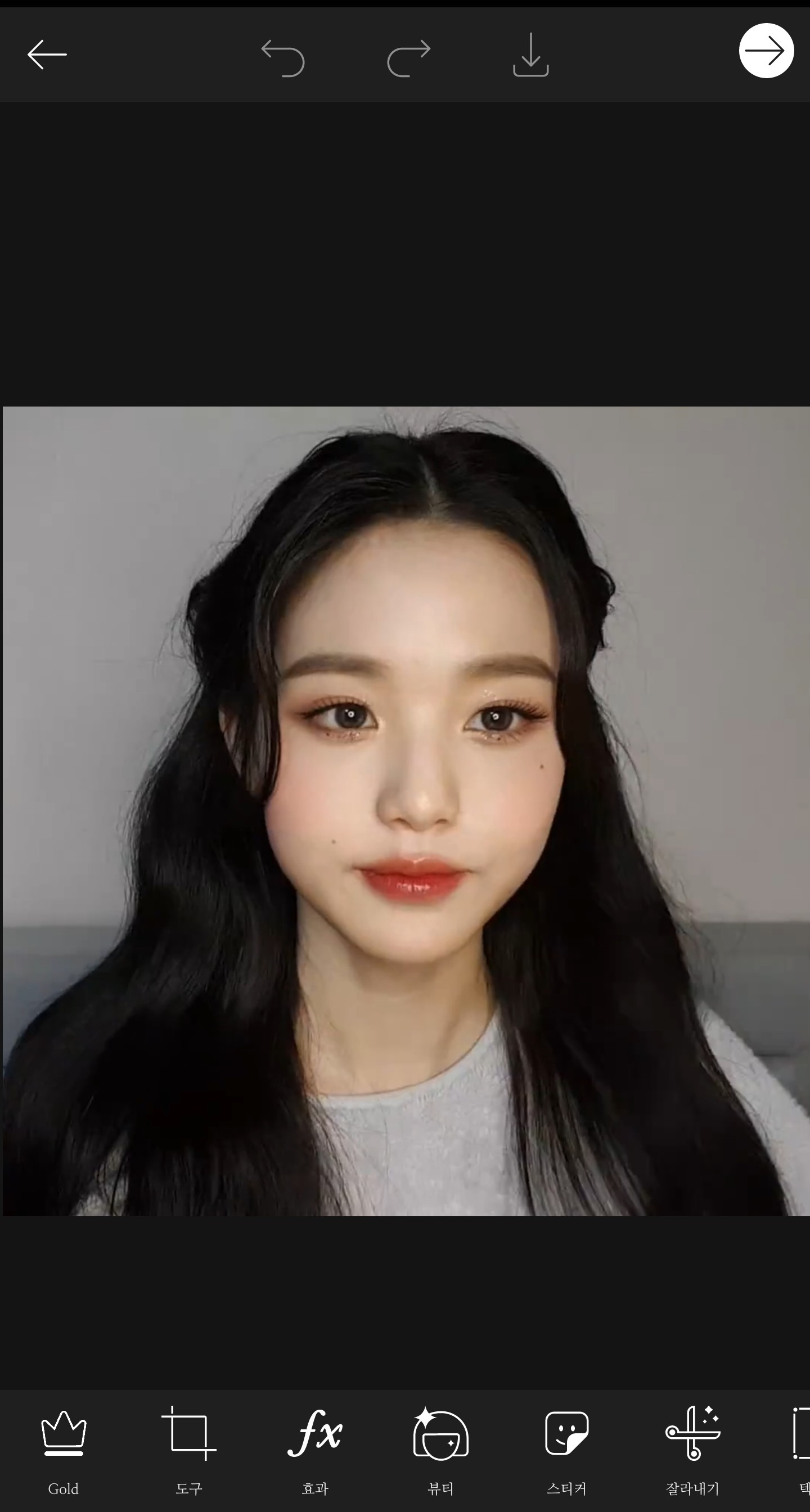
Press Tools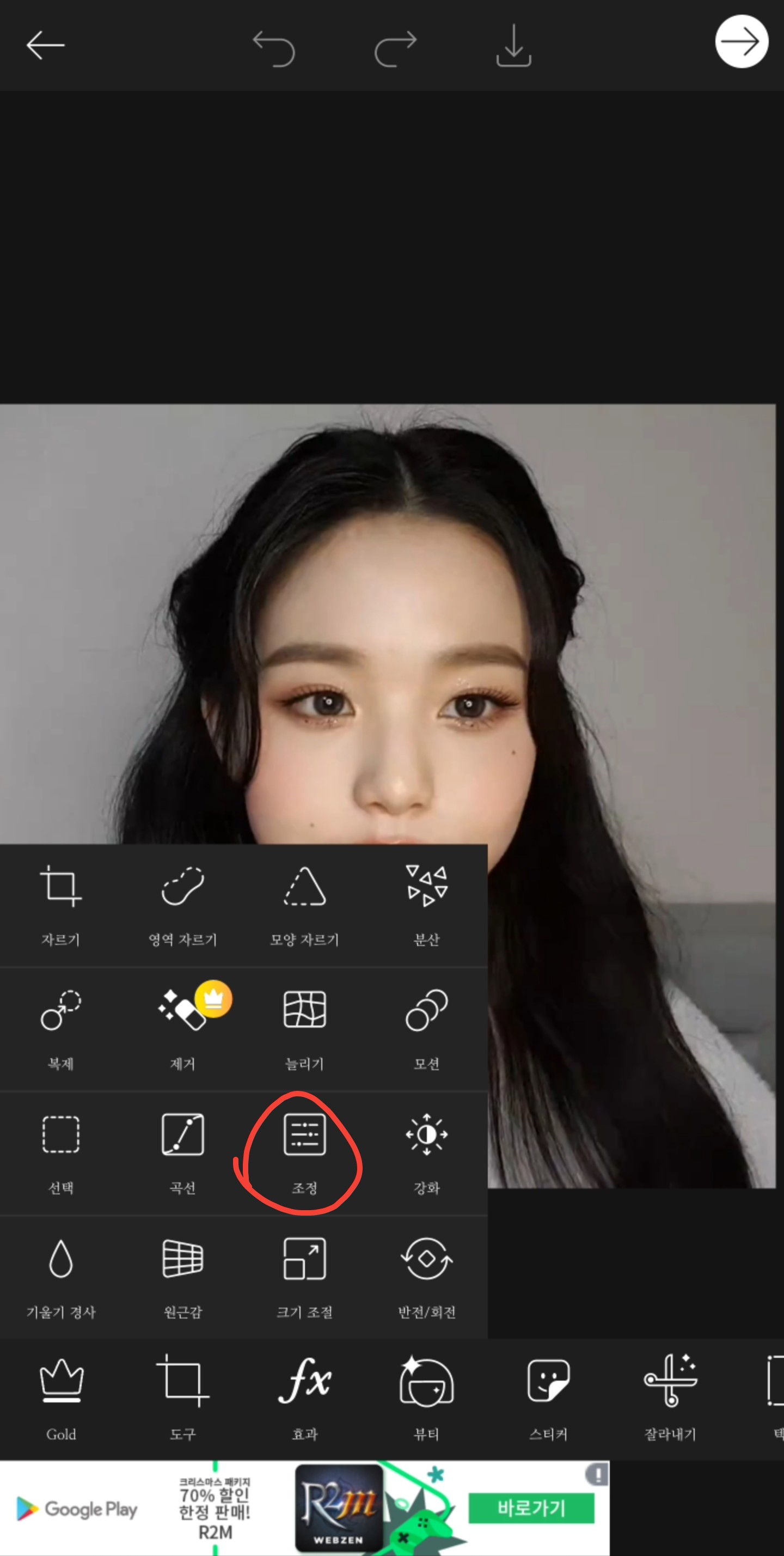
Tools - Click Adjust
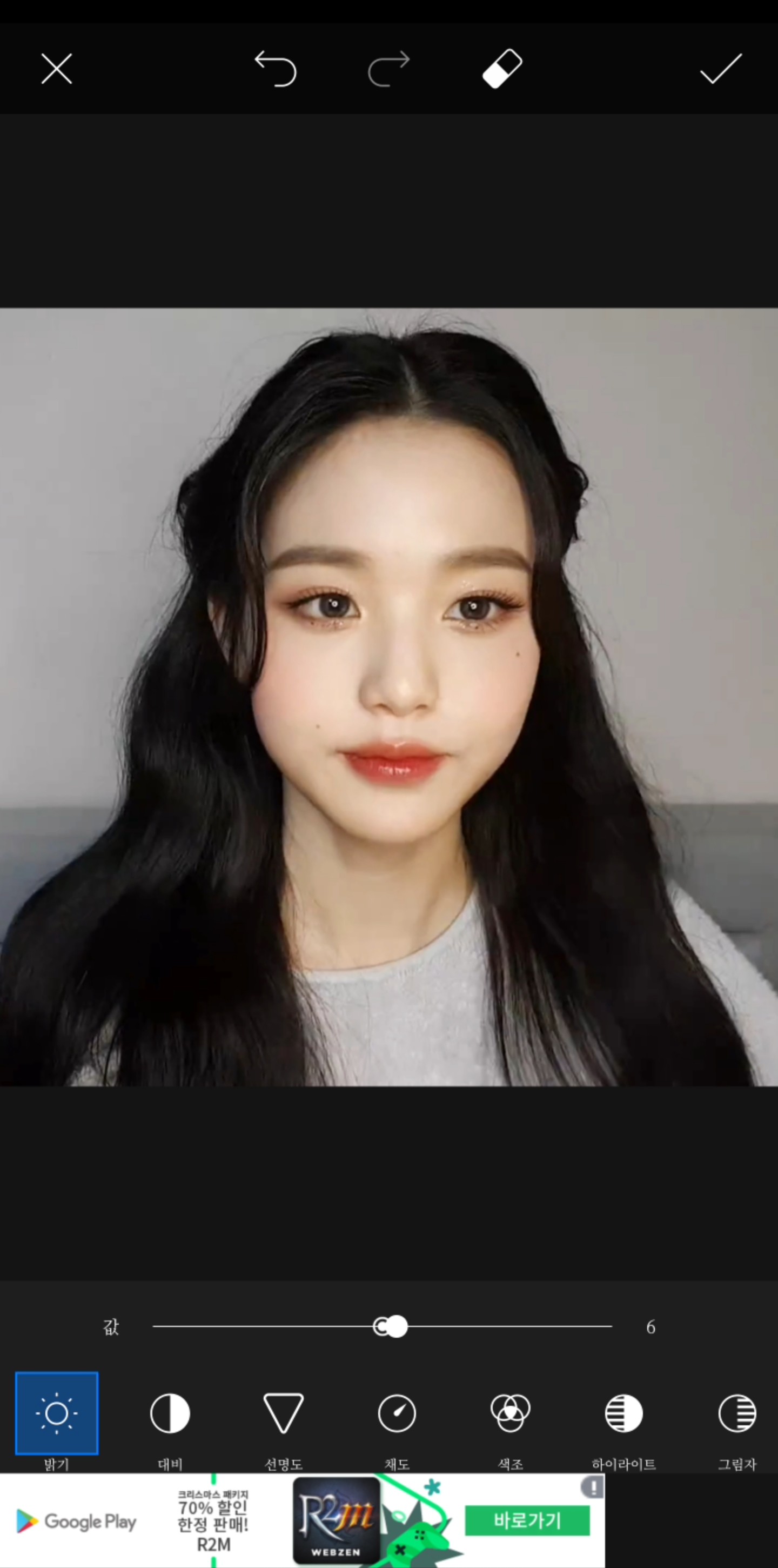
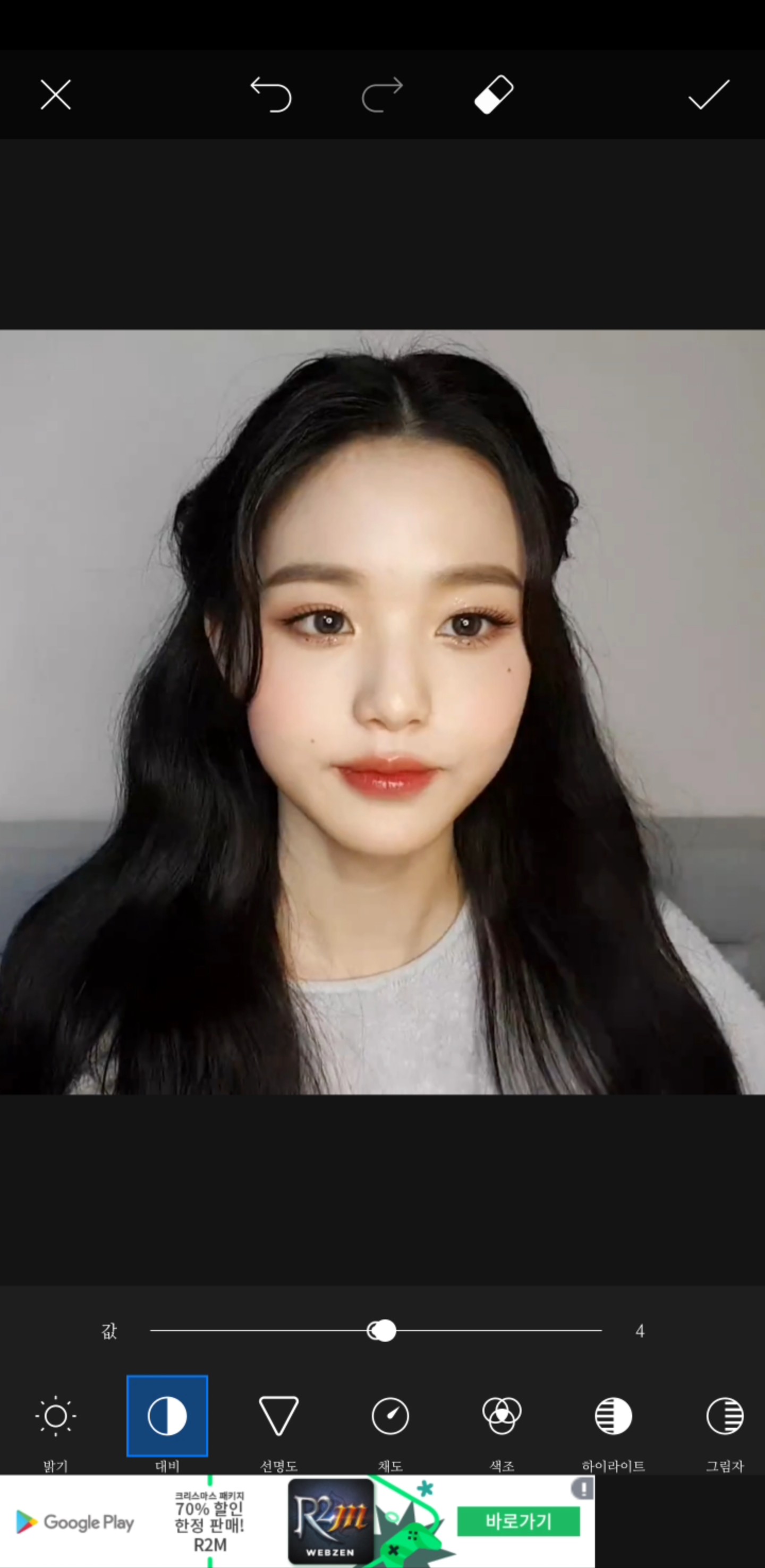
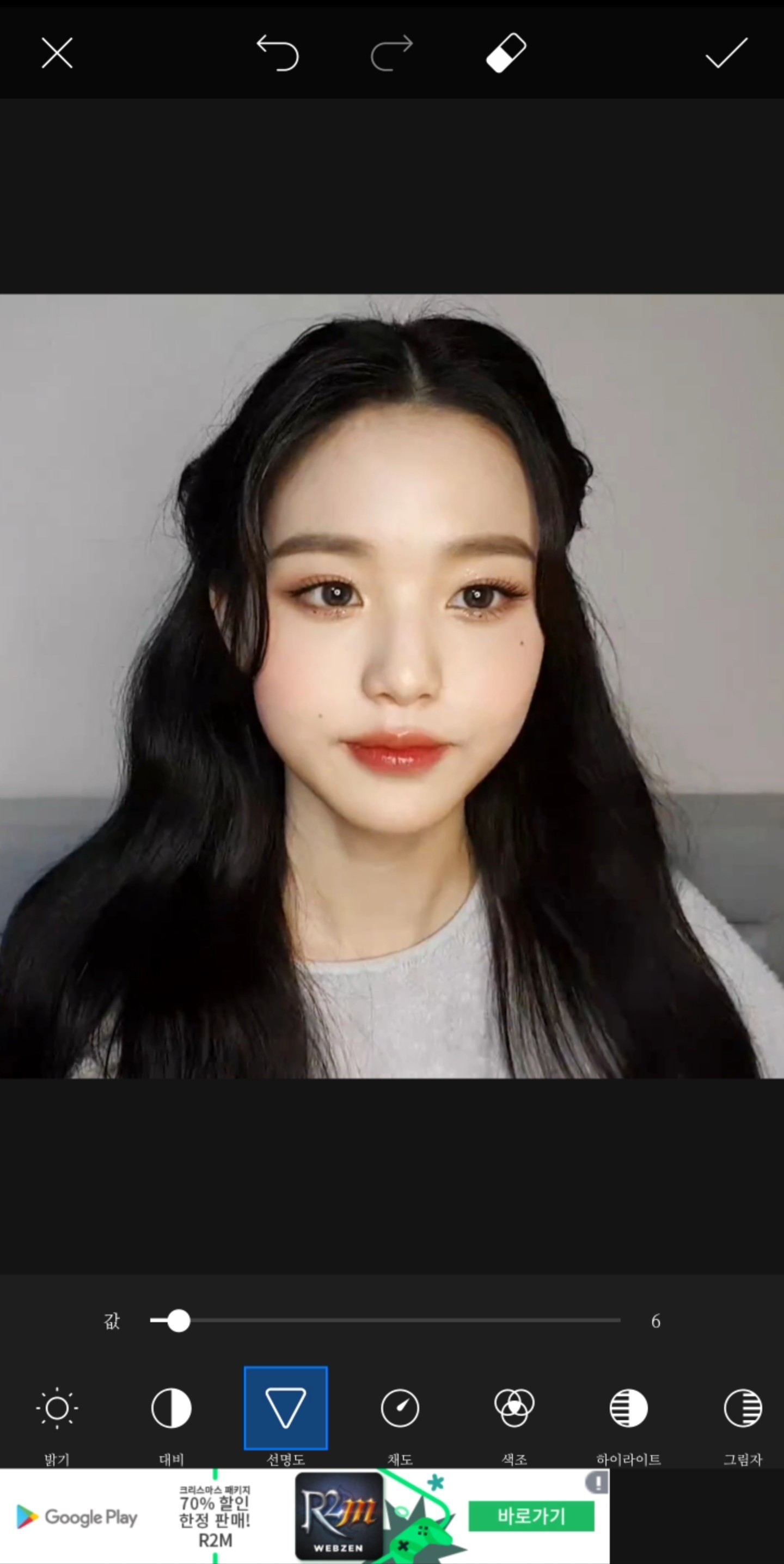
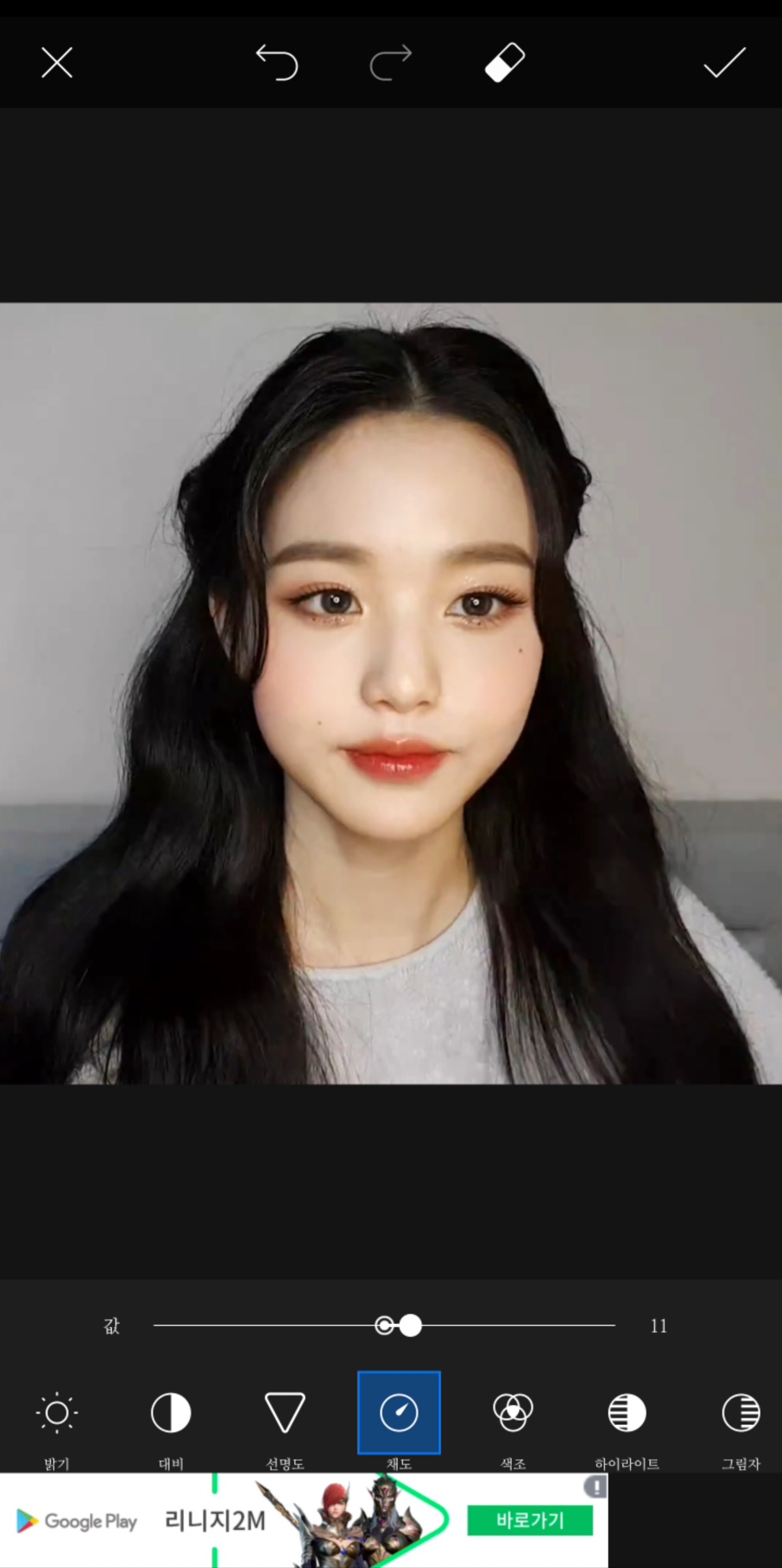
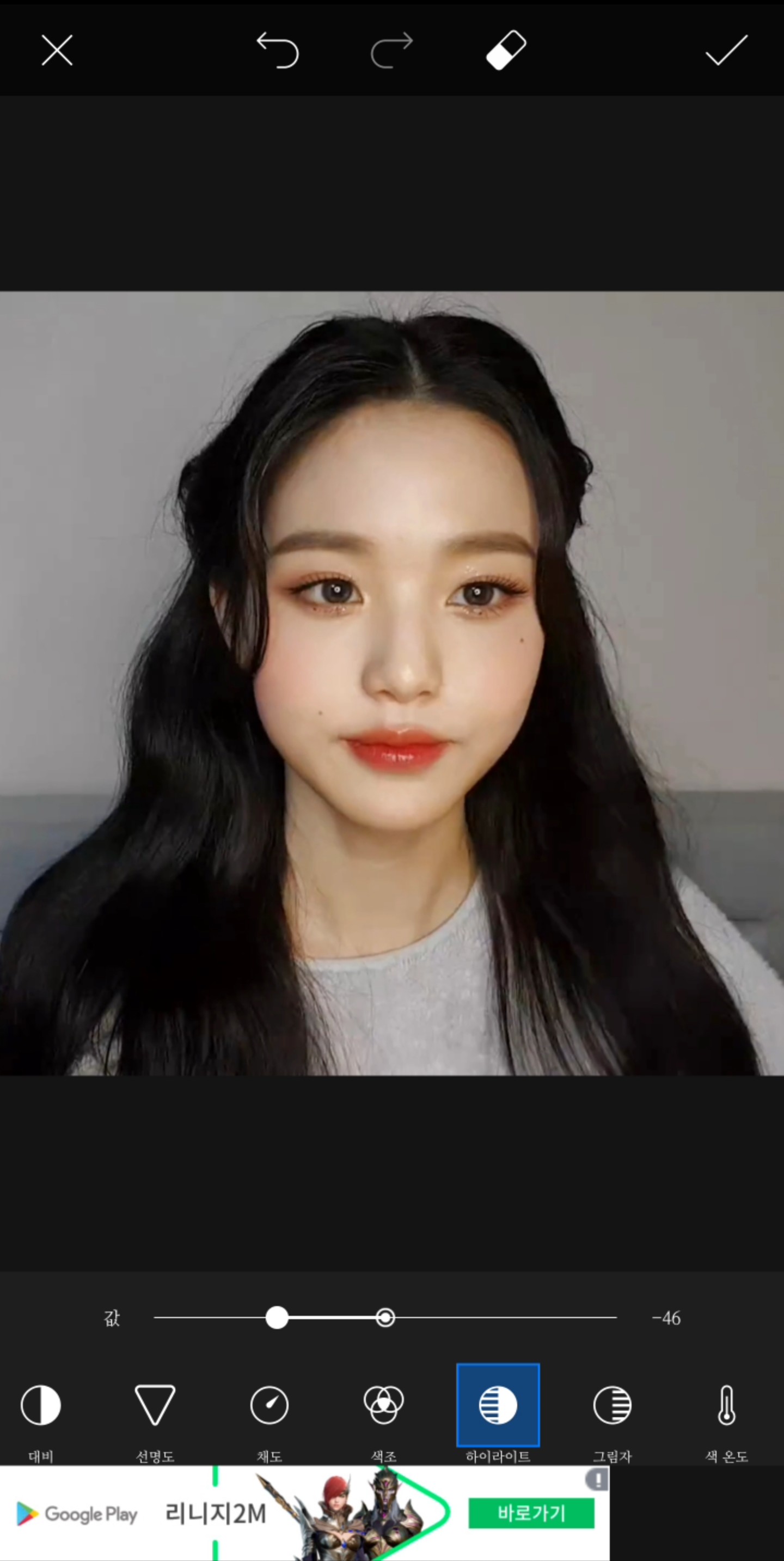
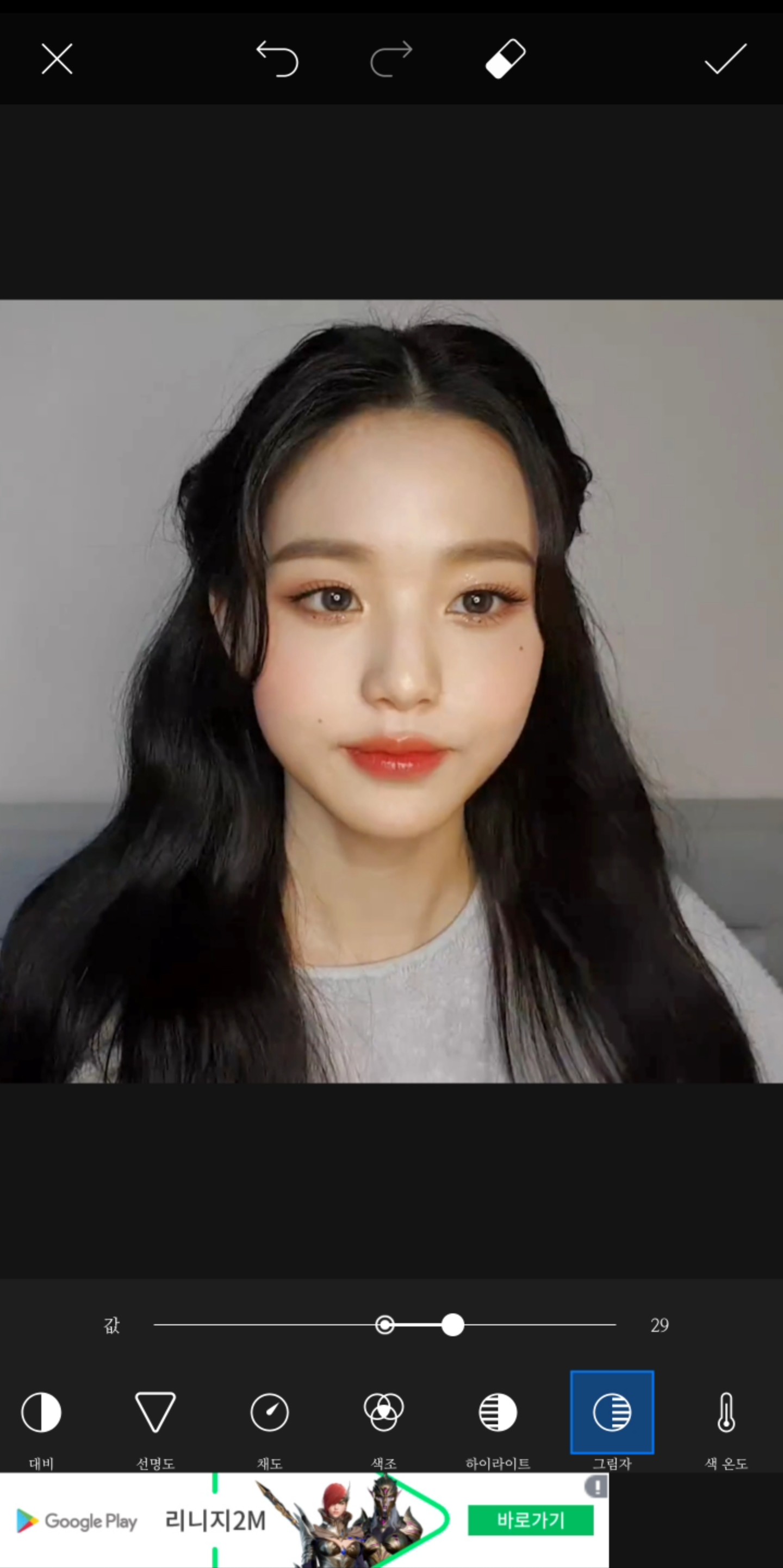
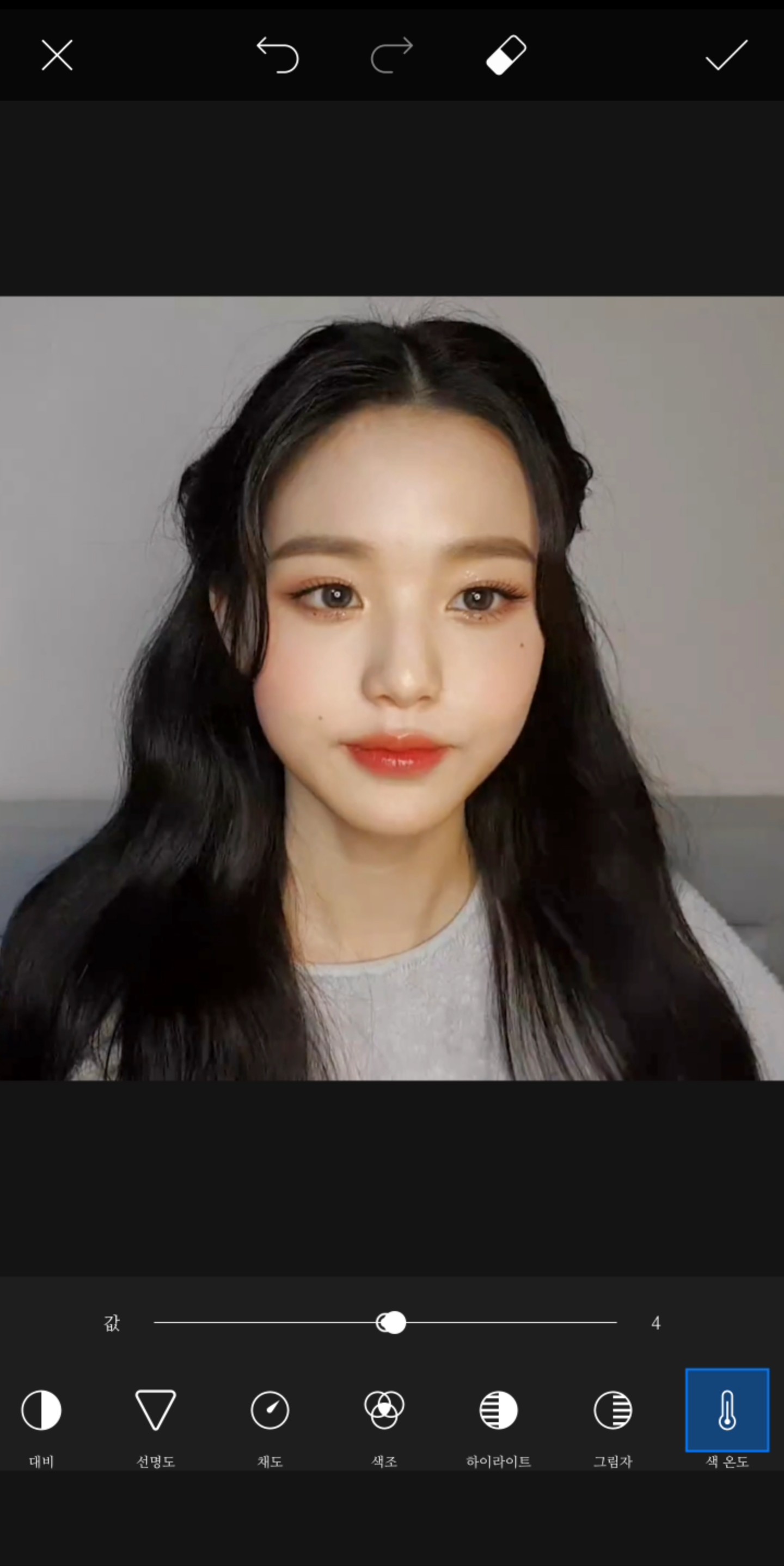
I'll do something like this (actually, the adjustment isn't that important;;)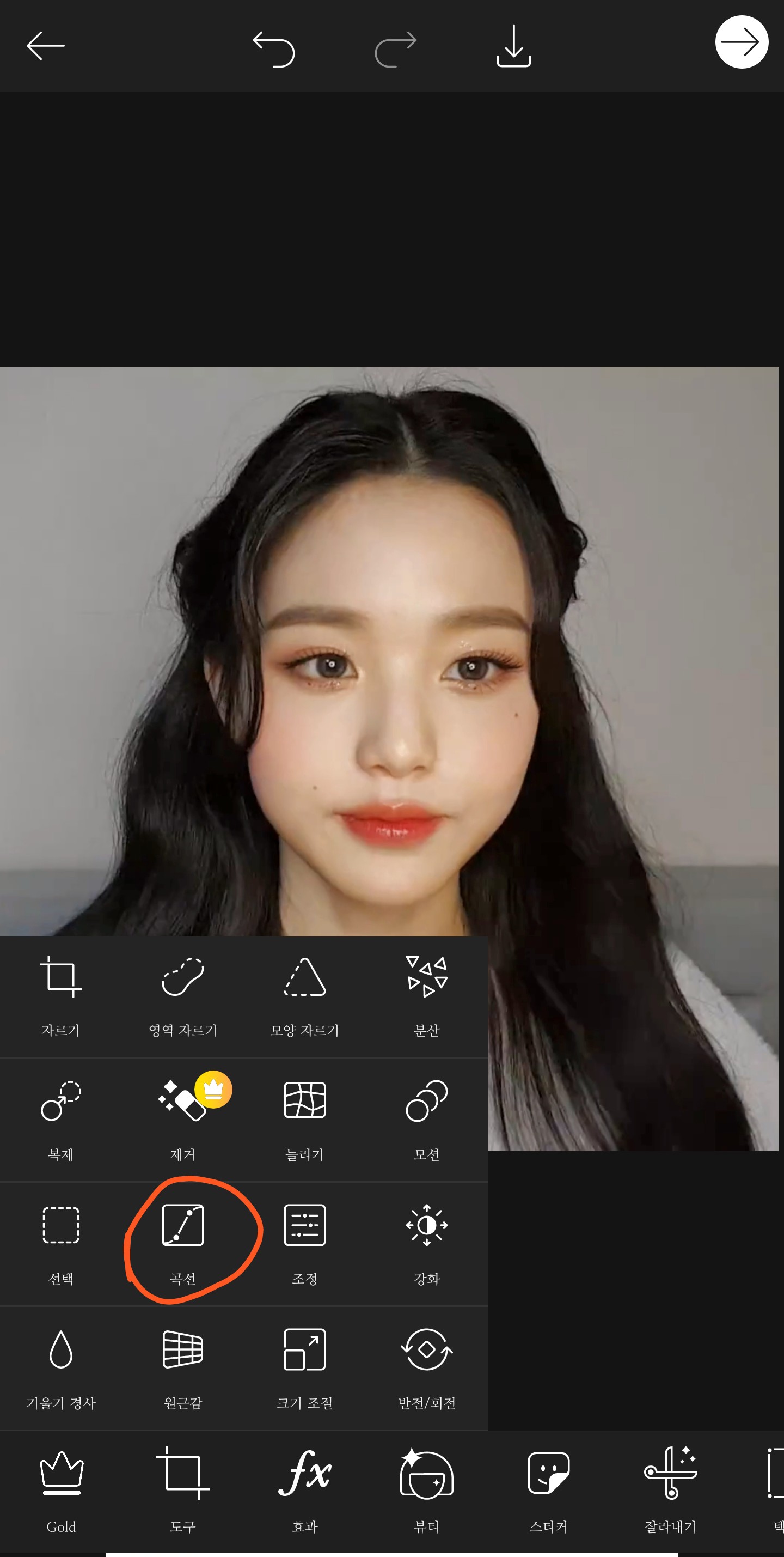
Tools - Click Curve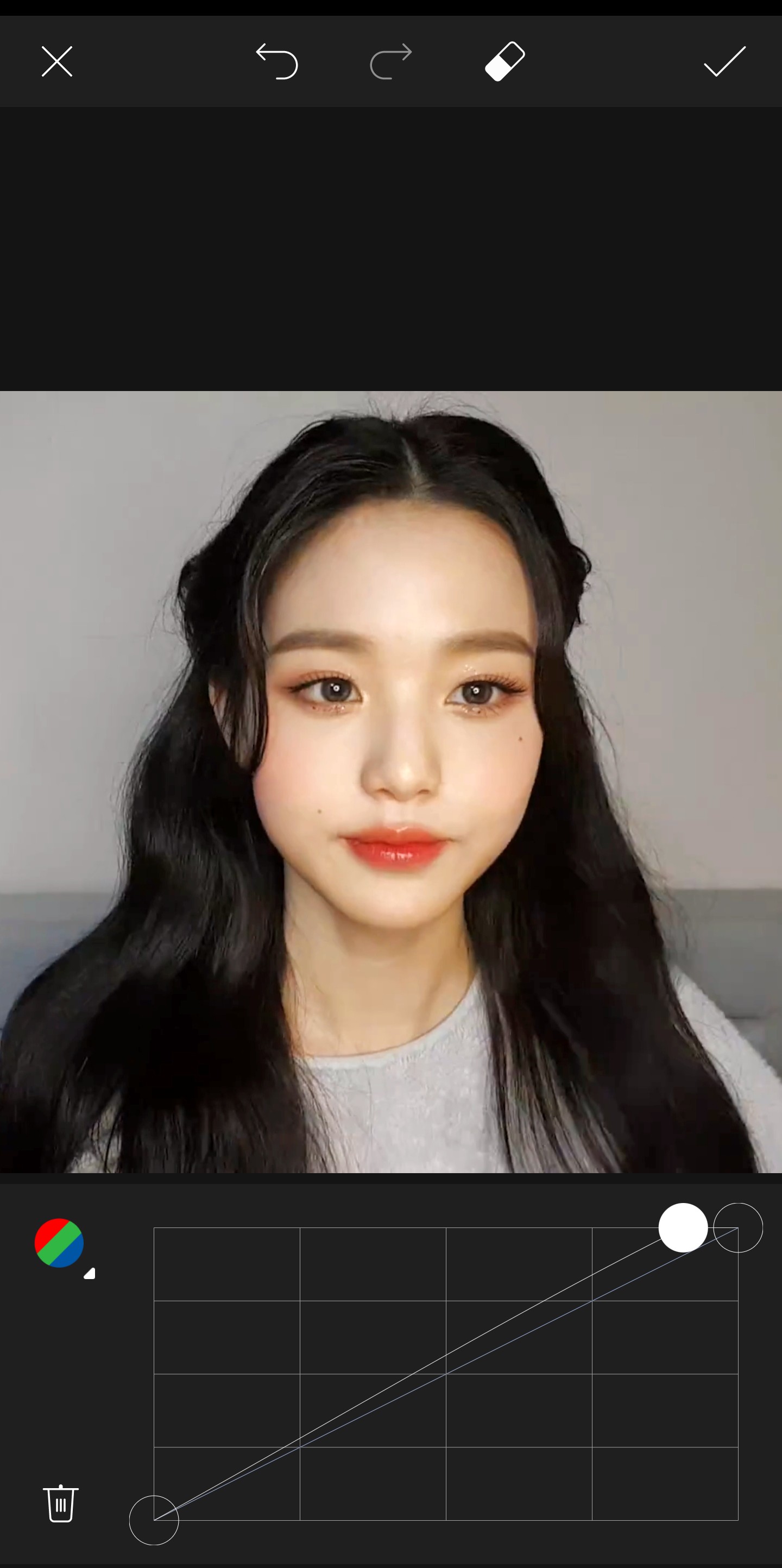
Just press like this without choosing a color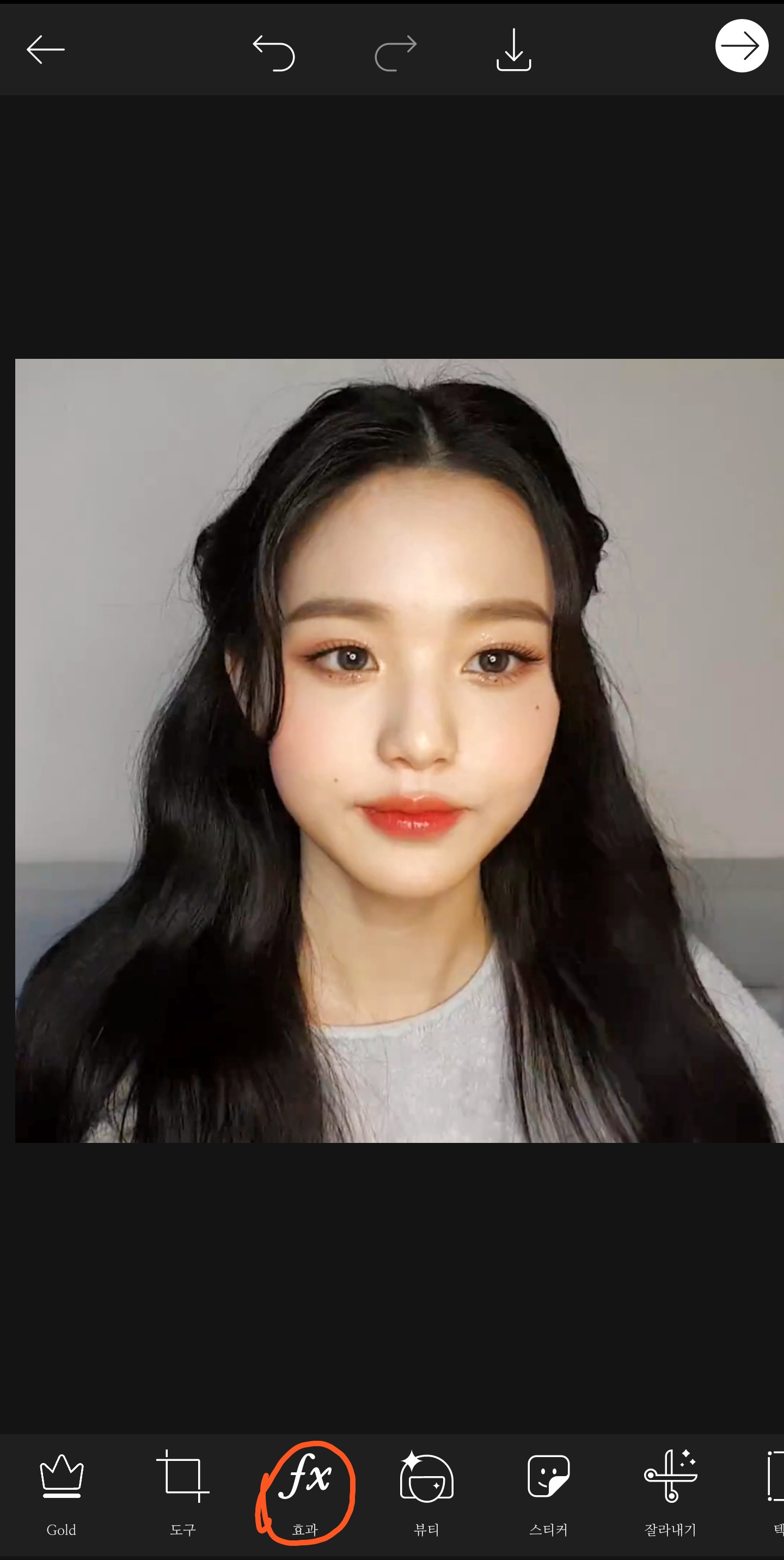
Here are the effects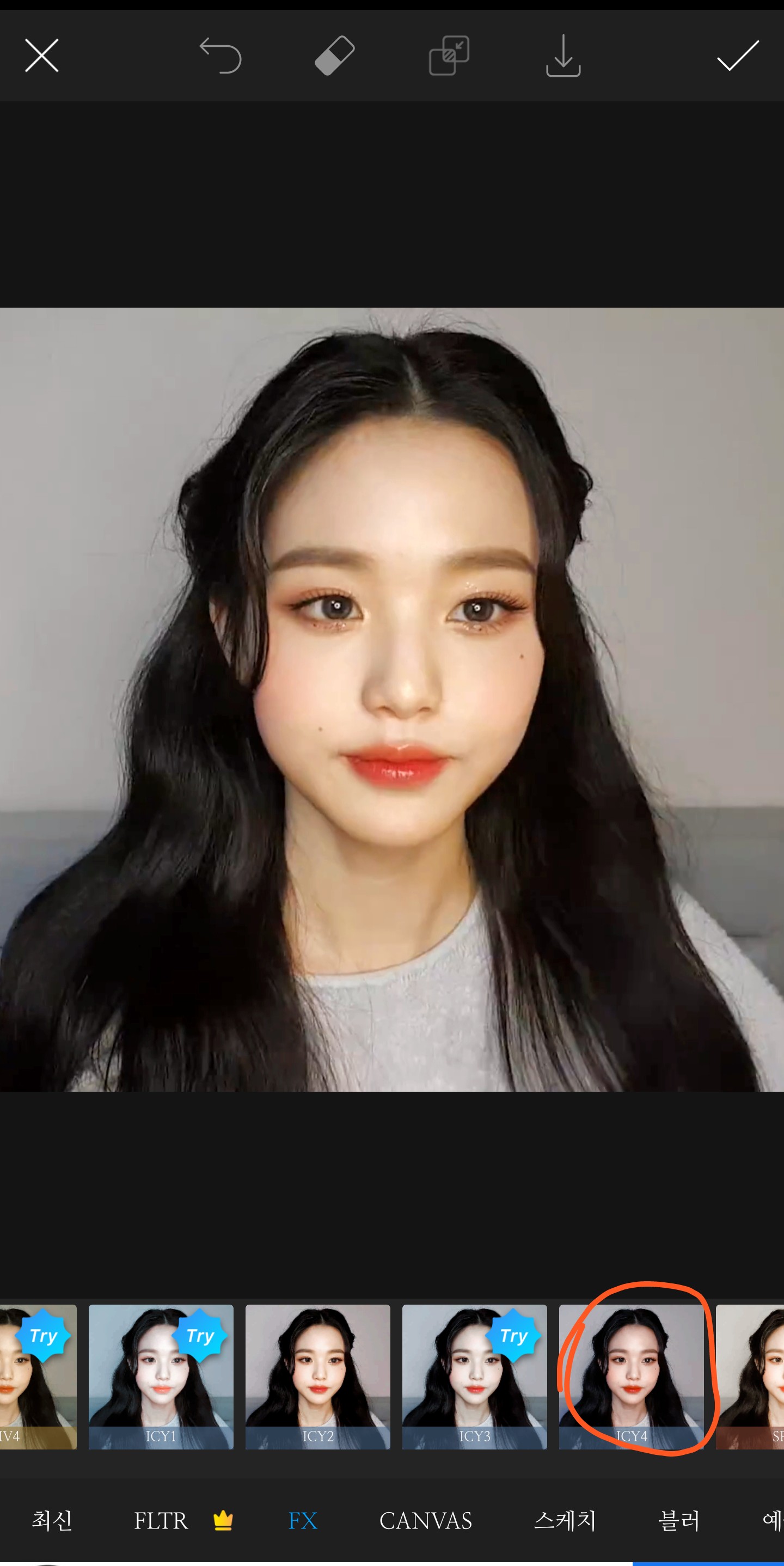
Effect - Click IC4 (not a curse word... I don't want to bother changing it to English)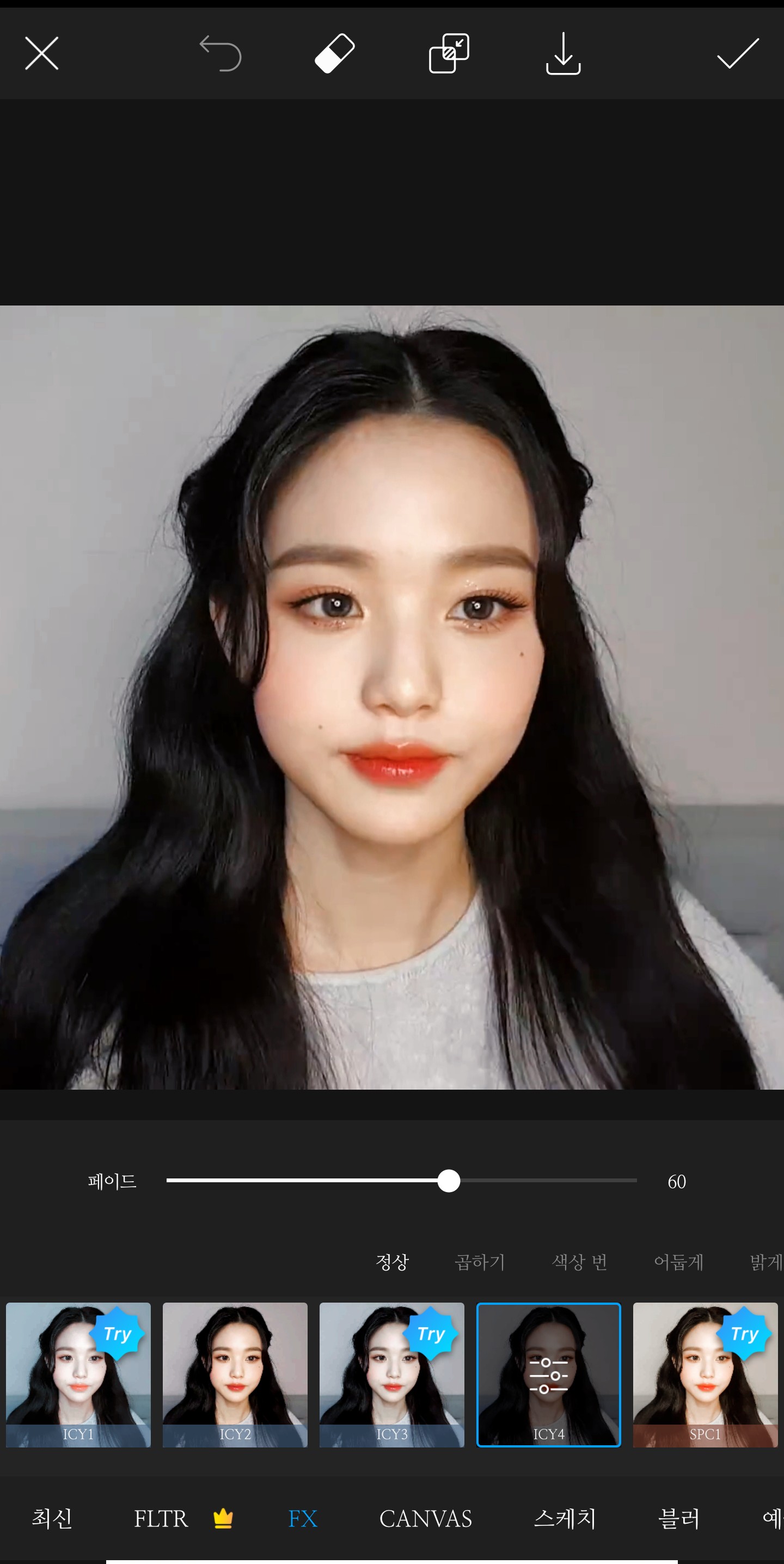 Normal 50-80
Normal 50-80✓Press the button
Press the effect again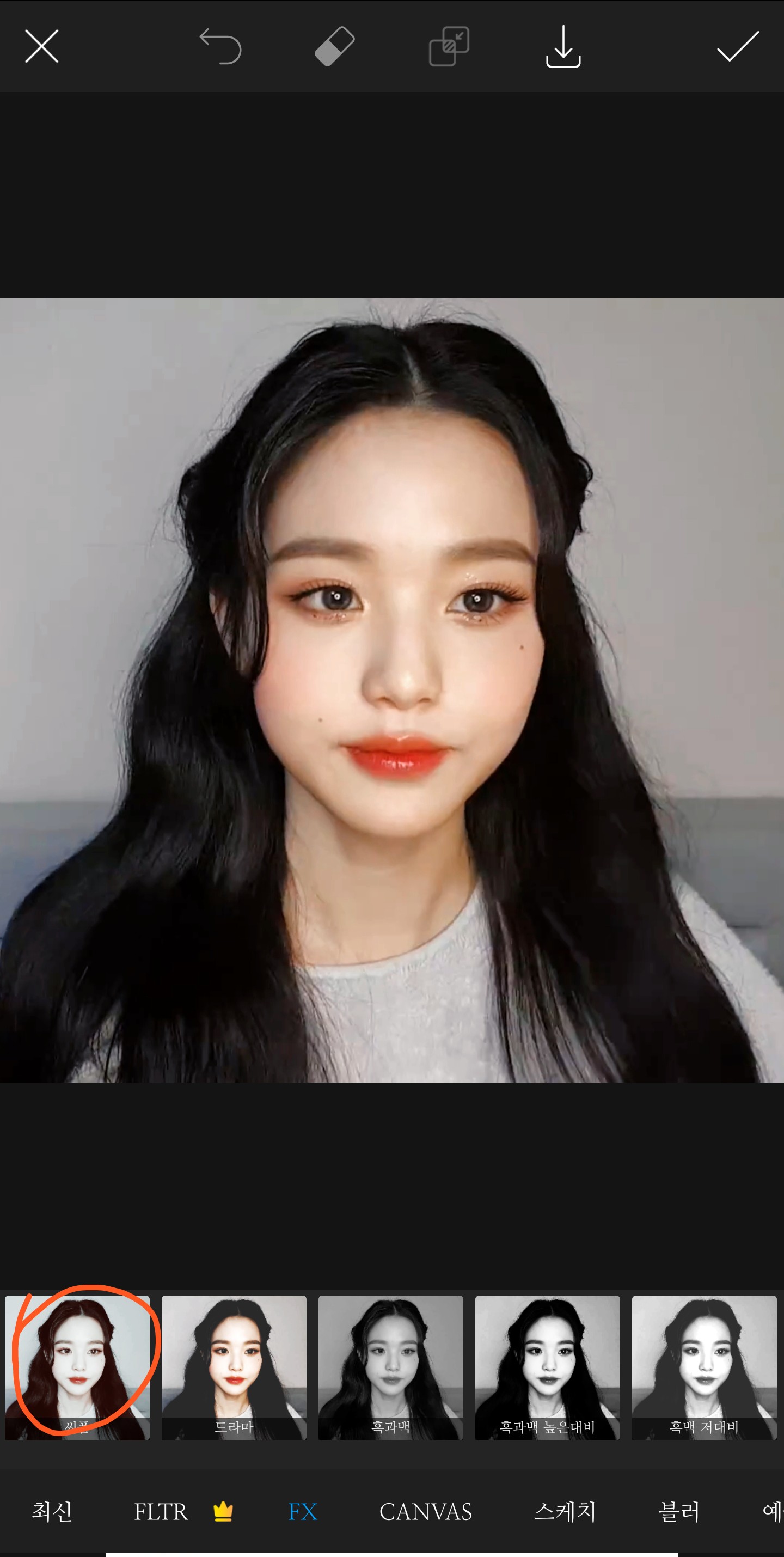 Effect - Press C-Form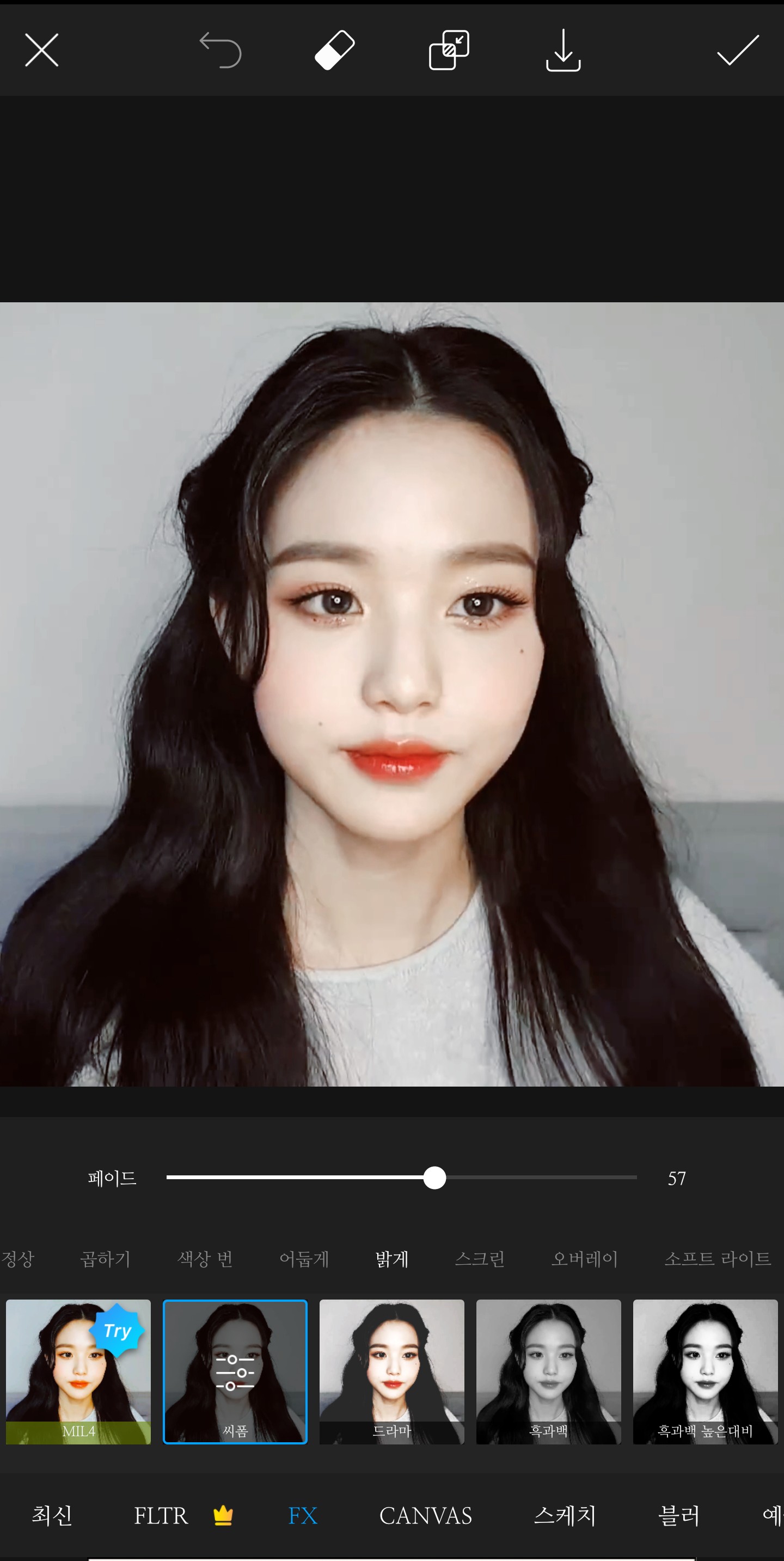
Effect - Press C-FormBright 50-80 (if you want to make it stronger, reduce the fade)
Click the button in the upper right corner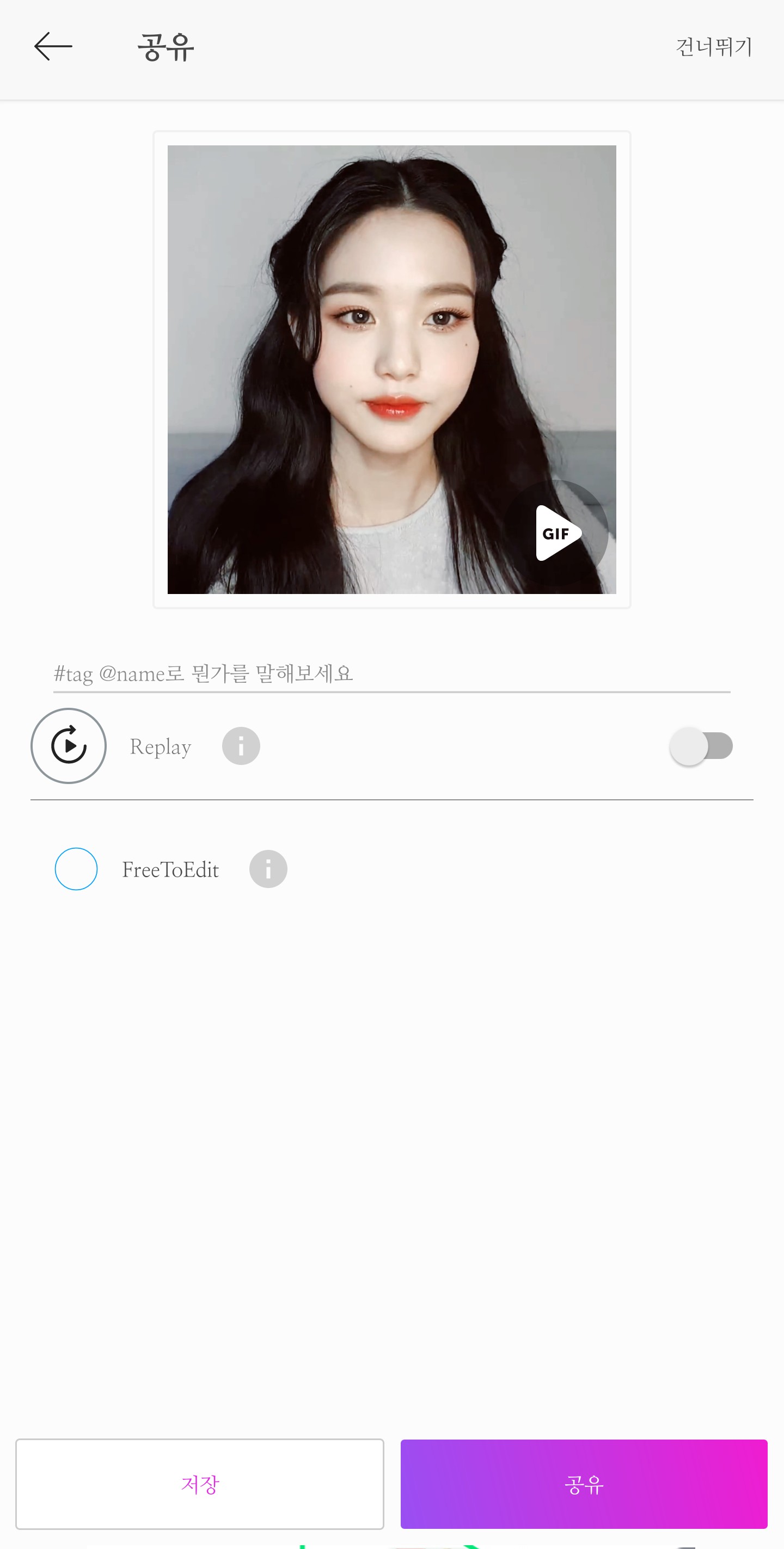
Click Save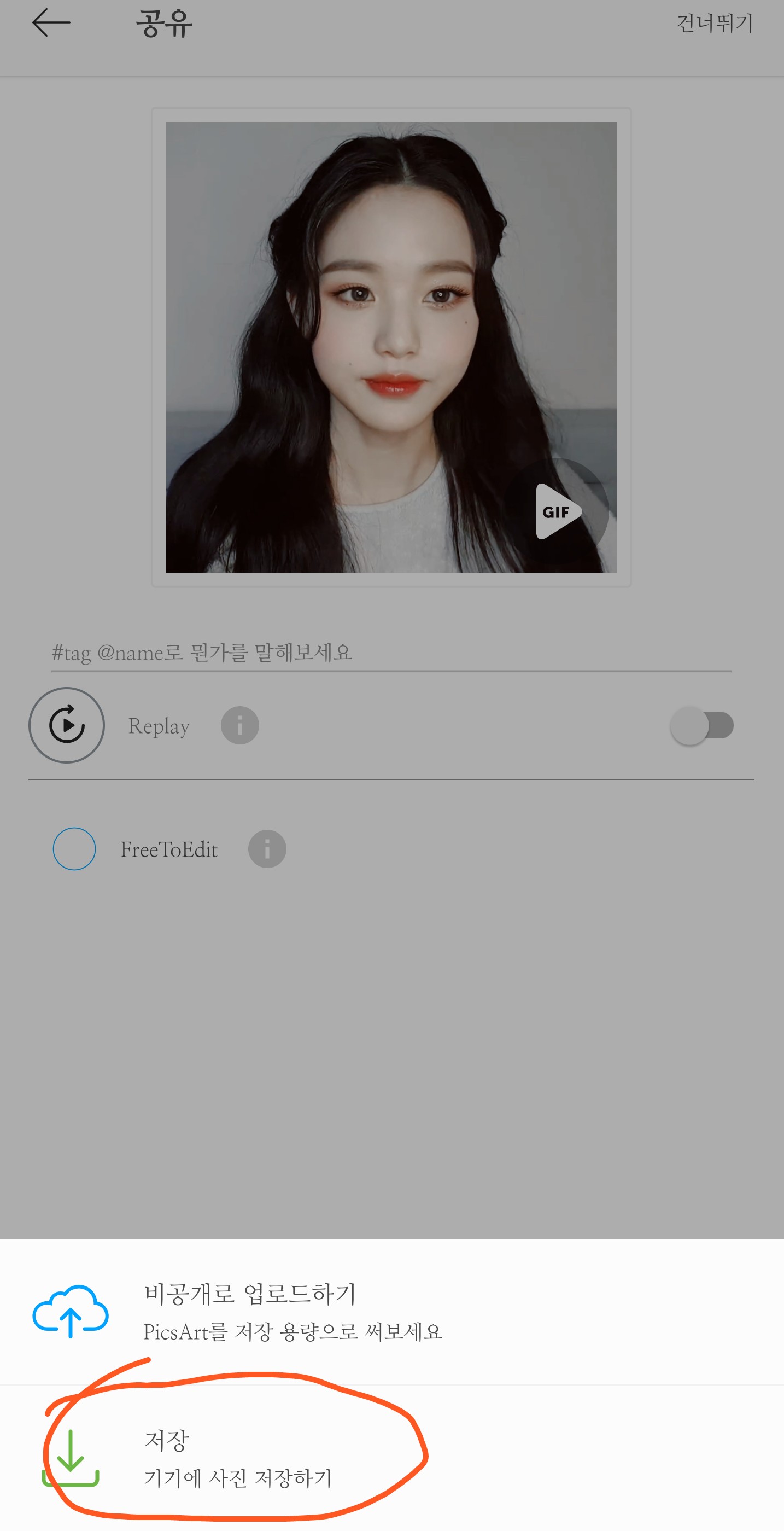
This will save it
I did it like this here, but if your lips aren't red like mine,
Plus, they even give you makeup!
Run Makeup Plus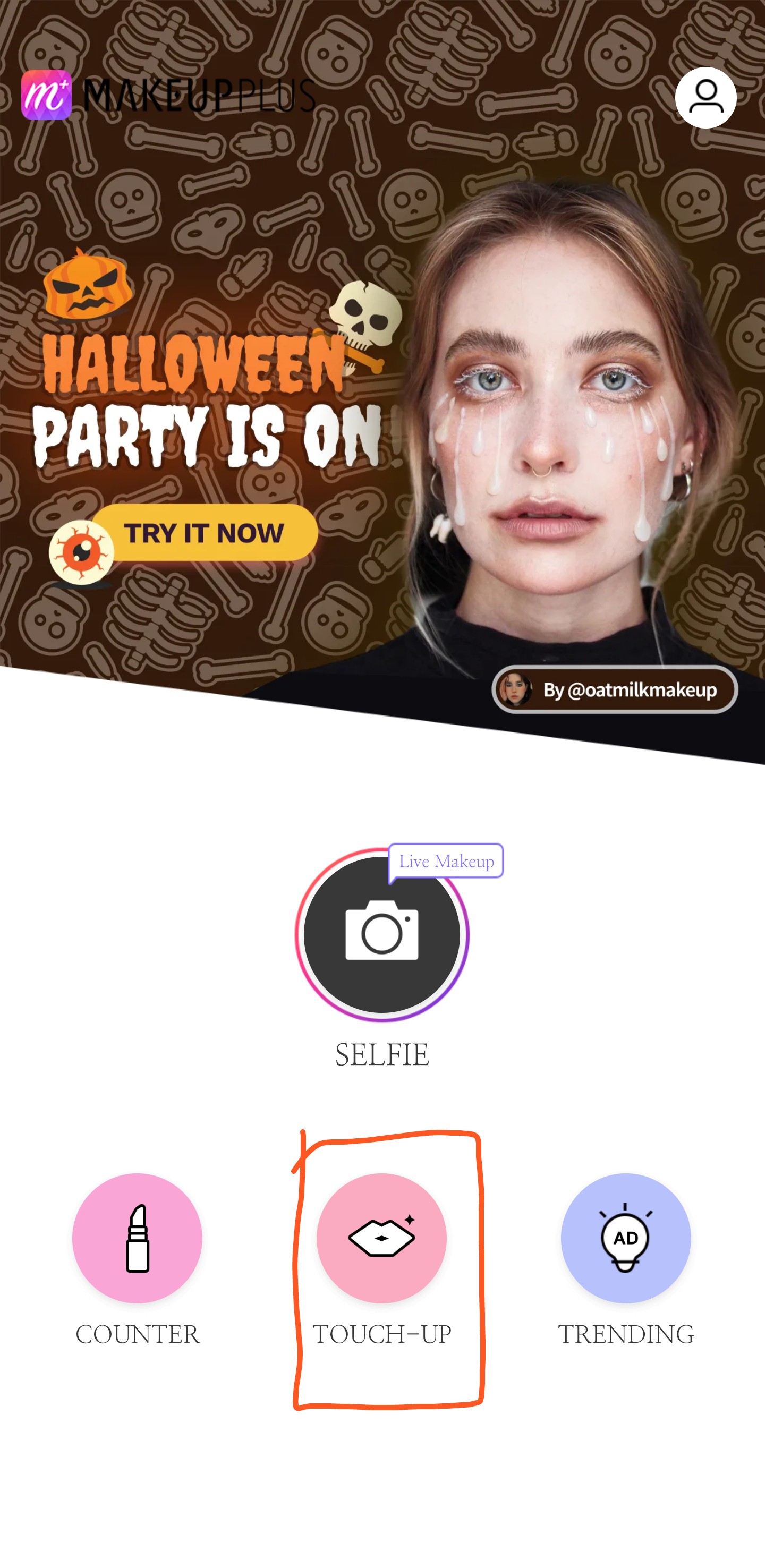
Press Touch-up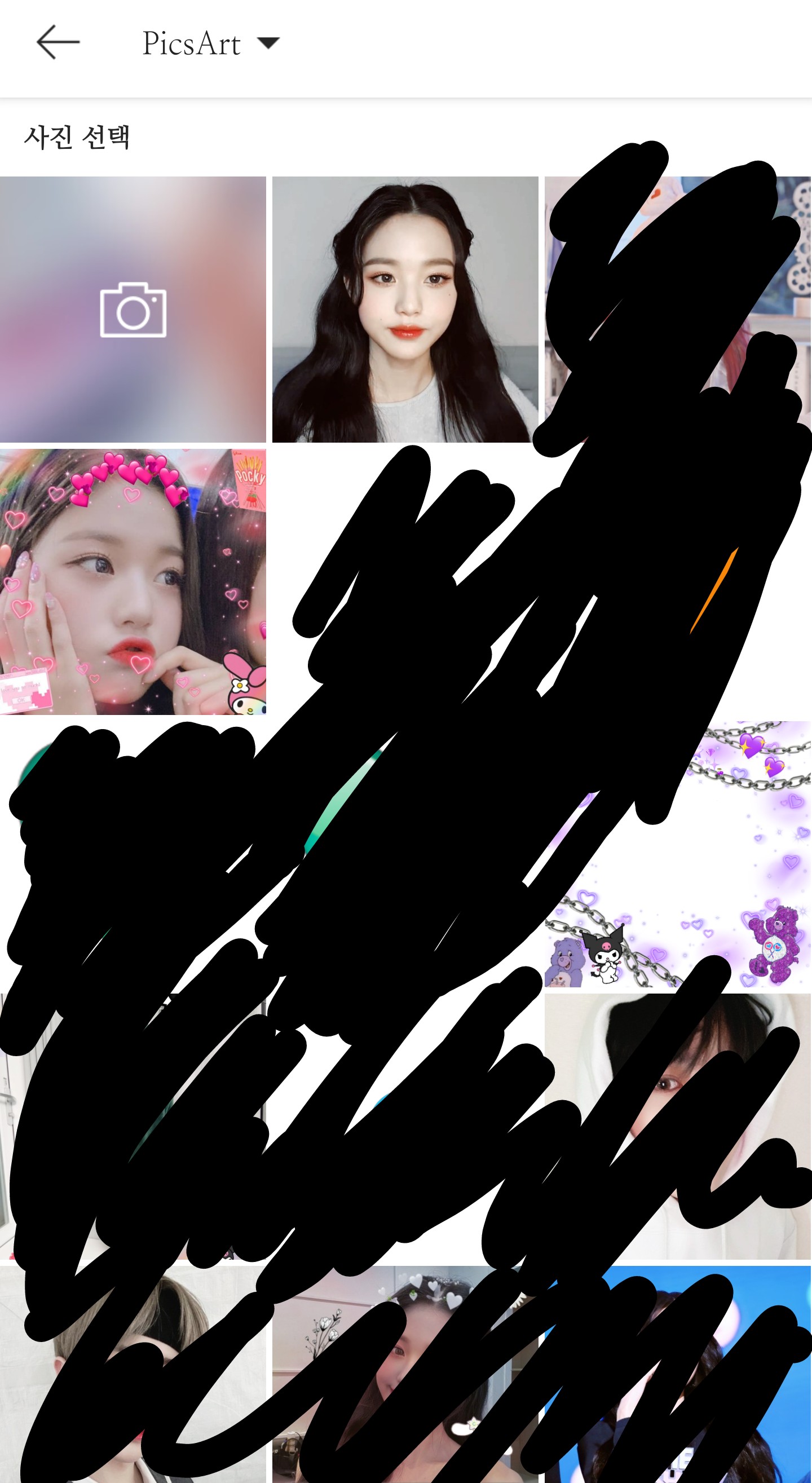
Choose a photo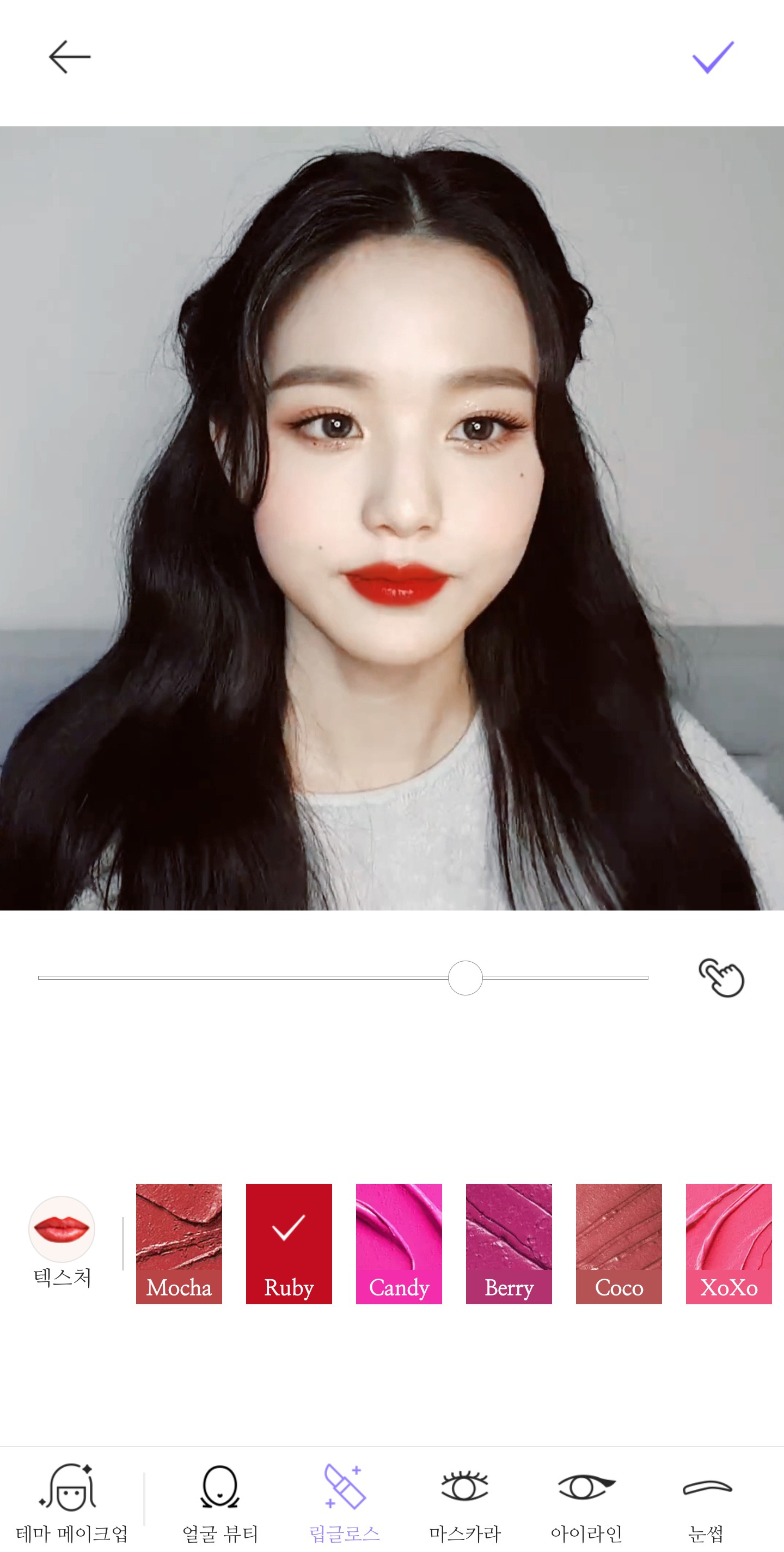
As soon as the screen opens, the lip gloss comes out first, so you don't have to press the lip gloss button.
Select a ruby color (to make it red)
and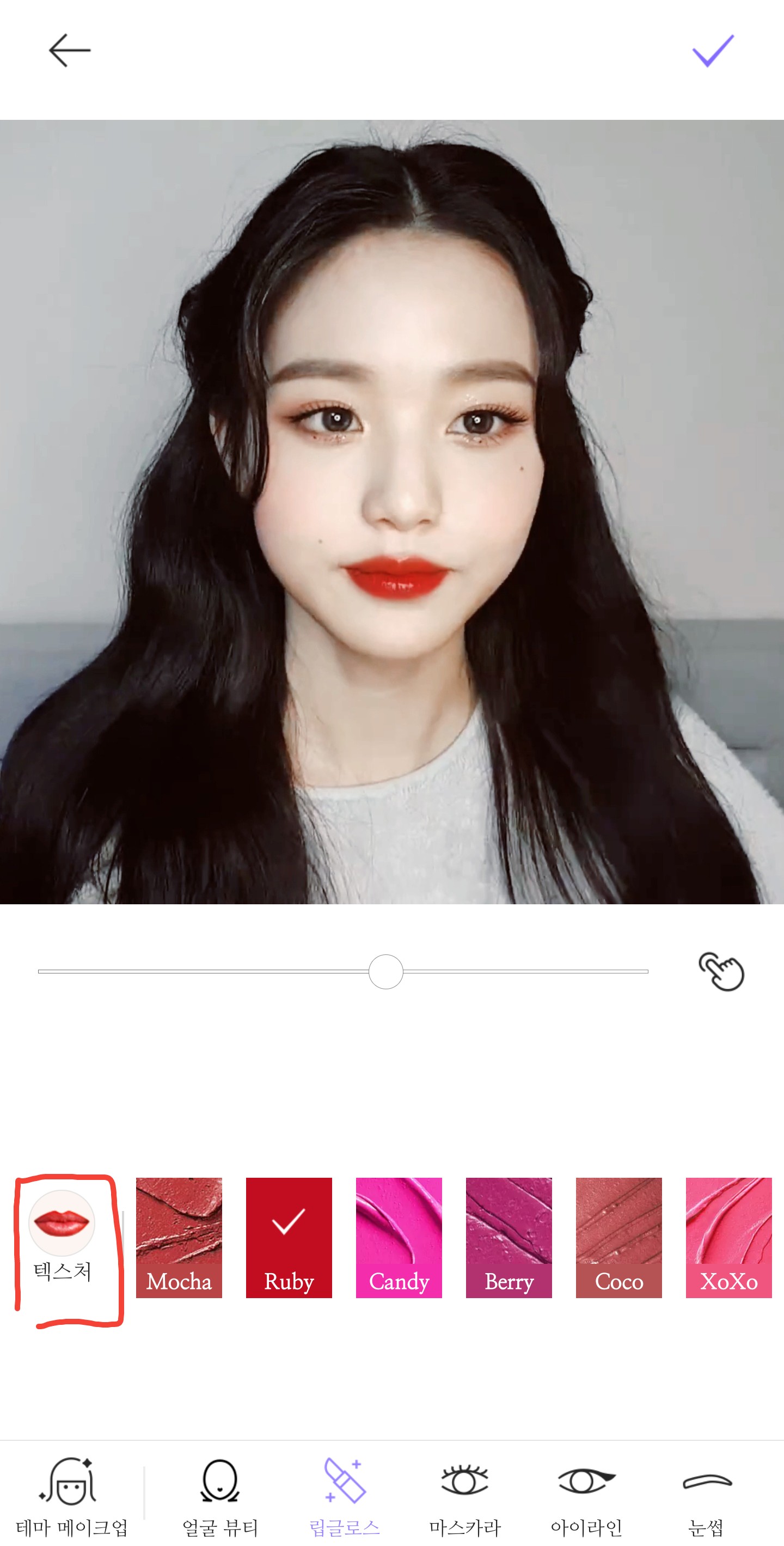
Press the Dexter button
(You don't have to do it)
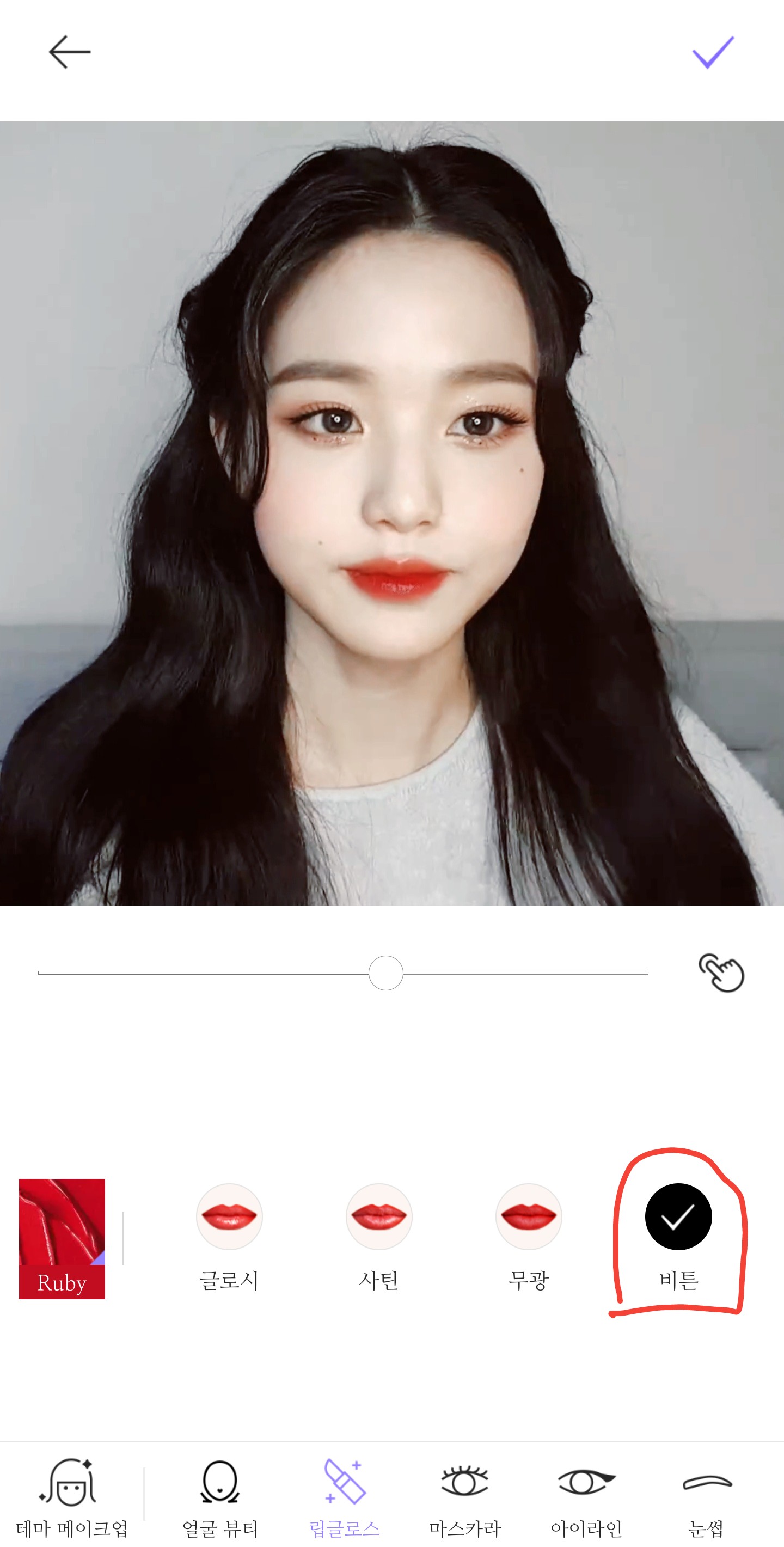
The default is satin but you can change it. I usually use biton.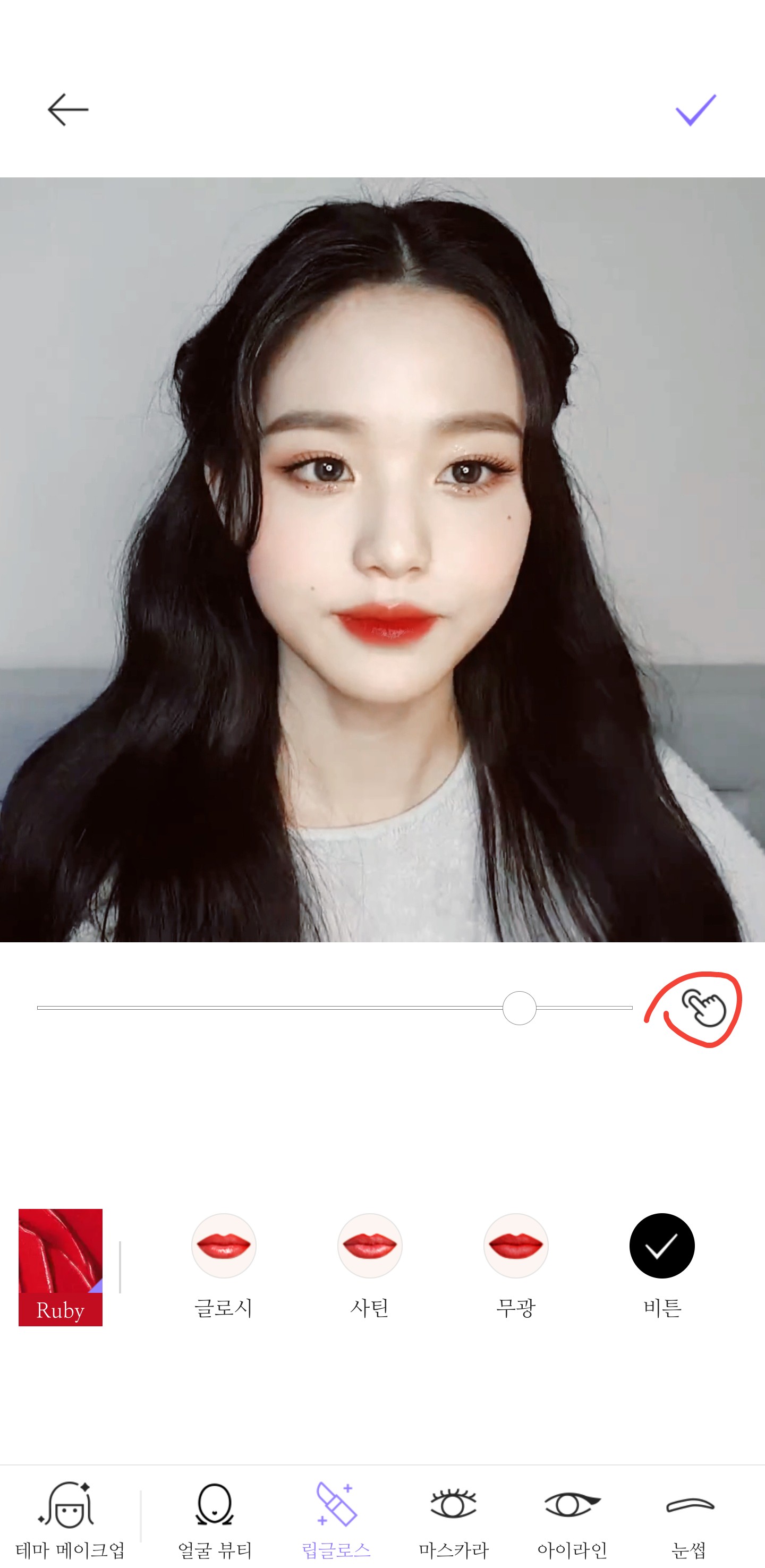
And you can also adjust the shape of your fingers to determine how far you want to apply the lip color.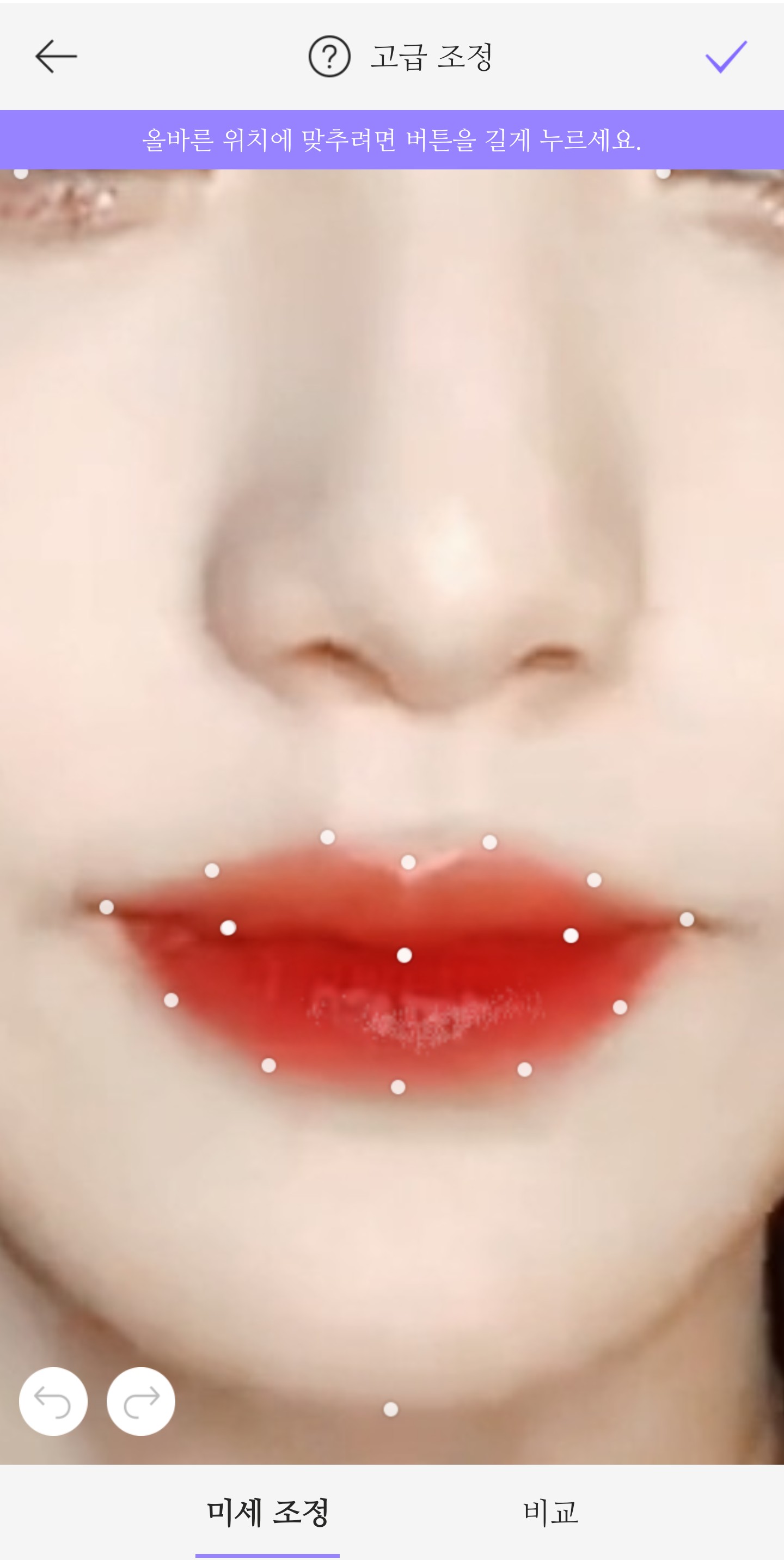
Ta-da! Since the lip color is applied all the way to the lip line, this app usually adjusts it accurately, but if it doesn't match, you can adjust it yourself.
✓Click the button and you're done!
text
Corrected version
Direct cap
Please do not follow my correction method exactly.
I will figure out my own correction method.
Picka is a bit difficult, isn't it?
I used to be like that too
But as I kept doing it, I got used to it!
That's all for today's class.