
I'll try Shadow 2 in the 5th period. Oh, and the fan art is
When the cover course is done to some extent, we will come here together
I plan to proceed with making a new work.
It seems too hard ㅜ Anyway, please show us many fan art tutorials. The introduction was long. Let's start the tutorial right away.
------------------------------------------------------
Today is the second time making shadows. Today's
I'll start by looking at the finished product first haha
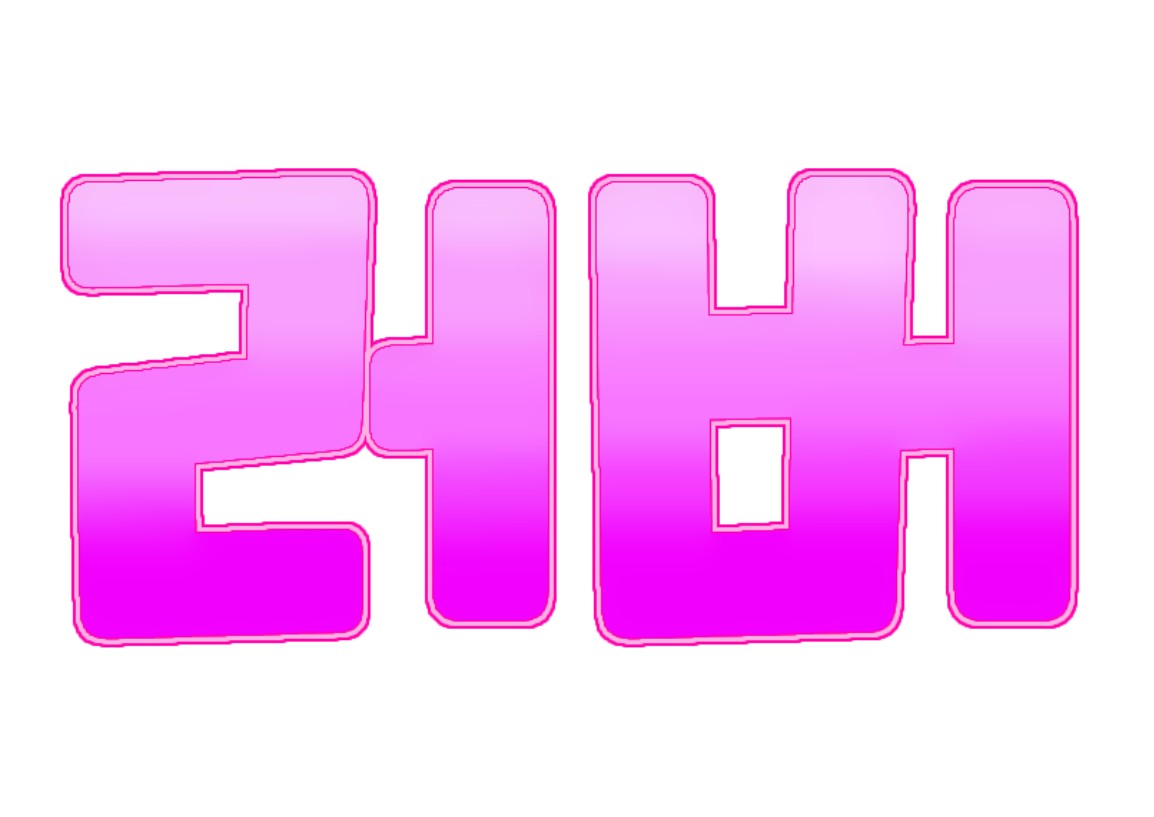
It feels different from last time, right? Haha. This method
This is a method I often use (business secret..?) lol
I'll show you an example of a cover made this way haha



N This is what I learned last time
There's even a drop shadow included haha
So let's get started right away
Materials: Ibis x Painter, logo created during 3rd period
Go into the logo created in the 3rd period (refer to the 4th period)
Please click on the filter
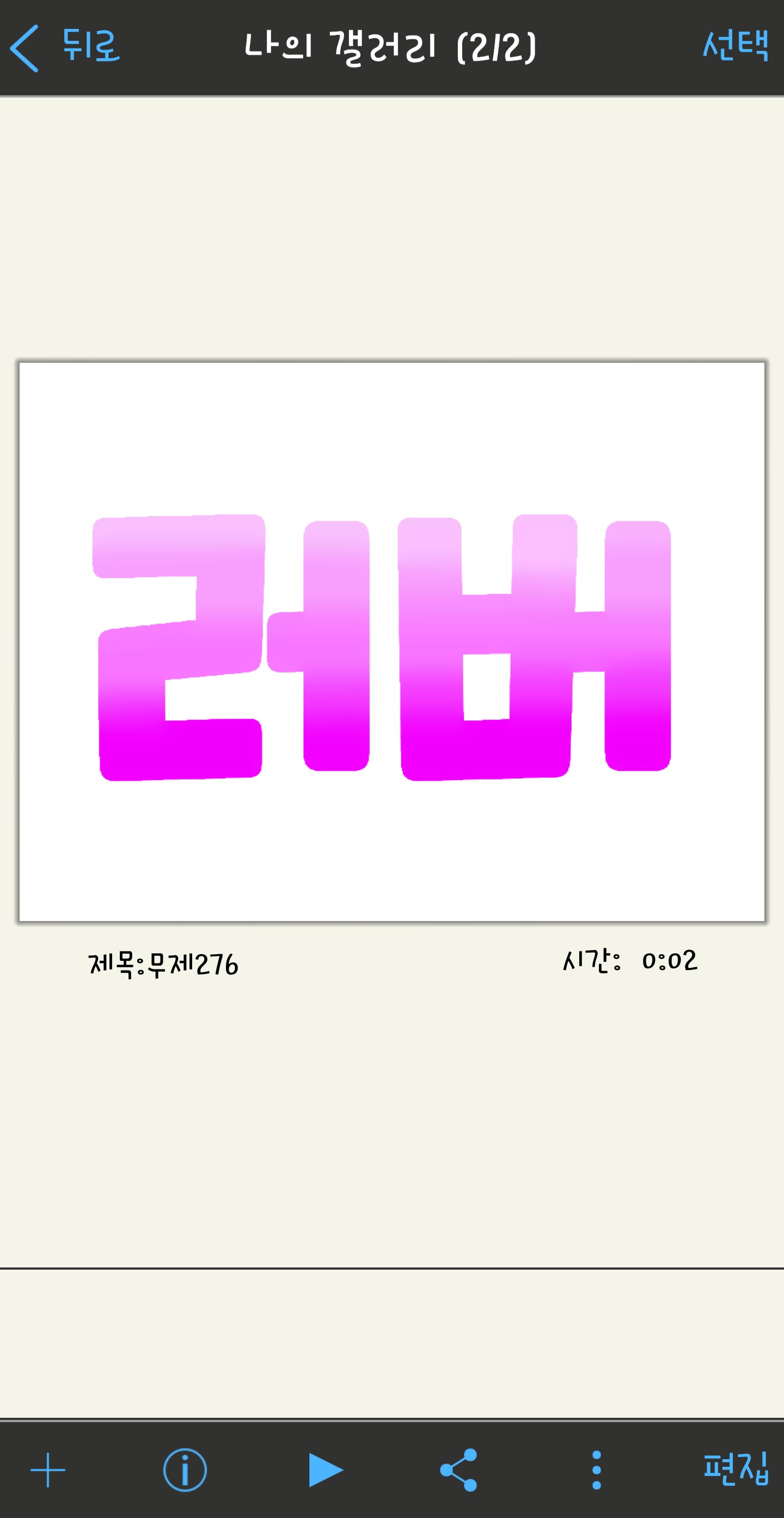
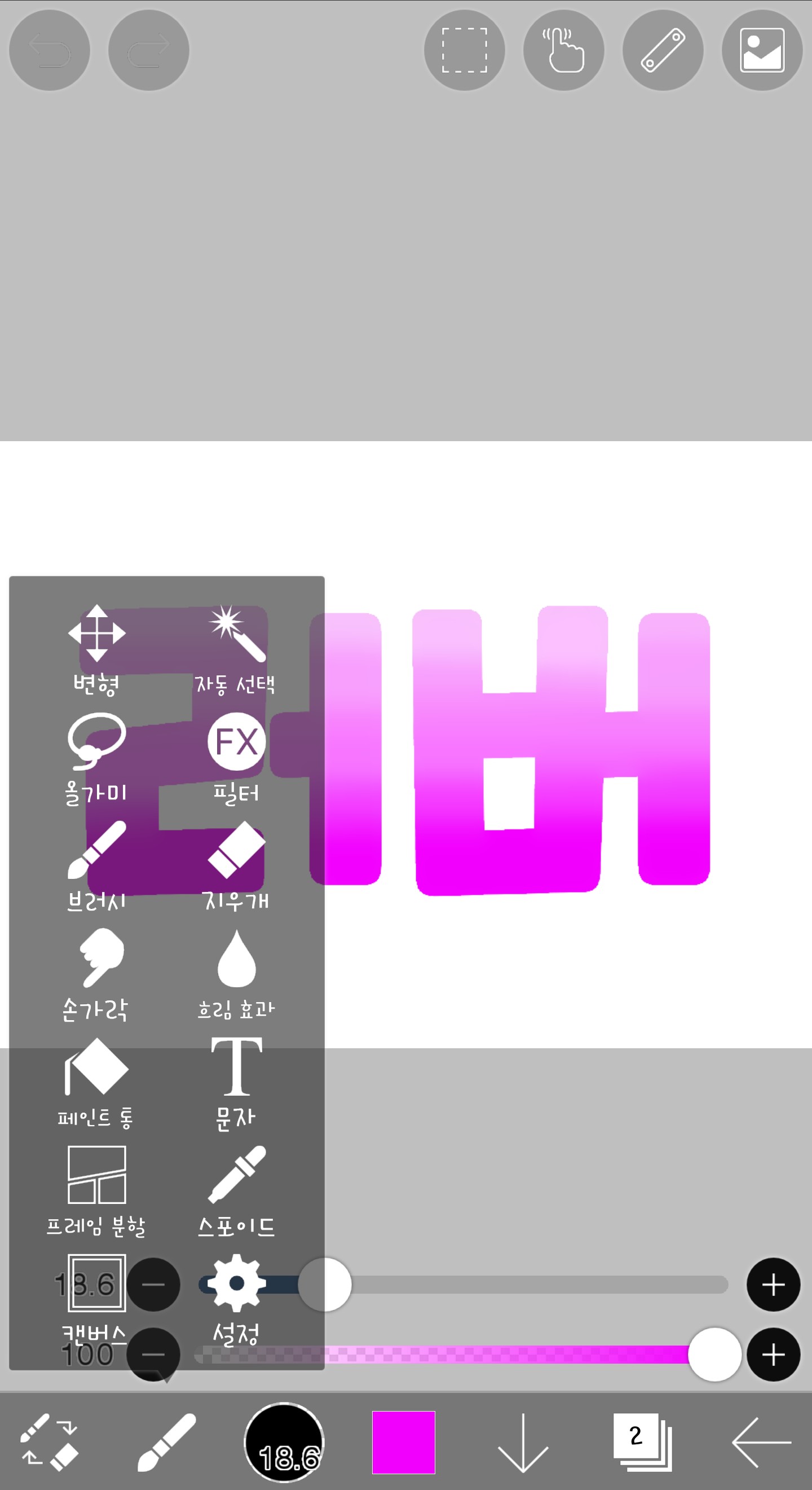
※If you still don't understand after looking at this picture, please refer to the 4th period or ask a question in the comments.
(Questions are always in Korean and English ♥)
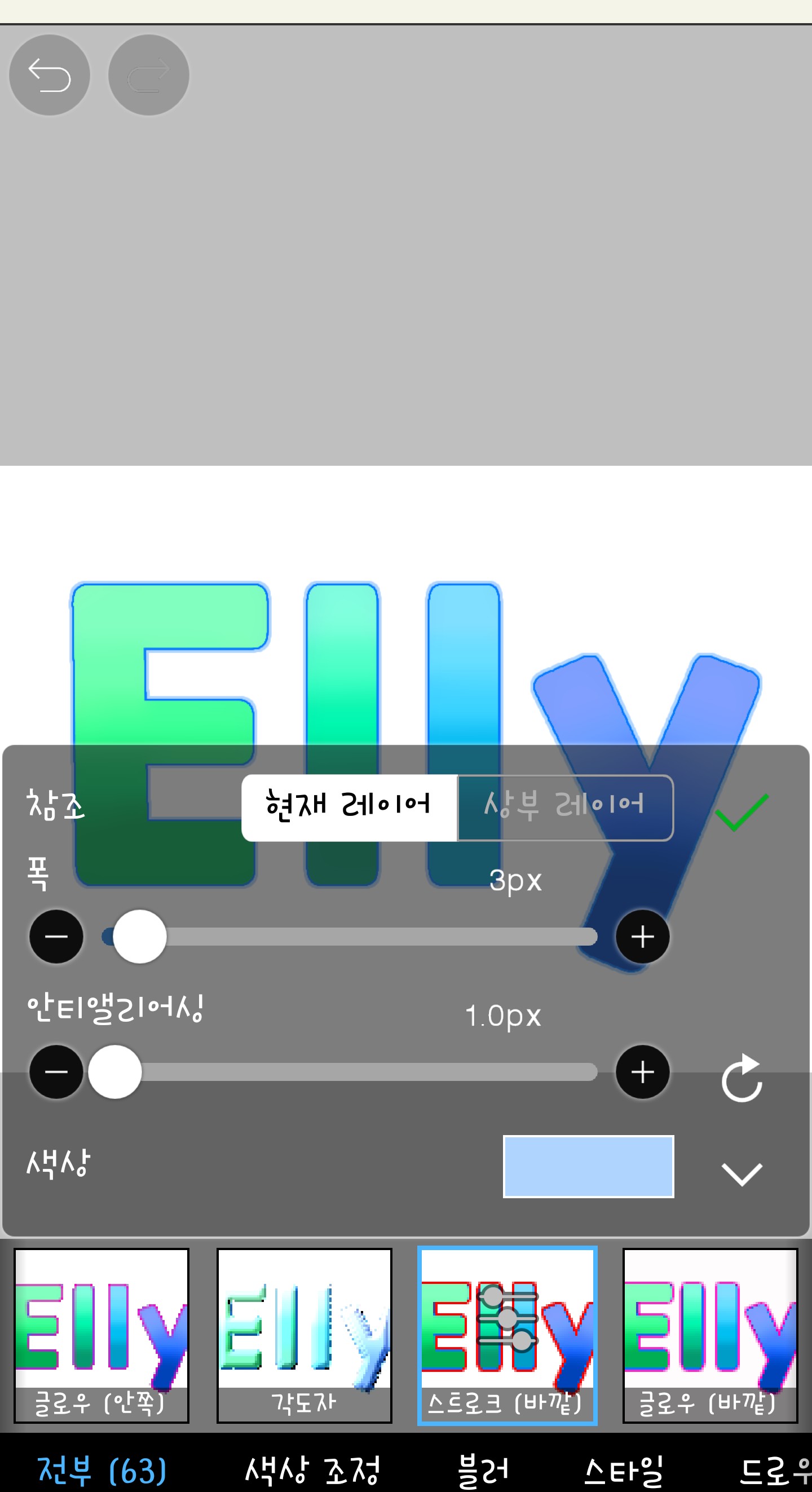
Today, I will use the stroke (outer) filter.
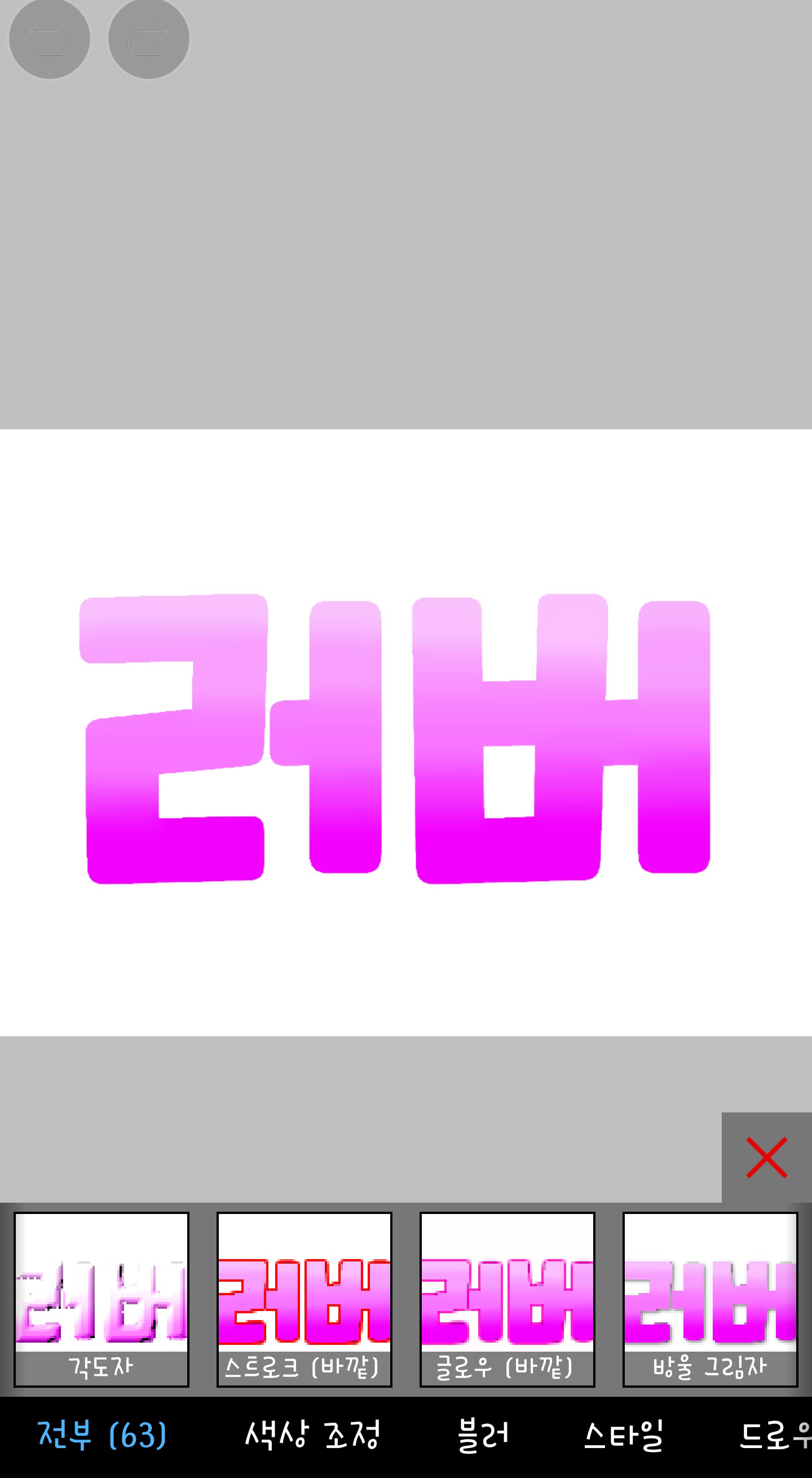
If you click on this filter, it will appear like this
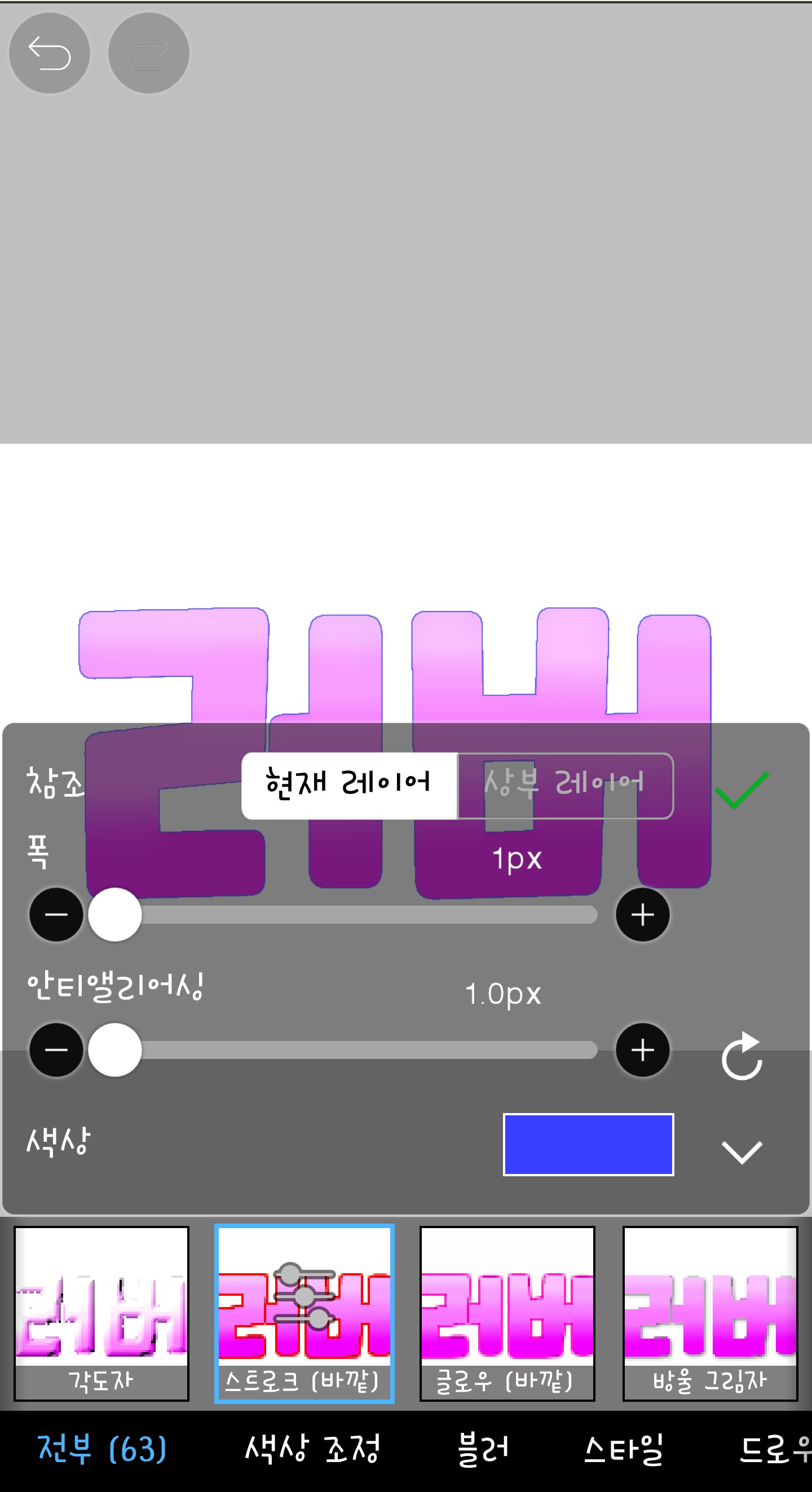
First, width is the width of the shadow. I usually use 1 to 3. Let's look at an example.
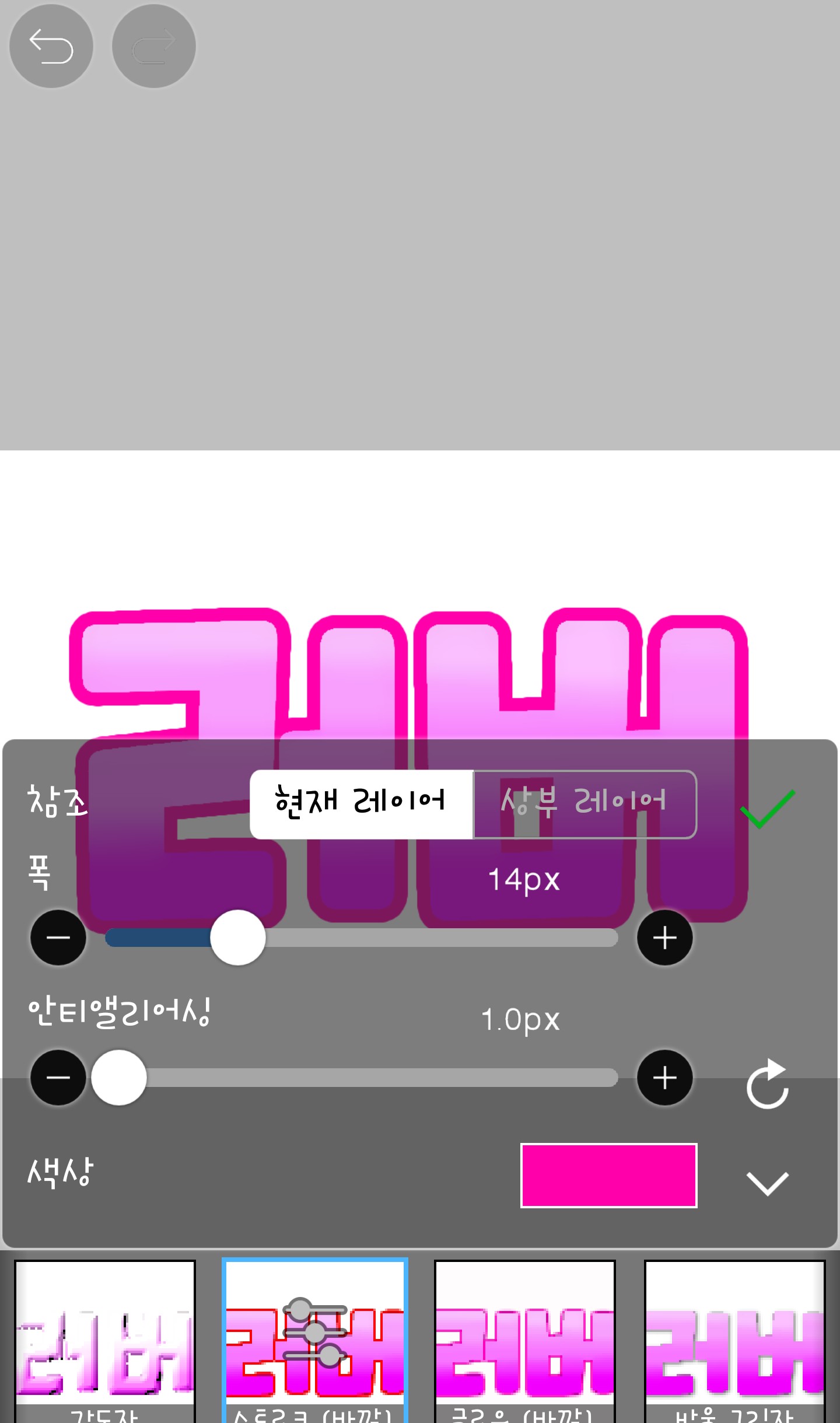
Even 14px is thick, right?
And anti-aliasing is like blurring of shadows. I don't use it, so it's always 1.0px...hmm
Anyway, I just made the width 1.0px.
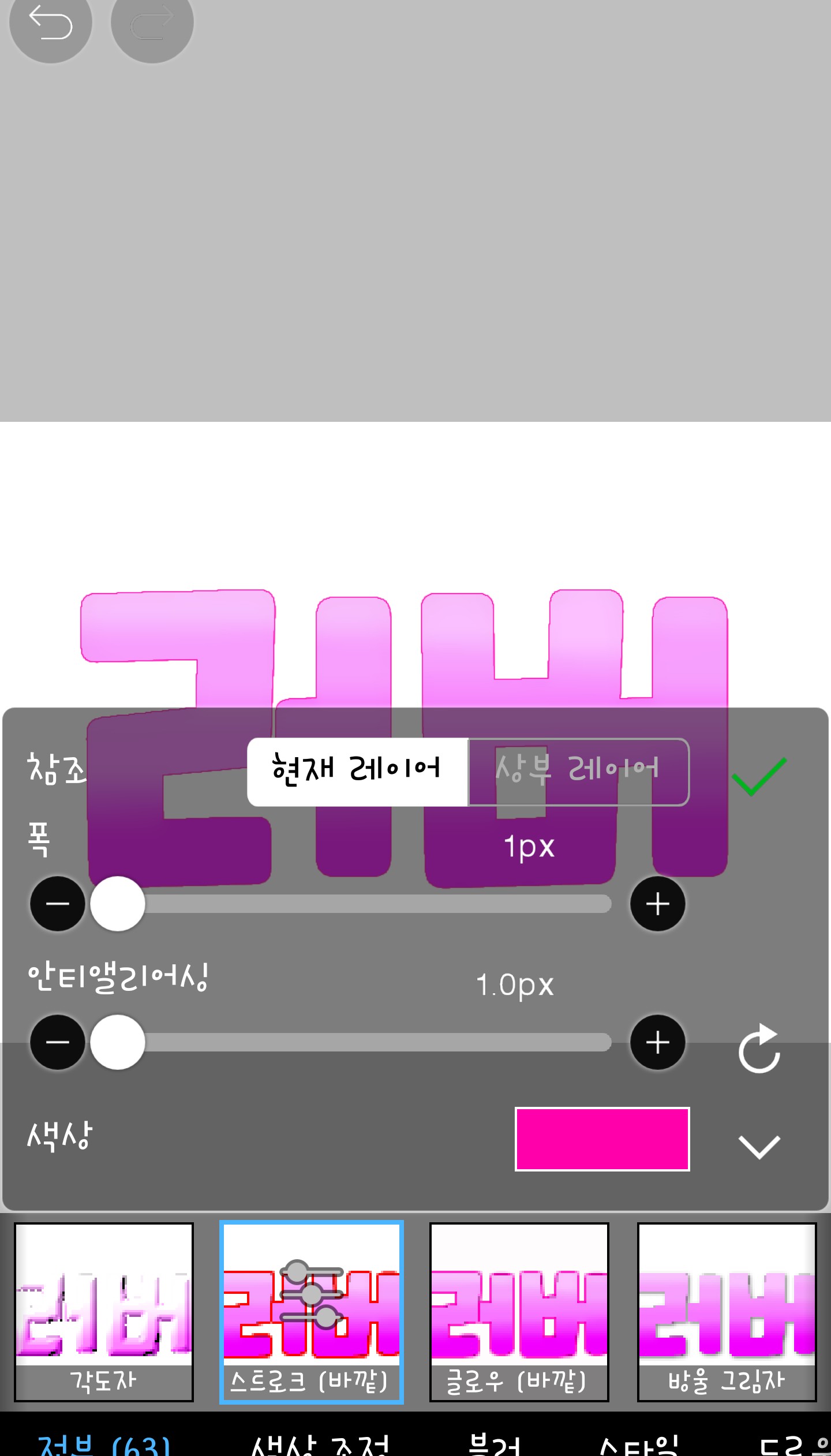
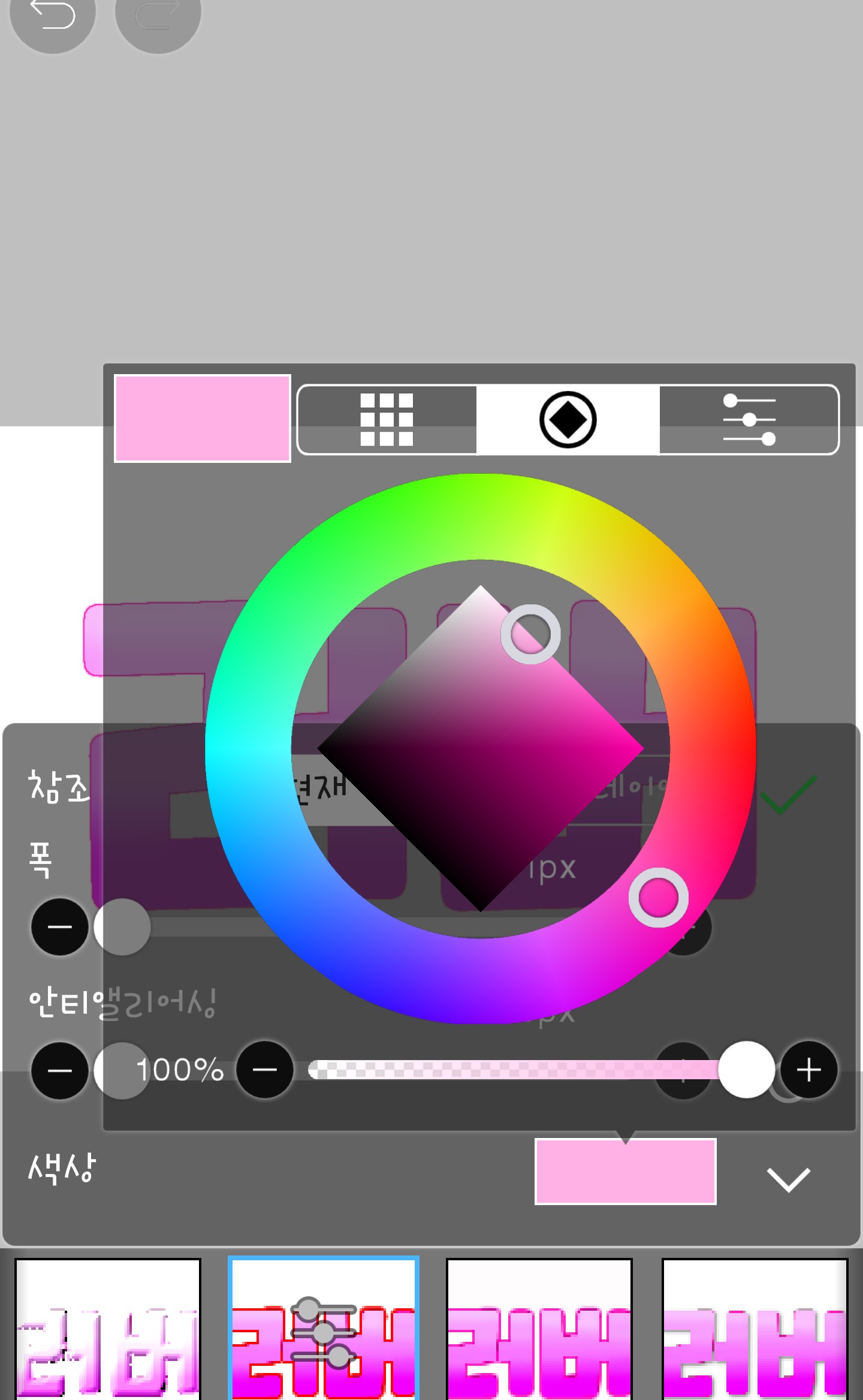
Oh, I forgot to mention this. You can change the color by clicking on the square for me.
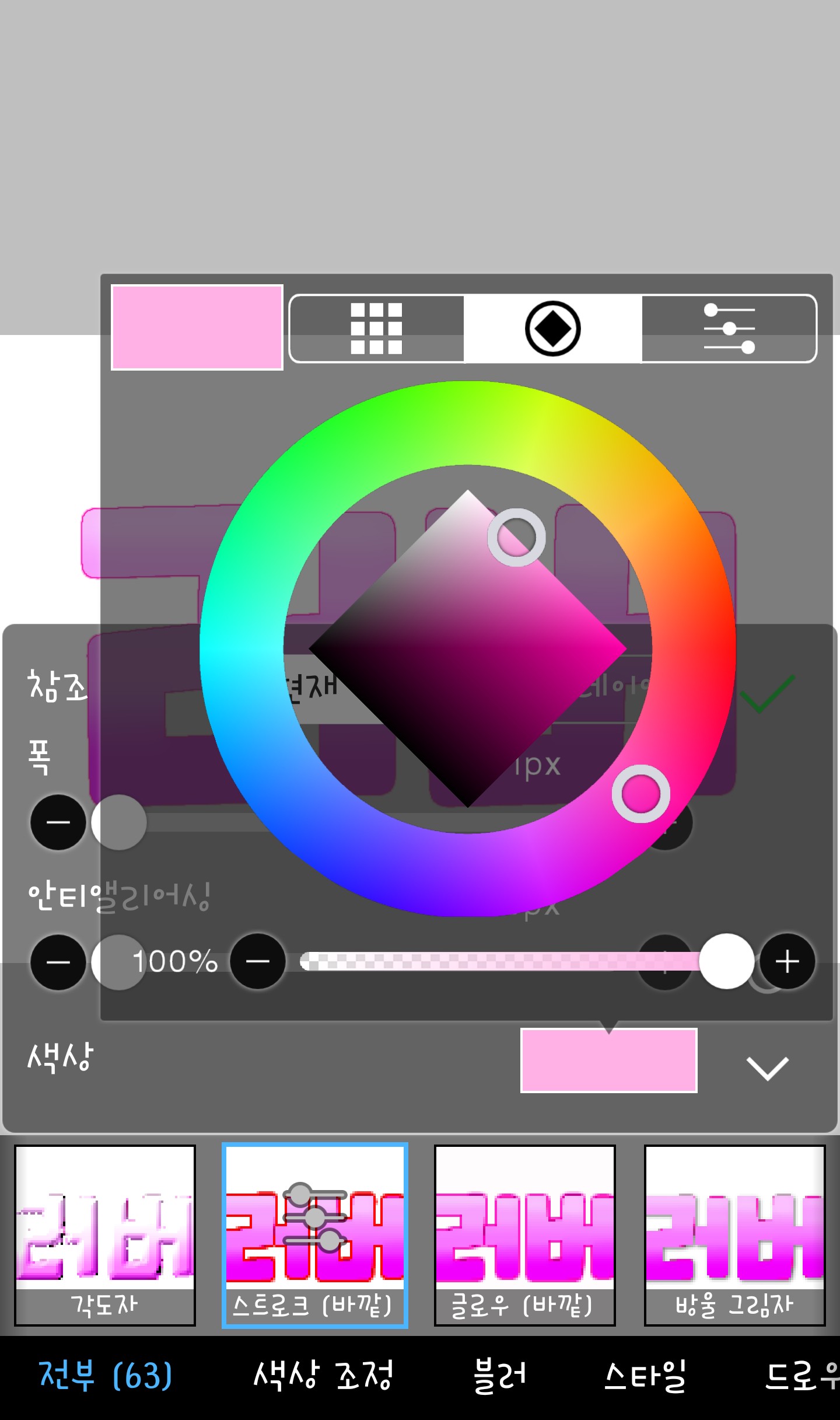
Then, if you have adjusted everything by changing the color,
Please press ✅ like last time
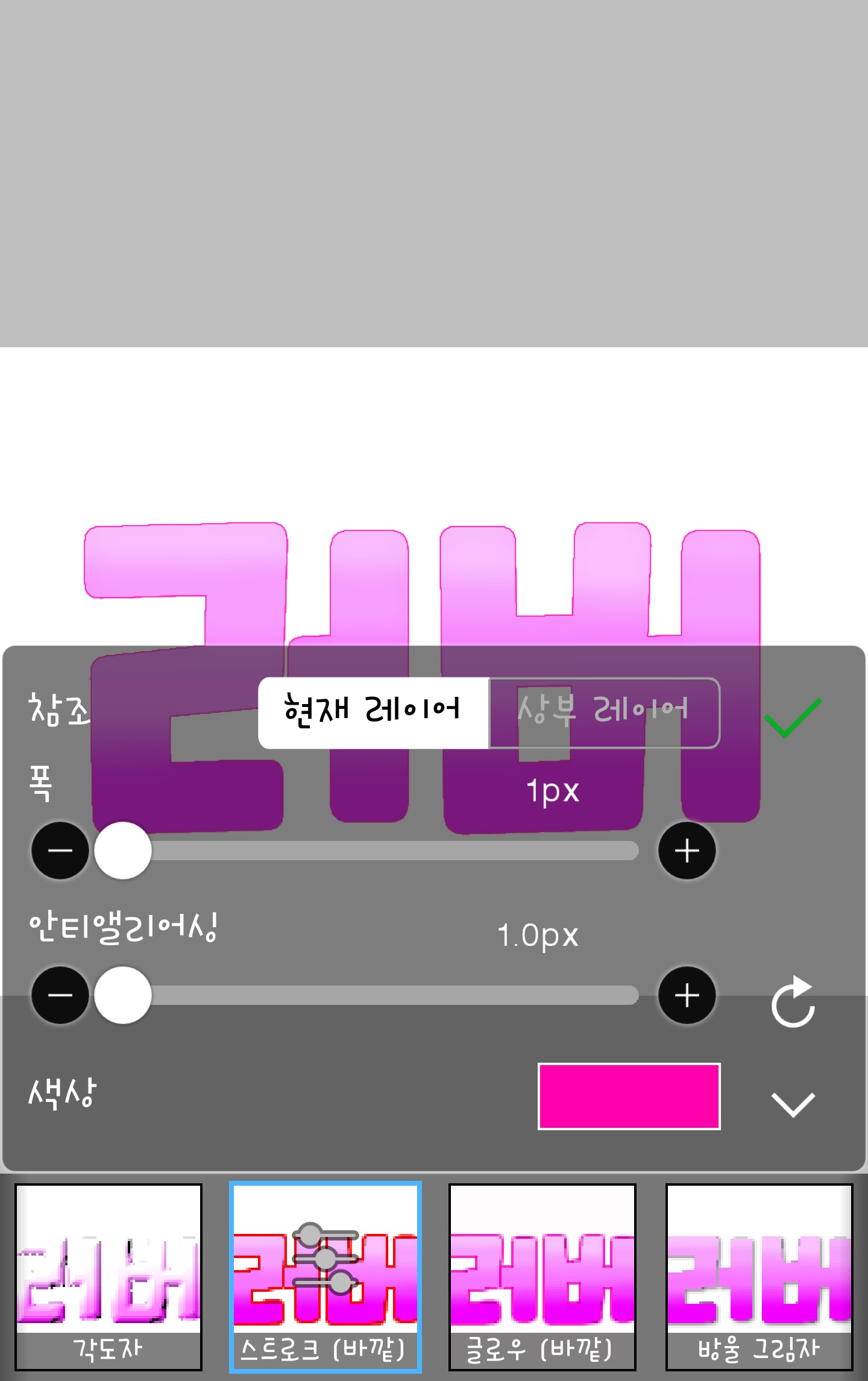

The method ends here...but I'll also tell you what I use most often!!
First, I'll make the color darker by 1px.
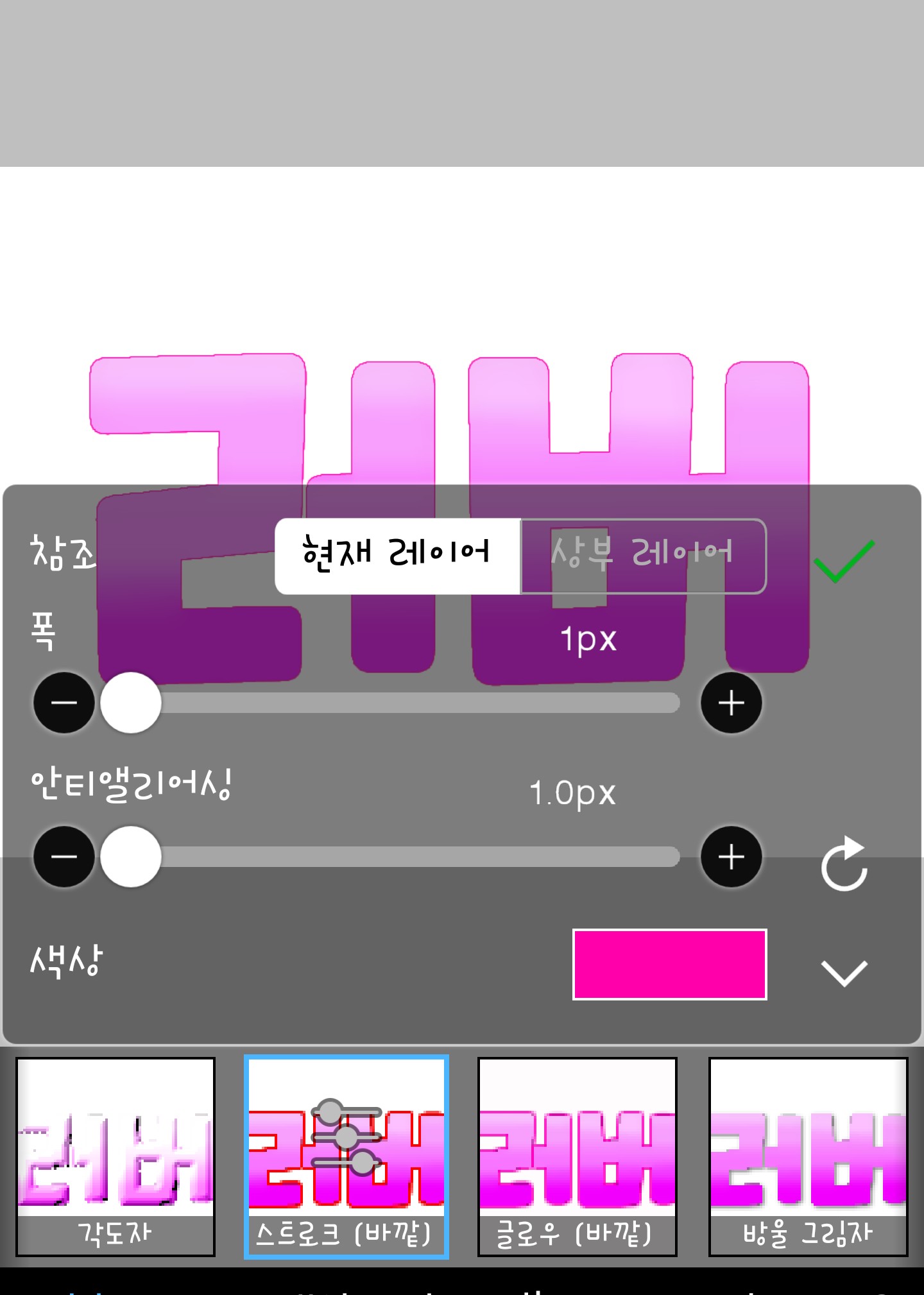
And then press V and go into DC
This time, I'll make it 3px in a light color.
(There is no picture ㅜ) And then, finally, if you make the color darker than the first one by 2px, it is complete.
It becomes like this
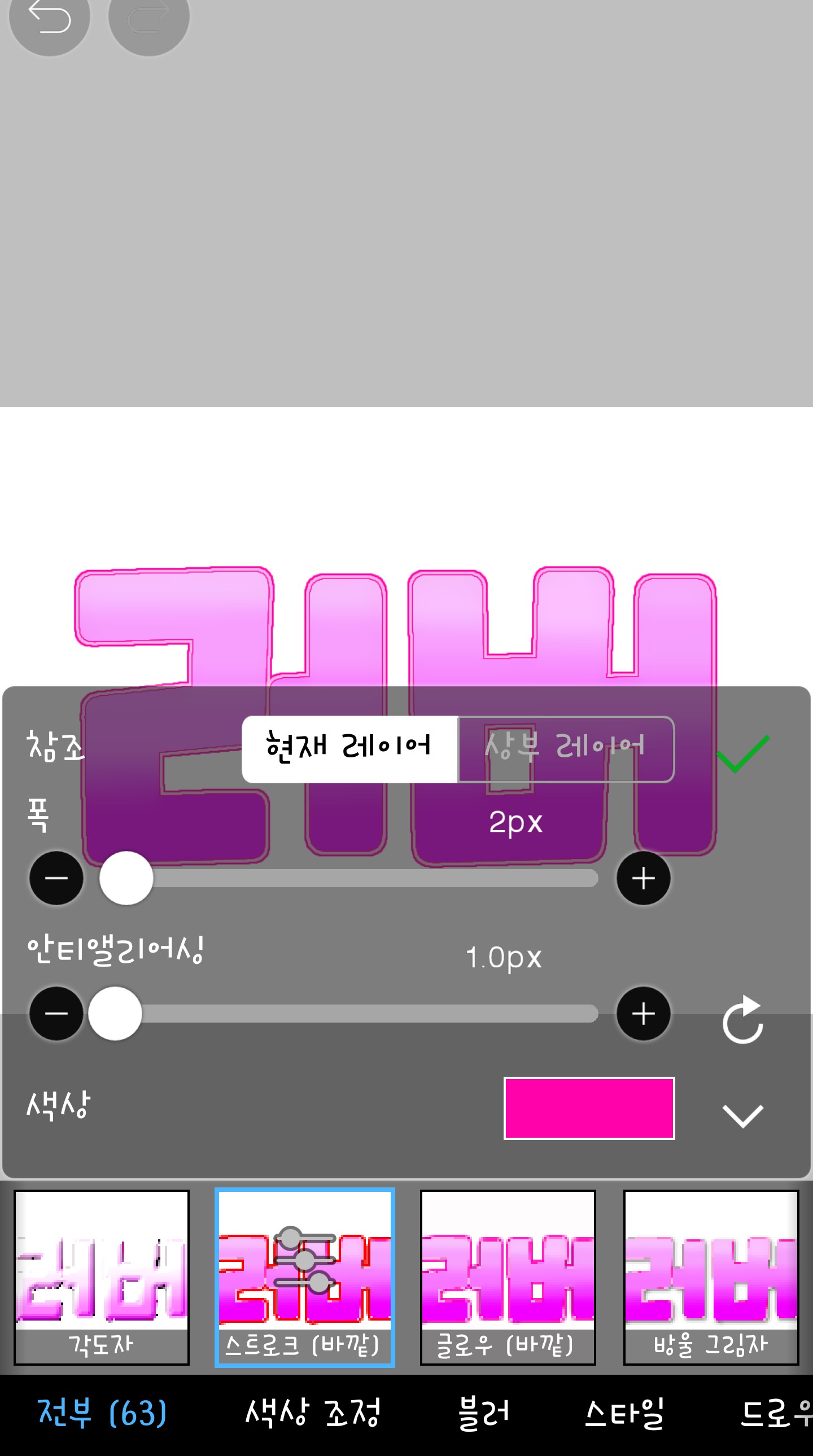
Isn't it pretty...? If you zoom in...
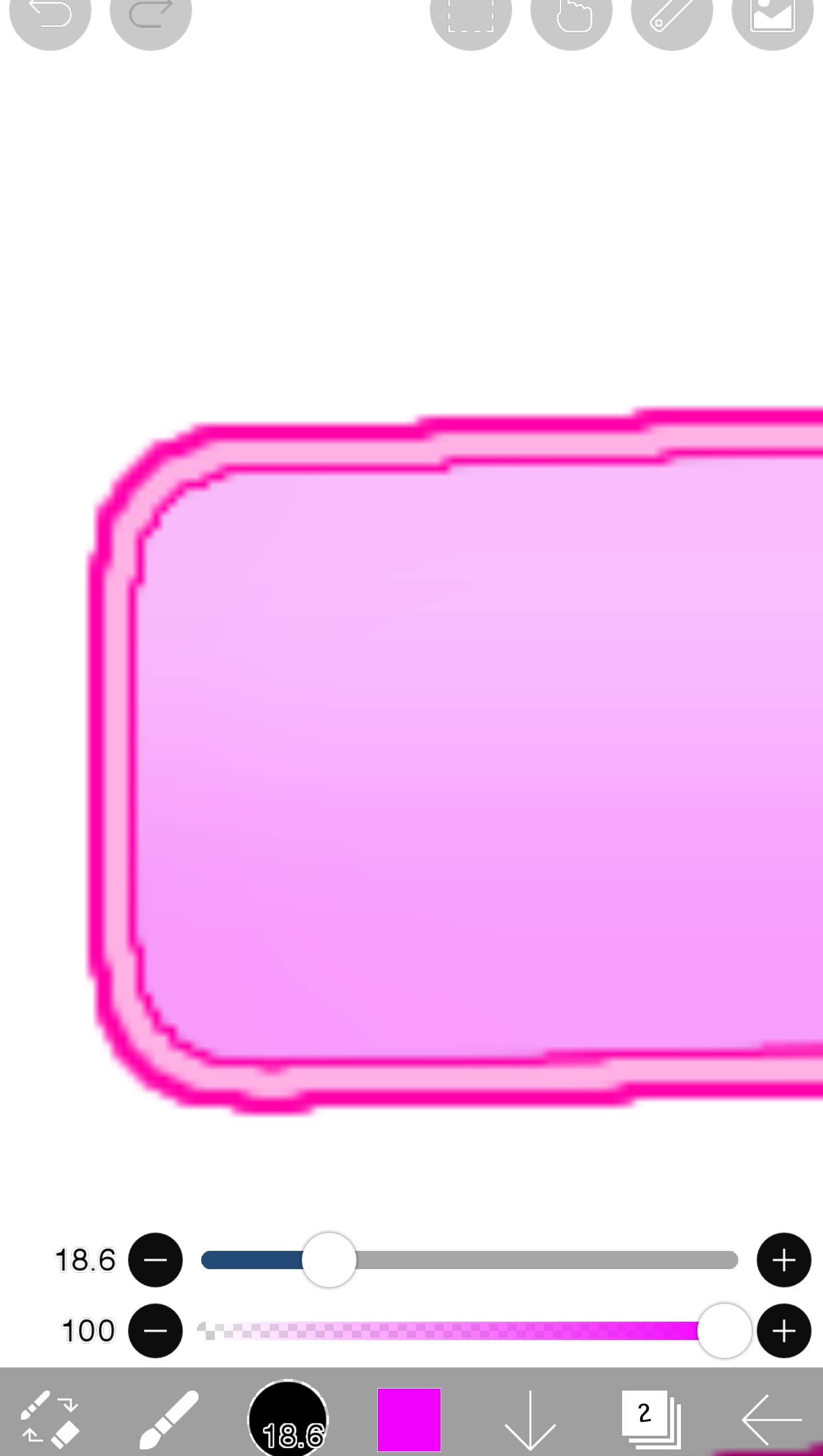
It's like this!! Actually, if you just do this, it's done, but since the amount is small, I did one more ㅎㅎ
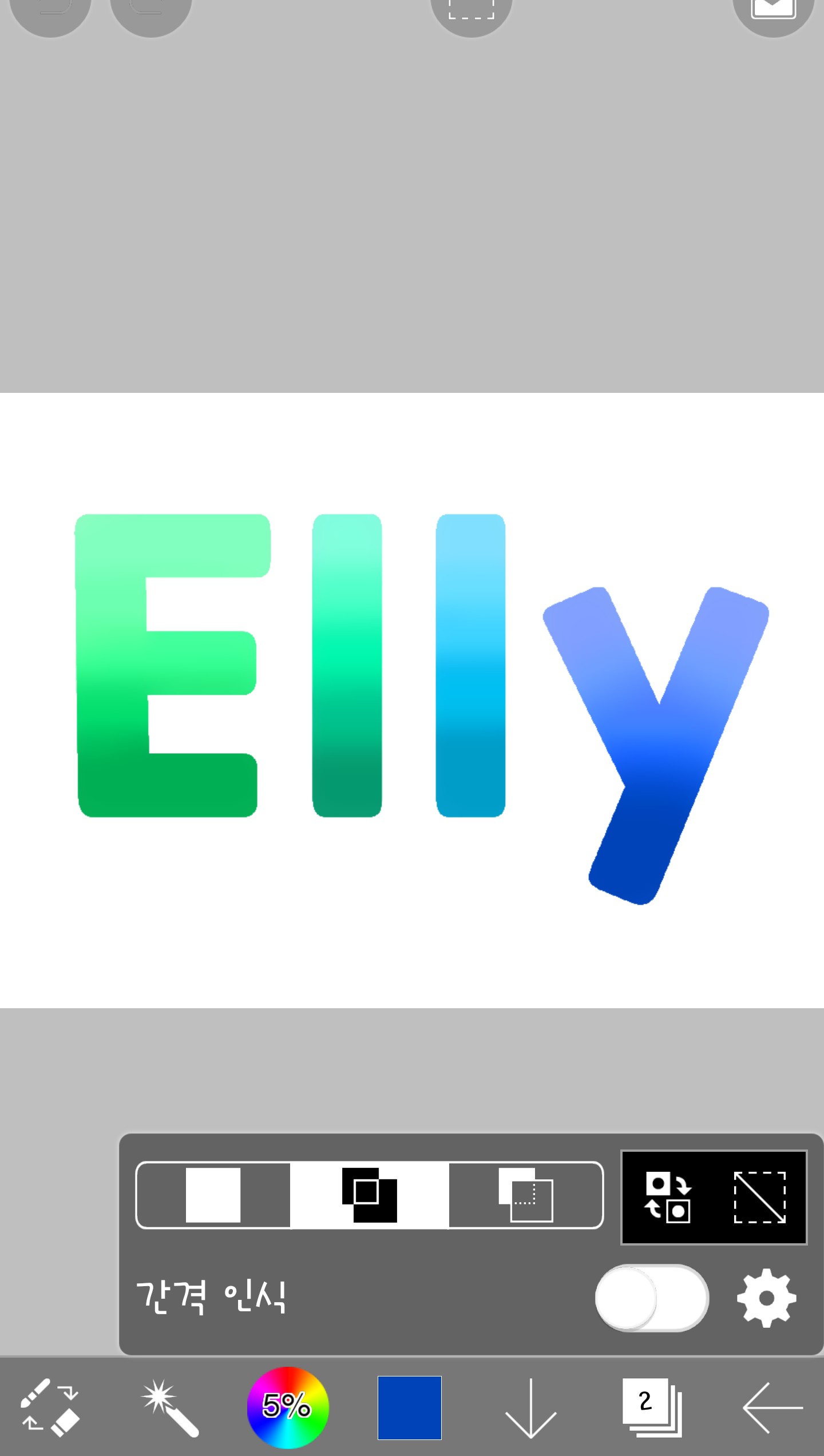
Ugh....
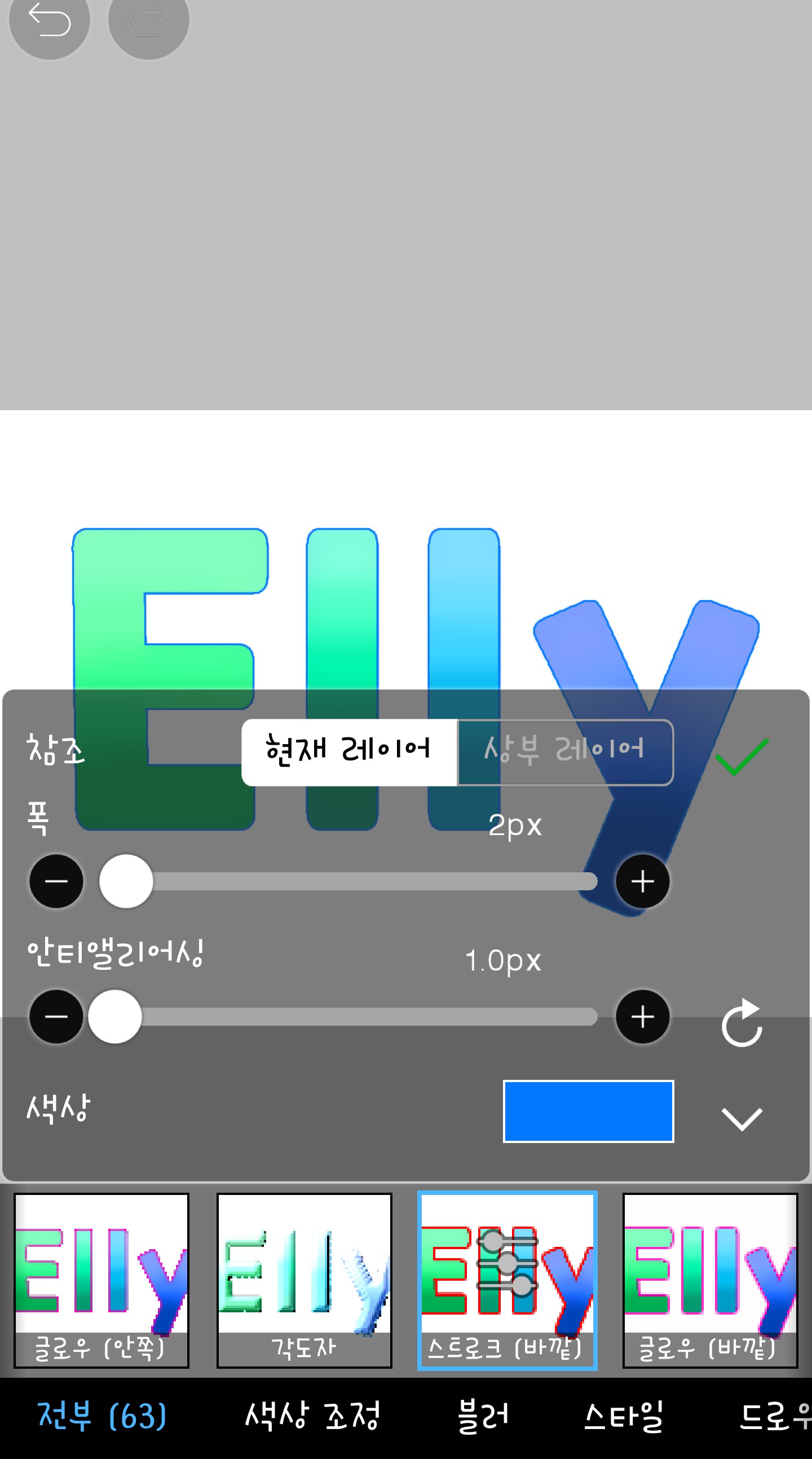
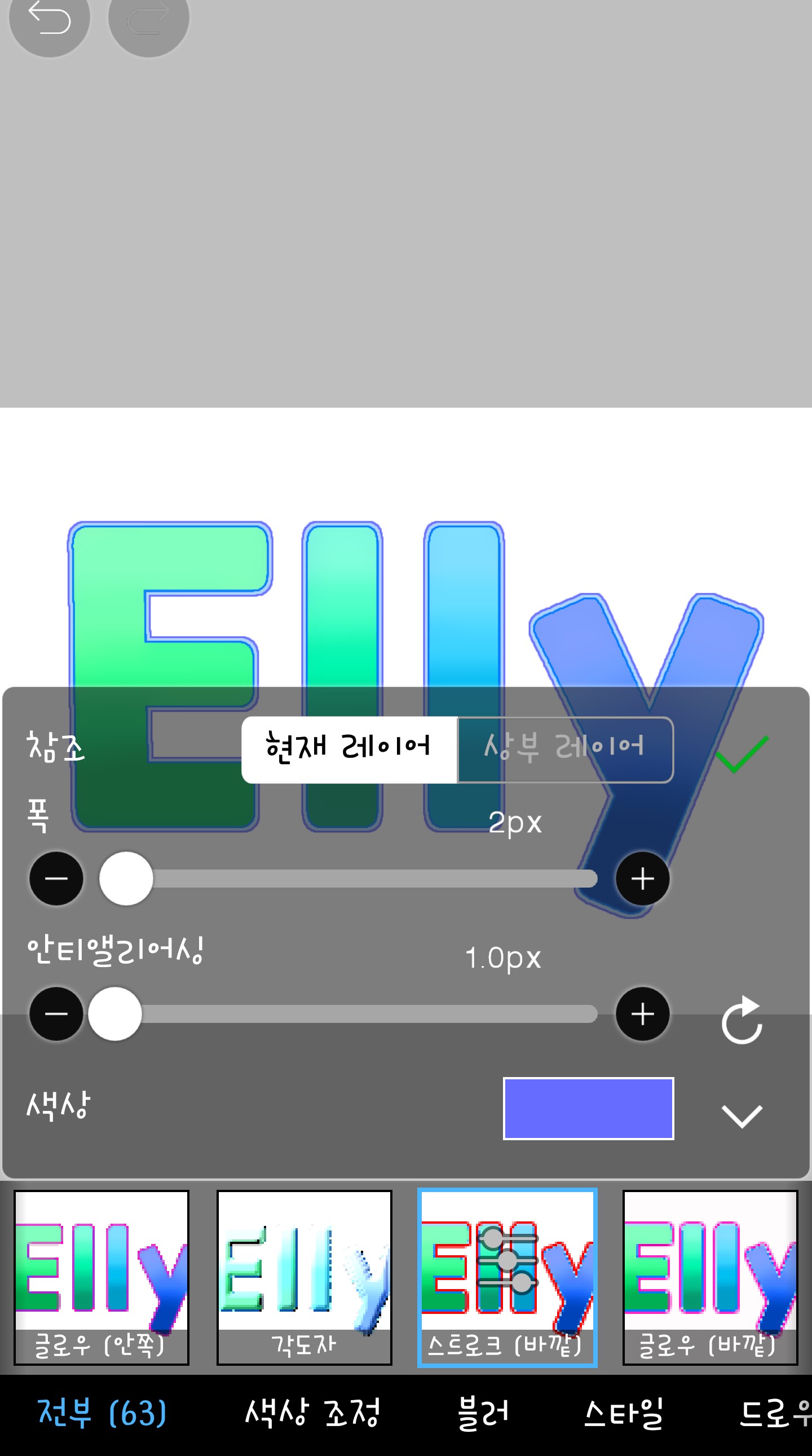
If you do it like this, it's simple but very pretty haha
If you don't understand, please ask a question in the comments.
(I'm sorry I'm so late ㅜㅜ)
Next time, I don't know if it will be a fan art class or a cover class, but it will probably be a cover class!! Today's homework is
The color is free and please give me the logo as I did today.
For reference, the second one is 2px 3px 2px

Bye then!